
Mathpix
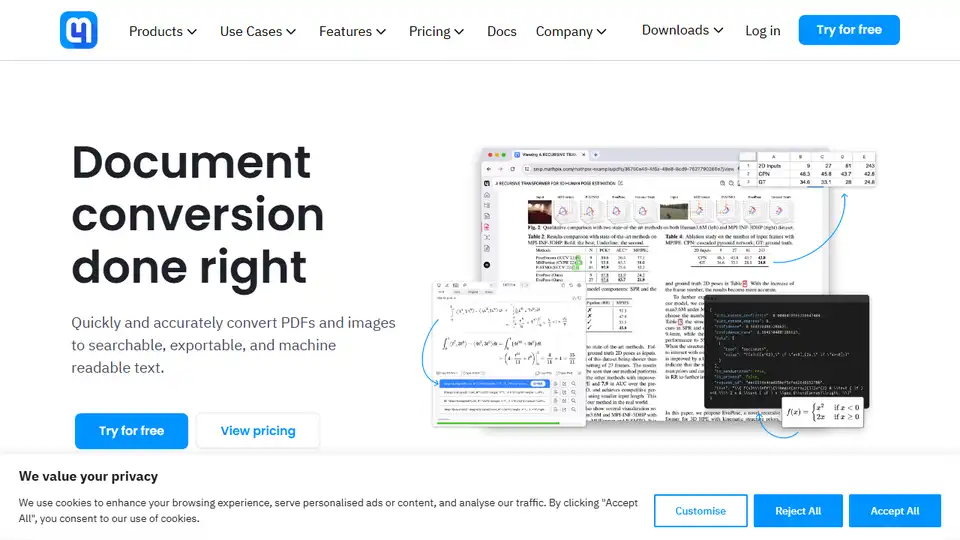
Overview of Mathpix
Mathpix: Document Conversion Done Right with AI
What is Mathpix? Mathpix is an AI-powered document conversion platform designed to quickly and accurately convert PDFs and images into searchable, exportable, and machine-readable text. It provides robust APIs for developers and an OCR-powered productivity app (Snip) for researchers, authors, and academics.
Key Features:
- Accurate OCR Technology: Mathpix leverages advanced OCR technology with deep STEM (Science, Technology, Engineering, and Mathematics) functionality. This includes recognizing math equations, chemistry diagrams, handwriting, tables, and foreign languages.
- Versatile File Format Support: Supports conversion to various formats, including LaTeX, DOCX, Overleaf, Markdown, Excel, and ChemDraw.
- API Integration: Developers can integrate Mathpix's OCR capabilities into their applications using the Convert API.
- Productivity App (Snip): The Snip app allows users to OCR content from their screen and copy math and chemistry elements to the clipboard with a simple keyboard shortcut.
- High-Volume Conversion Service: Offers a secure conversion service for enterprises that need to convert large PDF and image libraries into machine-readable text files.
- PDF Search: Ability to search within PDF documents.
- PDF Reader: Integrated PDF reader.
- Chrome Extension: Browser Extension for quick conversion of selected elements.
How does Mathpix work?
Mathpix uses optical character recognition (OCR) and advanced AI algorithms to analyze the content of images and PDFs. It identifies text, equations, tables, and other elements, and then converts them into the desired output format.
- The AI models are trained on millions of pages of scientific documents and images, allowing them to accurately recognize even complex equations and diagrams.
- The API processes the input image or PDF, extracts the relevant information, and returns the converted text or data.
- The Snip app captures a screenshot, processes it using OCR, and allows the user to copy the converted content to the clipboard.
How to use Mathpix?
There are several ways to use Mathpix:
- Using the Snip app:
- Download and install the Snip app for your operating system (MacOS, Windows, or Linux).
- Capture a screenshot of the content you want to convert.
- The app will automatically OCR the content and display the converted text or equation.
- Copy the converted content to your clipboard and paste it into your desired application.
- Using the Convert API:
- Sign up for a Mathpix API account.
- Integrate the API into your application using the provided documentation and code samples.
- Send images or PDFs to the API and receive the converted text or data in the desired format.
- Using the Chrome Extension:
- Install the Mathpix Chrome extension from the Chrome Web Store.
- Select the image or text you want to convert.
- Click the Mathpix icon in the Chrome toolbar.
- Copy the converted text or equation.
Why is Mathpix important?
Mathpix simplifies and accelerates scientific communication and research by:
- Reducing manual transcription: Automates the process of converting images and PDFs into editable text, saving time and effort.
- Improving accuracy: Minimizes errors compared to manual transcription.
- Facilitating collaboration: Makes it easier for researchers to share and collaborate on scientific documents.
- Enhancing accessibility: Allows users to access and work with documents that would otherwise be inaccessible.
- Empowering Developers: Enables developers to integrate accurate OCR into their apps, saving time and money.
Where can I use Mathpix?
Mathpix can be used in a variety of settings, including:
- Research: Converting scientific papers, equations, and diagrams into editable formats.
- Education: Creating and sharing educational materials.
- Publishing: Preparing manuscripts for publication.
- Enterprise: Secure, high-volume conversion of documents. Useful for training and tuning AI models.
- Software Development: Integrating OCR into applications.
Testimonials and User Feedback:
Many users praise Mathpix for its accuracy and efficiency. For example, Andy Matuschak noted the amazing results of Mathpix's PDF to LaTeX/Markdown conversion. Sean Carroll highlighted the time-saving aspect of Mathpix's Snip tool for converting equations. D. Zack Garza was impressed by Mathpix's ability to convert entire PDF pages to Markdown/LaTeX.
Mathpix Pricing:
Mathpix offers various pricing plans to suit different needs. Visit the Mathpix website for more details on pricing for the Convert API and Snip apps.
Supported Languages:
Mathpix supports a wide range of languages. See supported languages on the Mathpix website.
Conclusion:
Mathpix is an indispensable tool for anyone who needs to convert images and PDFs into editable text, especially in scientific and technical fields. Its AI-powered OCR technology, versatile file format support, and user-friendly apps make it a valuable asset for researchers, educators, and developers. By automating the conversion process and improving accuracy, Mathpix simplifies scientific communication and accelerates research and learning. Use Mathpix to streamline your workflow and unlock the power of your documents!
AI Task and Project Management AI Document Summarization and Reading AI Smart Search AI Data Analysis Automated Workflow
Best Alternative Tools to "Mathpix"
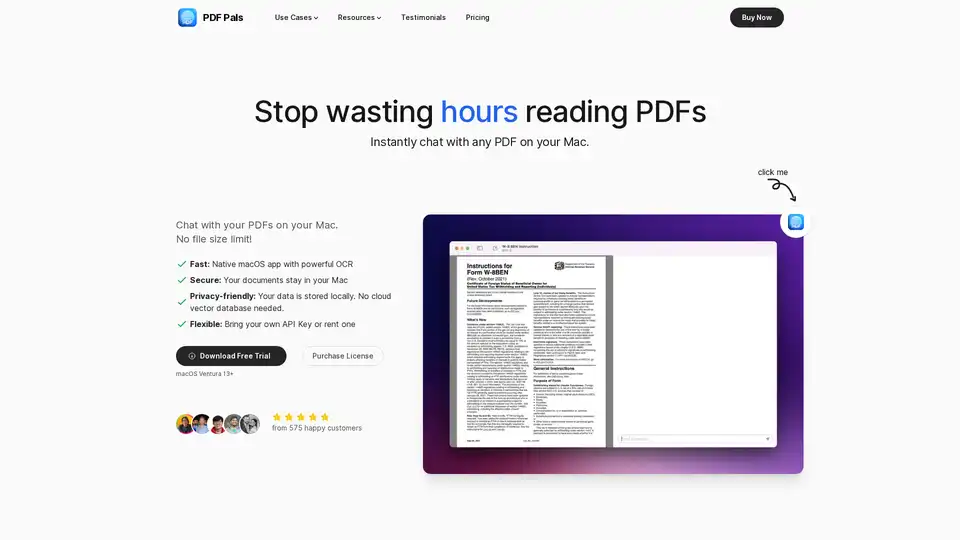
PDF Pals is a native Mac app that lets you chat with any PDF instantly using AI, with no file size limits. Enjoy fast OCR, local storage for privacy, and support for OpenAI APIs. Perfect for researchers, developers, and professionals analyzing documents.
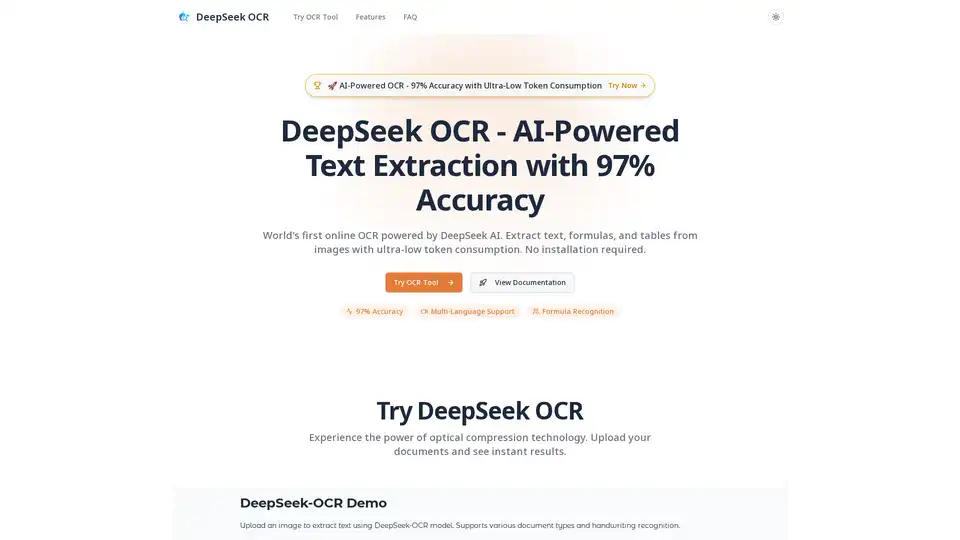
DeepSeek OCR is an AI-powered online tool offering 97% accuracy in extracting text, formulas, and tables from images. It supports multiple languages, requires no installation, and boasts ultra-low token consumption.
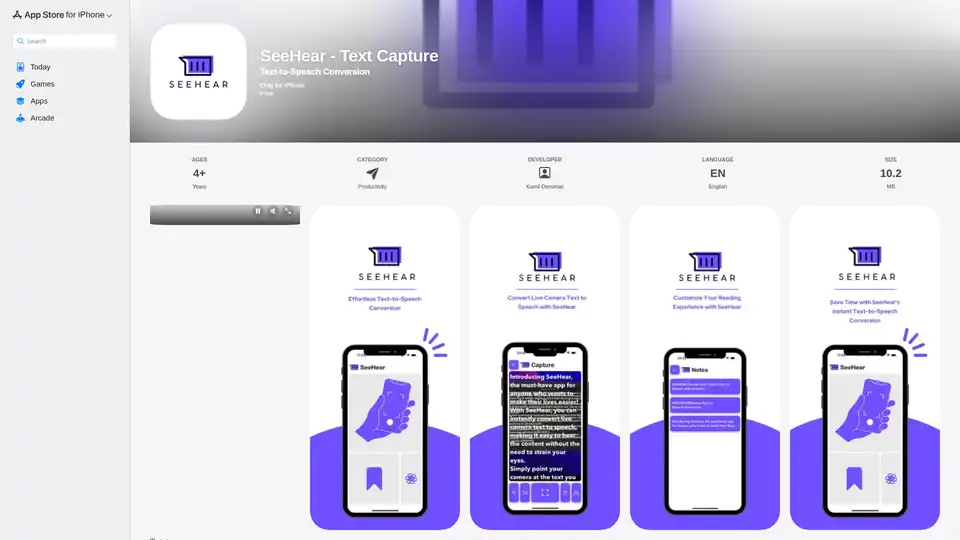
SeeHear is an iPhone app that instantly converts live camera text to speech. Ideal for visually impaired, dyslexic users, or anyone who wants to save time.

VideoToPage transforms videos & audio into blog posts, articles, & social media content. Automate your content workflow & publish to WordPress, Notion, & more.