
DeepSeek OCR
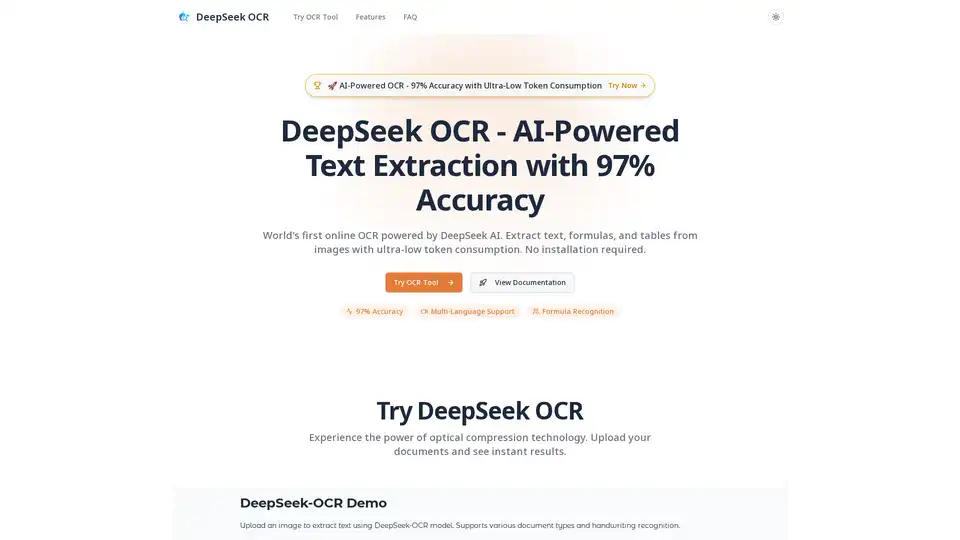
Overview of DeepSeek OCR
DeepSeek OCR: AI-Powered Text Extraction with 97% Accuracy
DeepSeek OCR is a cutting-edge online tool that leverages the power of AI to provide unparalleled accuracy in optical character recognition (OCR). With a staggering 97% accuracy, it stands as a world's first, enabling users to effortlessly extract text, formulas, and tables from images.
What is DeepSeek OCR?
DeepSeek OCR is an online tool designed for accurate text extraction from images. Powered by DeepSeek AI, it offers industry-leading precision in converting images into editable text, formulas, and tables. It's a vision-as-compression technology recovering 600-1000+ text tokens from just 64-100 vision tokens.
How does DeepSeek OCR work?
DeepSeek OCR uses a vision-as-compression technology, recovering 600-1000+ text tokens from just 64-100 vision tokens. Follow these simple steps to extract text from images:
- Upload Image: Upload your image (PNG, JPG, WebP, etc.) to the DeepSeek OCR tool.
- AI Processing: DeepSeek AI analyzes the image, achieving 97% accuracy using advanced vision-as-compression technology.
- Review Results: The extracted text, formulas, and tables are displayed with preserved formatting.
- Export & Use: Copy the text, download in Markdown, or export structured data.
Key Features of DeepSeek OCR
- 97% Accuracy OCR: Industry-leading accuracy in text extraction, even with complex layouts and poor image quality.
- Multi-Language Support: Supports extracting text from images in multiple languages (English, Chinese, Japanese, Korean, Spanish, French, German, and more).
- Formula Recognition: Recognizes mathematical formulas and equations, converting them to LaTeX or plain text.
- Table Extraction: Intelligently extracts and structures data from tables, preserving formatting and hierarchy.
- Document to Markdown: Converts documents to clean, structured Markdown, preserving headings, lists, and formatting.
- Ultra-Low Token Consumption: Efficient vision-as-compression technology ensures cost-effectiveness.
Who is DeepSeek OCR for?
DeepSeek OCR caters to a diverse range of users:
- Students & Educators: Digitize handwritten notes and convert lecture slides to editable formats.
- Business Professionals: Extract text from business cards and digitize printed documents.
- Enterprises: Automate invoice processing and digitize contracts at scale.
- Researchers & Scientists: Extract formulas from academic papers and digitize scientific diagrams.
- Accounting & Finance: Process receipts and extract data from financial statements.
- Publishers & Writers: Digitize printed books and convert manuscripts to editable text.
Why choose DeepSeek OCR?
DeepSeek OCR stands out due to its combination of accuracy, efficiency, and ease of use. It offers:
- High Accuracy: Achieves industry-leading 97% accuracy in text extraction.
- Cost-Effectiveness: Ultra-low token consumption reduces processing costs.
- No Installation Required: Accessible online without the need for any software installation.
- Versatile Applications: Suitable for a wide range of use cases, from academic research to business automation.
Best way to extract text from images?
DeepSeek OCR is the best way to extract text from images, offering a simple, fast, and accurate solution for digitizing documents, extracting data, and converting images to editable text.
How to use DeepSeek OCR?
DeepSeek OCR is incredibly user-friendly. Simply upload your image to the tool, and it will automatically extract the text, formulas, and tables. No registration or installation is needed. It supports formats like PNG, JPG, and WebP.
Common Use Cases
- Invoice OCR: Automate invoice processing by extracting data from invoices.
- Contract Digitization: Digitize contracts for easy search and management.
- Business Card Scanning: Quickly convert business cards into digital contacts.
- Receipt Scanning: Automate expense report creation by processing receipts.
- Formula Extraction: Extract formulas from research papers and academic documents.
FAQ
- How do I use DeepSeek OCR? Upload your image, and DeepSeek OCR will automatically extract text with 97% accuracy.
- What file formats are supported? PNG, JPG, JPEG, WebP, and more.
- Can it recognize mathematical formulas and tables? Yes, it has advanced recognition capabilities for formulas, equations, tables, charts, and structured data.
- Is my data secure and private? Yes, documents are processed securely and not stored permanently. Data is deleted after processing.
- What makes DeepSeek OCR different? Vision-as-compression technology with ultra-low token consumption and 97% accuracy.
DeepSeek OCR is revolutionizing how we interact with visual data, offering a powerful and accessible solution for accurate text extraction.
Best Alternative Tools to "DeepSeek OCR"
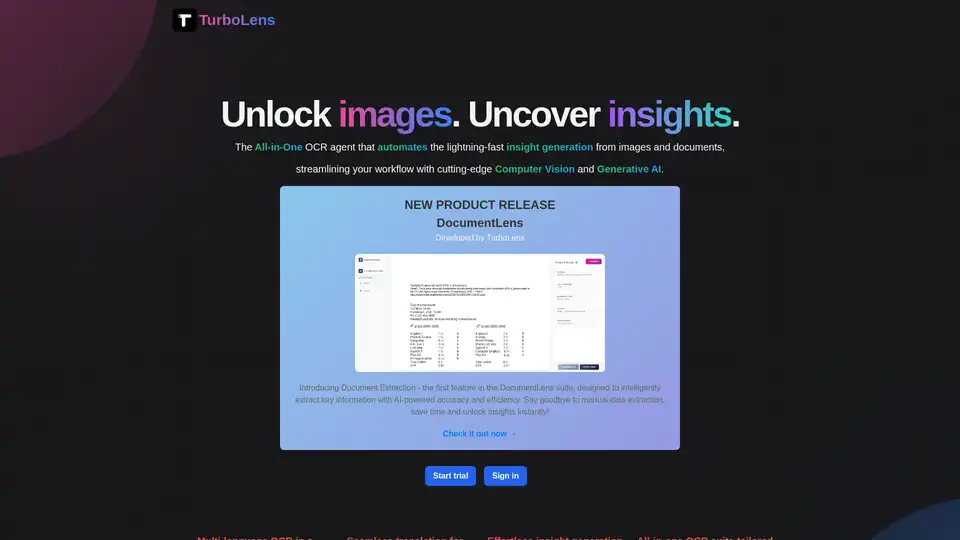
TurboLens is an all-in-one AI OCR agent that automates insight generation from images and documents using computer vision and generative AI, supporting multi-language translation, handwritten text extraction, and workflow streamlining for efficient data processing.
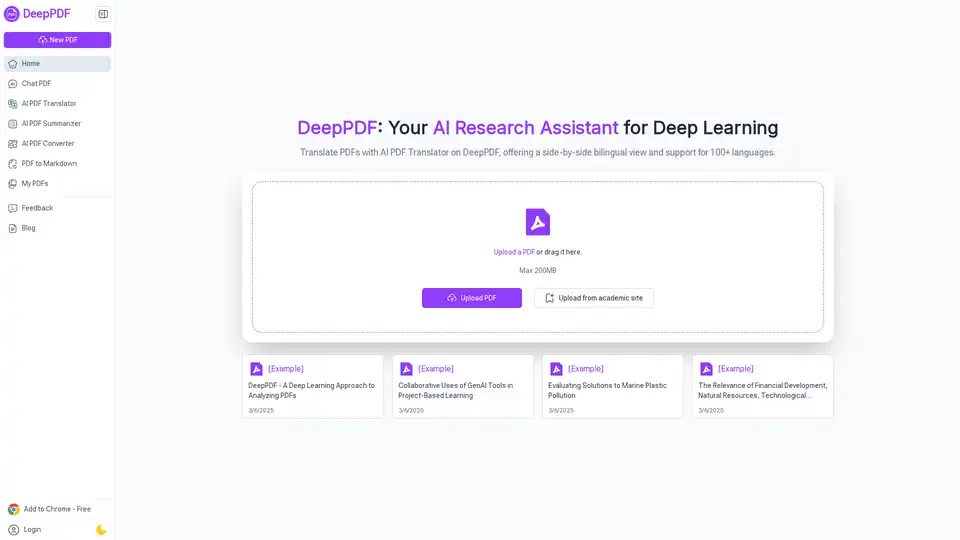
DeepPDF is an AI-powered research assistant for PDFs, featuring chat interactions, summaries, translations, and analysis of key terms, images, and formulas to streamline deep learning and document handling.
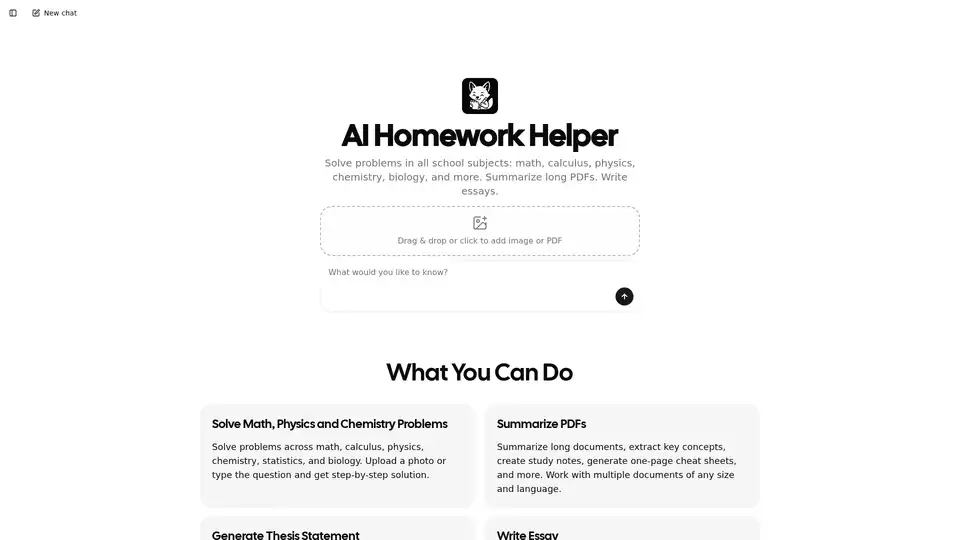
Feen AI is an AI homework helper that solves problems in math, calculus, physics, chemistry, biology, and more. It summarizes PDFs, generates thesis statements, and writes essays with step-by-step solutions and structured drafts.
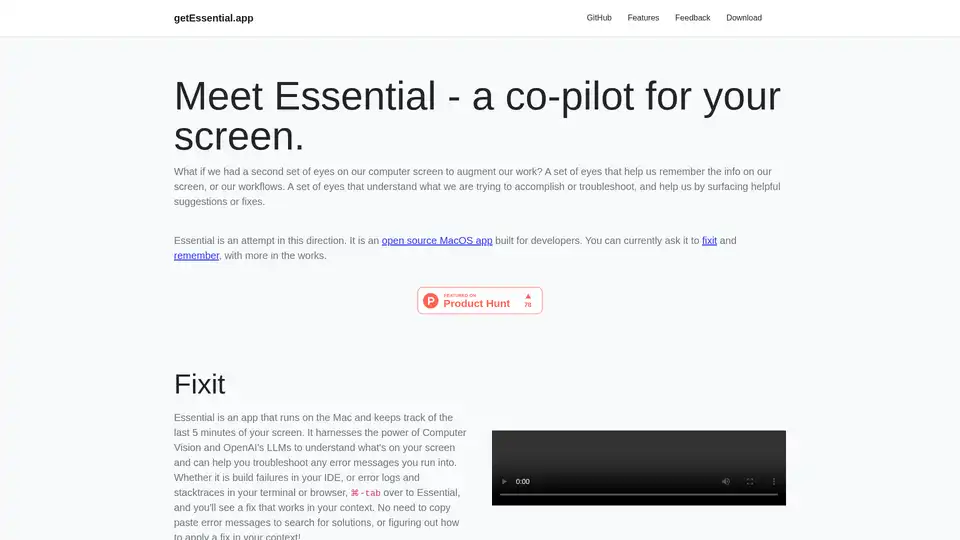
Essential is an open-source MacOS app that acts as an AI co-pilot for your screen, helping developers fix errors instantly and remember key workflows with summaries and screenshots—no data leaves your device.