
MarkFlow: AI Format Engine
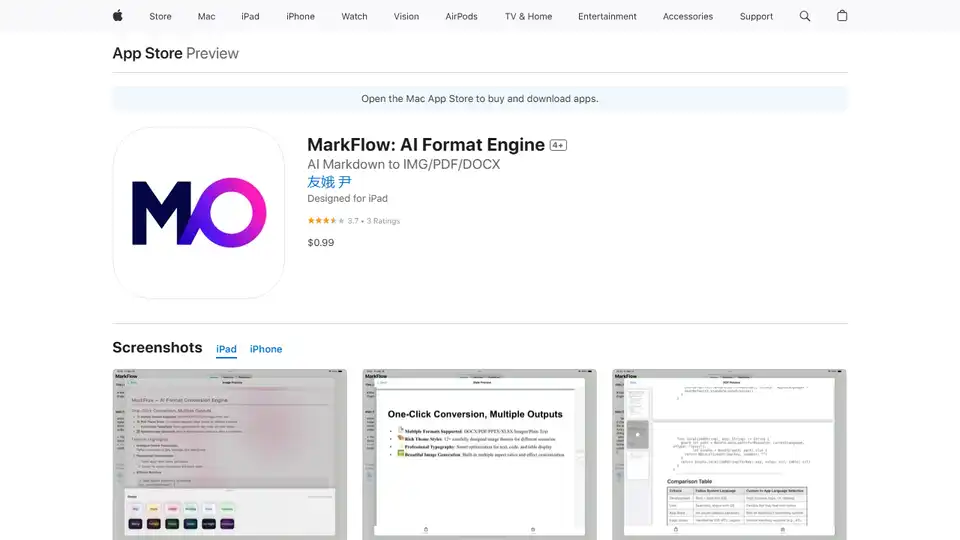
Overview of MarkFlow: AI Format Engine
MarkFlow: AI Format Engine - Convert Markdown with Ease
What is MarkFlow? MarkFlow is an iOS application designed to streamline the process of converting Markdown, especially content generated by AI, into various professional document formats. It allows you to transform your Markdown text into DOCX, PDF, PPTX, images, XLSX, and TXT files with just a single click. This tool is particularly useful for those who frequently work with AI outputs and need to quickly create polished documents or visuals.
How does MarkFlow work? MarkFlow operates locally on your device, ensuring privacy and security. The process is simple:
- Input Markdown: Paste your Markdown text into the app.
- Select Output Format: Choose the desired output format (DOCX, PDF, image, etc.).
- Customize: Select from 12 pre-designed image themes or customize your own. Adjust font schemes, background styles, and padding.
- Convert: Tap to convert, and your document or image is ready.
Key Features
- Multiple Format Conversion:
- Convert Markdown to documents (.docx), PDF files, presentations (.pptx), spreadsheets (.xlsx), beautiful images, and plain text with one click.
- Preserve original formatting and layout.
- Quick conversion interface.
- Beautiful Image Themes:
- 12 carefully designed image themes (Clear Sky, Starry Night, Warm Sun, Forest, Ocean, Dusk, Cherry Blossom, Morning Dew, Frost, Ink Night, Green Field, and Purple Glow).
- Customizable theme colors.
- iOS Shortcuts Support:
- Convert Markdown to various document formats with a single tap via iOS Shortcuts.
- Transform Markdown into beautiful images and preview them directly within Shortcuts.
- Rich Style Options:
- Multiple image size presets (Square, Portrait, Standard, Vertical Screen, Horizontal Screen, and custom sizes).
- Various font schemes (System Default, Medium Black, Light, Happy Black, Good Body, Sugar Round, and more).
- Frosted glass and solid color background text box styles.
- Adjustable content padding and container padding.
- Convenient History Records:
- Automatically save all conversion records.
- Filter history records by document type.
- Batch selection and deletion functions.
- Simple and Efficient Operation:
- Intuitive user interface.
- One-click pasting of AI output content.
- No internet required, local processing.
Use Cases
- Study Notes: Quickly convert AI-generated notes into well-formatted documents.
- Work Reports: Transform data and insights into professional-looking reports.
- Presentations: Create visually appealing slides from Markdown content.
- Data Analysis: Easily convert data into shareable spreadsheets.
User Reviews
One user praises MarkFlow for its "Great value," noting it as the "Best way I've found to create a clipboard (markdown) -->PDF in one shortcut click." Another user describes it as "Excellent".
Pricing
MarkFlow is available for a one-time purchase of $0.99.
Why is MarkFlow important? MarkFlow is important because it bridges the gap between AI-generated content and polished, presentable documents. It eliminates the need to manually format and style Markdown, saving time and effort. The iOS Shortcuts integration further enhances productivity by allowing users to convert Markdown with a single tap.
Where can I use MarkFlow? MarkFlow can be used on iPhones, iPads, Macs with Apple M1 chip or later and Apple Vision devices. It requires iOS 16.6, iPadOS 16.6, macOS 13.5 or visionOS 1.0 or later.
In conclusion, MarkFlow is a valuable tool for anyone who frequently works with AI outputs and needs to quickly convert Markdown into professional documents. Its ease of use, combined with its rich features and customization options, makes it a worthwhile investment for improving productivity and creating visually appealing content.
AI Article Generation AI Text Polishing AI Writing Assistance Paper and Report Generation News and Blog Generation Email and Business Writing
Best Alternative Tools to "MarkFlow: AI Format Engine"
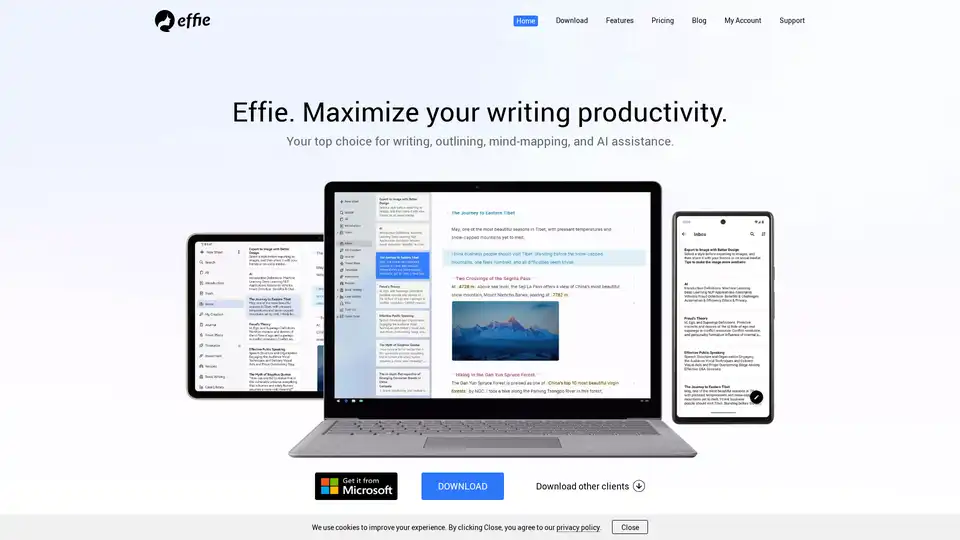
Effie is an AI-powered note-taking app designed to enhance writing productivity with features like mind mapping, outlining, and AI assistance.
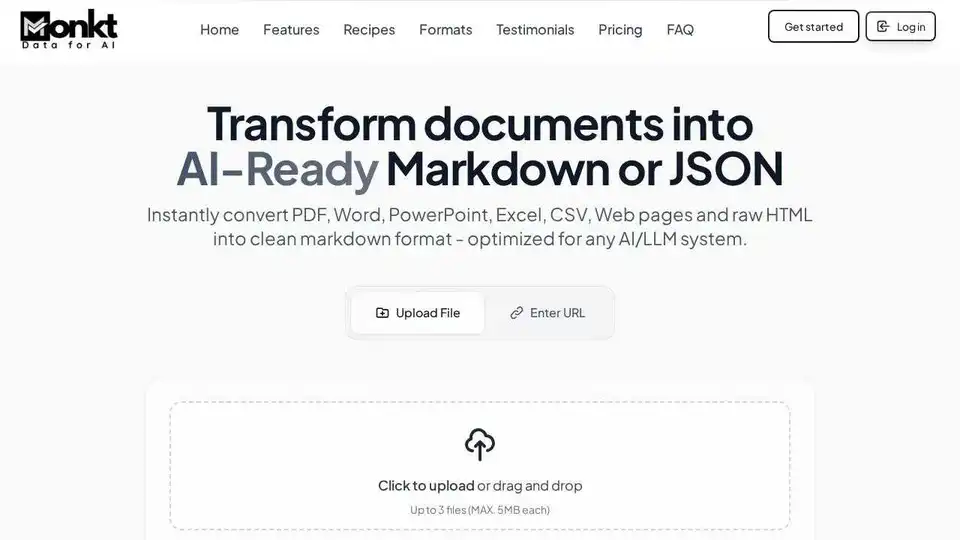
Monkt is a powerful document processing tool that converts various file formats into AI-ready Markdown or structured JSON, optimized for seamless integration with AI and LLM systems.

Supercharge your technical writing with MD Editor - the AI-powered markdown editor designed for developers, technical writers, and content creators. Enhanced table support, CSV import, visual editing, and intelligent writing assistance.
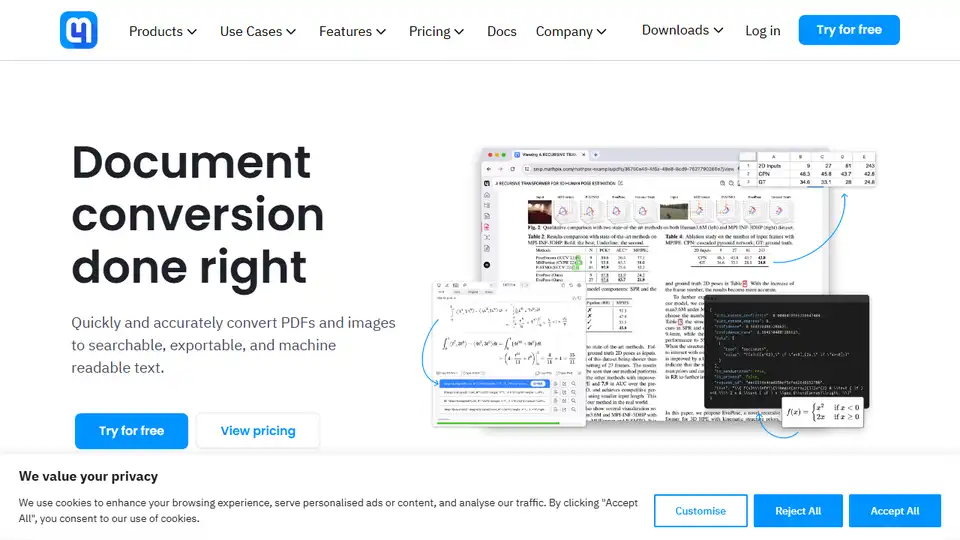
Mathpix uses AI for accurate PDF & image to LaTeX, DOCX, Markdown, Excel, & ChemDraw conversion. Robust APIs for developers & productivity app for researchers.