
GPT Workspace
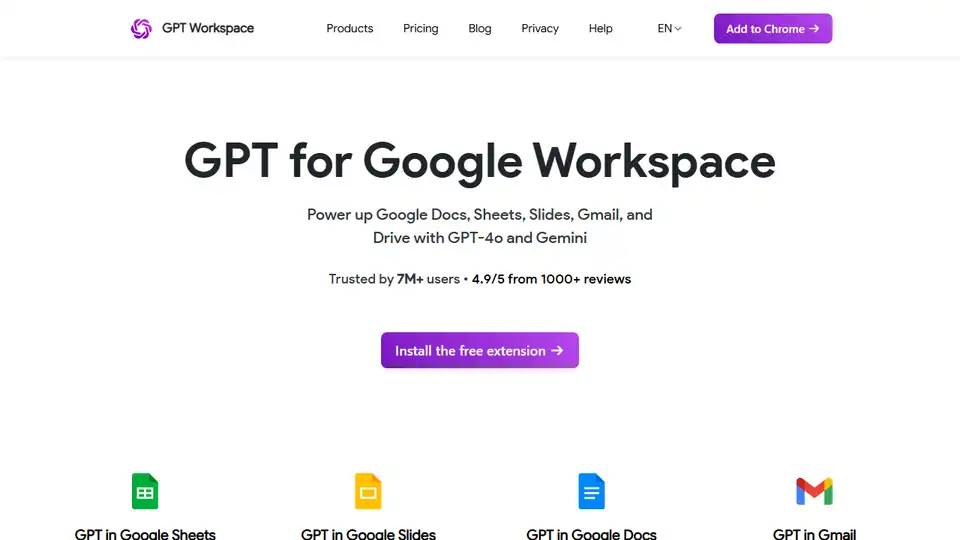
Overview of GPT Workspace
GPT Workspace: ChatGPT for Google Workspace
GPT Workspace is a browser extension that brings the power of ChatGPT to your Google Workspace applications, including Google Docs, Sheets, Slides, and Gmail. Trusted by over 7 million users, it's designed to help you boost productivity, improve your writing, analyze data, and create stunning presentations.
What is GPT Workspace?
GPT Workspace is an AI-powered assistant that integrates seamlessly with your existing Google tools. It allows you to leverage the capabilities of a GPT-5 reasoning agent directly within the applications you use every day, such as Google Docs for writing and editing, Google Sheets for data analysis, Google Slides for presentation creation, and Gmail for email composition.
How does GPT Workspace work?
GPT Workspace functions as a browser extension, adding extra functionalities to Google Docs, Sheets, Slides, Gmail and Drive. After installing the extension, you'll find it embedded within each supported application, allowing you to quickly access AI-powered features. For instance:
- GPT in Google Sheets: Use GPT formulas to generate marketing copy, analyze data, and scale content creation.
- GPT in Google Slides: Transform concepts into visually appealing slides with AI-generated visuals and stock images.
- GPT in Google Docs: Enhance your writing with AI assistance, generating, correcting, and editing essays in over 30 languages.
- GPT in Gmail: Generate personalized email responses based on conversation context.
- GPT in Drive: Intelligently and effortlessly find your knowledge instantly.
Key Features and Benefits
- AI Writing Assistant: Perfect your content with AI-powered writing assistance, including grammar correction, style suggestions, and content generation.
- Data Analysis: Transform data in seconds with GPT formulas for insightful analysis and content scaling.
- Presentation Creation: Build visually stunning presentations quickly using AI-generated slides and stock images.
- Email Enhancement: Generate personalized and professional email replies based on the context of your conversations.
- Seamless Integration: Effortlessly use GPT Workspace within your existing Google Workspace tools.
- Time-Saving: Accelerate tasks and reduce the time spent on writing, data analysis, and presentation creation.
- Improved Quality: Enhance the quality of your content with AI-powered suggestions and corrections.
How to use GPT Workspace?
- Install the Extension: Add the GPT Workspace extension to your Chrome browser from the Chrome Web Store.
- Open Google Workspace App: Open the Google Docs, Sheets, Slides or Gmail.
- Access AI Features: Find the GPT Workspace functionalities within the app you are using.
- Start Working: Begin using the AI-powered features to improve writing, data analysis, or presentation creation.
Why is GPT Workspace important?
In today's fast-paced environment, tools like GPT Workspace are essential for boosting productivity and maintaining a competitive edge. It can help you with:
- Time Management: By automating and speeding up common tasks, you can better allocate your time to other priorities.
- Content Creation: The ability to generate high-quality content quickly is vital for marketing, sales, and communications.
- Data Insights: Access to efficient data analysis provides actionable insights to drive strategic decisions.
Pricing
GPT Workspace offers a free trial without requiring a credit card or signup. This allows users to explore its capabilities before committing to a subscription. Details on the pricing plans can be found on the product website.
Conclusion
GPT Workspace is an invaluable tool for anyone looking to enhance their productivity within Google Workspace. By leveraging the power of AI, you can streamline your workflow, improve the quality of your work, and save valuable time. Install the extension for free today and start experiencing the future of AI-powered productivity.
AI Article Generation AI Text Polishing AI Writing Assistance Paper and Report Generation News and Blog Generation Email and Business Writing
Best Alternative Tools to "GPT Workspace"

Discover GPT for Sheets, Docs, Forms & Slides – seamless AI integration with ChatGPT, Claude, Gemini for writing, SEO, translation and automation in Google Workspace.
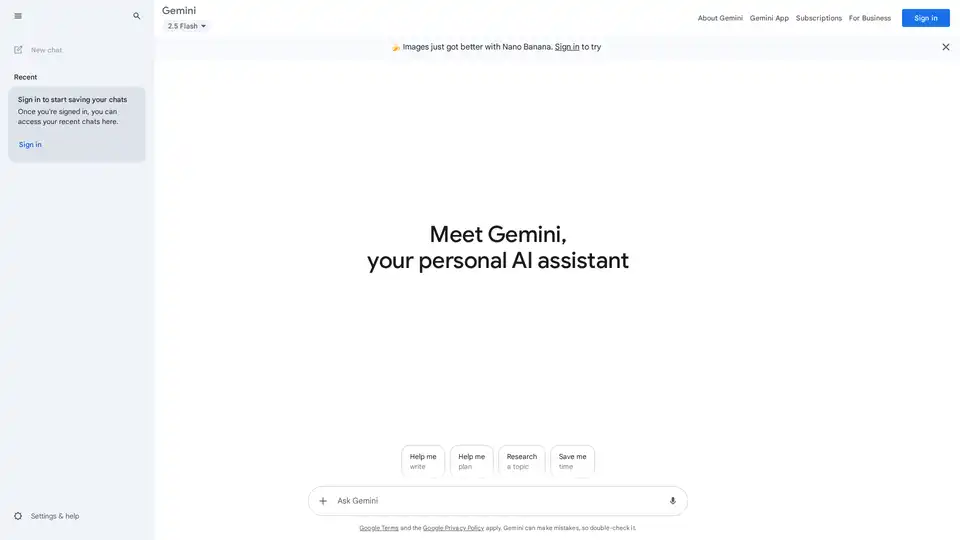
Google Gemini is a multimodal AI assistant that integrates with Google's ecosystem to provide advanced writing assistance, planning, brainstorming, and productivity tools through text, voice, and visual interactions.
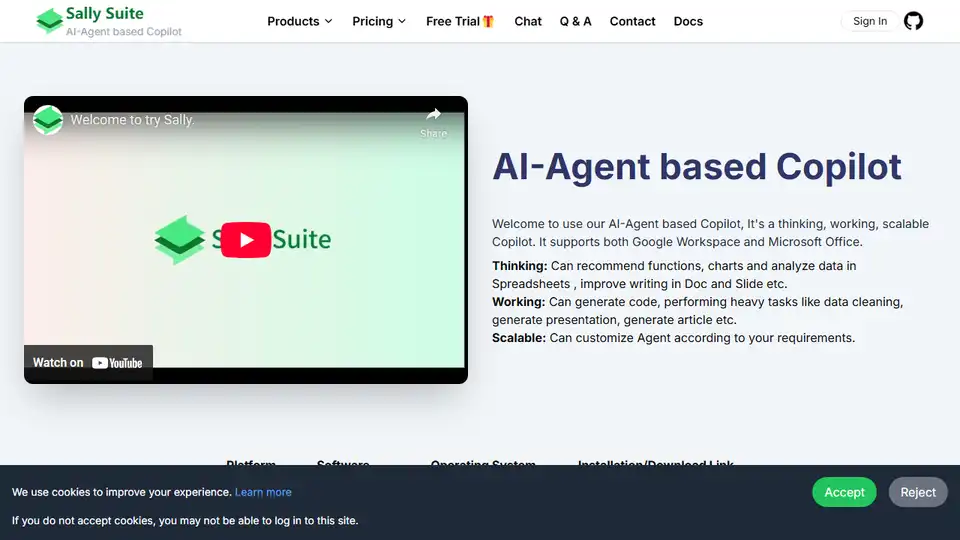
Sally Suite is an AI-Agent based Office Copilot boosting productivity by integrating with Google Workspace & Microsoft Office for data analysis, writing assistance, and automated presentation generation.
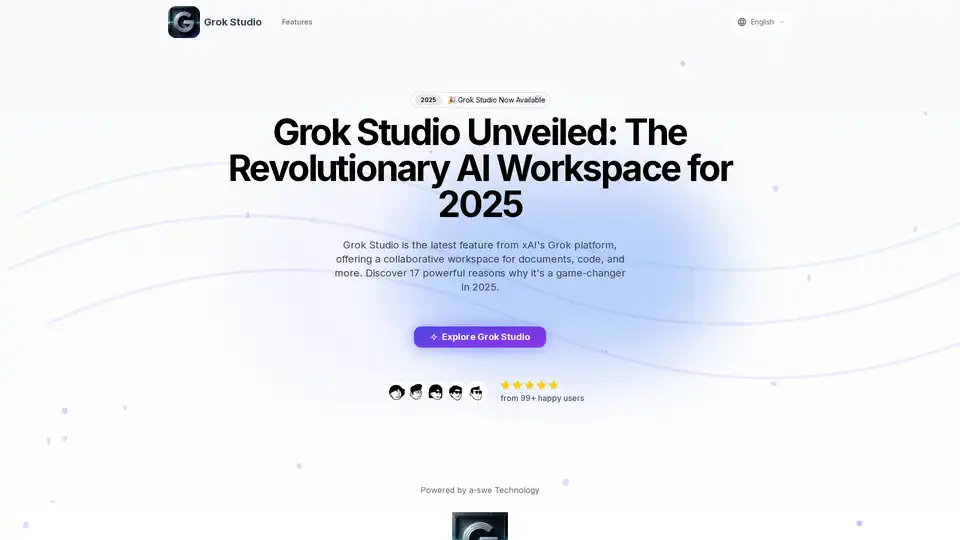
Grok Studio is xAI's innovative AI workspace for documents, code, and browser games. Features include split-screen collaboration, real-time preview, and Google Drive integration. Available for free and premium users.