
YouTube Thumbnail Tester
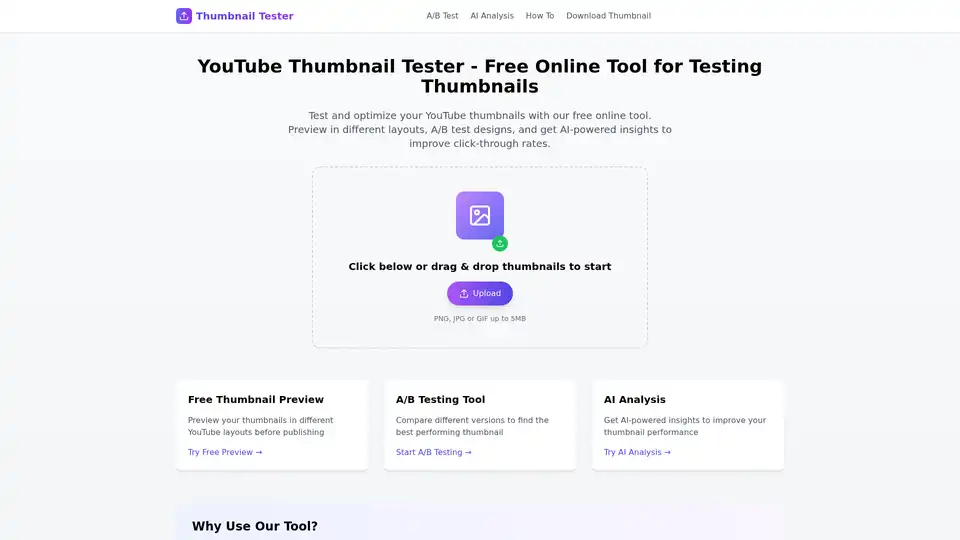
Overview of YouTube Thumbnail Tester
YouTube Thumbnail Tester: Optimize Your Click-Through Rates for Free
What is YouTube Thumbnail Tester? YouTube Thumbnail Tester is a free online tool designed to help content creators optimize their YouTube thumbnails for maximum click-through rates (CTR). It offers various features, including real-time previews, A/B testing, and AI-powered analysis, all without requiring any downloads or installations.
How does YouTube Thumbnail Tester work?
This tool provides a comprehensive suite of features to refine your thumbnail design. Here's a breakdown of its key functionalities:
- Real-Time Preview: Instantly see how your thumbnails will appear across different YouTube layouts, including search results, watch pages, and embedded videos. This eliminates guesswork and ensures your thumbnails look appealing wherever they're displayed.
- A/B Testing Tool: Experiment with different thumbnail versions to determine which performs best. Upload multiple designs and track their performance metrics to identify the winning thumbnail.
- AI Analysis: Leverage the power of artificial intelligence to gain insights into your thumbnail's potential performance. The AI analysis feature provides data-driven recommendations to improve your thumbnail's visual appeal and clickability.
Why is YouTube Thumbnail Tester important?
A compelling thumbnail is crucial for attracting viewers and increasing video views. Thumbnail Tester empowers creators to:
- Improve Click-Through Rates: By optimizing thumbnails, you can significantly increase the number of viewers who click on your videos.
- Save Time and Effort: The real-time preview and A/B testing features streamline the thumbnail optimization process, saving you valuable time and effort.
- Make Data-Driven Decisions: The AI analysis provides objective insights, allowing you to make informed decisions about your thumbnail design.
How to use YouTube Thumbnail Tester?
Using the tool is straightforward:
- Upload your thumbnail(s): Simply drag and drop your thumbnail files (PNG, JPG, or GIF up to 5MB) into the designated area.
- Preview in different layouts: Explore how your thumbnails appear in various YouTube contexts.
- Compare performance metrics: Analyze the results of your A/B tests to identify the best-performing thumbnail.
- Choose the best version: Select the thumbnail that maximizes click-through rates and use it for your video.
Where can I use YouTube Thumbnail Tester?
The tool is accessible online, making it convenient for anyone with an internet connection. Use it on your computer, tablet, or smartphone to optimize your YouTube thumbnails from anywhere.
YouTube Thumbnail Tester is an invaluable resource for YouTube content creators looking to enhance their video visibility and engagement. By leveraging its features, you can create thumbnails that capture attention, drive clicks, and ultimately, grow your channel.
AI Marketing Copy Generation SEO Keyword Optimization AI E-commerce Copy AI Ad Optimization AI Email Marketing Social Media Content Optimization
Best Alternative Tools to "YouTube Thumbnail Tester"

VidChapter is an AI-powered tool that generates timestamped chapters, descriptions, tags, and titles for YouTube and Vimeo videos to boost rankings, engagement, and viewer retention effortlessly.
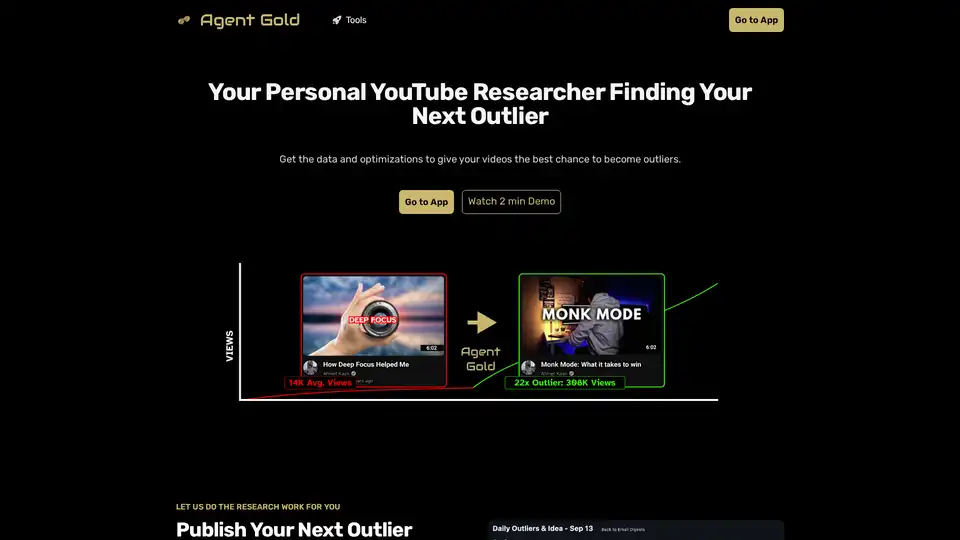
Automatically apply the best YouTube titles, descriptions, and hooks. Get new video ideas, more views and more subs with outlier research and A/B testing.
Thumbly revolutionizes YouTube thumbnail creation with AI. Generate high-quality, custom clickbait thumbnails in seconds to boost your channel's engagement and success, trusted by over 40,000 creators.

Thumbmachine is an AI-powered YouTube thumbnail maker that helps you quickly create stunning video thumbnails, featuring AI image generation, background removal, and A/B testing for higher CTR.