
Ximilar
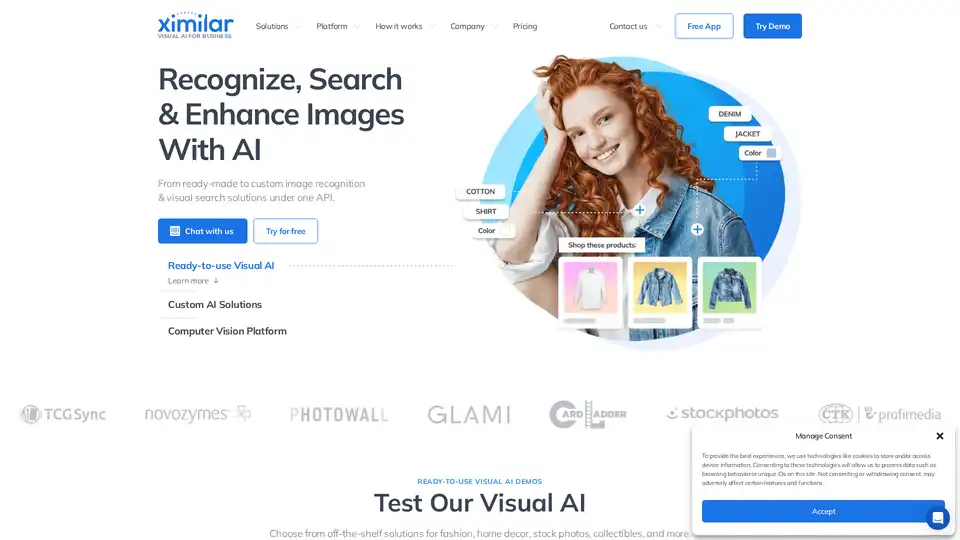
Overview of Ximilar
Ximilar: Visual AI for Business
Ximilar is a no-code computer vision platform that provides ready-made and custom image recognition and visual search solutions through an API. It allows businesses of all sizes to automate and streamline image processing tasks, saving time and resources.
What is Ximilar?
Ximilar is an all-in-one suite for visual data that enables users to automate and streamline image processing without coding. It offers a range of pre-trained tools and the ability to add custom labels and features.
How does Ximilar work?
Ximilar's platform works by providing users with the ability to:
- Test and Build No-Code AI: Sign up for free, upload images, and try out the platform.
- Label Data: Annotate images efficiently for computer vision models.
- Combine Models: Integrate ready-to-use and custom AI models into modular flows.
- Connect via API: Set up and integrate the platform into applications and websites using REST API.
Key Features and Benefits
- Ready-to-Use Visual AI Demos: Choose from off-the-shelf solutions for various industries like fashion, home decor, stock photos, and collectibles.
- Custom AI Solutions: Tailor the platform with custom labels, object categories, attributes, taxonomy, or language.
- No-Code Computer Vision Platform: Build and deploy visual AI without coding.
- Time-Efficient: Deploy pre-trained tools with a click or add custom labels and features.
- Monthly Subscription: Choose a plan optimized for traffic and needs.
- Easy Access: Connect via API and implement into applications, websites, or infrastructure.
- Modular Structure: Combine pre-trained and custom models in complex sequences.
Use Cases
Ximilar can be used in various applications, including:
- Sports & Trading Cards Identification: Spot, analyze, and grade collectible sports cards and trading card games (TCGs) automatically.
- Fashion Detection, Tagging & Description: Identify fashion items, generate product titles and descriptions.
- Stock Photo Tagging & Similarity Search: Accurately identify photos, people, faces & objects, and provide similar visual content.
- Real Estate Classifier: Automate the processing of photos of real estate, rooms, interior design, homeware, and furniture.
Why Choose Ximilar?
- Human Expertise, AI Consistency: Benefit from industry experts building a reliable, cost-effective no-code platform.
- Transparency & Security: Use secure AI software with maximal data privacy, storing training data on EU servers protected under GDPR.
Testimonials
- Dr. Reza Farshey, CEO, Endogenie: "We used Ximilar’s platform to build a model analyzing X-ray medical images... Support from Ximilar has been amazing."
- Damo Bowland, CEO, TCG Sync: "Ximilar has been a fantastic partner for our card recognition needs... The team is incredibly responsive."
- Zajzon Bodó, CEO, Babyndex: "Babyndex uses Ximilar’s Image Recognition and Annotate, which is excellent. I can easily set up their services myself."
Pricing
Ximilar offers monthly subscriptions optimized for traffic and needs. See the pricing page for more details.
Who is Ximilar for?
Ximilar is for businesses of all sizes looking to leverage visual AI to automate and streamline image processing tasks. It is particularly useful for:
- E-commerce businesses
- Stock photo providers
- Real estate companies
- Collectibles marketplaces
Getting Started with Ximilar
To get started with Ximilar, you can sign up for a free account and begin testing the platform with your own images. The platform provides extensive documentation and API documentation to help you integrate it into your existing systems.
How to Use Ximilar
- Sign Up for Free: Create an account on the Ximilar website.
- Upload Images: Upload your images to the platform.
- Explore Pre-trained Models: Test the existing AI models on your images.
- Customize Models (Optional): Create custom models by labeling your data.
- Connect via API: Integrate the models into your application using the provided API.
Best way to automate image processing?
Ximilar offers a comprehensive solution for automating image processing with its no-code platform and pre-trained AI models. By leveraging Ximilar, businesses can save time, reduce costs, and improve the accuracy of their image processing tasks.
Frequently Asked Questions
- How does image recognition work?
- What is Visual Search?
- Which collectibles can AI Recognition of Collectibles recognize?
- How does Ximilar streamline image processing tasks and reduce costs?
- What are the typical Visual Search applications?
- Is Ximilar’s visual AI able to handle large datasets and complex images?
- How does Ximilar approach privacy and data protection issues?
- Which types of images and formats does Ximilar support?
- How fast and efficient is the image recognition process?
AI Generated Art Image Enhancement and Repair Image Style Transfer AI Background Removal and Replacement AI Avatar and Cartoonization 3D Modeling and Rendering Logo and UI Design
Best Alternative Tools to "Ximilar"
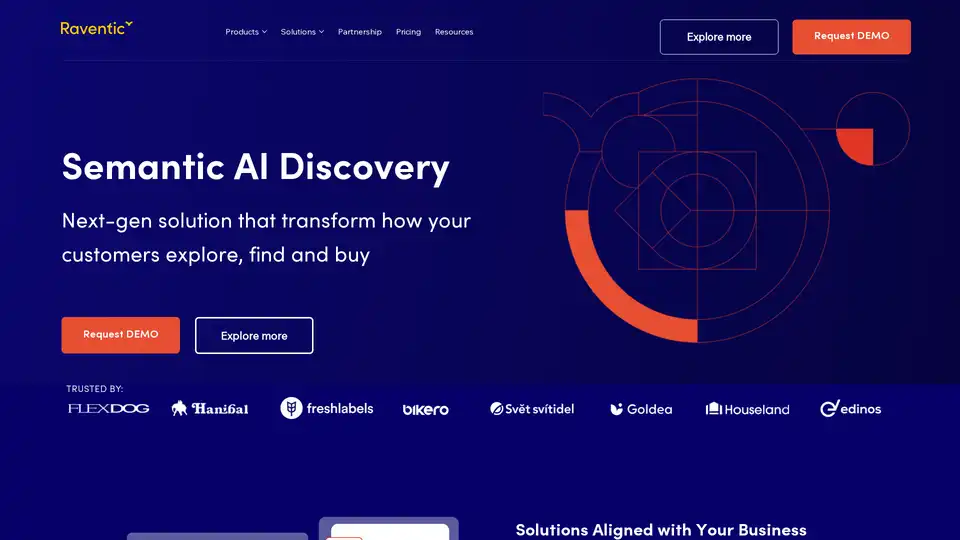
Raventic delivers advanced AI-powered semantic search and recommendations for e-commerce, enhancing product discovery, boosting conversions, and improving customer experience with no-code integration.
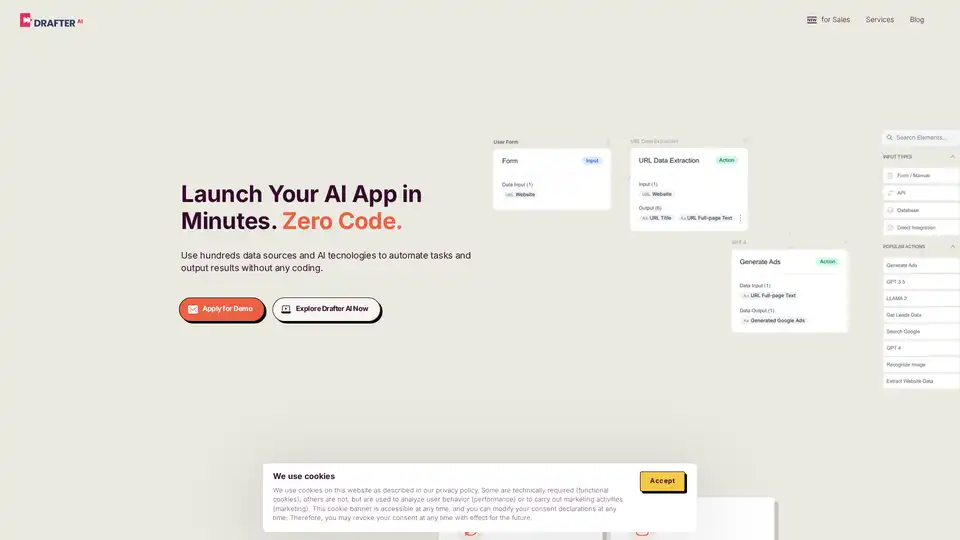
Drafter AI is a no-code platform that allows users to build AI-powered tools and automations without coding. It integrates 100+ data sources and AI technologies, enabling effortless AI development and workflow automation.
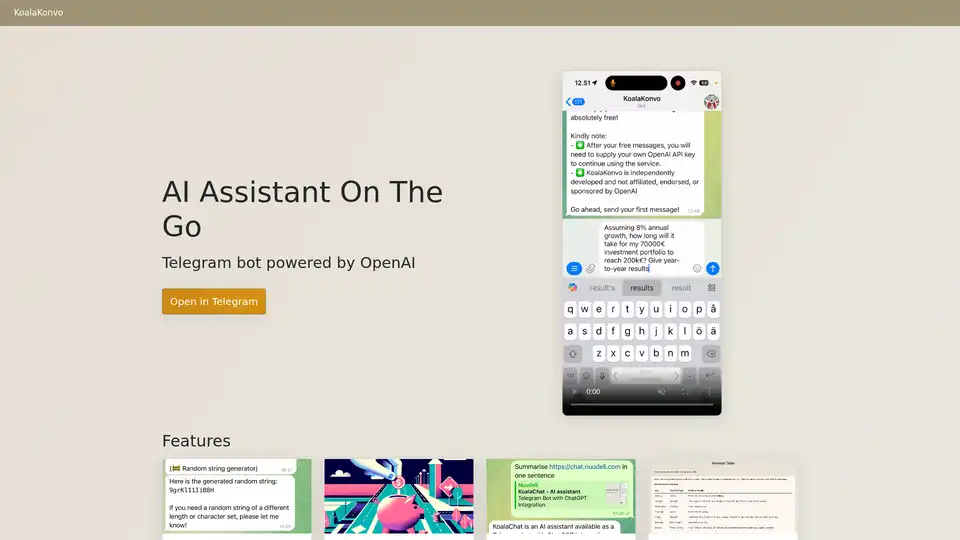
KoalaKonvo is a Telegram bot powered by OpenAI, offering AI assistance on the go. Enjoy code execution, web browsing, image recognition, and more, all via Telegram with your own API key—no subscriptions needed.

Supercharge your technical writing with MD Editor - the AI-powered markdown editor designed for developers, technical writers, and content creators. Enhanced table support, CSV import, visual editing, and intelligent writing assistance.