
VoxDeck
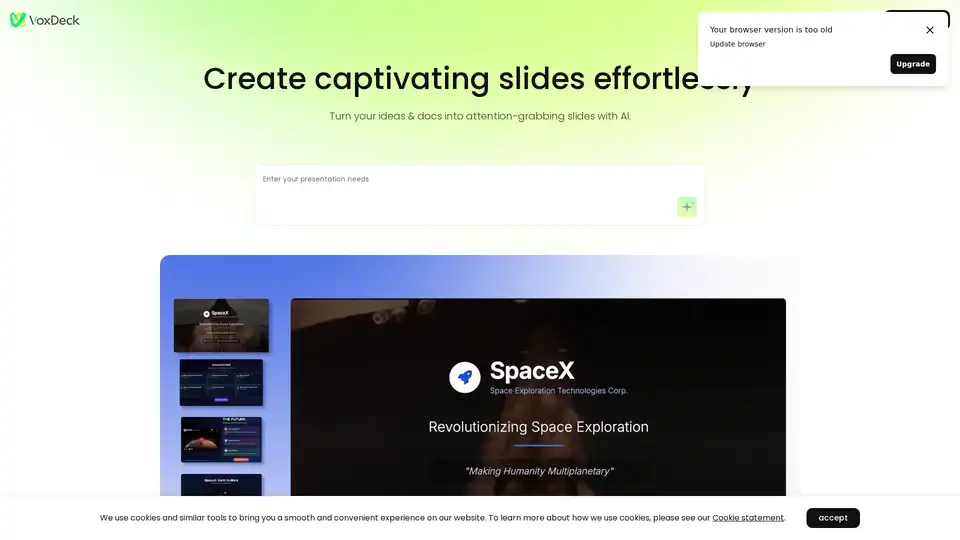
Overview of VoxDeck
What is VoxDeck?
VoxDeck is a revolutionary AI-powered presentation maker that transforms the way you create slides, moving beyond traditional, static formats to deliver immersive experiences. Unlike conventional tools that rely on basic templates and manual design, VoxDeck leverages advanced artificial intelligence to generate professional, dynamic presentations from simple inputs like descriptions or uploaded documents. It's designed for anyone who wants to captivate audiences without needing expertise in graphic design or animation. Whether you're pitching ideas in a business meeting, educating in a classroom, or sharing insights at a conference, VoxDeck ensures your content stands out with visual flair and interactivity.
At its core, VoxDeck addresses the common pain points of presentation creation: time consumption, lack of creativity, and technical barriers. By integrating AI, it automates the heavy lifting, allowing users to focus on their message while the tool handles the aesthetics and enhancements. This makes it an ideal solution for professionals, educators, and creators seeking efficient yet high-impact ways to communicate complex information.
How Does VoxDeck Work?
VoxDeck operates through an intuitive, AI-driven workflow that starts with user input and ends with a polished, shareable presentation. Here's a breakdown of its process:
Input Your Ideas: Begin by describing your needs in natural language or uploading files such as documents, spreadsheets, or outlines. The AI analyzes this content to understand the topic, key points, and desired tone.
AI Generation: VoxDeck's intelligent engine then auto-generates slides, incorporating relevant visuals, layouts, and themes. It pulls from a vast library of assets to ensure relevance and professionalism.
Enhance with Features: Customize or let the AI add advanced elements like 3D charts, motion covers, and avatars. For instance, data from your inputs can be visualized in interactive 3D models that users can explore, making abstract concepts tangible.
Refine and Share: Edit effortlessly with one-click theme switches for consistent styling. Once ready, share across devices for seamless viewing—no compatibility issues.
This streamlined approach minimizes manual effort, with the AI handling animations, searches for suitable videos, and even speech delivery through digital avatars. The result? Presentations that feel alive and engaging, keeping audiences hooked from the first slide.
Core Features of VoxDeck
VoxDeck shines through its suite of innovative features, each powered by cutting-edge AI to elevate your presentations:
Animation Mode with Auto-Search Videos: Say goodbye to bland covers. VoxDeck automatically searches and inserts online videos as dynamic motion covers tailored to your topic. This grabs attention immediately, setting an energetic tone for business pitches or educational sessions.
Interactive 3D Charts and Models: Transform raw data into vivid 3D visualizations. Whether it's sales figures, scientific data, or project timelines, the tool creates rotatable charts, dynamic scenes, and roaming models. This interactivity helps audiences grasp insights faster, ideal for data-heavy reports or analytics presentations.
Presentable Avatar for Flawless Delivery: Public speaking jitters? VoxDeck's AI avatars act as your digital co-presenter, delivering content smoothly via simple dialogue inputs. Customize the avatar's appearance and voice to match your brand, ensuring professional narration without live recording.
Easy Start and One-Click Themes: No steep learning curve—upload and generate in moments. Switch themes instantly for a polished, cohesive look, supporting various styles from corporate clean to creative vibrant.
Multi-Device Compatibility: Presentations render perfectly on desktops, tablets, or mobiles, with instant sharing links. This flexibility suits remote teams or on-the-go professionals.
These features work together to create 'next-gen visuals,' as VoxDeck calls it, enabling unlimited expression without design hurdles.
Main Use Cases and Practical Value
VoxDeck is versatile, fitting seamlessly into diverse scenarios where compelling communication is key:
Business and Marketing: Craft investor decks or sales pitches with 3D data visuals that highlight growth metrics. The motion covers and avatars make demos more persuasive, potentially boosting conversion rates.
Education and Training: Teachers can turn lesson plans into interactive slides with 3D models for subjects like geography or biology, enhancing student engagement and retention.
Conferences and Events: Speakers use it for keynotes, incorporating avatars for rehearsed delivery and dynamic elements to maintain audience interest during long sessions.
Content Creation: Bloggers or YouTubers repurpose docs into shareable slide decks for social media, saving hours on editing.
The practical value lies in its efficiency: what once took days now takes minutes, reducing costs and errors. Users report higher engagement rates, with visuals making complex topics accessible. For small teams or solopreneurs, it's a game-changer, democratizing high-quality presentations.
Who is VoxDeck For?
This tool targets a broad audience but excels for those who value time and impact:
Busy Professionals: Managers, salespeople, and consultants who need quick, impressive slides without hiring designers.
Educators and Trainers: From K-12 teachers to corporate trainers, anyone explaining concepts visually.
Non-Designers: Startups, freelancers, and students lacking graphic skills but with big ideas.
Tech-Savvy Users: Those interested in AI enhancements like avatars and 3D, even if they're not experts.
If you've ever struggled with tools like PowerPoint feeling outdated, VoxDeck is your upgrade—intuitive yet powerful.
Why Choose VoxDeck?
In a crowded market of presentation software, VoxDeck stands out for its AI integration, which goes beyond basic automation to create experiential content. It's free to try, with premium options for advanced features, ensuring accessibility. Backed by user-friendly design, it aligns with modern needs for interactive, multi-format storytelling. Ultimately, VoxDeck isn't just about slides; it's about crafting experiences that resonate, drive action, and leave lasting impressions.
For more, visit the official site and start with a free trial to see how it revolutionizes your workflow.
AI Article Generation AI Text Polishing AI Writing Assistance Paper and Report Generation News and Blog Generation Email and Business Writing
Best Alternative Tools to "VoxDeck"
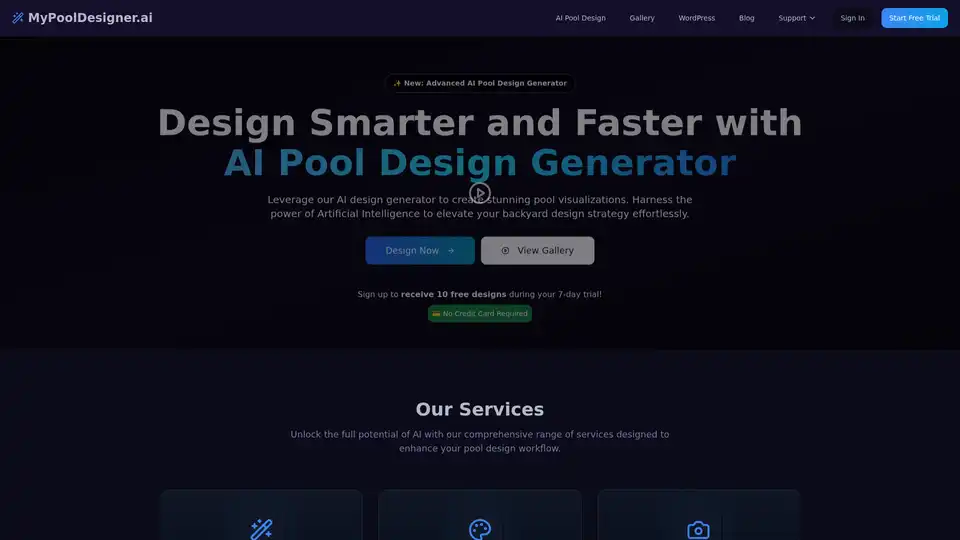
MyPoolDesigner.ai is an AI-powered platform that helps pool contractors and homeowners visualize stunning pool designs in seconds. It offers photorealistic renderings and customizable features for creating award-worthy designs.
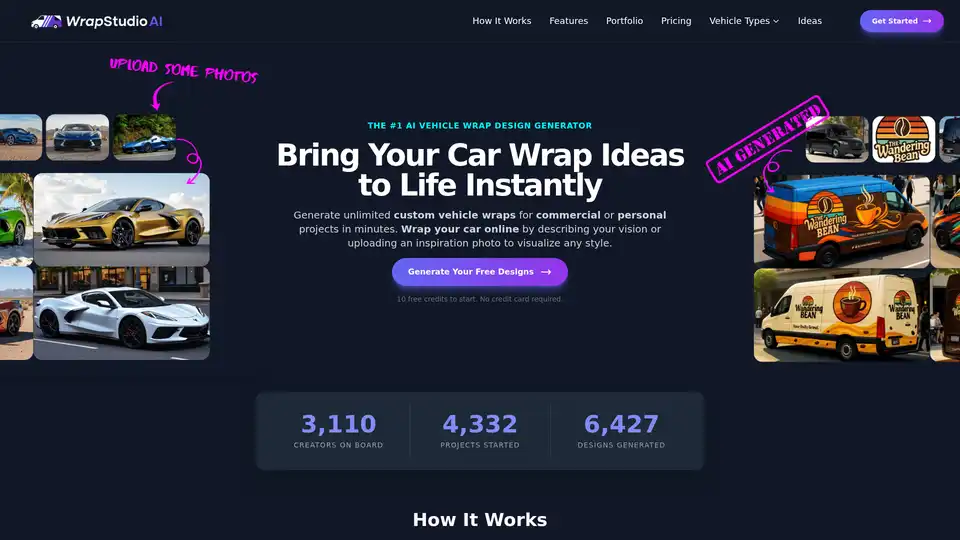
Generate professional custom car wraps in minutes with AI technology. Create commercial vehicle wraps or unique personal styles with 3D mockups and advanced refinement tools.
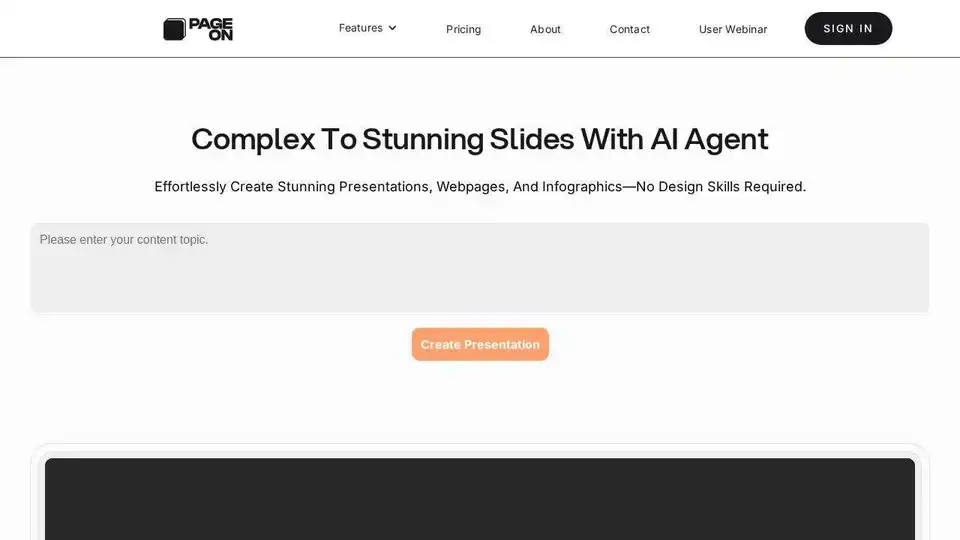
PageOn.ai is an AI-native visual communication tool that transforms fuzzy thoughts into clear visuals & reports. Generate slides, interactive charts, and 3D models effortlessly.
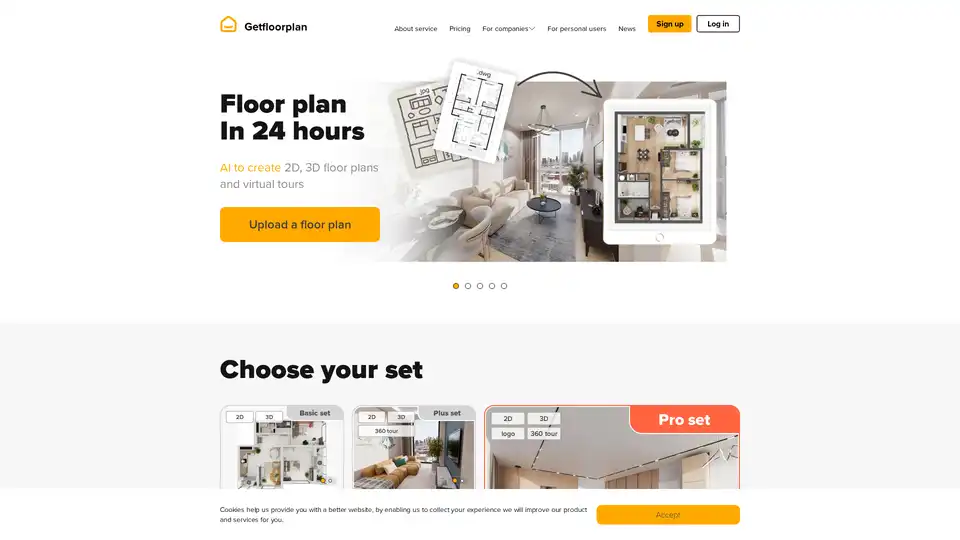
Getfloorplan leverages AI to generate professional 2D floor plans, 3D renderings, and 360° virtual tours from simple uploads in just 24 hours, perfect for real estate visualization and property marketing.