
Voice Out
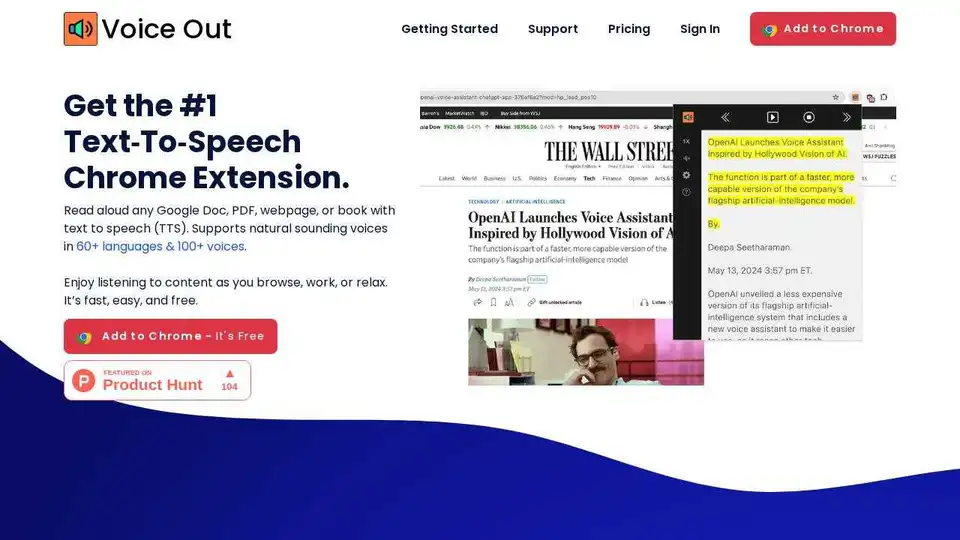
Overview of Voice Out
What is Voice Out?
Voice Out is a powerful and user-friendly text-to-speech (TTS) Chrome extension designed to enhance your reading experience. Whether you're browsing the web, working on documents, or relaxing with a book, Voice Out allows you to listen to any text content in over 60 languages with more than 100 natural-sounding voices. This tool is perfect for individuals who prefer auditory learning, those with visual impairments, or anyone looking to multitask efficiently.
Key Features of Voice Out
- Multi-Language Support: Voice Out supports over 60 languages, making it a versatile tool for users worldwide.
- Natural-Sounding Voices: With over 100 voices to choose from, you can find the perfect tone and style for your listening needs.
- Advanced Features: Enjoy features like background listening, text highlighting, and adjustable speed, pitch, and volume.
- Privacy-Focused: Voice Out requires minimal permissions and does not track or sell your data, ensuring your privacy is respected.
- Cross-Platform Compatibility: Works seamlessly across various websites, including Google Docs, news sites, emails, and social media platforms.
How Does Voice Out Work?
Voice Out leverages state-of-the-art AI-enabled text-to-speech technology to convert written text into spoken words. The extension integrates directly into your Chrome browser, allowing you to activate it with a simple click. Once activated, Voice Out reads the text aloud, providing a hands-free reading experience.
How to Use Voice Out?
- Install the Extension: Add Voice Out to your Chrome browser from the Chrome Web Store.
- Open a Webpage: Navigate to the webpage, Google Doc, PDF, or ebook you want to read aloud.
- Activate Voice Out: Click on the Voice Out button located to the right of the address bar.
- Enjoy Listening: Sit back and listen as Voice Out reads the content aloud.
Why Choose Voice Out?
Voice Out is designed to make reading more accessible and enjoyable. It is particularly beneficial for:
- Language Learners: Improve your language skills by listening to text in your target language.
- Individuals with Learning Disabilities: Enhance comprehension by listening to text while reading along.
- Busy Professionals: Multitask by listening to documents or emails while working on other tasks.
- Students: Make studying more efficient by listening to textbooks or notes.
Who is Voice Out For?
Voice Out is ideal for anyone who wants to enhance their reading experience through auditory means. It is especially useful for:
- Students and Educators: Facilitate learning and teaching with auditory support.
- Professionals: Increase productivity by listening to documents and emails.
- Language Learners: Improve language skills by listening to text in different languages.
- Individuals with Visual Impairments: Access written content more easily.
Best Way to Use Voice Out
To get the most out of Voice Out, consider the following tips:
- Adjust Settings: Customize the speed, pitch, and volume to suit your preferences.
- Use Background Listening: Listen to content while browsing other websites or working on other tasks.
- Highlight Text: Use the highlighting feature to follow along with the text as it is read aloud.
- Explore Different Voices: Experiment with different voices to find the one that best suits your needs.
User Testimonials
Users from all over the world have shared their positive experiences with Voice Out:
- Daniel Harris, NJ, USA: "Voice Out makes reading a breeze. As someone learning English as a second language, listening while reading along in a book has greatly boosted my skills."
- Mike, Colorado, USA: "I found it very easy to understand. Despite my learning disability, I could fully grasp everything that was read to me."
- David Taylor, USA: "Huge time saver. I'm new to Voice Out, but I'm already excited about all the knowledge I'll gain while doing my daily chores!"
- Neeraj, India: "Voice Out has significantly sped up and simplified my editing process. I can instantly catch and correct errors as I hear them. Now, I can't imagine writing without it."
- Sarah Brown, USA: "Absolutely invaluable! Fantastic! As a retired Special Education teacher, I know this would have been a tremendous help to many of my students. I can't wait to share it with my friends and family!"
- Ashley Martin, Texas, USA: "The voices are excellent. I used this program to review a draft manuscript for a novel, and it did an outstanding job with the voices and dialogue. I was thoroughly impressed."
Pricing Plans
Voice Out offers a free plan with basic features and a premium plan with additional benefits:
- Free Plan: Get up and running for free with support for 60+ languages and basic features.
- Premium Plan: Unlock 100+ natural-sounding premium voices and enjoy premium support.
Conclusion
Voice Out is a versatile and powerful text-to-speech extension that enhances your reading experience by converting text into natural-sounding speech. Whether you're a student, professional, language learner, or someone with visual impairments, Voice Out provides a convenient and efficient way to access written content. With its advanced features, multi-language support, and privacy-focused design, Voice Out is the ultimate tool for anyone looking to make reading more accessible and enjoyable.
AI Voice Synthesis AI Voice Changer AI Music Creation Speech to Text AI Voice Customer Service and Assistant Podcast and Video Dubbing
Best Alternative Tools to "Voice Out"

Voicera uses AI to convert articles and blogs into natural-sounding speech, enhancing user engagement and accessibility. Embeddable, lightweight, and multi-lingual.
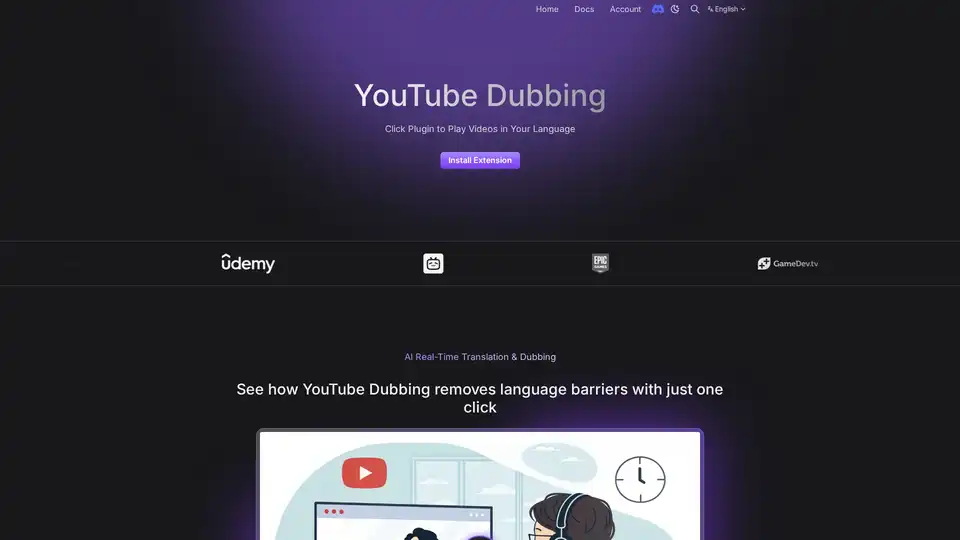
YouTube Dubbing is a browser extension that uses AI to translate and dub videos in real-time. It supports multiple platforms, languages, and AI models like GPT and Claude, offering a seamless viewing experience.
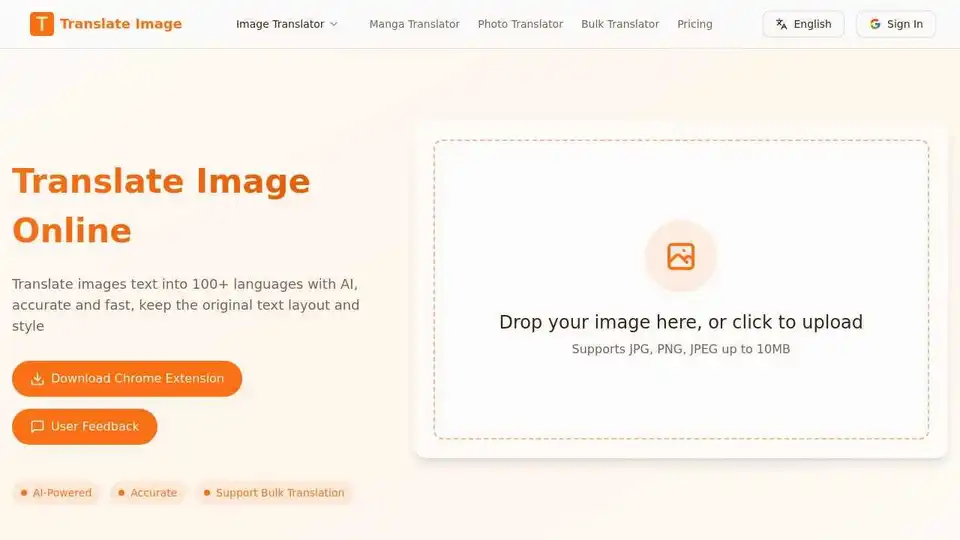
Translate text in images, manga, and photos instantly with TranslateImg's AI-powered online translator. Supports 100+ languages and bulk translation. Free and easy to use!
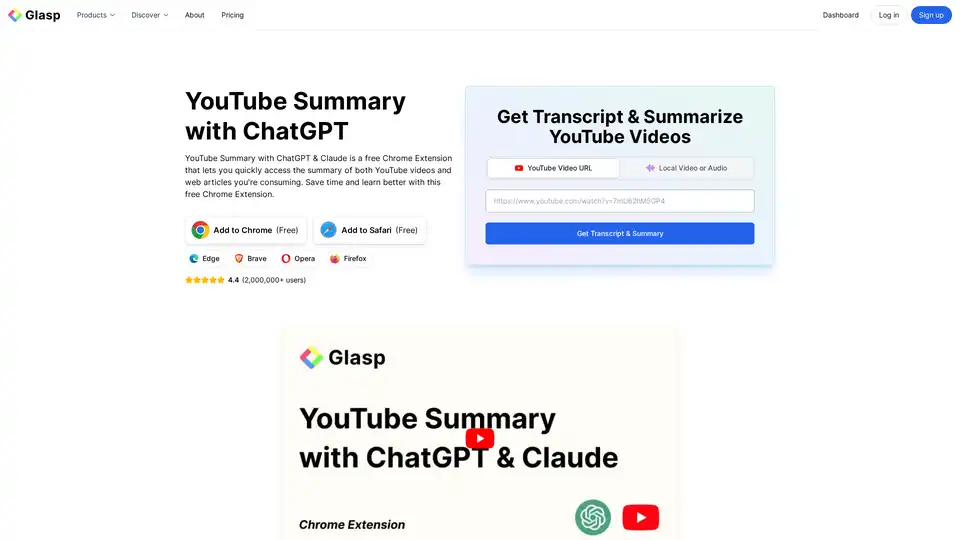
YouTube Summary with ChatGPT & Claude is a free browser extension that provides quick AI-powered summaries and transcripts for YouTube videos, PDFs, and web articles using models like ChatGPT and Gemini. Save time and boost productivity effortlessly.