
VideoPlus Studio
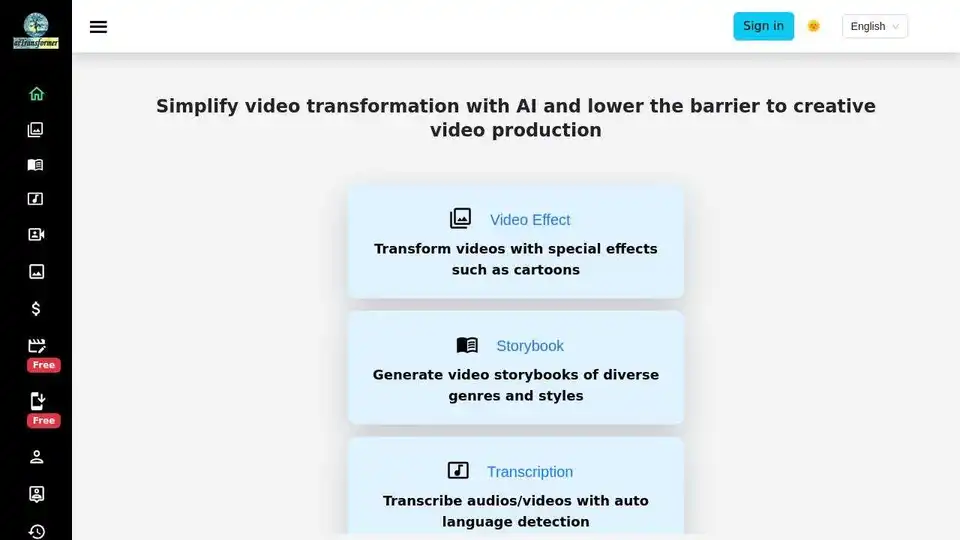
Overview of VideoPlus Studio
VideoPlus Studio: Transform Videos with AI
VideoPlus Studio is an AI-powered platform designed to simplify video transformation and lower the barrier to creative video production. It offers a range of features, including video effects, storybook generation, transcription, and text-to-speech capabilities.
What is VideoPlus Studio?
VideoPlus Studio is a web-based application that enables users to create engaging videos with ease. It leverages AI to provide features like cartoon effects, AI voiceovers in multiple languages, and automatic transcription.
How does VideoPlus Studio work?
VideoPlus Studio uses AI algorithms to analyze and modify video content. Here’s a breakdown of some key features:
- Video Effect: Transform videos with special cartoon effects.
- Storybook: Generate video storybooks of diverse genres and styles.
- Transcription: Transcribe audio and video with automatic language detection.
- Text To Speech: Convert text to speech in 80 languages with subtitles.
Key Features and Benefits
- Multilingual Support: Supports 77 languages, 443 predefined voices, and voice cloning.
- Diverse Avatars: Offers 511 predefined avatars and the option to use custom avatars.
- Subtitle Editing: Produce engaging videos with subtitle editing and eliminate voice-over hassles.
- Product and Service Demos: Perfect for creating explainer videos, such as software tutorials.
- Sales and Marketing: Ideal for sales pitches and marketing videos.
- Podcast Helper: Enhances podcasts with visual elements.
- Video Transformer: Transforms videos with various effects.
- Storybook Maker: Generates engaging video storybooks.
Use Cases
VideoPlus Studio can be used in a variety of scenarios:
- Virtual Product Demos
- Sales Pitches
- Business Presentations and Proposals
- Content Localization & Consistent Branding
- Podcast Enhancements
- Tutorial Reinvention
- Narrative Exploration
- Language Learning Support
- Educational Materials and Tutorials
- Cultural and Historical Exhibits
- Interactive Greeting Cards
- Engaging Storybooks for Children
- Virtual Tours and Guides
- Personalized Multimedia Projects
- Multilingual Transcription and Movie Dubbing
- Video Style Transfer with Cartoon and Filter Effects
How to Use VideoPlus Studio
- Record your screen showcasing how the software or service works.
- Add presenters (voice + avatar) to the screen recording.
- Utilize the text-to-speech feature to add AI voiceovers in multiple languages.
- Edit subtitles for clarity and engagement.
Where can I use VideoPlus Studio?
You can use VideoPlus Studio for various applications, including:
- Creating product demos and explainer videos.
- Enhancing sales and marketing content.
- Producing educational materials and tutorials.
- Developing engaging storybooks for children.
- Localizing content for different audiences.
Pricing
VideoPlus Studio offers daily free credits to get started. For more advanced features and usage, refer to the pricing details on their website.
FAQ
- What can I do with VideoPlus Studio? You can transform videos with AI-powered effects, generate storybooks, transcribe audio/video, and create text-to-speech videos.
- Can I use VideoPlus Studio for free? Yes, you get daily free credits to start.
- How many languages, voices, and avatars do you support? 77 languages, 443 predefined voices, and 511 predefined avatars.
Conclusion
VideoPlus Studio is a versatile AI video creation tool that simplifies the process of producing engaging and informative videos. Its features, such as cartoon effects, multilingual AI voiceovers, and subtitle editing, make it an excellent choice for product demos, marketing content, educational materials, and more. With its easy-to-use interface and free daily credits, VideoPlus Studio lowers the barrier to entry for creating high-quality videos.
AI Voice Synthesis AI Voice Changer AI Music Creation Speech to Text AI Voice Customer Service and Assistant Podcast and Video Dubbing
Best Alternative Tools to "VideoPlus Studio"
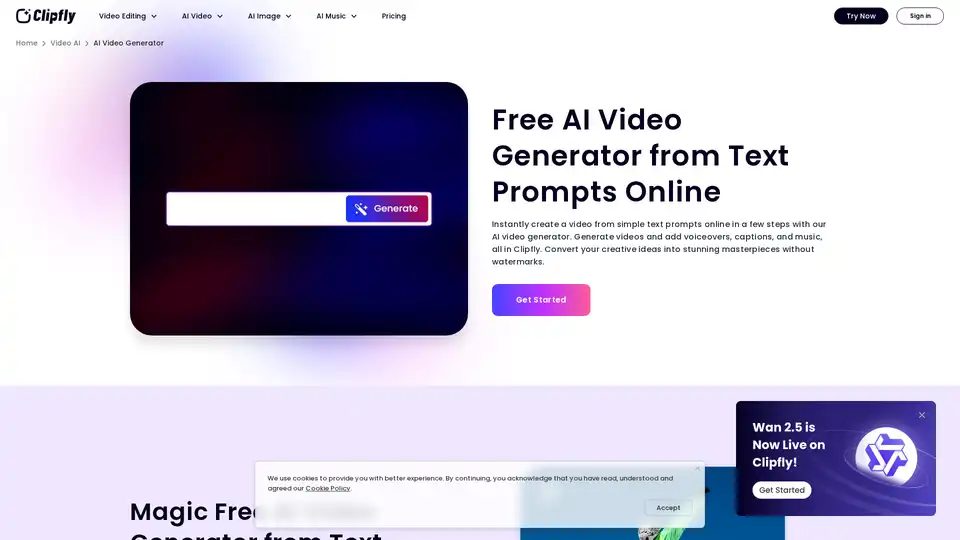
Create stunning AI videos from text and images online with Clipfly's free AI video generator. No skills required, generate AI visuals in minutes without watermarks. Try it now!
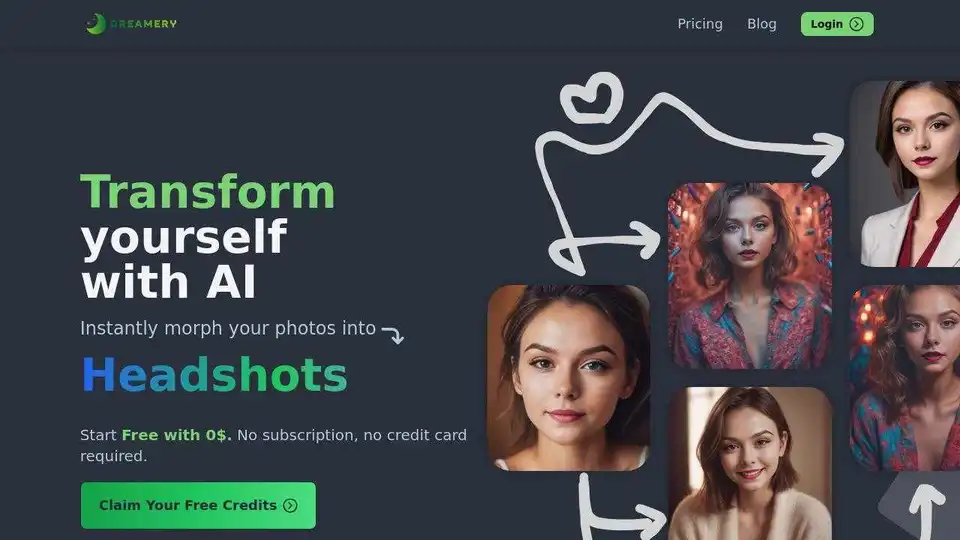
Dreamery transforms selfies into professional AI headshots, cartoons, and more. Pay-per-use, no subscription needed. Also offers AI voice cloning and text-to-speech. Try it free!
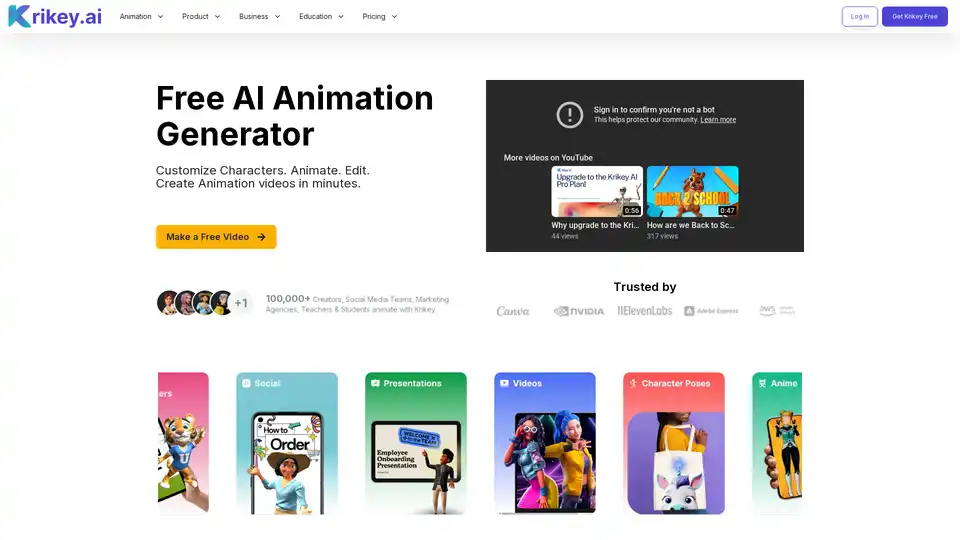
Krikey AI is a free AI animation generator that allows anyone to create animated videos in minutes. Customize characters, add voiceovers, and easily share your creations on social media. Ideal for educators, marketers, and creators.
Turn your ideas into videos in seconds with Media.io's AI Video Generator. Just enter text or upload an image to create stunning, watermark-free videos—100% free.