
Venngage
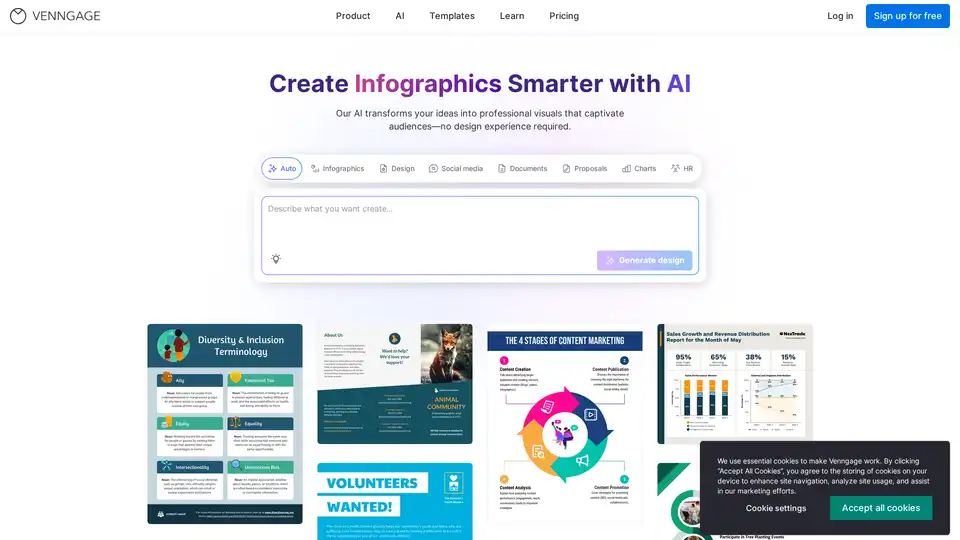
Overview of Venngage
Venngage: Create Infographics Smarter with AI
What is Venngage?
Venngage is a user-friendly, AI-powered infographic and design platform that helps professionals create engaging visuals. With over 10,000 templates and AI-driven design tools, Venngage makes it easy to transform ideas into professional-quality infographics, presentations, social media graphics, and more. It's designed for creators, marketers, and teams who need to produce high-quality visuals quickly and efficiently.
Key Features
- AI Branding Automation: Maintain brand consistency across all designs by instantly applying your visual identity.
- DesignAI Generator: Convert text into structured layouts with smart suggestions, streamlining the design process.
- AI-Powered Editing: Simplify template customization, auto-summarize content, and fill in on-brand details.
- AI Generated Icons and Images: Generate custom icons, illustrations, and images using natural language prompts.
- AI Copywriting & Translation Tools: Refine and translate content instantly to create multilingual designs.
- AI Accessibility Checker & WCAG Visual Compliance Tools: Ensure WCAG compliance with real-time accessibility audits for contrast, legibility, and readability.
How does Venngage work?
Venngage leverages AI to simplify the design process and enhance creativity. Here’s a breakdown of how it works:
- AI-Powered Design Tools: Venngage uses AI to automate design tasks, such as layout generation, content summarization, and visual asset creation.
- Customizable Templates: Users can choose from thousands of pre-designed templates for various use cases, including infographics, presentations, reports, and social media graphics.
- Drag-and-Drop Simplicity: The platform features an intuitive drag-and-drop interface, making it easy to customize templates and add visual elements.
- Brand Kits & Asset Management: Teams can centralize fonts, colors, and logos to ensure brand consistency across all designs.
- Collaboration Features: Venngage allows teams to collaborate on designs, making it easy to share feedback and iterate on projects.
- Accessibility Tools: The platform includes tools to optimize color contrast, font readability, and layout for WCAG compliance.
Why choose Venngage?
- Efficiency: Venngage's AI-powered tools and customizable templates allow users to create professional-quality visuals in minutes, not hours.
- Brand Consistency: The platform's branding automation features help teams maintain a consistent visual identity across all designs.
- Accessibility: Venngage includes accessibility tools to ensure that visuals are WCAG-compliant and accessible to users with disabilities.
- Collaboration: The platform's collaboration features make it easy for teams to work together on design projects.
- Versatility: Venngage offers a wide range of templates and design tools for various use cases, including infographics, presentations, reports, and social media graphics.
Who is Venngage for?
Venngage is designed for a wide range of users, including:
- Marketers: Create engaging visuals for social media, email marketing, and content marketing campaigns.
- Educators: Develop informative infographics and presentations for students.
- Business Professionals: Design professional reports, presentations, and business proposals.
- Nonprofits: Create impactful visuals to raise awareness and support for their causes.
- Designers: Streamline the design process and create high-quality visuals quickly and efficiently.
Best way to create engaging visuals?
To create engaging visuals with Venngage, consider the following tips:
- Start with a Template: Choose a template that aligns with your content and brand style.
- Use High-Quality Visuals: Incorporate high-quality images, icons, and illustrations to enhance your design.
- Keep it Simple: Avoid overcrowding your design with too much text or too many visual elements.
- Use Color Effectively: Use color to highlight key information and create visual interest.
- Ensure Accessibility: Use Venngage's accessibility tools to ensure that your visuals are WCAG-compliant.
Venngage is a powerful design platform that leverages AI to help users create professional-quality visuals quickly and efficiently. With its AI-powered design tools, customizable templates, and collaboration features, Venngage is the perfect solution for teams and individuals who need to produce engaging visuals for a variety of use cases.
Best Alternative Tools to "Venngage"
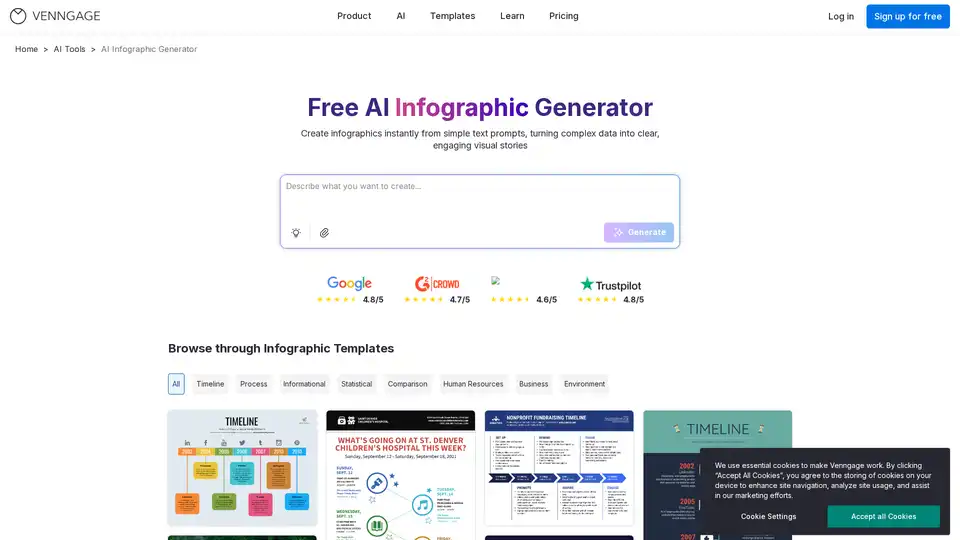
Use our Free AI Infographic Generator to quickly craft creative and engaging stories with ease.
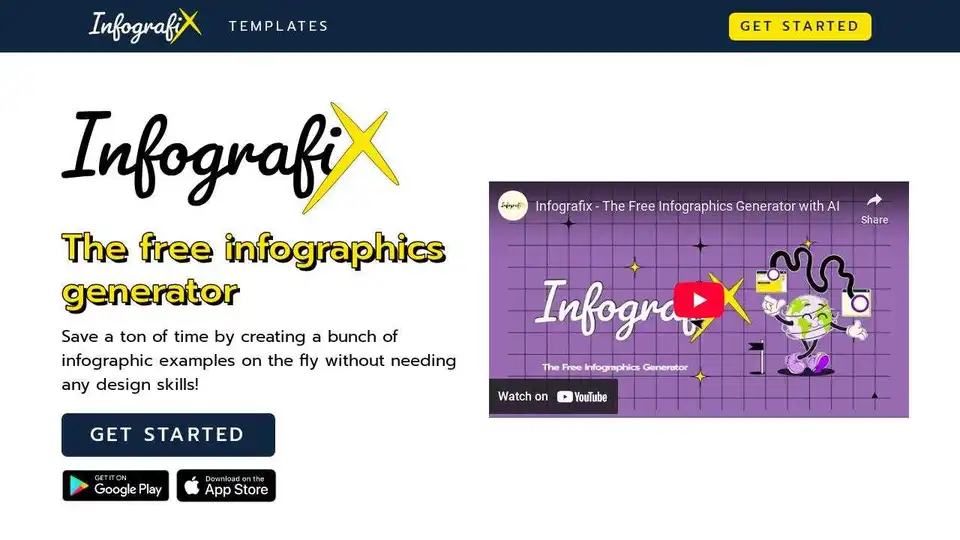
Infografix is a free AI-powered infographics generator. Create stunning visuals like timelines, hierarchies, and process maps quickly and easily. Perfect for business, education, and social media.
PICOAI.app offers cutting-edge AI tools to generate stunning images and videos. Create professional content effortlessly using the latest generative AI models.
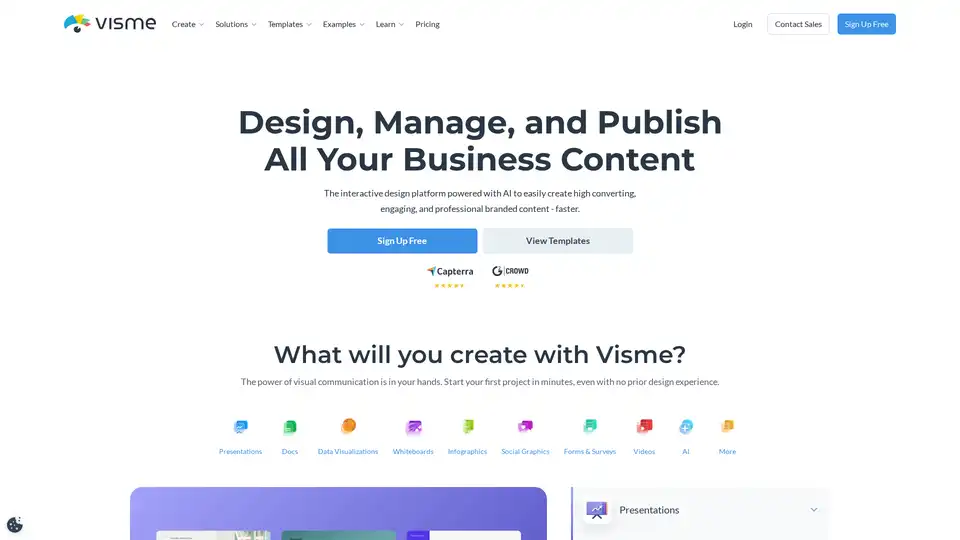
Visme is an AI-powered design platform that helps you easily create engaging presentations, infographics, and other branded content. Used by millions, it offers templates, collaboration tools, and integrations for streamlined content creation.