
Veggie AI
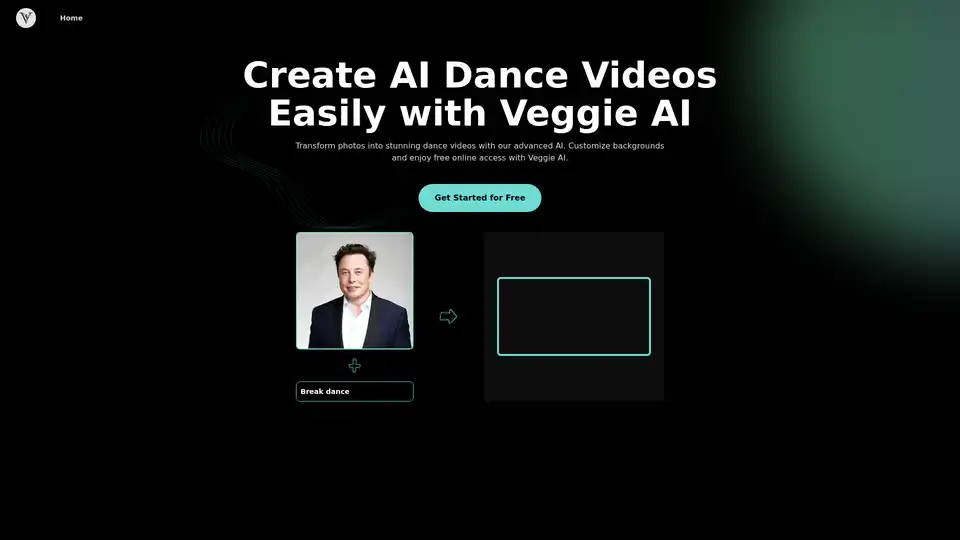
Overview of Veggie AI
What is Veggie AI?
Veggie AI stands out as an innovative AI dance generator designed to transform ordinary photos into captivating dance videos. As a reliable alternative to Viggle AI, it offers a free online platform that eliminates the need for Discord integration or dedicated apps, making it accessible for anyone with a web browser. Whether you're a content creator aiming to produce viral social media clips or an animator seeking quick visualizations, Veggie AI simplifies the process of animating static images into lively performances. Its core strength lies in leveraging advanced AI to interpret user prompts and generate realistic movements, all while prioritizing user privacy and ease of use.
Founded on cutting-edge technology, Veggie AI bridges the gap between complex 3D animation and intuitive tools, allowing even beginners to create professional-grade content. Unlike traditional animation software that requires extensive skills, Veggie AI uses machine learning models trained on vast datasets of human movements to ensure authenticity. This makes it ideal for users exploring AI-powered creativity without investing in high-end hardware.
How Does Veggie AI Work?
At its heart, Veggie AI employs a sophisticated neural network to analyze uploaded images and motion prompts. When you upload a photo—ideally high-resolution with a clear subject—the AI detects key facial and body features. It then processes your prompt, which could be a textual description like "breakdancing on a city street" or a reference video demonstrating the desired action. The system simulates 3D character animations by applying realistic physics, such as fluid joint movements and balanced weight distribution, to mimic natural dance flows.
This process involves several AI layers: pose estimation to map the subject's body, motion synthesis to generate dance sequences, and rendering for high-quality output. Customizable backgrounds are integrated seamlessly, pulling from a library of options or user uploads, to enhance visual storytelling. The result is a seamless video export, typically ready in minutes, depending on complexity. Veggie AI's understanding of physics ensures animations avoid unnatural glitches, like floating limbs, delivering polished results that rival manual editing.
How to Use Veggie AI?
Getting started with Veggie AI is straightforward, especially via its primary website interface at Veggieai.dance. Here's a step-by-step guide:
Navigate to the Site: Open your browser and head to Veggieai.dance. No sign-up is required for the free tier, though an account unlocks more features.
Upload Your Image: Select a clear, high-quality photo of a person or character. The AI performs best with frontal views and good lighting to accurately capture details.
Enter a Motion Prompt: Type a detailed description of the dance style, such as "hip-hop routine with spins," or upload a short action video as a reference. This guides the AI in generating precise movements.
Choose Backgrounds: Pick from pre-set options like urban streets, beaches, or abstract patterns, or customize with your own image for a personalized touch.
Generate and Download: Hit the generate button, wait for processing (often under a minute), and download the MP4 file. Share it directly on platforms like Instagram or TikTok.
For community-driven users, Veggie AI also supports Discord integration. Join the official server, use bot commands in designated channels to upload and prompt, and receive your video link. This method fosters collaboration, with users sharing tips on prompt crafting for optimal outputs.
Key Features of Veggie AI
Veggie AI packs a range of features that set it apart in the AI animation space:
AI Dance Generator from Photo: Instantly converts static images into dynamic dances, perfect for quick content ideation.
Advanced 3D Character Animations: Generates detailed, prompt-driven 3D models that respond to text inputs, reducing the learning curve for complex animations.
Realistic Physics Understanding: Ensures movements feel natural, with accurate gravity and momentum simulation for believable performances.
Customizable Backgrounds: Tailor scenes to match your narrative, boosting creativity and engagement.
Free Online Access: No downloads needed; enjoy a generous free quota before optional upgrades.
Data Security: All uploads are encrypted and deleted post-processing, complying with strict privacy standards to build user trust.
These elements make Veggie AI not just a tool, but a versatile platform for experimentation.
Why Choose Veggie AI Over Viggle AI?
As a Viggle AI alternative, Veggie AI addresses common pain points like mandatory Discord usage and limited free access. It provides a standalone website experience, avoiding server dependencies, and offers enhanced customization without subscription walls for basic use. Users appreciate the "head top" feature, which syncs facial expressions and head movements to music beats, ideal for lip-sync dances or promotional clips. In benchmarks, Veggie AI's outputs score high on realism, often outperforming competitors in user satisfaction surveys for ease and quality.
For those frustrated with Viggle's ecosystem lock-in, Veggie AI delivers freedom: create, edit, and export without external tools. Its free online model democratizes AI dance generation, appealing to hobbyists who want professional results on a budget.
Who is Veggie AI For?
Veggie AI caters to a diverse audience:
Social Media Influencers: Like Sarah Thompson, who uses it for standout music videos that drive engagement on platforms like TikTok.
Content Creators: Emily Roberts highlights how prompts simplify custom video production, saving hours of editing.
Animators and Marketers: Mark Jensen praises the photo-to-animation speed, while Jessica Brown values the Discord community's feedback for project refinement.
It's especially suited for beginners in AI tools, educators teaching digital media, and small businesses needing quick promotional animations. If you're into viral trends or personal storytelling, this tool empowers you without technical barriers.
AI Video Generation AI Video Editing AI Motion Capture and Animation AI Virtual Human and Digital Avatar 3D Video Generation
Best Alternative Tools to "Veggie AI"
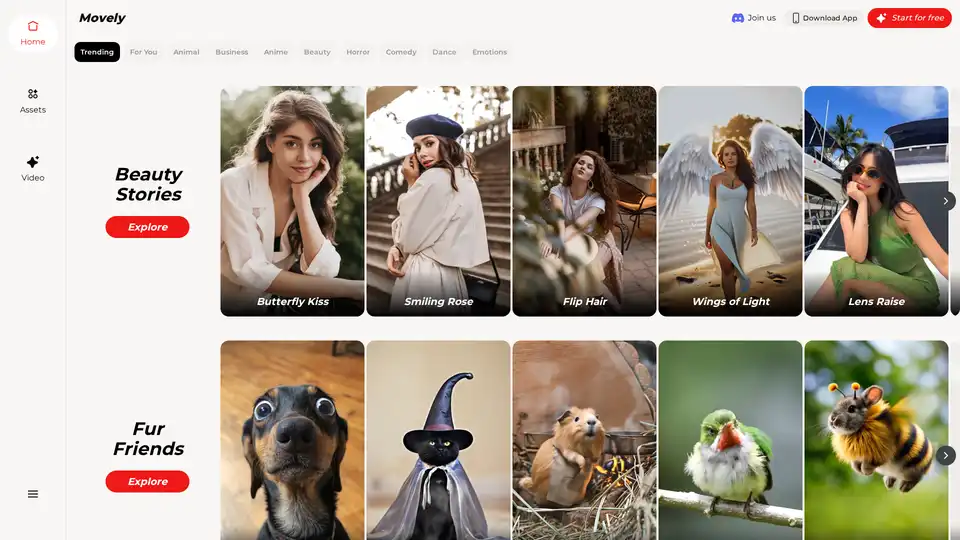
From static photos to dynamic videos in seconds! Movely uses advanced AI technology to transform your images into engaging content and edit photos with simple text commands.
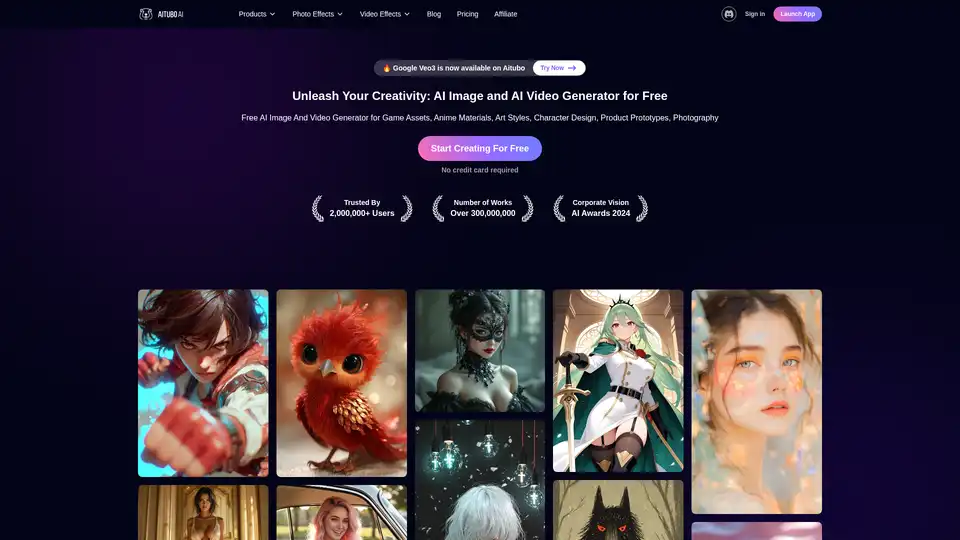
Best free AI art generator: Generate stunning images and videos from text, or create videos from images, all powered by the latest AI technology.
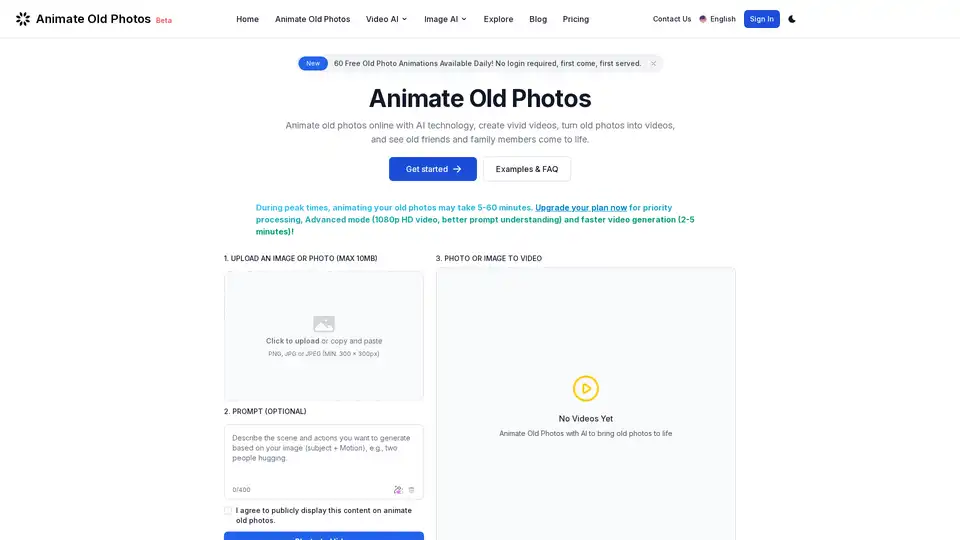
Animate old photos online with AI. Turn old photos into videos. Bring memories to life with Animate Old Photos.
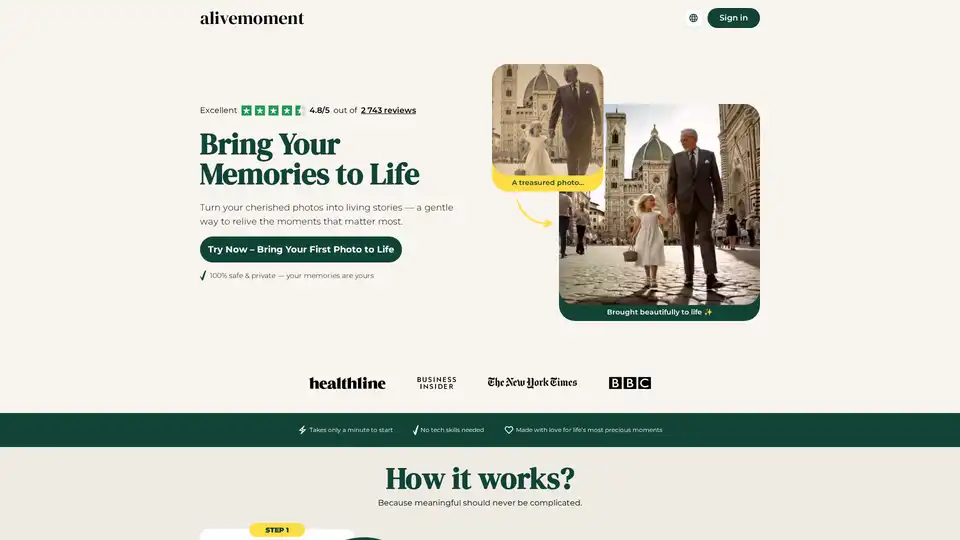
Bring your cherished photos to life with AliveMoment, the best AI-powered tool for creating animated memories. Animate photos in minutes with no tech skills needed.