
VeeGen
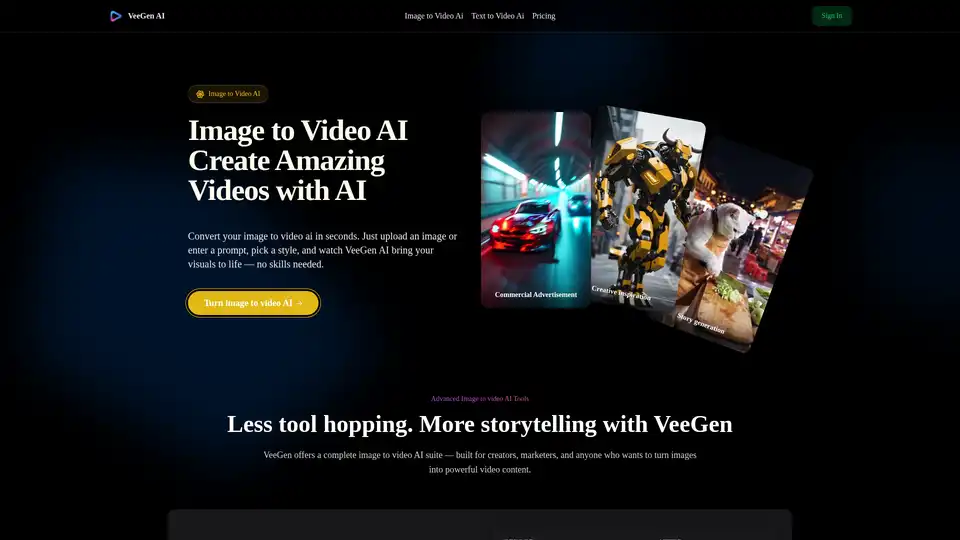
Overview of VeeGen
What is VeeGen?
VeeGen is an advanced AI-powered online tool designed to transform static images into dynamic, engaging videos with just a few clicks. It leverages cutting-edge artificial intelligence to animate photos, sketches, illustrations, and even AI-generated art, making it accessible to users with no prior video editing experience. The platform is web-based, requiring no downloads or installations, and offers a seamless, user-friendly interface for quick video creation.
How Does VeeGen Work?
VeeGen uses sophisticated AI models to analyze uploaded images and generate motion based on user inputs, such as text prompts or style selections. The process involves:
- Image Analysis: The AI examines the image's composition, elements, and context.
- Motion Generation: It applies natural, fluid animations to specific areas or the entire image, depending on the chosen mode.
- Style Application: Users can select from over 30 styles (e.g., cinematic, anime, cartoon) to tailor the video's aesthetic.
- Output Rendering: The tool produces high-quality MP4 or WebM videos without watermarks, ready for download or sharing.
Core Features
- Multiple Animation Modes: Includes Local Mode for targeted motion, Character Mode for consistency, and Live Mode for sketches.
- Style Variety: Offers 30+ styles, including cinematic, anime, Ghibli-inspired, and more.
- Customization Controls: Adjust motion intensity, direction, and duration for precise results.
- High-Quality Output: Generates studio-grade videos with sharp details and smooth animations.
- No Watermark: Downloads are free of branding, ideal for commercial use.
- Social Media Optimization: Creates videos optimized for platforms like TikTok, Instagram, and YouTube.
How to Use VeeGen
Using VeeGen is straightforward and involves four simple steps:
- Upload an Image: Drag and drop a JPG, PNG, or WEBP file into the tool.
- Choose Style and Settings: Select from categories like Cinematic or Anime, and adjust motion parameters.
- Generate Video: The AI processes the image and creates a video in 30–60 seconds.
- Download and Share: Export the video in MP4 format and share it directly on social media.
Practical Applications
VeeGen is ideal for:
- Social Media Content: Create eye-catching posts for TikTok, Reels, or Instagram stories.
- Marketing and Advertising: Produce compelling ads or product demonstrations from static images.
- Storytelling and Education: Animate drawings or photos for narratives, presentations, or educational materials.
- Personal Projects: Bring family photos or artwork to life for memorable keepsakes.
Target Audience
This tool caters to:
- Content Creators: Bloggers, YouTubers, and social media influencers seeking quick video content.
- Marketers: Professionals needing engaging visual assets for campaigns.
- Educators: Teachers and trainers looking to make lessons more interactive.
- Artists and Designers: Individuals wanting to animate sketches or illustrations effortlessly.
- General Users: Anyone without video editing skills who wants to create dynamic videos.
Why Choose VeeGen?
VeeGen stands out due to its:
- Ease of Use: No technical skills required—just upload, select, and generate.
- Speed: Videos are produced in under a minute, streamlining workflows.
- Versatility: Supports various image types and offers extensive customization.
- Cost-Effectiveness: Free to use with no hidden fees or watermarks.
- Quality: Delivers high-resolution, professional-looking videos suitable for commercial purposes.
User Feedback
Real users praise VeeGen for its simplicity and effectiveness. For example:
- Sarah J. noted it turned a product photo into a lifestyle ad-like video without editing.
- Devon appreciated how it transformed a cat photo into an anime-style clip.
- Keiko M. found it valuable for making online classes more engaging.
Frequently Asked Questions
- Image Compatibility: Works with photos, sketches, and illustrations in JPG, PNG, or WEBP formats.
- Generation Time: Typically 30–60 seconds per video.
- Commercial Use: Allowed under the terms of service.
- Editing Options: Videos can be enhanced with music, effects, and subtitles in the online editor.
VeeGen empowers users to unlock creativity quickly and efficiently, making it a top choice for AI-driven video generation.
AI Video Generation AI Video Editing AI Motion Capture and Animation AI Virtual Human and Digital Avatar 3D Video Generation
Best Alternative Tools to "VeeGen"
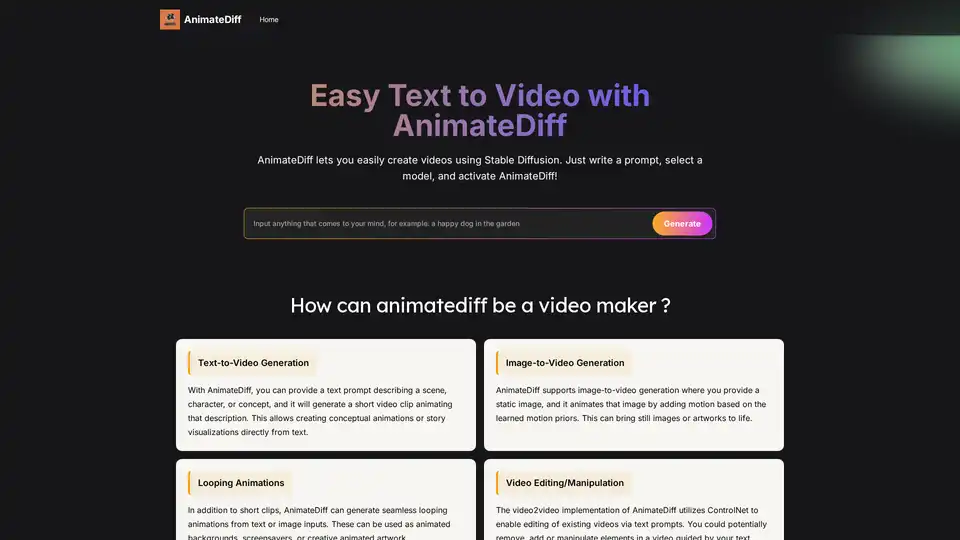
AnimateDiff is a free online video maker that brings motion to AI-generated visuals. Create animations from text prompts or animate existing images with natural movements learned from real videos. This plug-and-play framework adds video capabilities to diffusion models like Stable Diffusion without retraining. Explore the future of AI content creation with AnimateDiff's text-to-video and image-to-video generation tools.
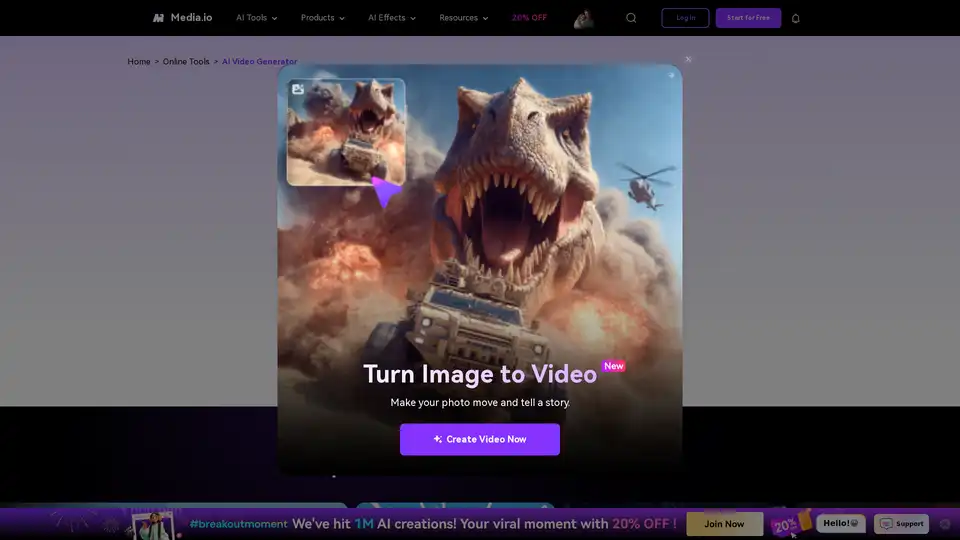
Turn your ideas into videos in seconds with Media.io's AI Video Generator. Just enter text or upload an image to create stunning, watermark-free videos—100% free.
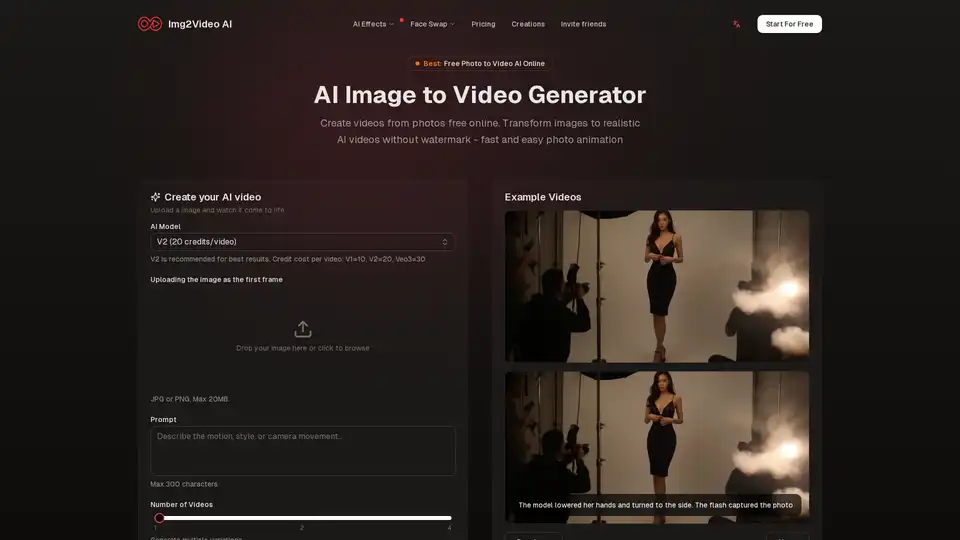
Img2Video AI is a free online AI image to video generator that transforms photos into realistic animations. It allows users to create videos from images quickly without watermarks, suitable for social media and marketing.
Vadoo AI is an all-in-one AI video generation platform for creating short-form content like TikToks, Reels, and Shorts. It features AI scriptwriting, text-to-video, captions, voiceovers, and auto-posting, all in one platform.