
VectorShift
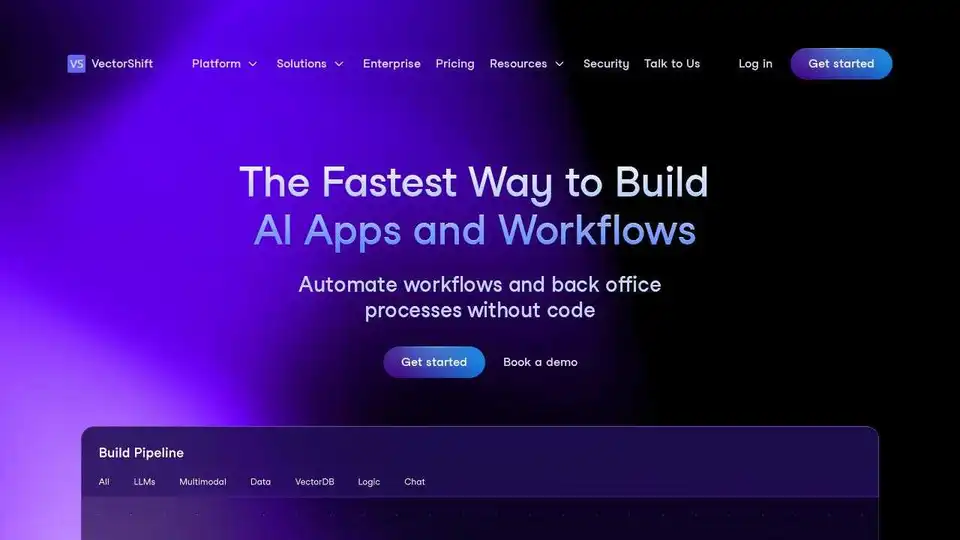
Overview of VectorShift
VectorShift: The End-to-End AI Automation Platform
What is VectorShift?
VectorShift is a platform designed to rapidly build and deploy AI applications and automate workflows. It caters to both no-code users and developers by providing an intuitive drag-and-drop interface alongside a robust Code SDK.
How does VectorShift work?
VectorShift empowers users to:
- Build AI Applications: Use a no-code interface with drag-and-drop components or leverage a code SDK with seamless IDE integration.
- Connect Data: Integrate raw data from websites, documents, CSV files, and databases.
- Automate Workflows: Automate back-office processes without code.
- Leverage Integrations: Live-sync and automate actions across tools like Google Drive, OneDrive, Salesforce, Hubspot, and Notion.
- Access Large Language Models: Utilize models from OpenAI, Anthropic, Huggingface, Google, LLAMA, AWS, and Mistral AI.
Why is VectorShift important?
VectorShift is important because it democratizes AI application development, making it accessible to a wider audience. It also accelerates development by providing pre-built templates and integrations, reducing the time and effort required to build and deploy AI solutions.
Where can I use VectorShift?
VectorShift can be used across various use cases, including:
- Assistants: Integrate natural language search and live-sync databases to automate information retrieval.
- Chatbots: Prototype, customize, and deploy customer-facing chatbots for customer support, onboarding, lead collection, and white-glove advisory.
- Workflow Automation: Automate the creation of marketing copy, personalized outbound emails, call summaries, and graphics at scale.
- Document Analysis: Summarize and answer questions about documents, videos, audio files, and websites. Analyze and compare documents seamlessly.
Key Features
- No-Code Interface: A user-friendly drag-and-drop interface for building AI applications without code.
- Code SDK: A robust Code SDK for developers who prefer to code.
- Pre-built Templates: Dozens of pre-built templates for various use cases, such as research report generators and resume screeners.
- Data Integration: Connect to various data sources, including websites, documents, CSV files, and databases.
- LLM Integration: Access the latest LLMs from leading providers like OpenAI, Anthropic, and Google.
- Integrations and Automations: Live-sync and automate actions across tools like Google Drive, OneDrive, Salesforce, Hubspot, and Notion.
How to get started?
- Start with a template: Leverage dozens of pre-built templates for end use cases.
- Connect data: Allow your AI application to leverage raw data in any format or directly connect with your database.
- Intuitive drag and drop builder: Build and rapidly iterate on your application’s architecture with a large library of drag and drop components. Transfer your work seamlessly between no-code and our python SDK.
- Customize and deploy to end users: Export a chatbot or generate an API endpoint instantly. Customize the look and feel of the application.
Enterprise Solutions
VectorShift offers enterprise solutions for building and deploying high-ROI AI applications.
- Report generation
- High volume chatbot
- Personalized email outbound
- RFP and proposal generators
- Knowledge search
FAQ
- Who can use VectorShift? VectorShift is designed for both no-code users and developers.
- Can I try VectorShift for free? The website provides options to "Get Started" and "Book a demo", suggesting a free trial or demo may be available.
- Can VectorShift integrate with my data? Yes, VectorShift can integrate with various data sources.
In conclusion, VectorShift provides a versatile platform for building and deploying AI applications. Its combination of a no-code interface and code SDK, along with integrations and pre-built templates, makes it a valuable tool for businesses looking to leverage AI. The platform's support for diverse data formats and large language models ensures flexibility and scalability. To build AI apps and automate workflows, VectorShift appears to be a viable solution.
AI Programming Assistant Auto Code Completion AI Code Review and Optimization AI Low-Code and No-Code Development
Best Alternative Tools to "VectorShift"
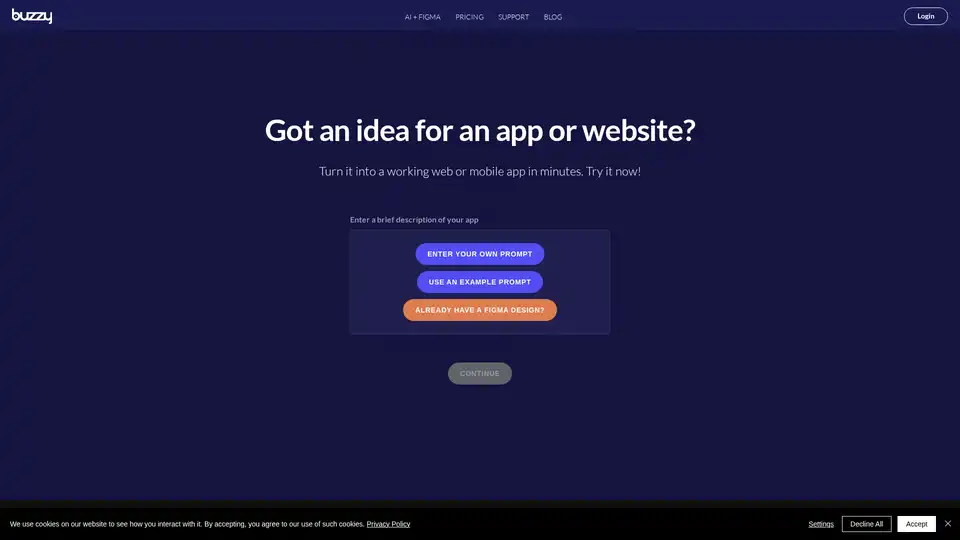
Buzzy is an AI-powered no-code platform that transforms ideas into high-quality Figma designs and full-stack web or mobile apps in minutes. Start from scratch or integrate with Figma without coding for rapid app development.
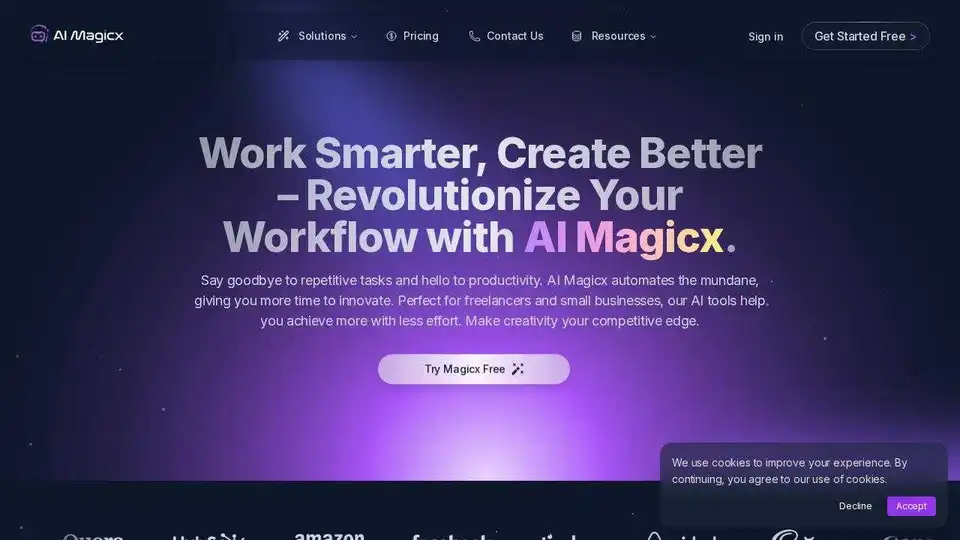
AI Magicx provides AI-powered tools for content creation, logo design, image generation, and code generation. Supercharge your creativity and automate your workflows.
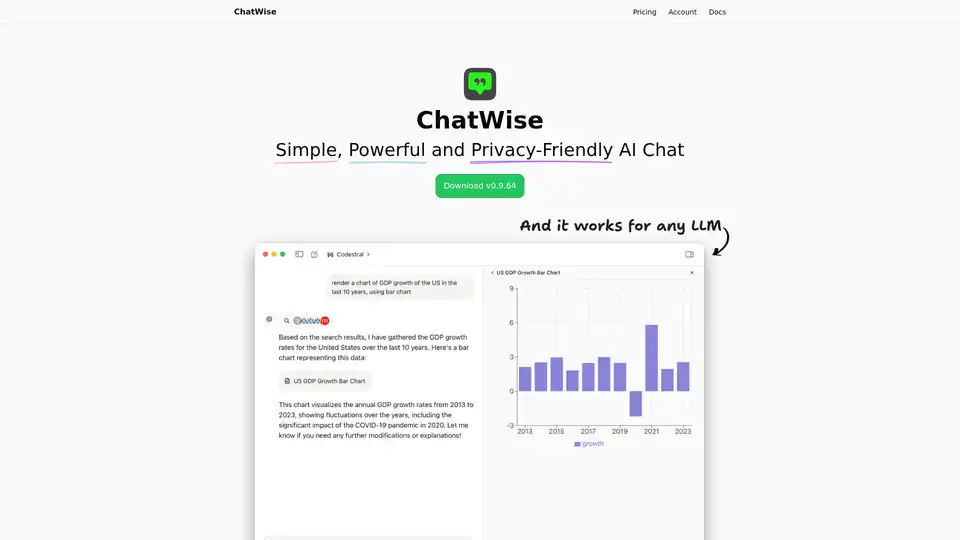
ChatWise is a high-performance, privacy-focused desktop AI chatbot supporting GPT-4, Claude, Gemini, Llama and more. Features local data storage, multi-modal chats (audio, PDF, images), web search, API key integration, and artifacts rendering for seamless productivity.
LLMStack is an open-source, no-code platform that allows you to build AI agents, workflows, and applications with your data. It supports model chaining and collaborative app building.