
UniScribe
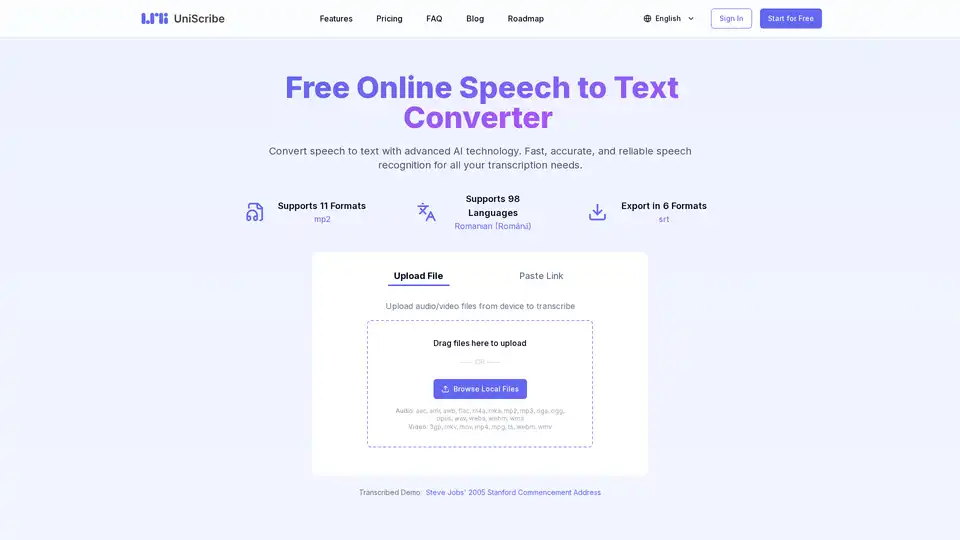
Overview of UniScribe
UniScribe: Free Online Speech to Text Converter
UniScribe is an AI-powered online tool designed to convert speech into text quickly and accurately. It supports a wide range of audio and video formats and 98 languages, making it a versatile solution for various transcription needs. Whether you're a student, professional, or anyone in between, UniScribe aims to streamline your transcription process and boost your productivity.
What is UniScribe?
UniScribe is a web-based application that uses advanced AI technology to provide fast and reliable speech recognition services. It allows users to upload audio and video files or paste YouTube links to generate transcripts in multiple formats.
How does UniScribe work?
UniScribe leverages state-of-the-art AI algorithms to analyze audio and video content, converting spoken words into written text. The process involves several steps:
- Upload Audio/Video File: Users upload their audio or video files to the UniScribe platform.
- Select Language: Choose the language spoken in the audio/video file.
- Transcribe: Click the 'Transcribe' button to initiate the transcription process.
- Export as Text: Once transcription is complete, users can export the text in various formats, including TXT, PDF, DOCX, SRT, CSV, and VTT.
Key Features of UniScribe
- Wide Format Support: UniScribe supports 11 audio formats (AAC, AMR, AWB, FLAC, M4A, MKA, MP2, MP3, OGA, OGG, OPUS, WAV, WEBA, WEBM, WMA) and 5 video formats (3GP, MKV, MOV, MP4, MPG, TS, WEBM, WMV).
- Multi-Language Support: Transcribe audio and video in 98 different languages.
- Multiple Export Formats: Export transcripts in TXT, PDF, DOCX, SRT, CSV, and VTT formats.
- AI-Powered Summarization: Automatically generate short summaries and mind maps of audio and video content.
- YouTube Transcription: Directly transcribe content from YouTube videos by pasting the video link.
Why Choose UniScribe?
- Speed and Accuracy: AI technology ensures fast and accurate transcription results.
- Cost-Effective: Offers a free plan and affordable subscription options.
- Ease of Use: User-friendly interface makes transcription simple and straightforward.
- Versatility: Suitable for a wide range of applications, from personal to professional use.
Who is UniScribe for?
UniScribe is designed for a broad audience, including:
- Students: Transcribe lectures and study materials.
- Professionals: Convert meeting recordings and presentations into text.
- Content Creators: Generate subtitles and transcripts for video content.
- Journalists: Quickly transcribe interviews and reports.
- Researchers: Analyze audio data and generate research papers.
Pricing Plans
UniScribe offers a range of pricing plans to suit different needs:
- Free Plan:
- 120 minutes of transcription per month
- Limited to transcribe 3 files per day
- Standard transcription model
- Transcription available in 98 languages
- Word, CSV, PDF, TXT, SRT, VTT export formats
- YouTube transcription
- 30-day retention period for media files
- Email support\
- Basic Plan: ($6/month or $72/year)
- 1200 minutes of transcription per month
- No daily file limit for transcription
- Premium transcription model (ultra-fast speed)
- All features of the Free plan, plus:
- Text summary
- Mind map generation
- Q&A extraction
- Speaker identification
- API access
- Bulk transcription\
- Pro Plan: ($18/month or $216/year)
- 6000 minutes of transcription per month
- No daily file limit for transcription
- Premium transcription model (ultra-fast speed)
- All features of the Basic plan
How to Use UniScribe?
- Upload File: Drag and drop your audio or video file into the designated area, or browse your local files.
- Select Language: Choose the language of the audio from the dropdown menu.
- Click Transcribe: Initiate the transcription process by clicking the 'Transcribe' button.
- Review and Edit: Once the transcription is complete, review and edit the text as needed.
- Export: Export the transcribed text in your preferred format.
Supported Languages
UniScribe supports transcription in 98 languages, including:
- English
- Spanish
- French
- German
- Italian
- Dutch
- Polish
- Portuguese
Best way to convert speech to text?
UniScribe offers one of the best ways to convert speech to text due to its AI-powered technology, speed, accuracy, and wide range of supported formats and languages. Additionally, the platform provides extra features such as automatic summarization and mind map generation, enhancing its utility.
Conclusion
UniScribe is a valuable tool for anyone needing to transcribe audio and video content. With its advanced AI technology, comprehensive feature set, and affordable pricing, it offers an efficient and reliable solution for converting speech to text. Whether for academic, professional, or personal use, UniScribe simplifies the transcription process, saving time and effort.
AI Voice Synthesis AI Voice Changer AI Music Creation Speech to Text AI Voice Customer Service and Assistant Podcast and Video Dubbing
Best Alternative Tools to "UniScribe"
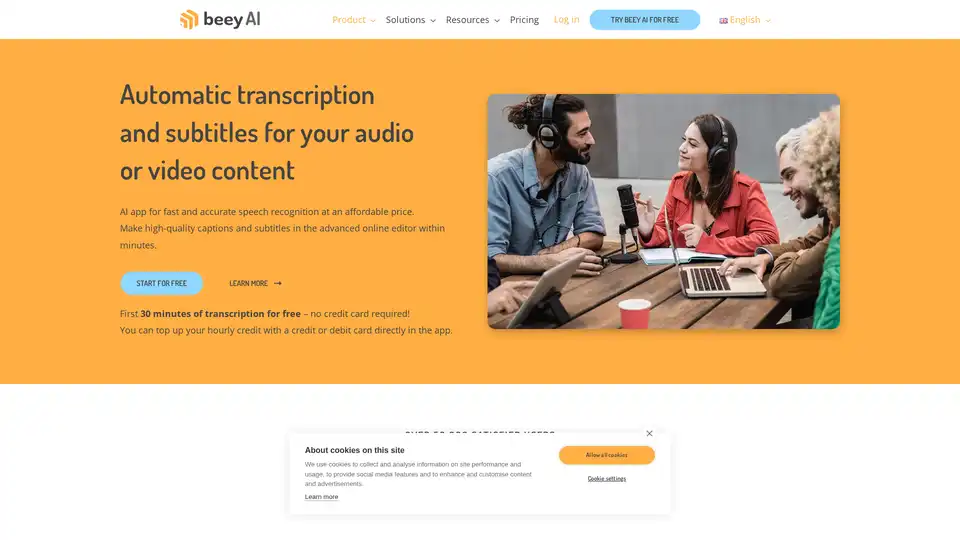
Beey AI is an AI-powered tool for fast and accurate transcription and subtitle creation. It converts audio/video to text, offers a smart editor for corrections, and supports automatic translation for content accessibility in 30+ languages.
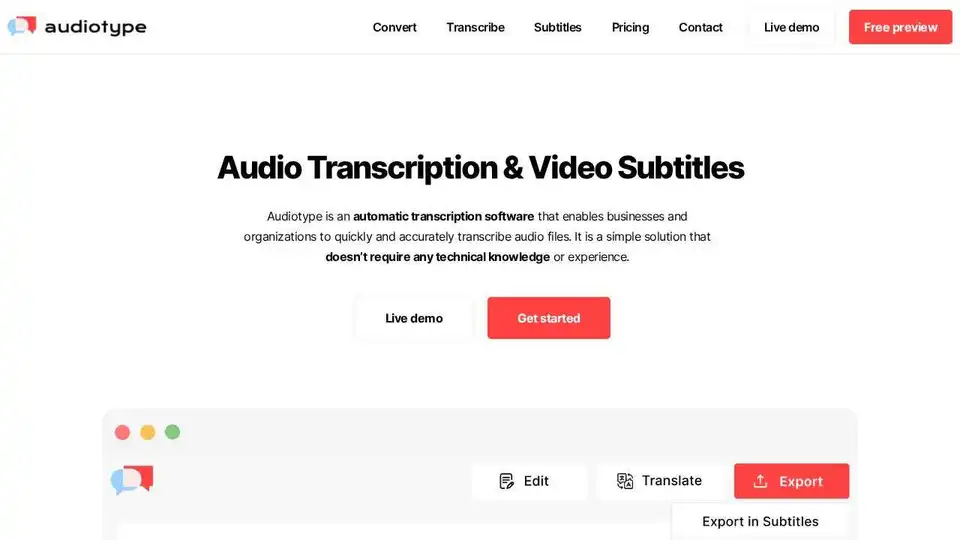
Audiotype automatically transcribes audio & video to text with AI. Fast, accurate (80-95%), & supports 36+ languages. No account needed, free trial available.
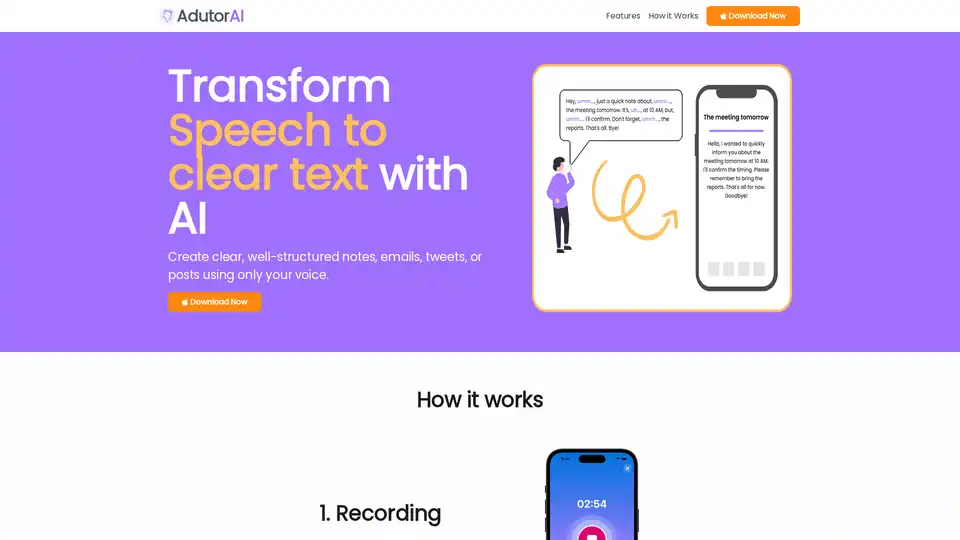
AdutorAI is an AI-powered app that converts speech to clear text. Record audio, choose a style, and review the generated text. Use AI to summarize, translate, and edit your notes. Perfect for creating notes, emails, and posts.
Origlio is an AI-powered audio message transcription service for WhatsApp and Telegram. Transcribe voice messages to text quickly and easily. Perfect for when you can't listen!