
Tygra
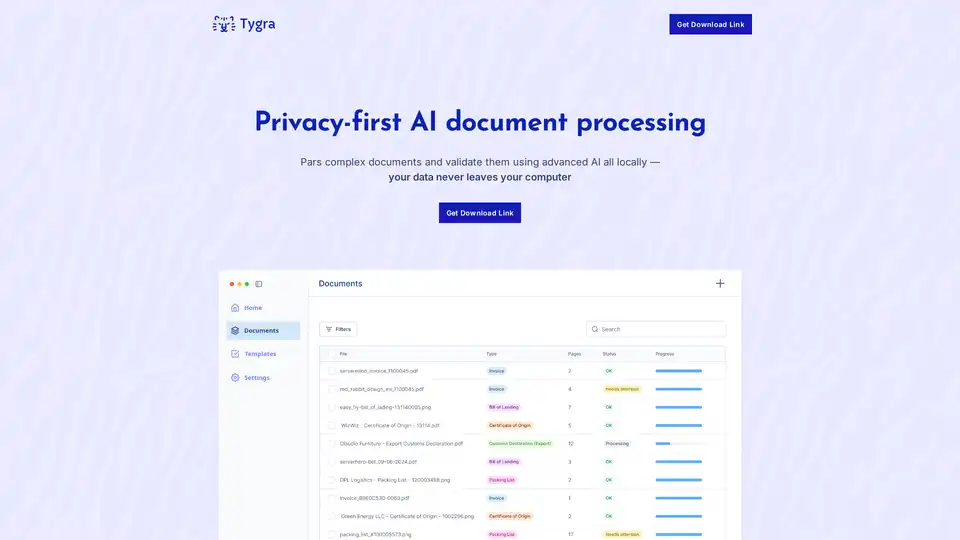
Overview of Tygra
Tygra: Privacy-First AI Document Processing
Tygra is a desktop application designed for privacy-focused AI document processing. It enables users to parse and validate complex documents locally, ensuring sensitive data never leaves their computer. This makes it ideal for organizations with strict privacy and compliance requirements.
What is Tygra?
Tygra is an AI-powered tool that automates the processing of documents. It supports PDF, JPG, and PNG formats, using advanced AI models to extract data and validate information according to business rules and regulations. The key feature of Tygra is its ability to operate entirely on your device, without requiring an internet connection, thus guaranteeing complete privacy.
How does Tygra work?
Tygra utilizes advanced AI, including OCR and machine learning, to understand the context, structure, and meaning of documents. Unlike traditional OCR, which merely recognizes text, Tygra understands document layouts, extracts complex data relationships, and validates information. This results in significantly higher accuracy and reliability, especially for complex and specialized documents.
Key Features and Benefits:
- Privacy-First Approach: All data processing occurs locally on your computer, ensuring sensitive information never leaves your device or network.
- High Accuracy: Tygra significantly outperforms traditional OCR by using advanced AI models that understand context and structure.
- Reliable Data Extraction: Accurately extracts data from unstructured documents, turning them into usable information.
- Offline Functionality: No internet connection is required, ensuring complete privacy and security.
- Support for Multiple File Formats: Tygra supports PDF, JPG, and PNG file formats.
Use Cases:
Tygra is suitable for various industries where accuracy and privacy are critical:
- Finance: Fraud detection, KYC (Know Your Customer), loan and mortgage application forms, bank statements, and invoices.
- Logistics: Delivery receipts, freight quotes, purchase orders, customs declarations, and bills of lading.
- Insurance: Risk assessments, policy management, renewal notices, and insurance claim forms.
- Healthcare: Electronic health records (EHR), medical billing, lab reports, and prescription forms.
- Legal: Contract analysis, legal cases, and clinical notes.
- Education: Student enrollment forms, transcripts, assignment submissions, and scholarship applications.
Why Choose Tygra?
Organizations choose Tygra for its ability to provide accurate and reliable data extraction while maintaining the highest levels of privacy and security. Unlike cloud-based solutions, Tygra ensures that sensitive information remains entirely under your control.
Who is Tygra for?
Tygra is ideal for:
- Organizations that need to process sensitive documents while adhering to strict privacy and compliance requirements.
- Businesses looking for a more accurate and reliable alternative to traditional OCR software.
- Industries such as finance, healthcare, and legal where data privacy is paramount.
Pricing:
Tygra offers tiered pricing plans based on page count:
- Standard: $300/month for 10,000 pages
- Pro: $600/month for 30,000 pages
- Enterprise: Custom pricing for custom volumes
Minimum Device Requirements:
To run Tygra effectively, it is recommended to have a device with an M3 or M4 chip, 24GB of RAM or more, and approximately 50GB of available disk space.
Does Tygra collect any user data?
Tygra does not collect, store, or process the content of your files. All data remains entirely on your device. The application collects anonymous usage analytics and crash diagnostics (which users can opt out of).
How to use Tygra?
- Download and install the Tygra desktop application.
- Import the documents you want to process (PDF, JPG, or PNG).
- Tygra's AI will automatically parse and validate the documents locally.
- Review the extracted data and ensure its accuracy.
- Export the processed data in a structured format for further analysis or integration into your systems.
By choosing Tygra, modern businesses can accurately and privately process their documents, ensuring data security and compliance with privacy regulations.
AI Task and Project Management AI Document Summarization and Reading AI Smart Search AI Data Analysis Automated Workflow
Best Alternative Tools to "Tygra"
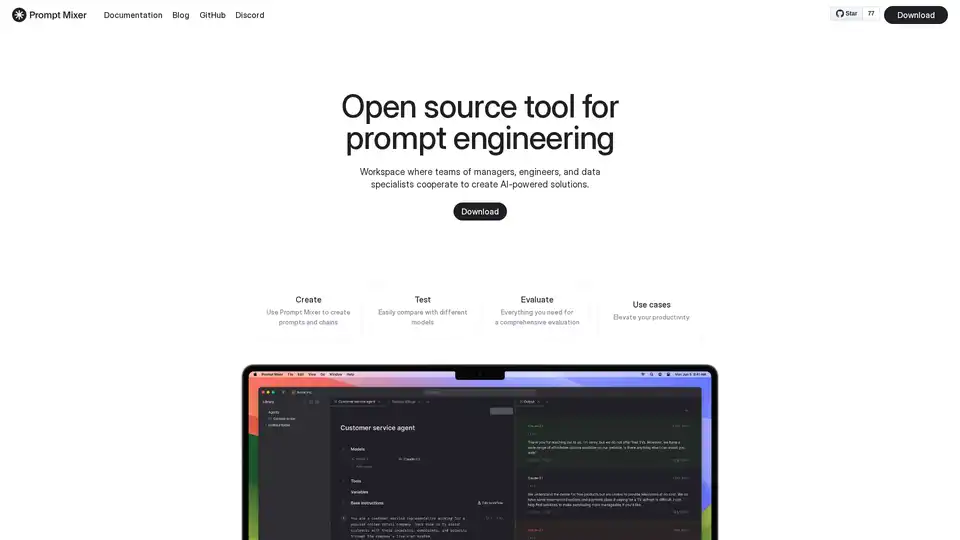
A collaborative workspace for managers, engineers and data experts to develop AI features.
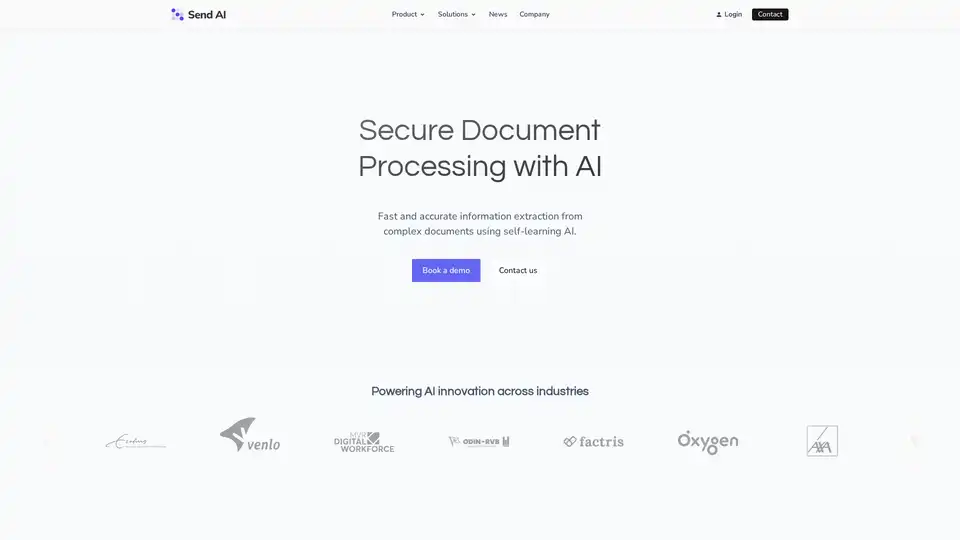
Send AI provides secure document processing with AI, enabling fast and accurate information extraction from complex documents. It automates data entry, pre-processes documents, and uses self-learning AI to build custom models.
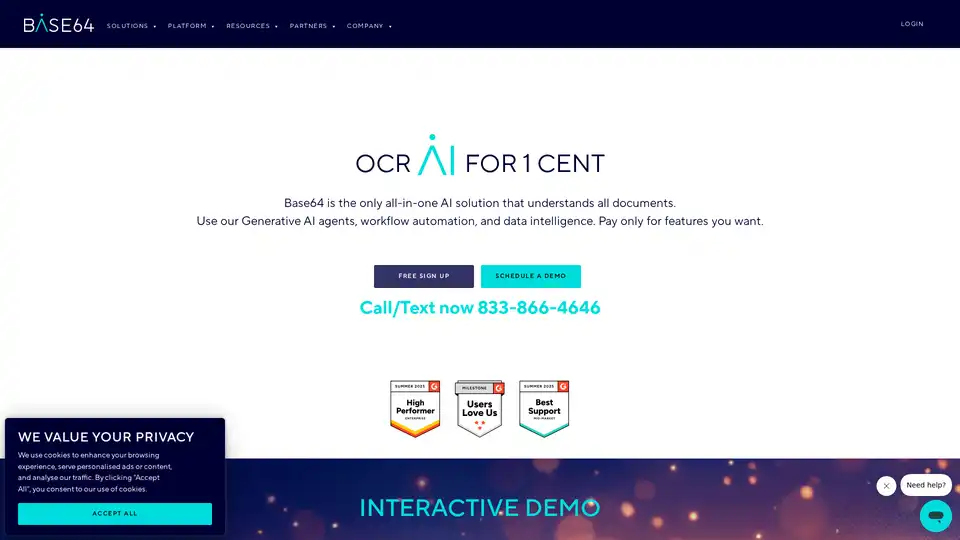
Base64 Document Intelligence Platform automates document processing with Agentic AI and over 2,800 prebuilt models.
Parseflow: AI-powered parsing extracts data from invoices, receipts, contracts, images with 99% accuracy and PII protection.