
Twistly
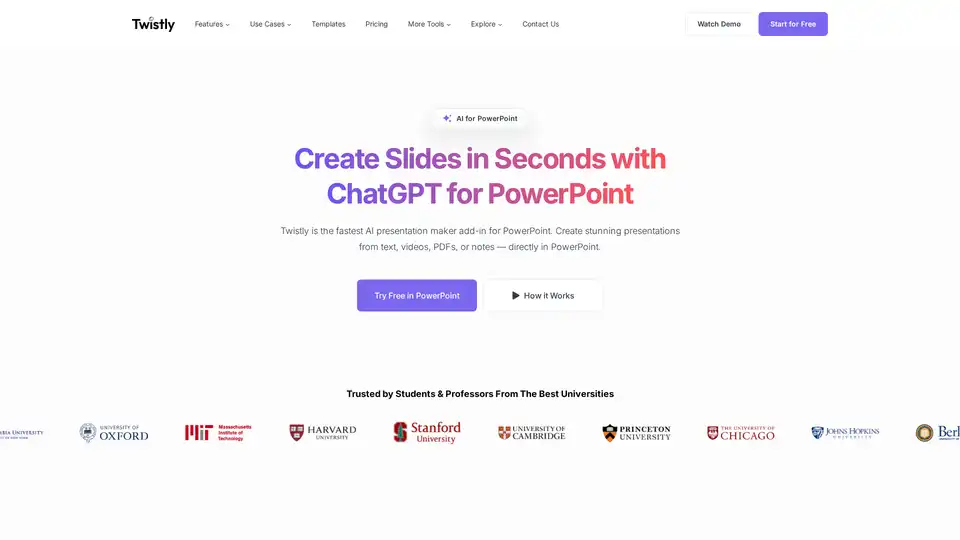
Overview of Twistly
Twistly: Your AI-Powered Presentation Assistant for PowerPoint
What is Twistly? Twistly is an innovative AI presentation maker designed as an add-in for Microsoft PowerPoint. Unlike browser-based tools, Twistly operates directly within PowerPoint, eliminating the need to switch between applications or export files. It leverages the power of ChatGPT to help users create, convert, and enhance presentations seamlessly.
How does Twistly work? Twistly uses ChatGPT to generate high-quality slides from various inputs, including text prompts, outlines, documents, and YouTube videos. It integrates smoothly into your PowerPoint workflow, offering a familiar and powerful experience. Key functionalities include:
- AI-Powered Slide Generation: Create full PowerPoint decks from text prompts, files, or YouTube videos directly within PowerPoint.
- Single-Prompt Slide Generation: Generate entire presentations with a single text prompt.
- AI Image Generation: Enhance slides with custom visuals generated by AI, replacing generic stock images.
- Speaker Notes: Automatically add speaker notes to any slide with ChatGPT integration.
- Translation: Instantly translate slides using the AI add-in.
- One-Click Text Improvements: Polish slide content with smart AI editing tools.
- Stunning Templates: Access a growing library of ready-to-use AI-enhanced PowerPoint templates for business, education, and research.
How to use Twistly?
- Install Twistly: Add the Twistly add-in to PowerPoint.
- Input Your Content: Type your topic, upload a file, or paste text.
- Generate Slides: Get your slides ready in seconds!
Why choose Twistly?
- Seamless Integration: Works directly inside PowerPoint, avoiding the hassle of switching between tools.
- Versatile Input: Converts PDFs, DOCX files, and YouTube videos into presentation slides.
- AI-Enhanced Editing: Offers AI tools to create, edit, and polish slides.
- Time-Saving: Generate presentations quickly, saving significant time and effort.
Who is Twistly for? Twistly is ideal for:
- Students: Quickly create presentations for academic projects.
- Educators: Enhance lectures with visually appealing slides and speaker notes.
- Professionals: Streamline the creation of business presentations.
What kind of presentations can I make with Twistly?
Twistly supports a wide range of presentations, including:
- Business presentations
- Educational lectures
- Research presentations
The best way to enhance presentations?
- Utilize AI image generation to create custom visuals.
- Add speaker notes to engage your audience.
- Translate slides for international audiences.
Twistly is trusted by over 3 million users and has received positive feedback for its convenience, time-saving capabilities, and ability to transform ideas into polished content. Users have praised its ease of use and the quality of the AI-generated suggestions. It's a valuable tool for anyone looking to create presentations more efficiently and effectively.
AI Article Generation AI Text Polishing AI Writing Assistance Paper and Report Generation News and Blog Generation Email and Business Writing
Best Alternative Tools to "Twistly"
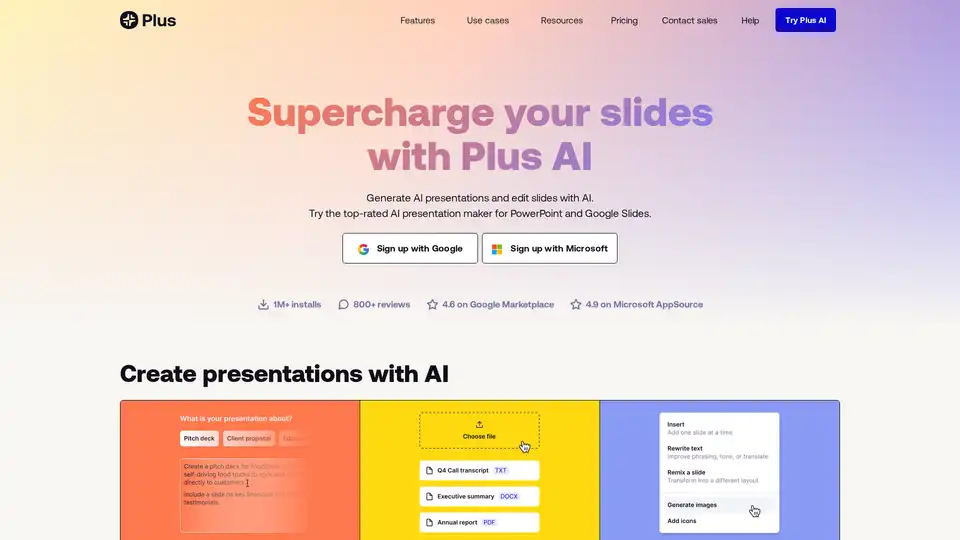
Plus AI is an AI-powered presentation maker that works directly within Google Slides and PowerPoint. It helps users create, edit, and refine slides quickly using AI, offering features like prompt-based generation, file uploads, and slide remixing.
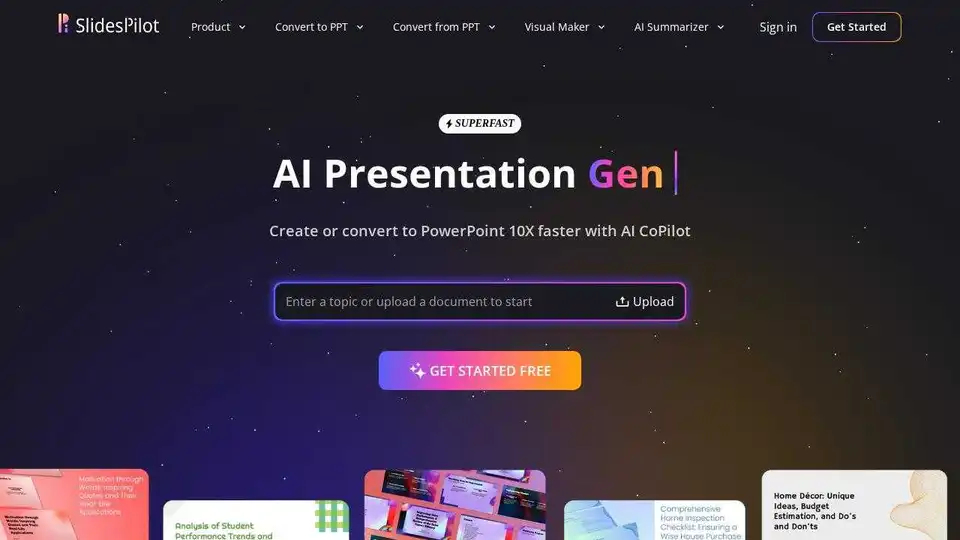
SlidesPilot is an AI-powered presentation tool that generates professional slides, converts documents to PPT, and offers free templates for business and education.
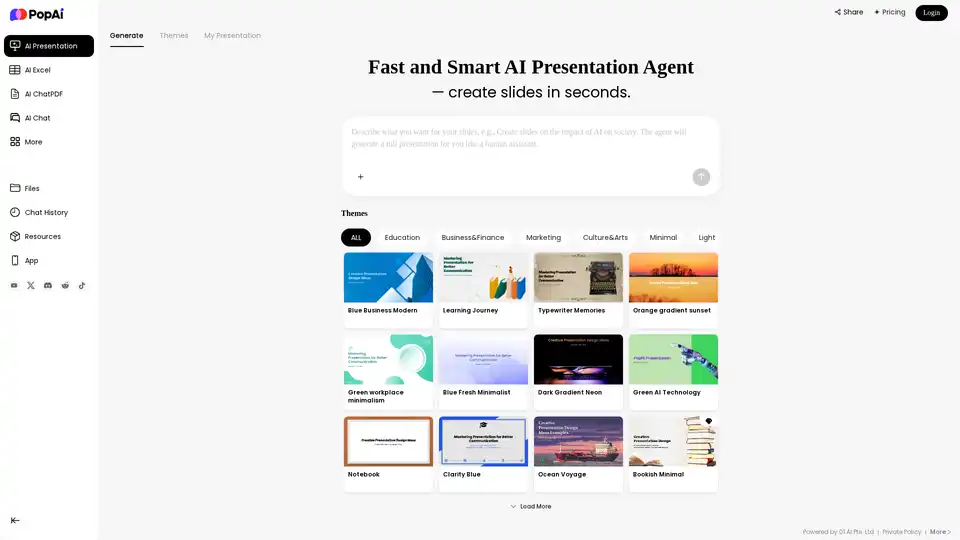
PopAi is a fast and smart AI presentation agent that creates stunning slides in seconds. Turn text, documents (PDF, DOCX, PPTX), or webpages into professional PowerPoint presentations easily.
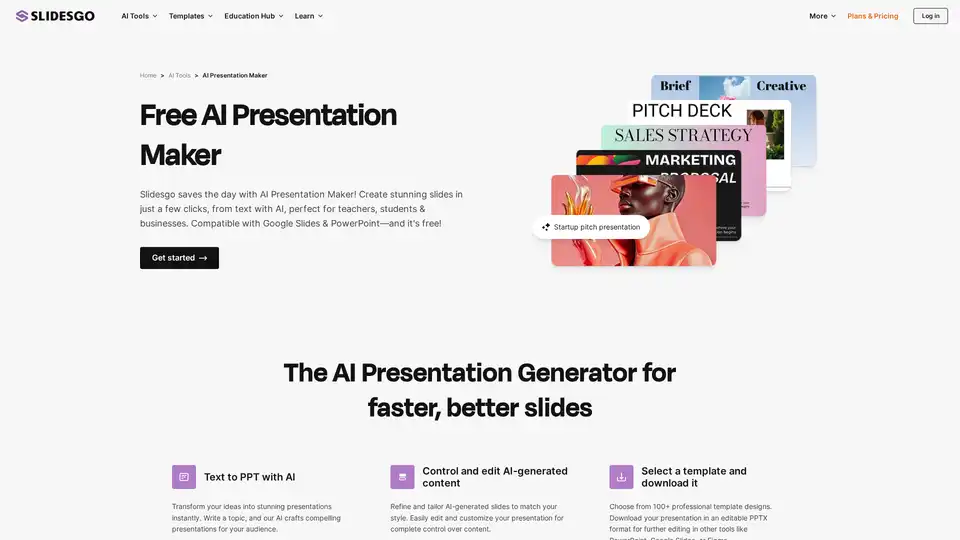
Try for free our new AI Presentation Generator and create a customizable template in seconds. Explore beyond PowerPoint.