
TurboDoc

Overview of TurboDoc
TurboDoc: AI-Powered Invoice Processing and Automation Tools
What is TurboDoc? TurboDoc is an AI-driven platform designed to transform unstructured invoices and receipts into structured, easy-to-read data. It automates invoice processing, streamlines accounts payable workflows, and helps businesses save time and reduce errors.
Key Features:
- Precise Data Extraction: TurboDoc uses an advanced AI model trained on a large corpus of documents to ensure high accuracy in extracting data from invoices.
- Organized Registry: All recognized data is conveniently organized in one place, making it easy to access and manage your invoice information.
- Transparent Data for Accounting: The user-friendly interface allows you to effectively work with invoices. You can export data for specific periods in various formats (XLS, CSV, PDF, Word) for further accounting purposes.
- Gmail Integration: Seamlessly connect TurboDoc with Gmail to automatically capture invoices from your mailbox and extract unstructured information.
- Data Security: TurboDoc provides AES256 enterprise-level encryption to protect your data. Your data is stored securely on servers in the USA, and they do not store or share your information without your consent.
How does TurboDoc work?
- Invoice Capture: TurboDoc connects with your Gmail account to automatically capture invoices.
- Data Extraction: The AI-powered system extracts unstructured information from the invoices.
- Structured Data Delivery: The extracted data is sent to the same email thread as the invoice in a convenient table format.
- Dashboard Storage: All invoices are saved in the TurboDoc dashboard for detailed analysis, report generation, and comparison.
How to use TurboDoc?
- Sign up: Create an account on the TurboDoc website.
- Connect Gmail: Link your Gmail account to automate invoice processing.
- Upload invoices: Alternatively, you can manually upload invoices in various formats (.pdf, .jpeg, .png, .webp, .heic, .tiff).
- Review and Export: Review the extracted data in the dashboard and export it in your desired format.
Why choose TurboDoc?
- Save Time: Automate invoice processing and eliminate manual data entry.
- Reduce Costs: Streamline accounts payable workflows and avoid late payment fees.
- Improve Accuracy: Minimize errors with AI-powered data extraction.
- Enhance Security: Protect your data with enterprise-level encryption.
Who is TurboDoc for?
TurboDoc is suitable for:
- Small businesses
- Accountants
- Accounts payable managers
- Finance professionals
Pricing:
TurboDoc offers various pricing plans to suit different needs:
- Free: $0/month, 10 invoice processing per month.
- Simple: $6/month, 50 invoice processing per month, automatic invoice processing from Gmail (1 account).
- Pro: $30/month, 300 invoice processing per month, premium support, automatic invoice processing from Gmail (3 accounts).
FAQ:
- How can I try out the invoice data extraction feature? You can experiment with the demo on the website or sign up for a free trial account.
- In what ways does automating invoice processing lead to cost savings? Automating invoice processing eliminates manual data entry, reduces errors, and allows businesses to capitalize on early payment discounts.
- Can the system process invoices with poor image quality? The system can handle invoices with varying image qualities, but clear and legible images are recommended for optimal results.
- Is there technical support available for users? Yes, all users receive technical support. Pro tariff subscribers benefit from premium support.
- What languages does the web service support for invoice processing? TurboDoc can process invoices in English, Spanish, German, French, Italian, Dutch, Portuguese, and Catalan.
TurboDoc simplifies invoice processing and offers an efficient solution for managing accounts payable. Its AI-powered features, user-friendly interface, and secure data handling make it a valuable tool for businesses of all sizes.
AI Task and Project Management AI Document Summarization and Reading AI Smart Search AI Data Analysis Automated Workflow
Best Alternative Tools to "TurboDoc"
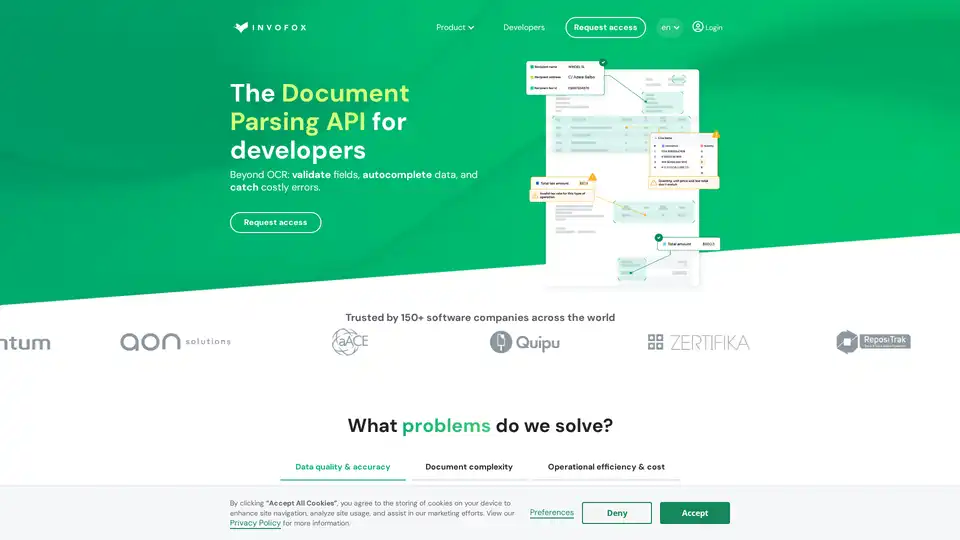
Invofox API is a document parsing tool that uses AI to extract, validate, and autocomplete data from invoices, receipts, payslips, and other documents. It offers built-in schemas and webhook delivery for structured data.

Base64 Document Intelligence Platform automates document processing with Agentic AI and over 2,800 prebuilt models.
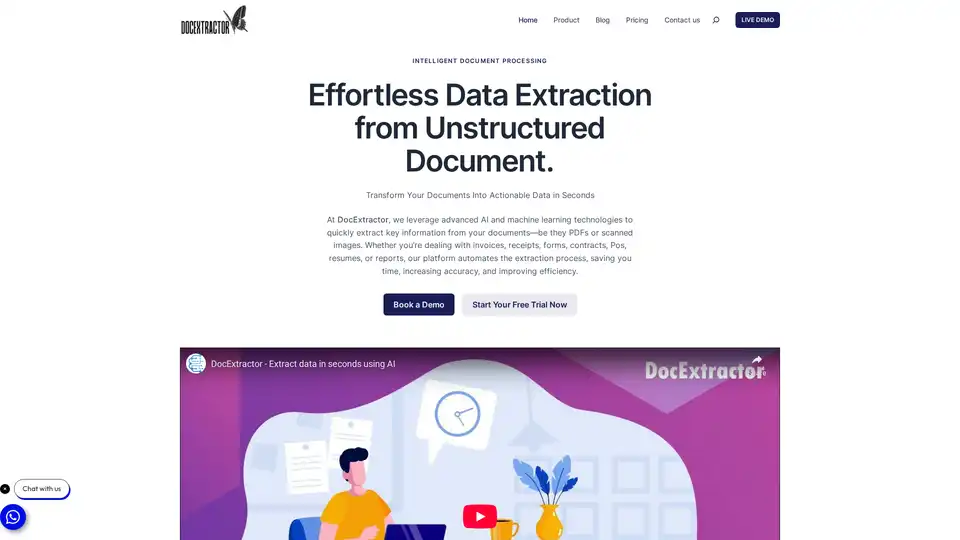
DocExtractor automates data extraction from various document types using AI. It supports multiple formats and offers features like bulk processing, customizable extraction, and secure data handling. Ideal for businesses seeking to streamline document workflows.
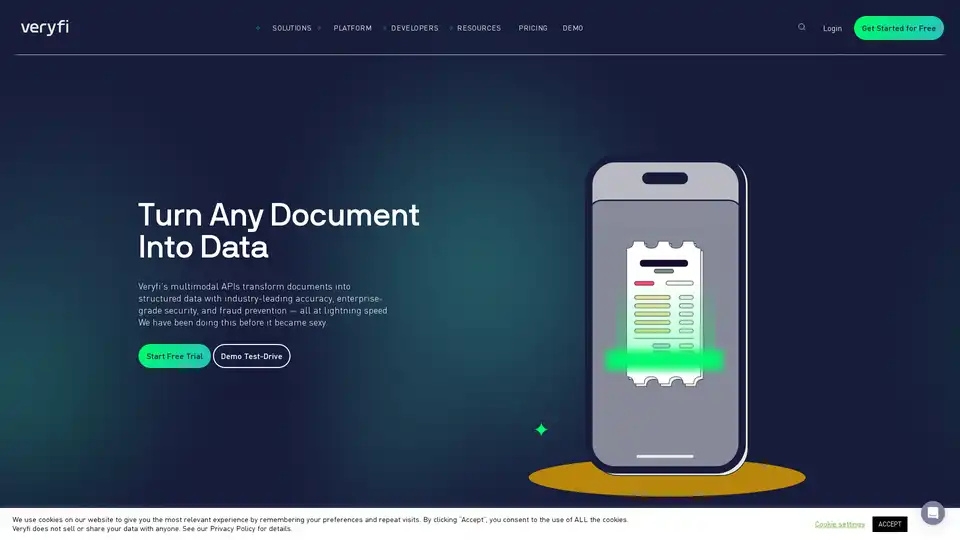
OCR API for data extraction, mobile SDK for document capture, and toolkits to liberate trapped data in your unstructured documents like invoices, bills, purchase orders, checks (cheques) and receipts in real-time.