
Transcriptly
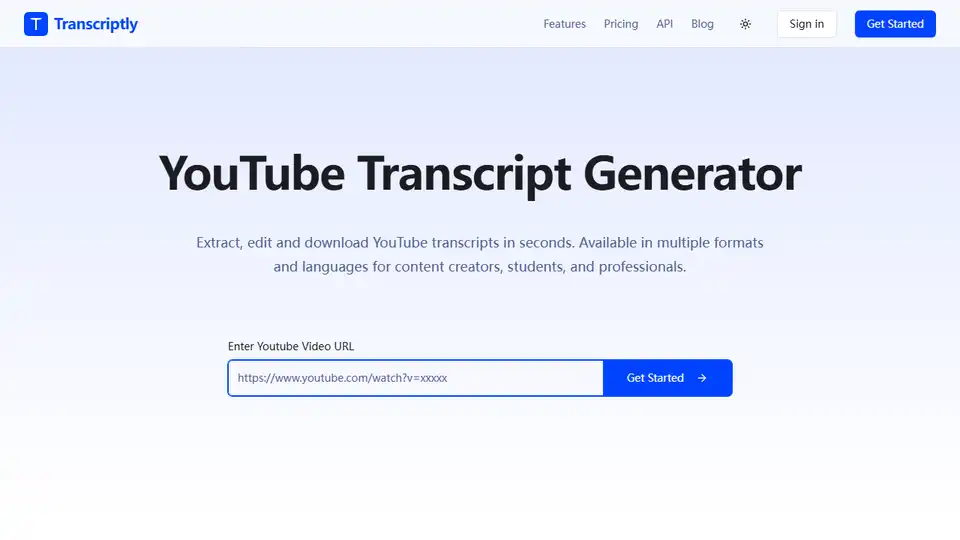
Overview of Transcriptly
Transcriptly: Free Online Audio & Video to Text Converter
What is Transcriptly?
Transcriptly is a free and user-friendly online platform that allows you to convert audio and video files into text quickly and accurately. Supporting over 98 languages and various file formats, it's a versatile tool for content creators, students, professionals, and anyone needing to transcribe audio or video content.
How does Transcriptly work?
Transcriptly leverages AI-powered technology to provide accurate transcriptions with punctuation, timestamps, and speaker detection. It uses YouTube's public API to extract video subtitles, and directly processes uploaded audio and video files using an AI transcription engine. The platform offers both free and premium plans.
How to use Transcriptly?
- Upload File: You can either paste a YouTube URL or upload a local audio/video file (MP3, MP4, WAV, M4A, MOV, etc.).
- Select Language: Choose the language of the audio/video content.
- Get Transcription: The AI engine will process the file and generate the text transcription.
- Edit & Download: You can edit the transcription and download it in various formats (SRT, VTT, TXT, CSV, PDF, DOCX, etc.).
Why is Transcriptly important?
- Time-Saving: Quickly convert audio/video to text, saving hours of manual transcription.
- Accessibility: Create subtitles and captions to make content more accessible.
- Content Repurposing: Easily transform spoken content into blog posts, articles, and social media updates.
- Research & Analysis: Extract quotes, insights, and key points from audio/video for research and analysis.
- Multi-Language Support: Transcribe content in over 98 languages for international audiences.
Who is Transcriptly for?
- Content Creators & Podcasters: Repurpose video content, create subtitles, and analyze competitor content.
- Students & Researchers: Convert lectures and interviews into study materials, search for key concepts, and translate transcripts.
- Journalists & Writers: Extract quotes from interviews and streamline content production.
- Businesses & Marketers: Analyze industry trends, extract insights from webinars, and improve content accessibility.
Key Features of Transcriptly
- Free to Use: Offers a free plan with limited usage.
- 98+ Languages Supported: Supports a wide range of languages for transcription.
- High Accuracy: AI-powered engine ensures 99% accuracy for clear audio.
- Multiple Formats: Supports various audio and video formats (MP3, MP4, WAV, M4A, MOV, etc.).
- API Support: Provides dedicated APIs for developers to batch process YouTube video transcripts.
- Multiple Download Formats: Exports transcripts in SRT, VTT, TXT, CSV, PDF, DOCX, and more.
- Interactive Transcript Analysis: Chat with transcripts using AI to summarize content and extract key points.
File Format Support
Transcriptly supports a wide array of audio and video formats:
Supported Audio Formats:
- AAC
- AIFF
- FLAC
- MP3
- M4A
- OGG
- OPUS
- WAV
- WebM Audio
Supported Video Formats:
- MP4
- MOV
- AVI
- MKV
- WMV
- FLV
- WebM Video
- MPEG
- 3GP
Pricing
Transcriptly offers both free and premium plans:
- Free Plan: Transcribe 10 YouTube videos (no duration limit) or 100 minutes of local files per month.
- Premium Plans: Offer more videos and files with additional features and faster processing.
User Testimonials
- Sarah Chen, Content Creator: "This tool has revolutionized our content production workflow. The accuracy is impressive!"
- Michael Rodriguez, Marketing Director: "The multi-language support is a game-changer for our international content strategy."
- Dr. Emily Thompson, Research Lead: "Fast, reliable, and incredibly easy to use. Exactly what we needed for our research."
FAQ
How accurate are the transcriptions?
Transcriptly's AI-powered transcription achieves 99% accuracy for clear audio. For YouTube videos, accuracy depends on the source subtitles. For local files, it varies based on audio quality, speaker clarity, background noise, and audio format. High-quality audio files are recommended for best results.
What if a YouTube video doesn't have subtitles?
If a video has auto-generated captions enabled by the creator, Transcriptly can extract those. If no captions are available, transcription is not possible. You can download the video and upload it as a local file for transcription in such cases.
Is there a limit on local file length or size?
For local files, Transcriptly supports files up to 2 GB in size and up to 10 hours in duration for both audio and video. However, for large files, splitting them into smaller segments (under 500MB or 2 hours) is recommended for optimal performance.
In conclusion, Transcriptly stands out as a valuable AI-powered tool for converting audio and video to text, boasting high accuracy, multi-language support, and versatile applications across various domains. Whether you're a content creator looking to repurpose your videos, a student aiming to transcribe lectures, or a business professional needing to analyze market research, Transcriptly offers a seamless and efficient solution to meet your transcription needs. By understanding how does audio to text conversion work and leveraging tools like Transcriptly, you can significantly streamline your workflow and unlock the hidden value within your audio and video content.
AI Voice Synthesis AI Voice Changer AI Music Creation Speech to Text AI Voice Customer Service and Assistant Podcast and Video Dubbing
Best Alternative Tools to "Transcriptly"
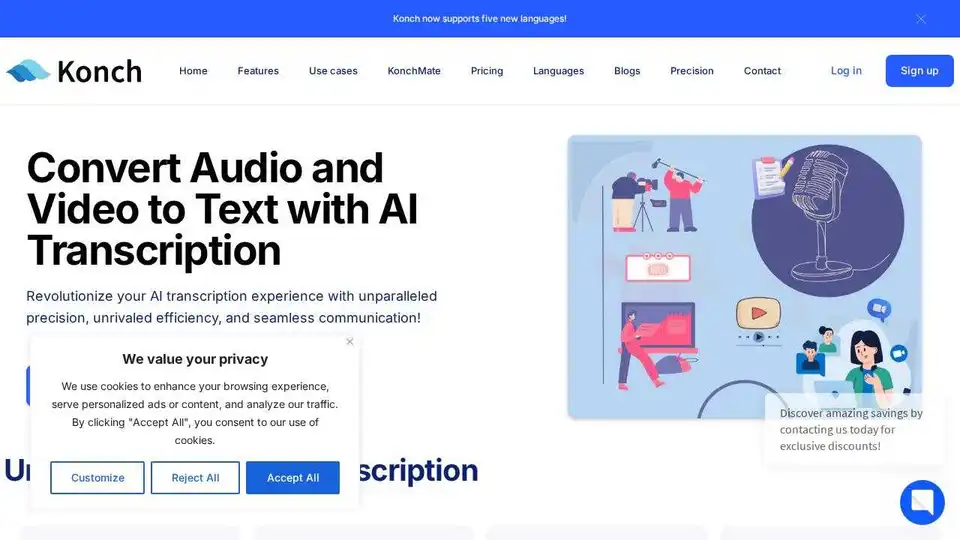
Convert audio and video to text with Konch's AI transcription software. Supports meeting transcription and automated translations. Start free trial today.
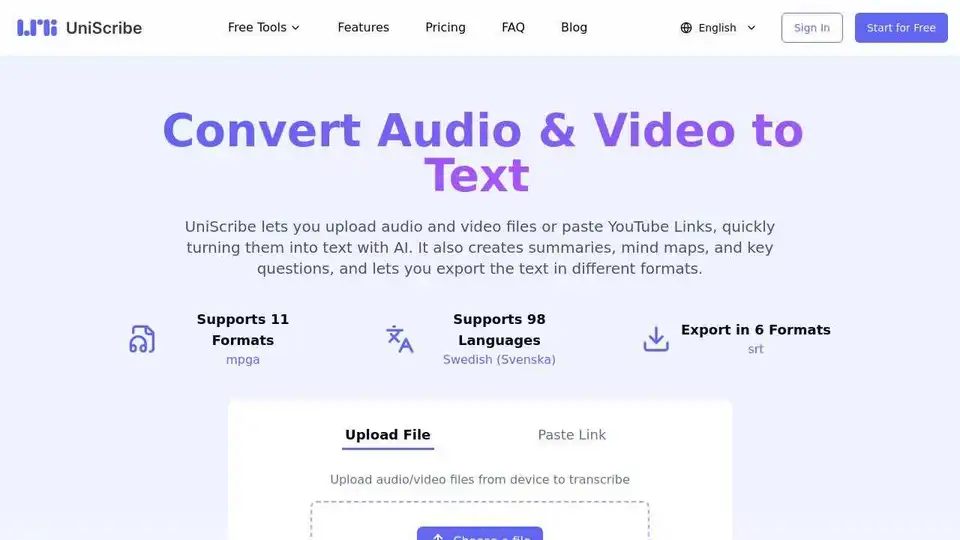
UniScribe converts audio & video files or YouTube links to text with AI. Generate summaries, mind maps, & key questions. Export in multiple formats. Try it free!
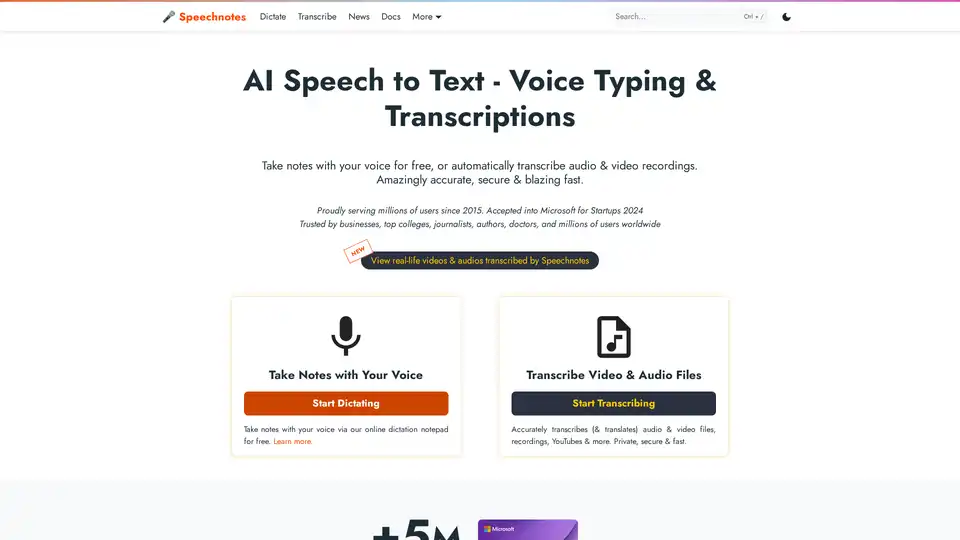
Speechnotes is a free AI-powered speech-to-text tool for real-time voice typing and fast audio/video transcription. Accurate, private, and easy to use for notes, interviews, and more.
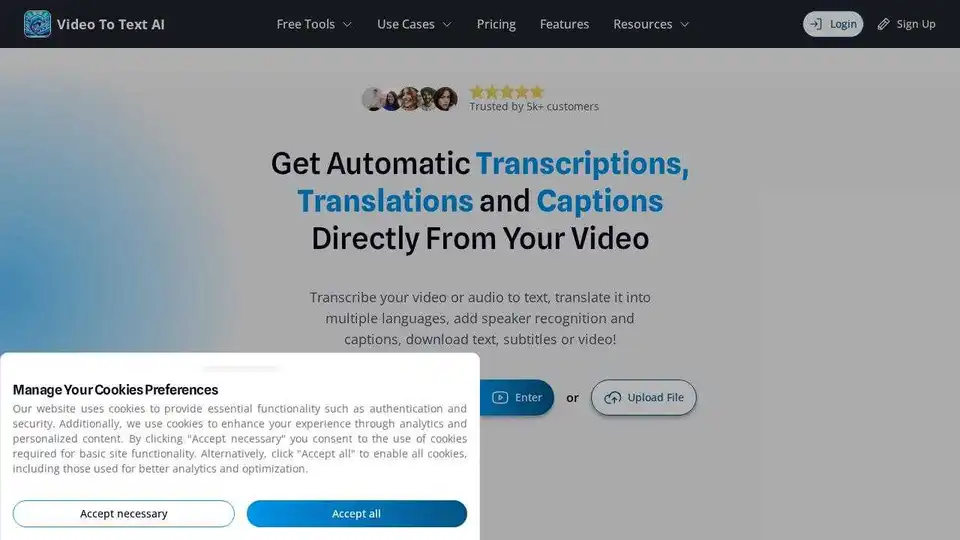
VideoToTextAI uses AI to automatically transcribe, translate, and caption your video or audio. Edit text and subtitles, and download as video, SRT, VTT or plain text.