
ToonCrafter AI
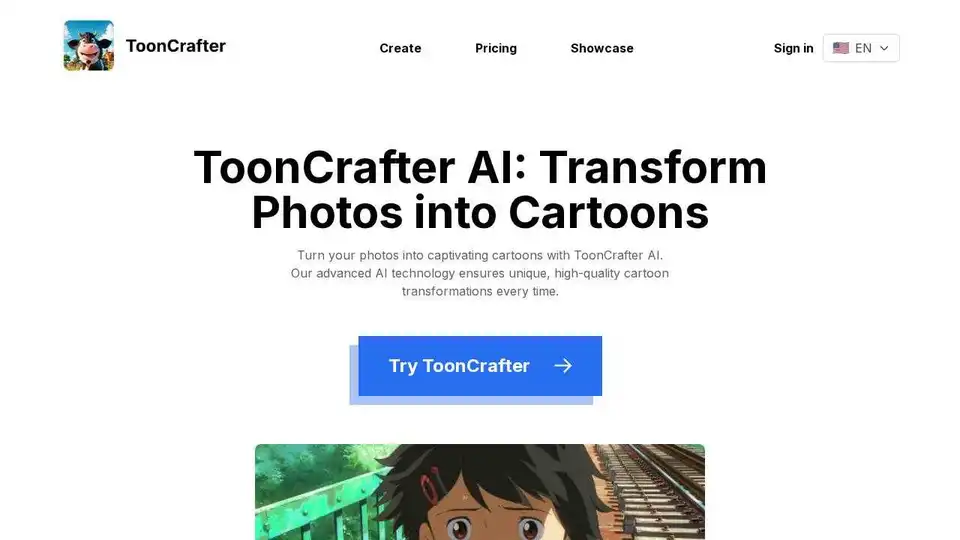
Overview of ToonCrafter AI
ToonCrafter AI: Transform Photos into Cartoons with AI
What is ToonCrafter AI?
ToonCrafter AI is an innovative generative cartoon interpolation tool that utilizes pre-trained image-to-video diffusion models to seamlessly interpolate between two cartoon images, creating a fluid visual narrative. It's an open-source project developed by researchers at The Chinese University of Hong Kong, City University of Hong Kong, and Tencent AI Lab.
How does ToonCrafter AI work?
ToonCrafter AI embraces AI-driven magic for seamless cartoon interpolation:
- Select Key Images: Begin by selecting two key images that will anchor your animation sequence, defining the start and end points of your visual narrative.
- Input Descriptive Prompt: Input a descriptive prompt to guide ToonCrafter AI in generating a personalized cartoon that aligns with your artistic vision.
- Generate and Share: With ToonCrafter's AI capabilities, your cartoon video will be ready in no time. Download it and share your unique creation to garner praise and admiration.
Creative Uses for ToonCrafter AI
- Sketch Interpolation: Utilize ToonCrafter AI to create fluid transitions between various cartoon sketches.
- Sketch Colorization: Apply reference images to accurately colorize your sketches with the help of ToonCrafter AI.
- Sketch-Guided Gen: Use ToonCrafter AI to guide animations with sparse sketches, giving you enhanced control over the final result.
User Testimonials
- John Doe, Animation Enthusiast: "ToonCrafter AI is a game-changer for creating cartoons. It's so intuitive and the results are just fantastic!"
- Jane Smith, Independent Animator: "ToonCrafter AI made my animation dreams come true. It's incredibly user-friendly and the output is top-notch."
- Alex Johnson, Creative Director: "ToonCrafter AI has revolutionized my animation workflow. The ease of use and quality of the animations are unmatched."
- Linda Chen, Content Creator: "ToonCrafter AI has taken my storytelling to a whole new level. The personalized cartoons are simply amazing!"
- Mark Thompson, Video Producer: "I'm blown away by the AI capabilities of ToonCrafter. It's like having a professional animator at my fingertips."
- Sophia Lee, Educator: "ToonCrafter AI has made animation accessible to everyone. The process is seamless and the outcome is always delightful."
FAQ about ToonCrafter AI
- What kind of applications can ToonCrafter AI be used for? ToonCrafter AI is designed for various applications such as cartoon sketch interpolation, reference-based sketch colorization, and sparse sketch-guided generation.
- Are there any limitations I should be aware of when using ToonCrafter AI? While powerful, ToonCrafter AI may sometimes struggle with semantically understanding image contents, which could lead to incorrect motion generation in certain scenarios. As an open-source research tool, it may not cater to all commercial needs.
- How do I get started with setting up ToonCrafter AI? Setting up ToonCrafter AI involves using Anaconda to create a virtual environment and installing the necessary packages as outlined in the requirements.txt file. Comprehensive setup guides are provided on the GitHub repository.
- Where can I find more detailed information about ToonCrafter AI? For more in-depth information, visit ToonCrafter AI project page and its GitHub repository for technical documentation, updates, and community discussions.The GitHub repository serves as a hub for the community where users can ask questions, share ideas, and contribute to the project's development.
- Is ToonCrafter AI open-source software? Yes, ToonCrafter AI is open-source and is licensed under the Apache-2.0 license, allowing for broad access and contribution to the project.
- What resolution and performance can I expect from ToonCrafter AI? ToonCrafter AI is capable of generating videos with a resolution of up to 512x320 and 16 frames. The inference time can be optimized by adjusting the number of DDIM steps.
- How can I run ToonCrafter AI on my local machine? To run ToonCrafter AI locally, download the pre-trained model, place it in the specified directory, and execute the provided scripts or utilize the Gradio demo application. Detailed instructions are available on the GitHub repository.
Why is ToonCrafter AI important?
ToonCrafter AI is a game-changer for animators, content creators, and anyone interested in transforming photos into cartoons. Its AI-driven approach simplifies the animation process, making it accessible to a wider audience. The open-source nature encourages collaboration and innovation, ensuring continuous improvement and new features.
Where can I use ToonCrafter AI?
You can use ToonCrafter AI for various creative projects, including:
- Creating animated shorts
- Developing personalized avatars
- Enhancing social media content
- Adding a unique touch to presentations
- Experimenting with different artistic styles
Best way to create cartoon videos with AI?
ToonCrafter AI offers a seamless and intuitive way to create cartoon videos with AI. Simply upload your images, provide a descriptive prompt, and let the AI generate a captivating cartoon video. The open-source nature allows for customization and integration with other software, making it a versatile tool for any creative workflow.
In summary, ToonCrafter AI is an innovative and accessible tool that empowers users to transform photos into captivating cartoons with ease. Whether you're a professional animator or a hobbyist, ToonCrafter AI offers a powerful and user-friendly way to bring your creative visions to life.
AI Generated Art Image Enhancement and Repair Image Style Transfer AI Background Removal and Replacement AI Avatar and Cartoonization 3D Modeling and Rendering Logo and UI Design
Best Alternative Tools to "ToonCrafter AI"
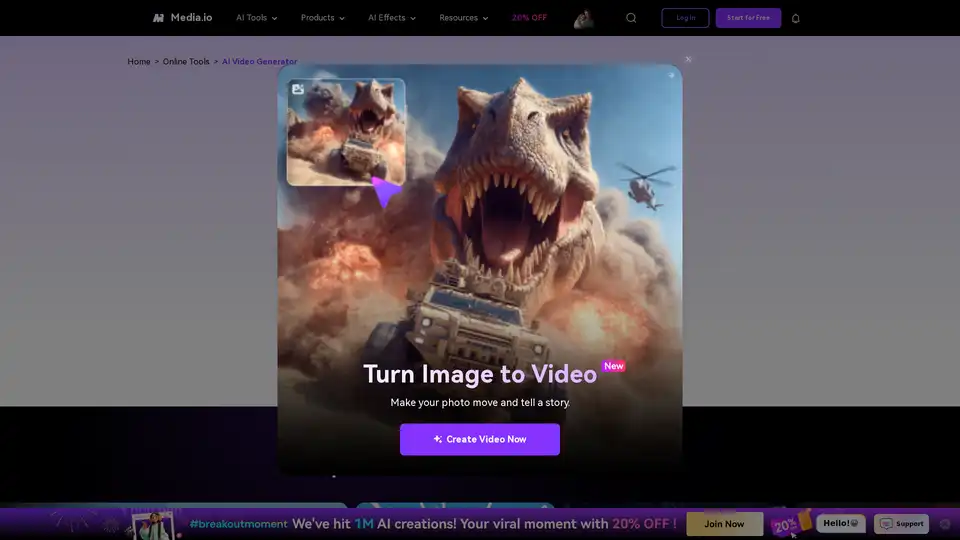
Turn your ideas into videos in seconds with Media.io's AI Video Generator. Just enter text or upload an image to create stunning, watermark-free videos—100% free.
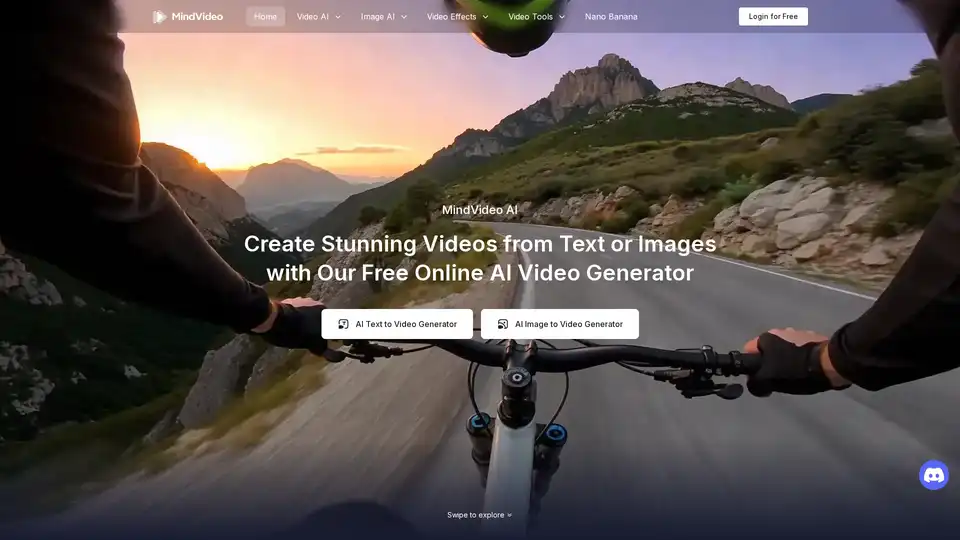
Effortlessly create stunning AI videos from text, images, or references with our advanced online AI video generator. 100% free and easy to use.
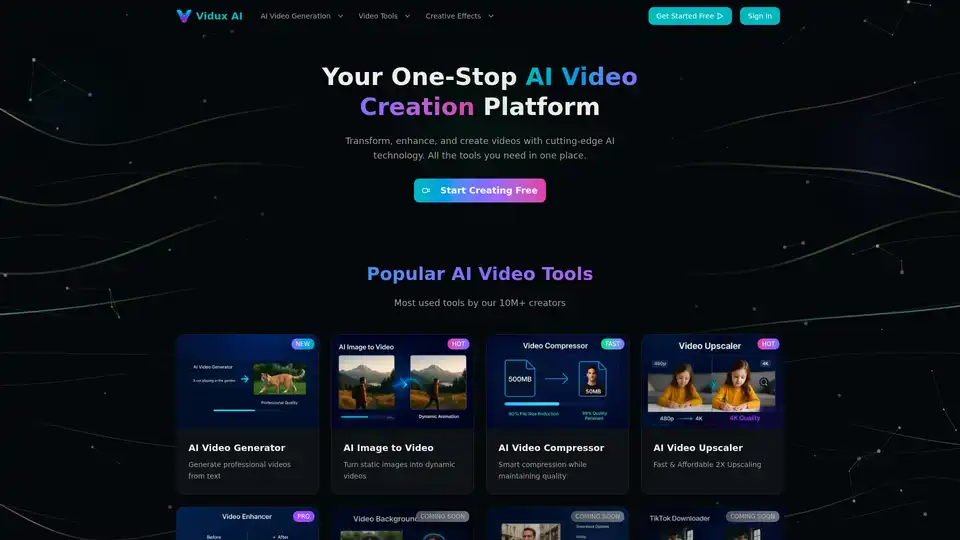
Vidux AI is an all-in-one AI video creation platform offering tools for generating videos from text or images, enhancing video quality with upscaling and noise reduction, compressing, and converting formats. It caters to creators and businesses looking for professional-grade video production with advanced AI technology.
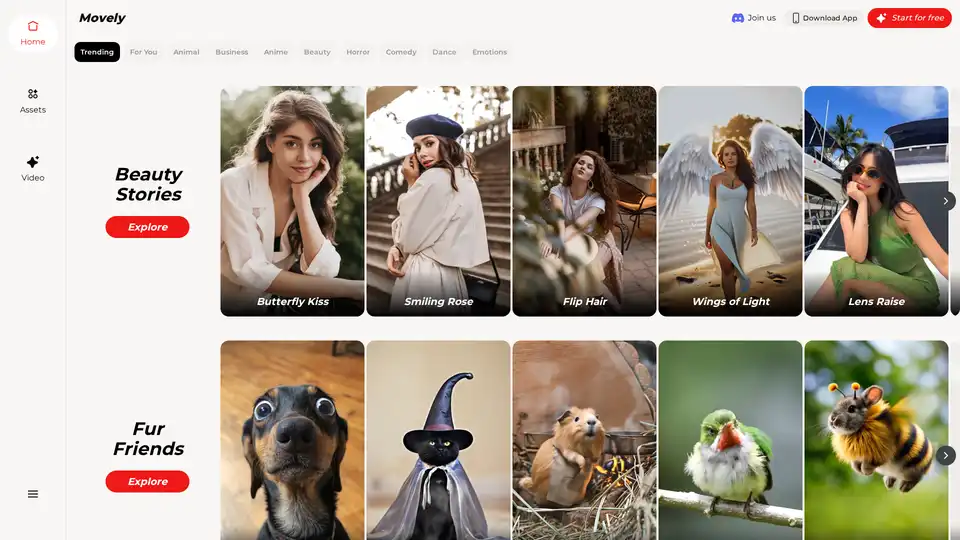
From static photos to dynamic videos in seconds! Movely uses advanced AI technology to transform your images into engaging content and edit photos with simple text commands.