
TinyWow
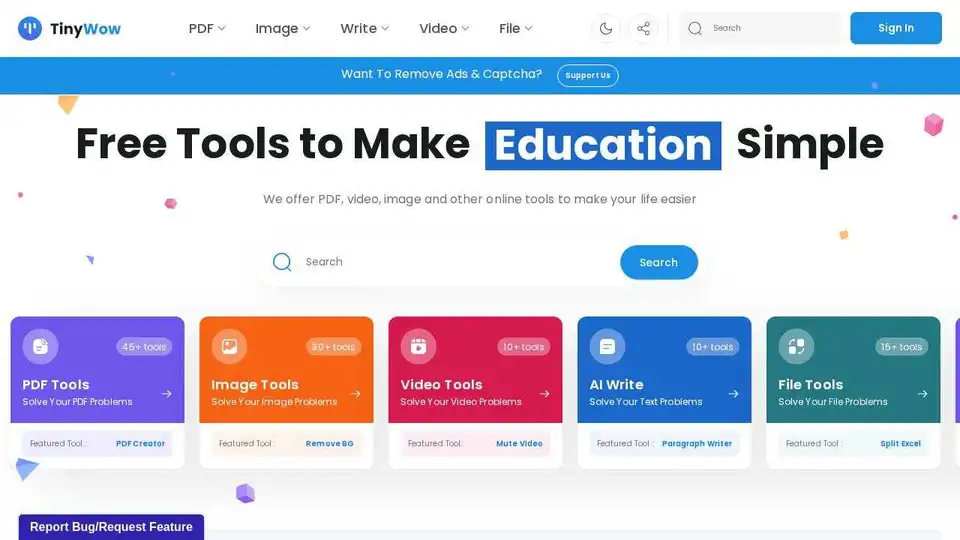
Overview of TinyWow
TinyWow: Your All-in-One Free Online Tool Suite
TinyWow is a comprehensive online platform offering a wide range of free tools designed to simplify everyday tasks related to PDFs, images, videos, and text. Powered by AI, TinyWow provides users with efficient and easy-to-use solutions for various needs, all without requiring sign-up or imposing usage limits.
What is TinyWow?
TinyWow is a website that provides a collection of online tools to help users with various tasks such as PDF editing, image manipulation, video editing, AI writing assistance, and file conversion. It's designed to be user-friendly and accessible to everyone, regardless of their technical skills.
How does TinyWow work?
TinyWow offers a variety of tools that work in different ways depending on their function. For example:
- AI Writing Tools: These tools use AI algorithms to generate essays, improve content, write paragraphs, and complete sentences.
- PDF Tools: These tools allow users to create, edit, merge, convert, compress, and split PDF files.
- Image Tools: These tools enable users to remove backgrounds, generate images, upscale images, and perform other image manipulations.
- Video Tools: These tools provide functionalities such as muting videos.
Key Features and Benefits
- Wide Range of Tools: TinyWow offers over 45 tools, covering PDF editing, image manipulation, video editing, AI writing, and file conversion.
- Free to Use: All tools are available for free, without any hidden charges or subscription fees.
- No Sign-Up Required: Users can access and use the tools without creating an account.
- No Usage Limits: There are no restrictions on the number of times users can use the tools.
- AI-Powered: Many tools leverage AI technology to provide advanced functionalities and improve efficiency.
- User-Friendly Interface: The platform is designed to be intuitive and easy to navigate, making it accessible to users of all skill levels.
How to Use TinyWow?
Using TinyWow is straightforward:
- Go to the TinyWow website.
- Select the tool you want to use from the available categories (PDF, Image, Video, AI Write, File).
- Follow the instructions provided by the tool to upload your file or enter your input.
- Wait for the tool to process your file or input.
- Download the output file or copy the generated text.
Why is TinyWow important?
TinyWow is important because it provides users with free and easy-to-use tools to solve various problems related to PDFs, images, videos, and text. It eliminates the need for expensive software or complicated procedures, making it accessible to everyone.
Who is TinyWow for?
TinyWow is for anyone who needs to:
- Edit PDF files.
- Manipulate images.
- Edit videos.
- Generate text with AI.
- Convert files.
It is particularly useful for students, professionals, and anyone who needs to perform these tasks quickly and easily.
Best way to Enhance Productivity with TinyWow?
To maximize productivity with TinyWow:
- Explore the different tools available to find the ones that best suit your needs.
- Use the AI writing tools to generate content quickly and easily.
- Take advantage of the PDF tools to edit, convert, and manage your PDF files.
- Use the image tools to enhance and manipulate your images.
- Consider upgrading to the premium version for ad-free usage, unlimited access, and faster processing.
Practical Applications and Use Cases
- Essay Writing: Students can use the AI essay writer to generate essays quickly and easily.
- Content Improvement: Writers can use the content improver to enhance the quality of their writing.
- Background Removal: Designers can use the background remover to remove backgrounds from images for various purposes.
- PDF Editing: Professionals can use the PDF editor to edit and annotate PDF files.
- Image Generation: Marketers can use the AI image generator to create images for their campaigns.
Conclusion
TinyWow is a valuable resource for anyone looking for free and easy-to-use online tools. With its wide range of AI-powered functionalities, user-friendly interface, and absence of sign-up requirements or usage limits, TinyWow simplifies various tasks related to PDFs, images, videos, and text, making it an essential tool for enhancing productivity and creativity. What is TinyWow? It's your go-to platform for quick, efficient, and free online solutions.
Best Alternative Tools to "TinyWow"

Learnitive Notepad is an AI-powered all-in-one note-taking app for creating Markdown notes, codes, photos, webpages, and more. Boost productivity with 50GB storage, unlimited AI assistance, and cross-device support.

Vertexshare provides AI-driven online image processing tools and photo editing software, including AI upscaling, colorization, background removal, and file conversion for enhanced productivity.
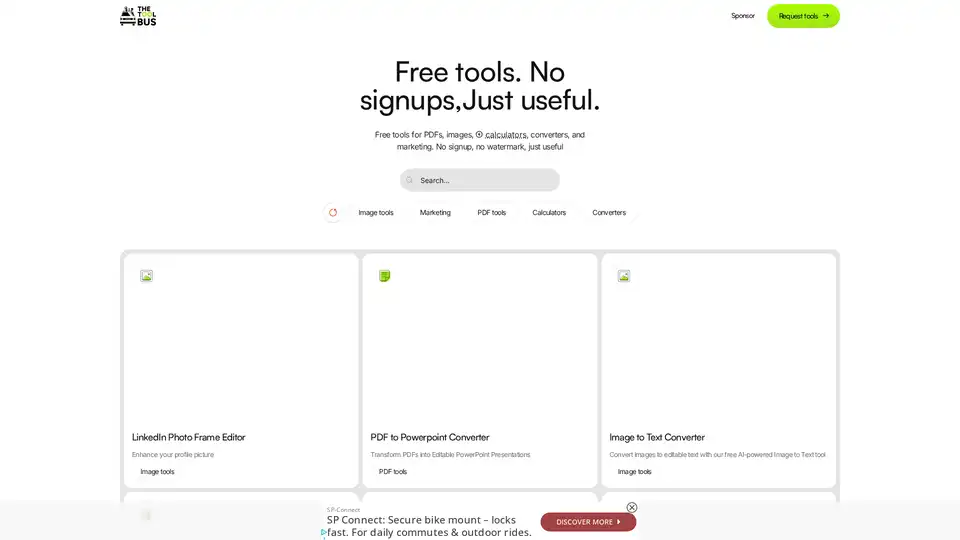
Discover TheToolBus.ai: Free online tools for PDFs, images, calculators, converters, and marketing. AI-powered features like image to text and background removal. No signup, fast, and efficient for everyday tasks.
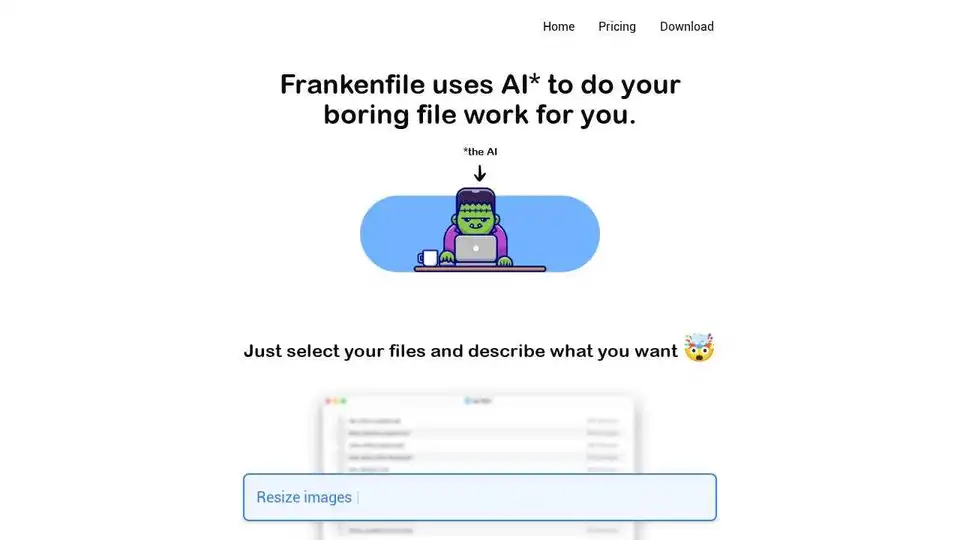
Frankenfile uses AI to automate tasks on your Mac. Select files and describe what to do. It handles images, videos, PDFs, sorting, and renaming.