
timeOS
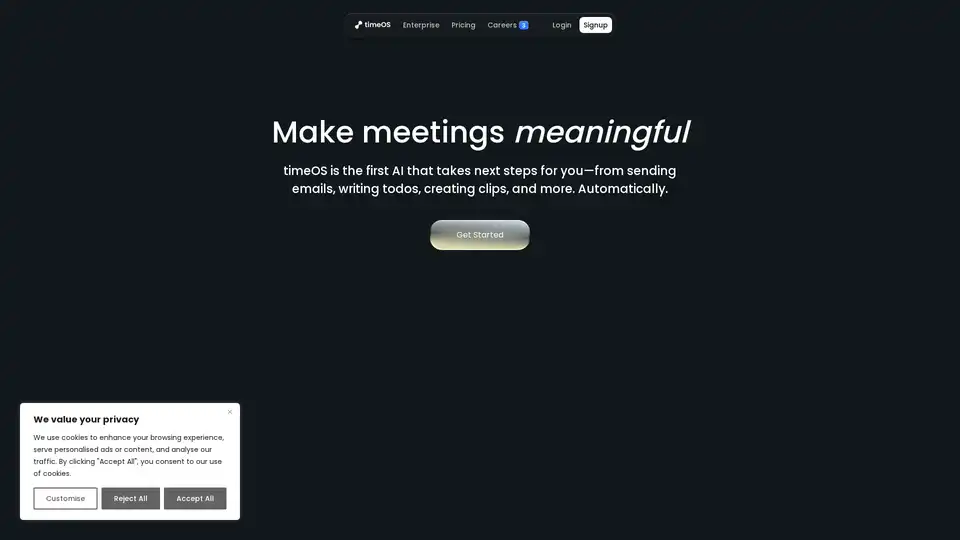
Overview of timeOS
timeOS: The AI Meeting Assistant That Automates Your Workflow
What is timeOS?
timeOS is an AI-powered meeting assistant designed to automate action items, summarize meetings, and integrate seamlessly with your existing tools. It goes beyond simple note-taking by automatically performing tasks such as sending emails, creating to-do lists, and generating meeting clips. This makes it an invaluable tool for professionals who want to maximize their productivity and focus on what truly matters.
How does timeOS work?
timeOS captures meeting content and uses AI to understand the context and key takeaways. It then generates summaries, identifies action items, and even drafts follow-up emails. It also allows you to create custom workflows, so you can tailor its functionality to your specific needs.
Key Features and Benefits
- Automated Action Items: timeOS automatically identifies and creates action items from your meetings, ensuring that nothing falls through the cracks.
- Meeting Summaries: Get quick, easy-to-read summaries of your meetings, saving you time and effort.
- AI Briefs: Show up prepared for every meeting with AI-generated briefs.
- Follow-up Agent: Automatically draft follow-up emails based on meeting content, saving you time and ensuring timely communication.
- Visual Blocks: Spot patterns and trends with AI-generated charts and organize insights into structured tables.
- Templates: Create customized meeting workflows in seconds, including clips, charts, and tables.
- Translation: Instantly translate conversations into any language.
- Integrations: Works seamlessly with tools like Google Drive, monday.com, and Notion.
Use Cases
timeOS is suitable for a variety of professionals, including:
- Agencies and Marketers: Streamline client communication and project management.
- Founders: Turn founder syncs into dashboards and automate follow-up tasks.
- Creators and Coaches: Transform coaching sessions into content plans and client follow-ups.
- PMs and UX Researchers: Capture user insights and prioritize feedback effectively.
- Investors and VCs: Easily summarize meetings and track key company metrics.
Real-World Examples
- Hanan Amos, Head of Marketing Operations at Wix.com: "timeOS helps me create my own meeting repository with native integration in Monday.com. The video clips are a huge plus for me and my team."
- Sarah Sarfati-Cohen, AI & LegalTech Expert: "timeOS is the life-changing tool that saves me valuable time with every meeting. It’s my personal time management assistant, and I can’t recommend it enough!"
- Dan Gildoni, CEO, Co-founder at PlaceSense: "timeOS transformed our meetings by turning transcripts into quick, easy-to-read summaries. We can’t imagine our meetings without it!"
- Tomer Dead, Co-founder & CEO, Lychee: "Using timeOS saves me 3 hours a week manually summarizing calls and makes sure I never forget important action items or new opportunities."
- Michal Porat, Founder at MP Creative: "timeOS is far more than just a note-taker; it’s a safety net. It’s one of the best decisions I made for my business."
How to Use timeOS
- Download and Install: timeOS is available as a desktop app for macOS (Apple Silicon only) and as a Chrome extension.
- Start a Meeting: Use timeOS during your meetings to automatically capture notes and action items.
- Customize Workflows: Create templates and workflows tailored to your specific needs.
- Integrate with Your Tools: Connect timeOS with tools like Google Drive, monday.com, and Notion to streamline your workflow.
Security and Privacy
timeOS prioritizes security and privacy. It is SOC2 compliant and encrypts all data at transit and at rest. Users have full control over their data and can request deletion at any time. Your meeting data is private by default and is not automatically shared with attendees without your consent.
Why Choose timeOS?
timeOS is more than just a meeting note-taker; it's a comprehensive AI assistant designed to automate your workflow and maximize your productivity. By automating tasks, generating summaries, and seamlessly integrating with your existing tools, timeOS helps you focus on what truly matters: making meaningful connections and driving results.
Whether you're a founder, marketer, coach, or project manager, timeOS can transform the way you work and help you achieve your goals.
Get Started
timeOS offers a free plan to get started. Download the app or add the Chrome extension today and experience the power of AI-driven meeting automation.
Best way to improve meeting productivity?
The best way to improve meeting productivity is by leveraging AI tools like timeOS that automate tasks, summarize key points, and ensure follow-up actions are never missed.
AI Voice Synthesis AI Voice Changer AI Music Creation Speech to Text AI Voice Customer Service and Assistant Podcast and Video Dubbing
Best Alternative Tools to "timeOS"
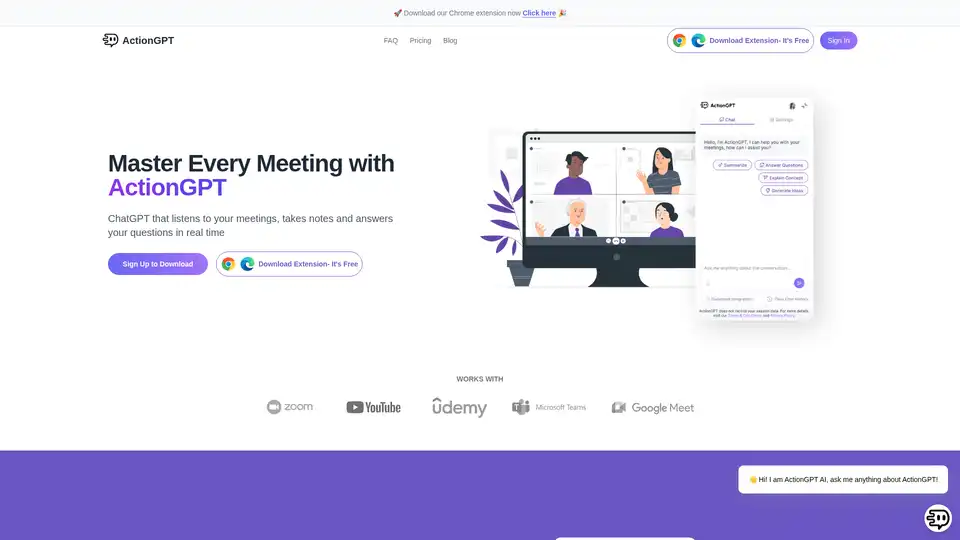
ActionGPT is an AI Chrome extension that transforms meetings by providing real-time insights, smart answers, and actionable outcomes. It listens to meetings, takes notes, and delivers instant summaries.
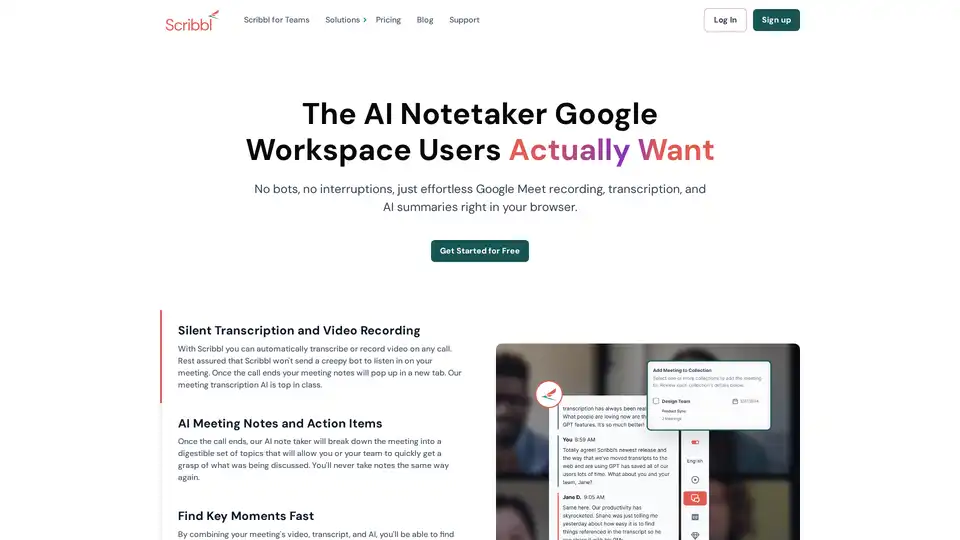
Scribbl is an AI-powered Chrome extension for Google Meet that automatically transcribes, records, and summarizes meetings. It provides instant, accurate notes without bots, enhancing team productivity.
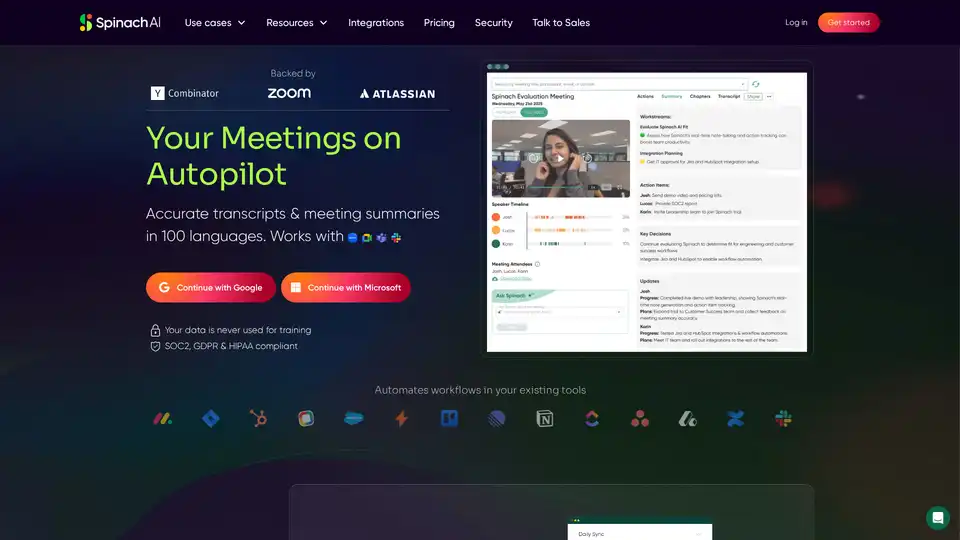
Spinach AI is an AI meeting assistant that automates tasks, summarizes conversations, and integrates with existing tools. It records, transcribes, and automates workflows in 100 languages, ensuring data privacy and security.
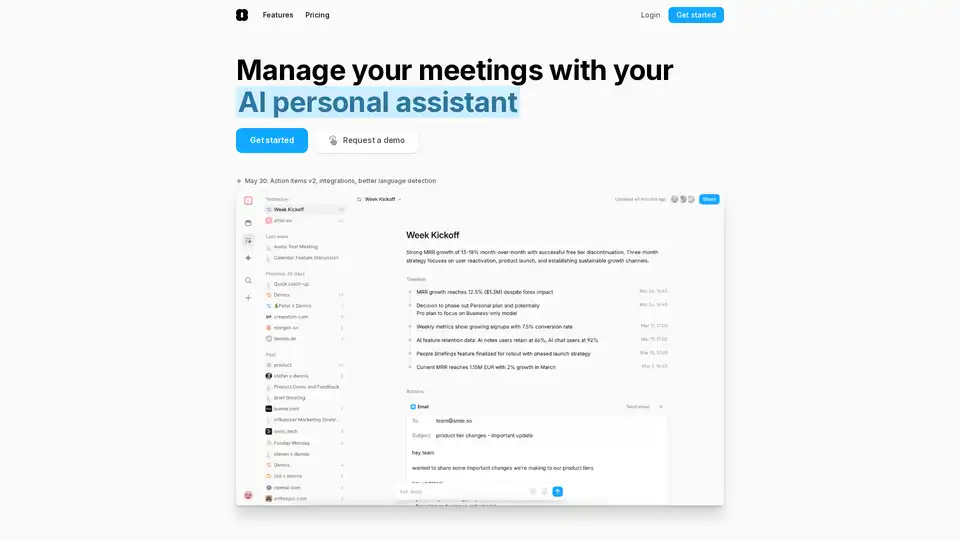
Amie is an AI personal assistant that transforms meeting notes into automated workflows, managing summaries, tasks, and emails. It integrates with popular tools like Google Calendar and Slack to boost productivity.