
TimeMaster
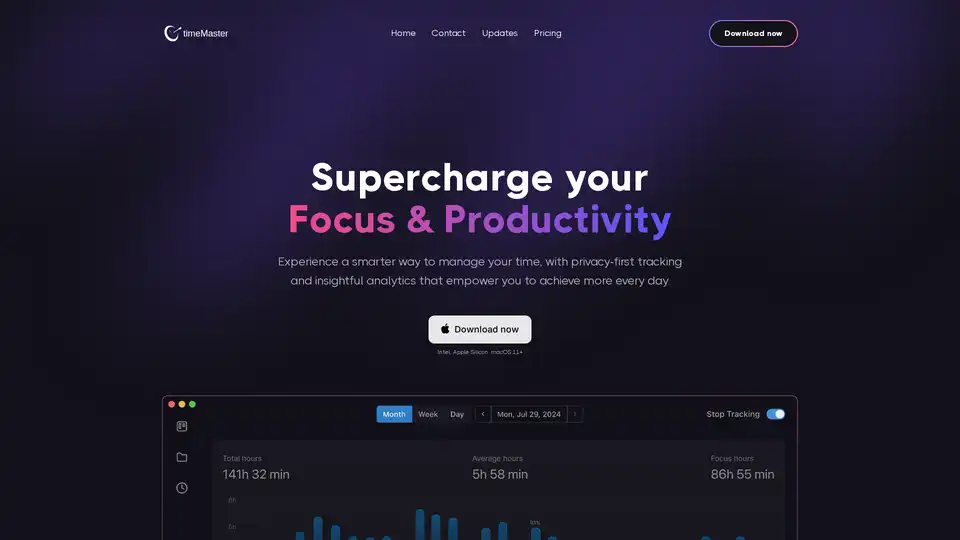
Overview of TimeMaster
TimeMaster: Supercharge Your Focus and Productivity with AI
What is TimeMaster? TimeMaster is an AI-driven productivity assistant designed for macOS, aimed at helping users understand and optimize their time. It provides privacy-first tracking and insightful analytics to empower you to achieve more every day.
How Does TimeMaster Work?
TimeMaster works automatically in the background, tracking your work, categorizing activities, and filtering out distractions. It provides detailed reports and insights into your focus, productivity, and potential distractions, enabling you to make informed decisions about how to optimize your time.
Key Features and Benefits
- Automatic Time Tracking: TimeMaster tracks your work automatically, categorizes activities, tags projects, filters out distractions, and logs your time for you.
- Project Detection: It automatically detects when you've started a new project and switches to tracking it, eliminating the need for manual switching.
- Distraction Management: Excludes time spent on non-work activities, such as browsing the web or using social media, giving you a more accurate picture of your work time.
- Detailed Time Logging: Generates detailed time logs for your projects and tasks, complete with AI-generated descriptive summaries.
- Weekly & Monthly Reports: Receive detailed weekly and monthly reports to track your progress and identify trends.
- In-Depth Analysis: Provides productivity data, detailed insights, and automatic project overviews.
- Pomodoro Timer: Offers a Pomodoro timer option for structured work sprints, providing summaries of each session and focus scores.
- Goal Setting: Allows you to set actionable goals, track your progress, and monitor your app usage timeline.
- Privacy-First: Your data is stored exclusively on your local device and is encrypted, ensuring its security.
Why Choose TimeMaster?
- Maximize Productivity: Understand how you are spending your time and what's compromising your ability to stay productive.
- Build Better Habits: Schedule regular breaks, set and track goals, and receive notifications when you're overworking or distracted.
- AI-Driven Assistance: Take control of your time with an app that tracks your usage automatically in the background.
Who is TimeMaster For?
TimeMaster is suitable for:
- Professionals: Product managers, founders, and co-founders who need to manage their time effectively.
- Individuals: Anyone who wants to understand and optimize their time to improve productivity and work habits.
User Reviews and Testimonials
- Alex Bauer, Co-founder, Upside: "TimeMaster has a beautiful, intuitive macOS app that simplifies everything, and I see huge potential in privacy-friendly, AI-enabled background activity analysis to help me become more efficient!"
- Mark Hansen, Product Manager, Branch.io: "TimeMaster has made a huge difference in how I manage my day... It’s straightforward and helps me get more done in less time. I feel more in control and less stressed."
- Aaron Lopez, Founder, Stealth Startup: "TimeMaster has transformed my workload management... This user-friendly tool has boosted my productivity, reduced stress, and even reminds me to take breaks—highly recommended for anyone needing time management help."
How to Use TimeMaster?
- Download and Install: Download TimeMaster from the official website and install it on your macOS device.
- Automatic Tracking: TimeMaster will automatically start tracking your activities in the background.
- Review Reports: Access detailed weekly and monthly reports to analyze your productivity and focus.
- Set Goals: Use the goal-setting features to structure your day and track your progress.
- Customize Settings: Adjust settings to exclude non-work activities, set up Pomodoro timers, and customize notifications.
Best Way to Optimize Productivity with TimeMaster?
- Identify Peak Productivity Times: Use the insights to discover your most productive hours and schedule important tasks accordingly.
- Pinpoint Distractions: Identify your biggest distractions and take control to stay on track with your tasks.
- Track Discipline: Monitor your start and end times to maintain a consistent work schedule.
Conclusion
TimeMaster is a powerful AI-driven productivity assistant that helps you understand and optimize your time effectively. With its privacy-first approach and comprehensive features, it empowers you to build better work habits, maximize your focus, and achieve your goals. If you're looking for a way to take control of your time and supercharge your productivity, TimeMaster is an excellent choice.
AI Task and Project Management AI Document Summarization and Reading AI Smart Search AI Data Analysis Automated Workflow
Best Alternative Tools to "TimeMaster"
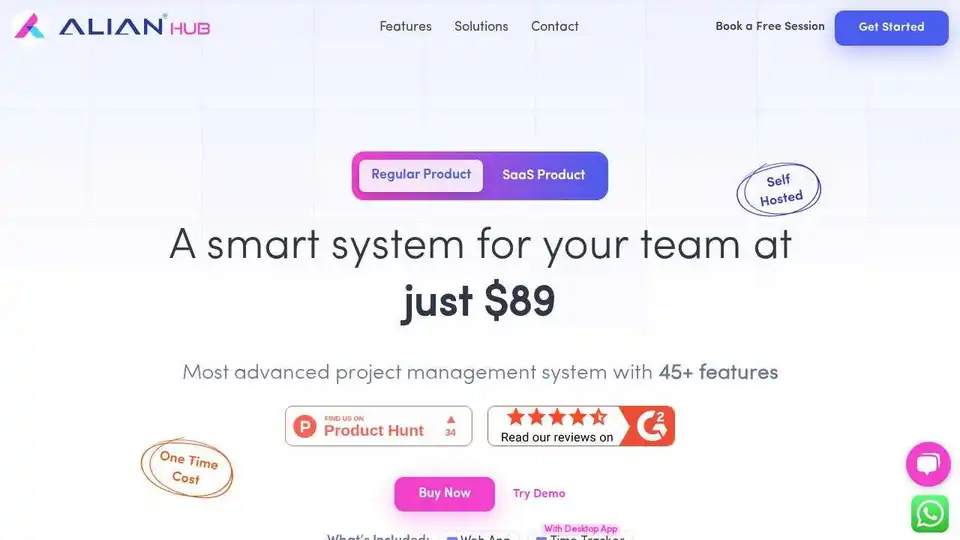
Alian Hub: Project management system with time tracking, HR, workload, project tracking, task creation, and AI assistant.
Gami is an AI-powered time management tool that converts spoken daily activities into a structured time diary. It automatically tracks event usage, calculates durations, and visualizes productivity with personalized data charts, enhancing efficiency across devices.
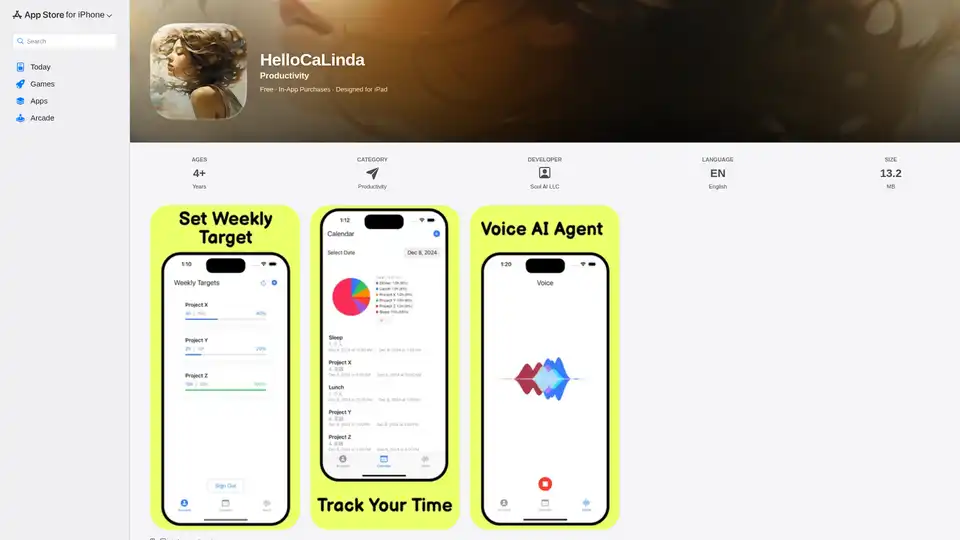
HelloCaLinda is an AI-powered voice assistant that manages your Google Calendar. Schedule meetings, set reminders, and track progress effortlessly. Subscription required.
Track your emails in real-time with TraceMail. Get instant notifications when your emails are opened, track links and documents, and leverage AI for email management. Boost your outreach effectiveness today!