
ThumbnailCreator
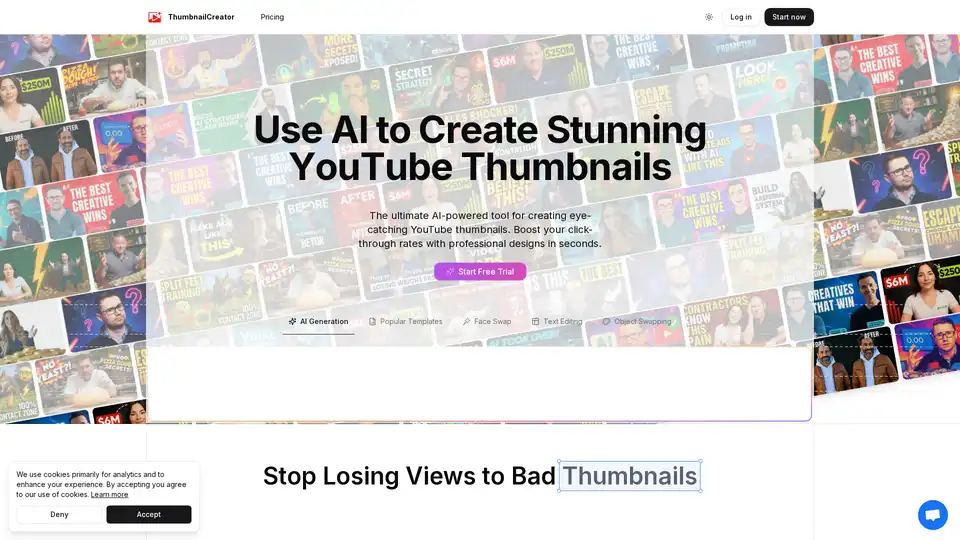
Overview of ThumbnailCreator
ThumbnailCreator: The AI-Powered YouTube Thumbnail Generator
What is ThumbnailCreator?
ThumbnailCreator is an innovative AI-driven tool designed to help YouTube creators generate eye-catching thumbnails quickly and efficiently. It addresses the common challenges faced by content creators, such as low click-through rates (CTR) due to unappealing thumbnails and the time-consuming nature of creating professional-looking thumbnails manually.
Key Features and How ThumbnailCreator Works
- AI Generation: ThumbnailCreator uses advanced AI algorithms trained on millions of thumbnails to generate designs that grab attention. This ensures that your thumbnails are not only visually appealing but also optimized to increase CTR.
- Face Swap: This feature allows you to easily swap faces in your thumbnails, making them more engaging and personalized. Perfect for vlogs, reaction videos, and content where facial expressions are crucial.
- Text Editing: Add and customize text elements to your thumbnails. Choose from a variety of fonts, colors, and styles to create a thumbnail that accurately represents your video's content.
- Object Swapping: Easily replace objects in your thumbnails to highlight key elements or create visually interesting compositions.
- Style Cloning: Maintain a consistent brand aesthetic by cloning the style of your best-performing thumbnails. This feature helps reinforce brand recognition and ensures a cohesive look across your channel.
Why Choose ThumbnailCreator?
- Boost Click-Through Rates: Improve the visibility of your videos and attract more viewers with professional-quality thumbnails.
- Save Time: Reduce the amount of time spent on thumbnail creation and focus on producing high-quality content.
- No Design Skills Required: Create stunning thumbnails without the need for complex design software or specialized training.
Who is ThumbnailCreator for?
ThumbnailCreator is perfect for:
- YouTubers: Enhance your video presentation, and increase views with custom engaging thumbnail designs.
- Digital Marketers: A visually appealing thumbnail will do wonders for marketing campaign success.
- Small Businesses: Grab more traffic by creating professional thumbnails for all your content.
Addressing Common Challenges
- Low Click-Through Rates: Poor thumbnails lead to fewer views and missed opportunities to grow your channel. ThumbnailCreator helps you create thumbnails that stand out and attract viewers.
- Time-Consuming Design Process: Creating professional thumbnails in Photoshop can take hours. ThumbnailCreator streamlines the design process, allowing you to create compelling thumbnails in seconds.
- Lack of Design Skills: Complex software and design principles can be barriers for creators. ThumbnailCreator provides an easy-to-use interface and AI-powered features that make thumbnail creation accessible to everyone.
Practical Value and Use Cases
ThumbnailCreator is versatile and can be used in various scenarios:
- Vlogs: Create personalized thumbnails featuring your face and the key topic of your vlog.
- Tutorials: Highlight the main skill or knowledge being taught with a visually clear and informative thumbnail.
- Gaming Videos: Showcase exciting gameplay moments or character highlights to entice viewers.
- Product Reviews: Feature the product being reviewed with eye-catching graphics and text overlays.
How to use ThumbnailCreator?
- Log in to ThumbnailCreator.
- Choose a template or start from scratch.
- Upload your image or use the face swap feature.
- Add text and adjust the design to your liking.
- Download your thumbnail and upload it to YouTube.
Conclusion
ThumbnailCreator is a powerful tool for anyone looking to improve the visual appeal of their YouTube videos and increase their click-through rates. By leveraging AI technology, it simplifies the thumbnail creation process and makes it accessible to creators of all skill levels. Whether you're a seasoned YouTuber or just starting, ThumbnailCreator can help you create stunning thumbnails that attract viewers and grow your channel.
AI Generated Art Image Enhancement and Repair Image Style Transfer AI Background Removal and Replacement AI Avatar and Cartoonization 3D Modeling and Rendering Logo and UI Design
Best Alternative Tools to "ThumbnailCreator"
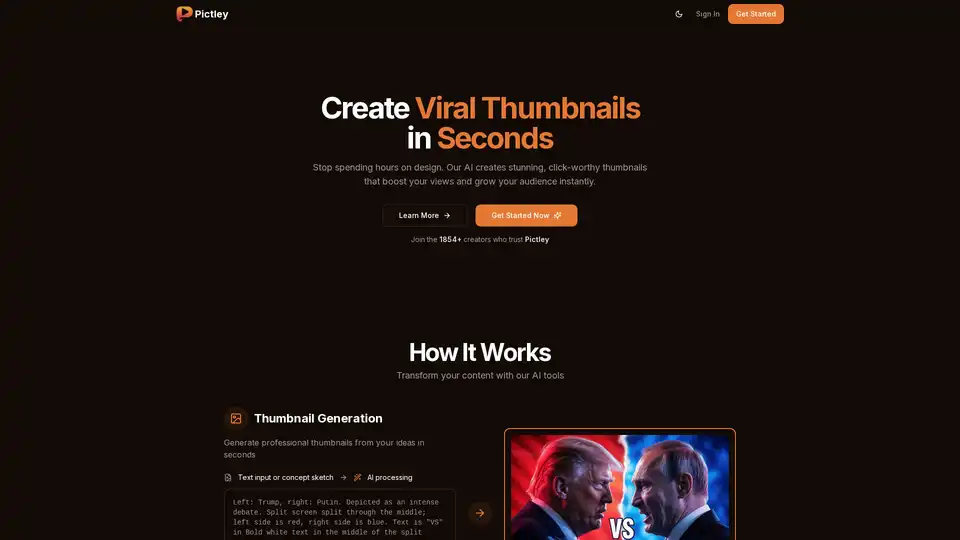
Pictley is an AI-powered tool that generates viral YouTube thumbnails from sketches, prompts, or references. It helps creators save time and improve click rates with professional-quality thumbnails in seconds.
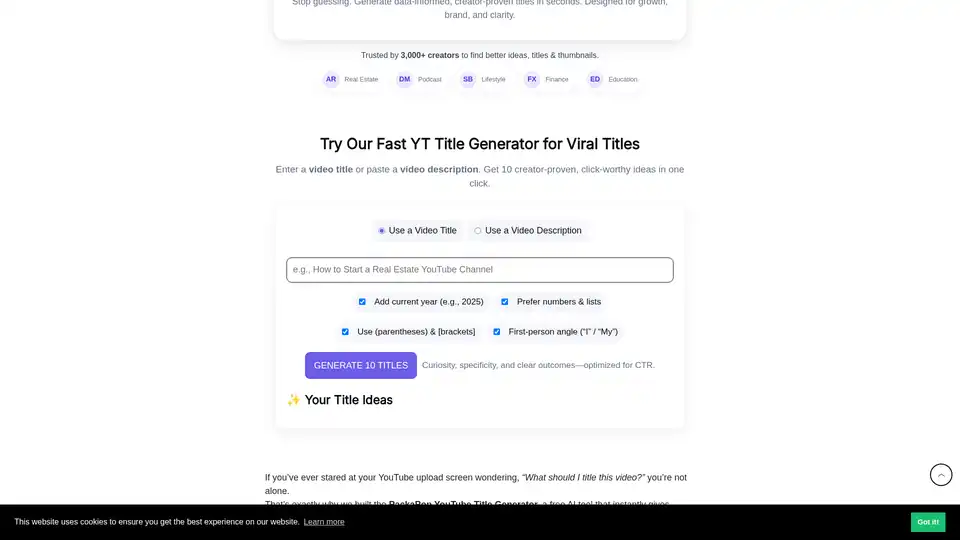
PackaPop's free AI YouTube Title Generator crafts viral, SEO-optimized titles with emojis in seconds. Input video topics or descriptions for 10 click-worthy ideas boosting CTR for creators in any niche.
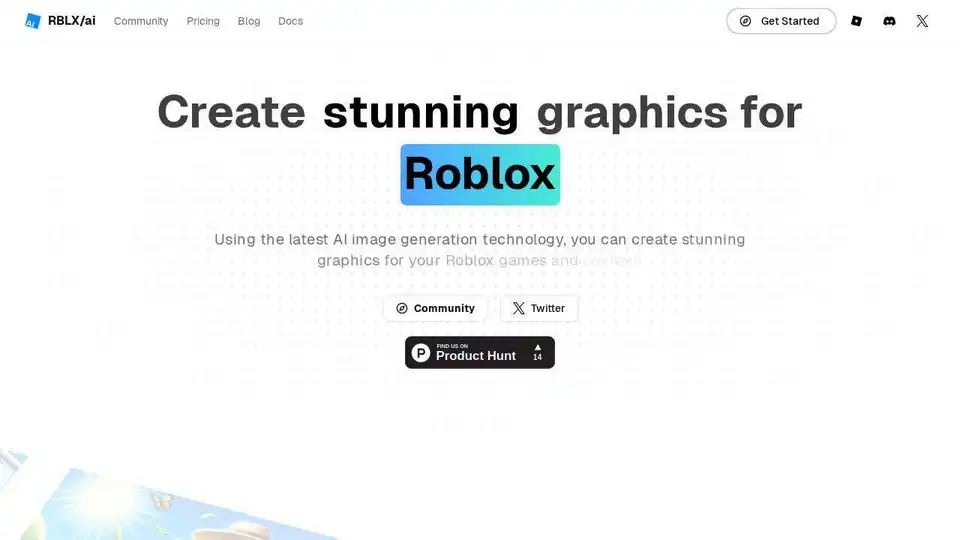
Create captivating graphics for Roblox games and content with RBLX/ai. Generate stunning icons and thumbnails using AI image generation technology. High CTR guaranteed.
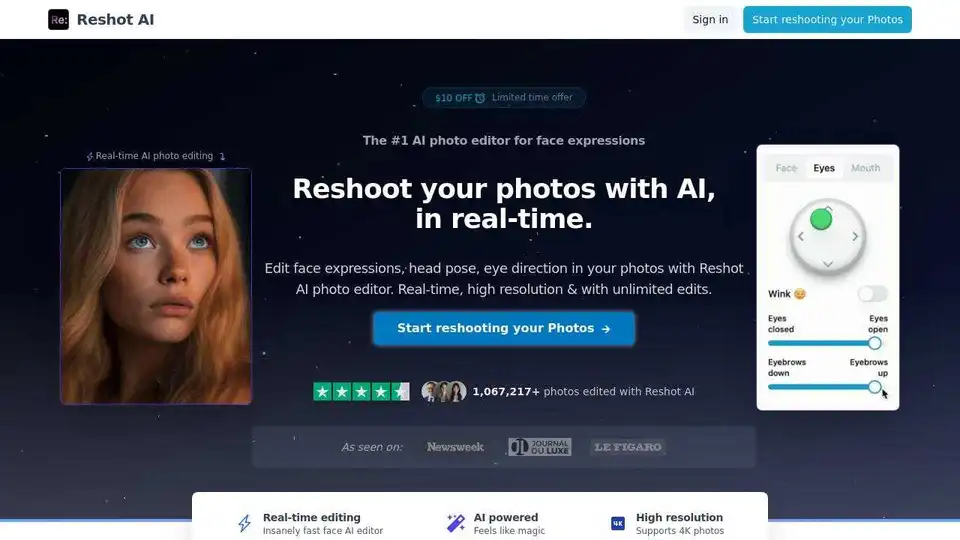
Reshot AI is the #1 AI face editor and facial expression changer for professional photo retouching. Edit eye direction, head pose, and expressions in real-time.