
Teachguin
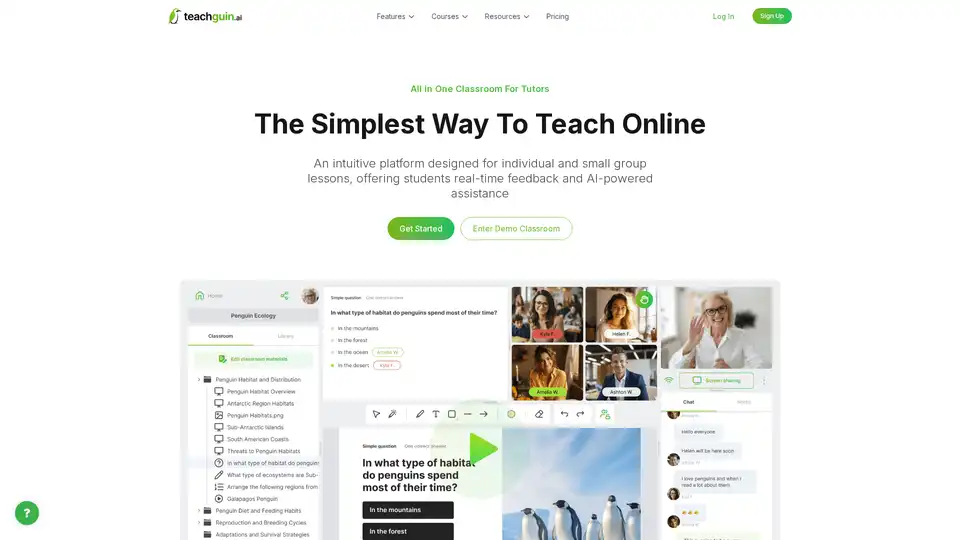
Overview of Teachguin
Teachguin: The All-in-One Virtual Classroom Platform for Tutors
What is Teachguin? Teachguin is an intuitive and comprehensive virtual classroom platform designed specifically for tutors to enhance their online teaching experience. It provides a seamless environment for individual and small group lessons, offering students real-time feedback and AI-powered assistance.
Key Features of Teachguin:
- Easy Setup: Create a classroom in just one click, either instantly for quick lessons or in advance to prepare for upcoming sessions. All classrooms are stored for future access.
- AI Assistant: Generate custom educational materials instantly with the AI assistant. This can save tutors valuable time and provide students with personalized resources.
- Communication Tools: Connect with students using integrated video conferencing and chat features. This ensures clear and effective communication during lessons.
- Interactive Teaching: Engage students through interactive quizzes, polls, and questions. This helps to keep students motivated and involved in the learning process.
- Whiteboarding: Collaborate in real-time with an intuitive whiteboard for visual learning. This is particularly useful for subjects like math and science.
How to Use Teachguin:
- Create a Classroom: Quickly set up a virtual classroom with just one click.
- Add or Generate Materials: Upload your own files or use pre-prepared materials from your library, or generate resources using the AI assistant.
- Connect Effortlessly: Share a direct link with students. No registration is required for students to join the class.
Why is Teachguin Important?
Teachguin simplifies the process of online tutoring, making it easier for tutors to focus on teaching and for students to focus on learning. The platform's AI assistance and interactive features enhance engagement and improve learning outcomes. Teachguin offers a range of tools designed to boost student engagement and improve learning outcomes in your lessons.
Where can I use Teachguin?
You can use Teachguin for a variety of online tutoring purposes, including:
- One-on-one tutoring
- Small group lessons
- Test preparation
- Language learning
- Homework help
Best Way to Start with Teachguin:
Sign up for a free account or try the demo classroom without registration to experience the platform's ease of use and powerful features. Check out the help center for a deeper dive into all of the features and the pricing page to see the value Teachguin offers.
AI Article Generation AI Text Polishing AI Writing Assistance Paper and Report Generation News and Blog Generation Email and Business Writing
Best Alternative Tools to "Teachguin"
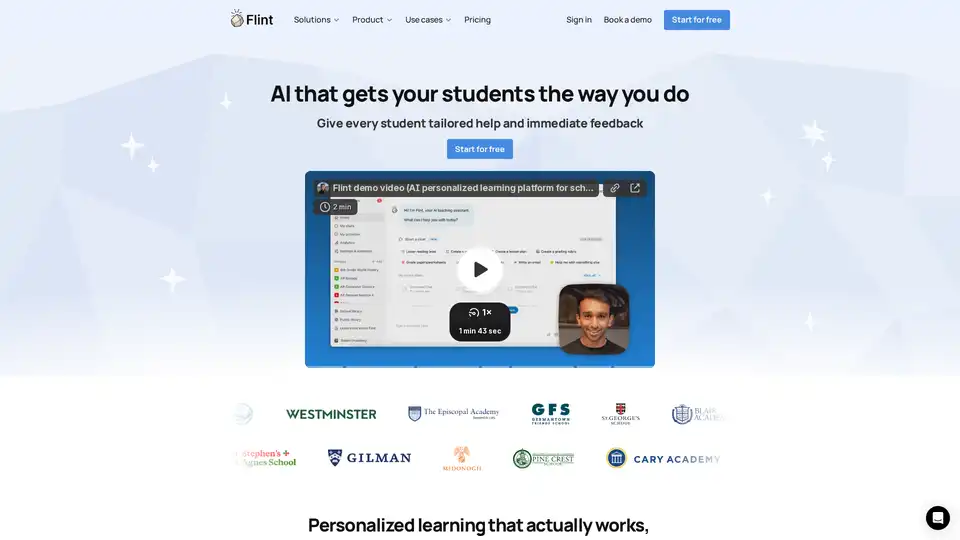
Flint is an all-in-one AI platform designed specifically for schools, providing personalized learning experiences for students and time-saving tools for teachers across various subjects.
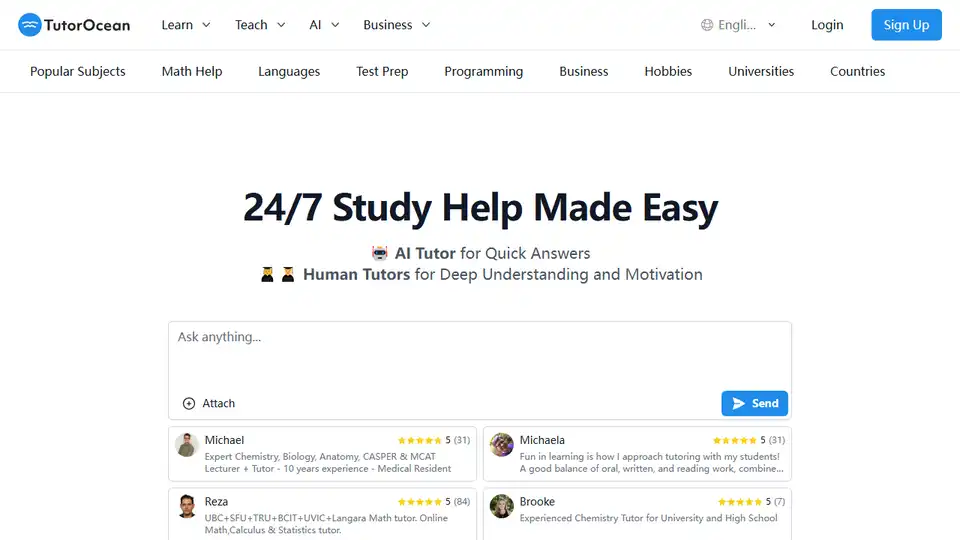
Find affordable online tutors for homework help, test prep, and more on TutorOcean. Get quick answers with the AI tutor or deep understanding from human tutors.
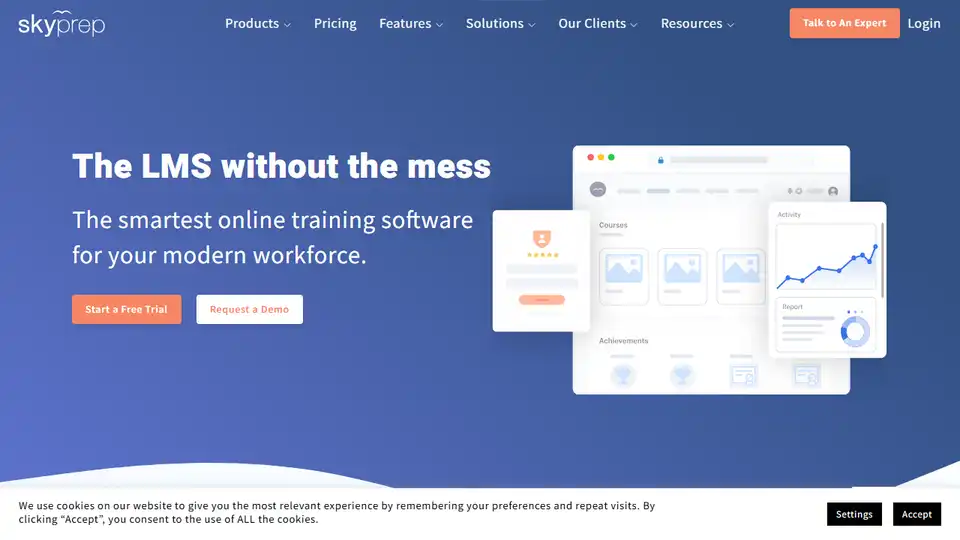
SkyPrep is an award-winning online training software (LMS) trusted by 500+ organizations for employee, customer, and partner training. Automate training and improve productivity.
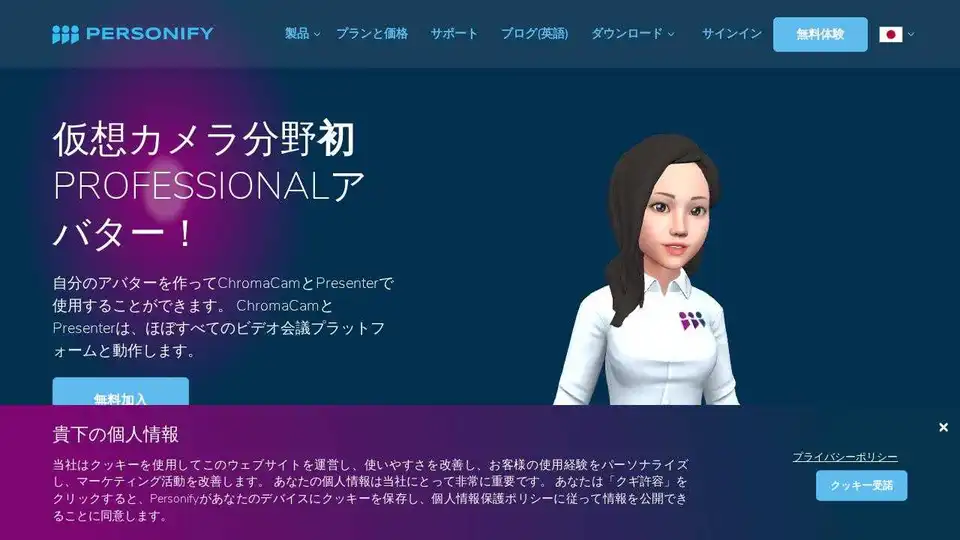
Personify offers AI-powered virtual camera and presentation tools for engaging video conferences. Create avatars, replace backgrounds, and enhance presentations with AI.