
Tami Reader
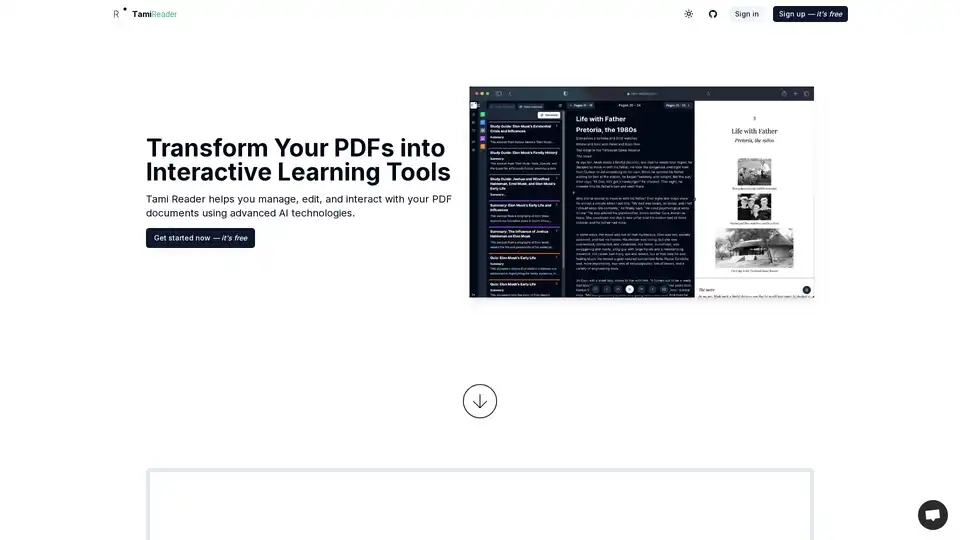
Overview of Tami Reader
Tami Reader: Transform Your PDFs into Interactive Learning Tools
Tami Reader is an AI-powered PDF management and learning assistant designed to help users manage, edit, and interact with their PDF documents efficiently. By leveraging advanced AI technologies, Tami Reader transforms static PDFs into dynamic, interactive learning resources.
What is Tami Reader?
Tami Reader is a web-based application that enhances your PDF reading and learning experience using artificial intelligence. It offers a suite of tools to manage documents, edit content, convert text to speech, chat with documents, generate summaries, create study guides, and produce quizzes. This makes it ideal for students, professionals, and lifelong learners seeking to get the most out of their PDF documents.
How does Tami Reader work?
Tami Reader integrates various AI functionalities to enhance PDF interaction:
- Document Management: Allows users to upload and organize PDF documents in one centralized location.
- Content Editing: Enables users to directly edit the content of their PDFs.
- Text-to-Speech: Converts document text into spoken audio with a highlighting feature, facilitating easier consumption of information.
- AI-Powered Chat: Enables users to chat with their documents, allowing for quick and easy access to specific information within the PDF.
- AI Summarization: Generates concise summaries of lengthy documents, saving users valuable time.
- AI Study Guide Generation: Creates tailored study guides based on document content, aiding focused learning.
- AI Quiz Generation: Develops quizzes from document content to test and reinforce knowledge.
- AI-Powered Mind Maps: Creates dynamic mind maps from document content to better visualize and organize information.
Key Features of Tami Reader
- Manage Documents: Easily organize and access your PDF files.
- Edit Content: Modify PDF content directly within the application.
- Text-to-Speech: Listen to your documents with highlighting for better comprehension.
- Chat with Document: Ask questions and receive answers directly from your PDF.
- AI Summary: Quickly get the key points from your documents.
- AI Study Guide: Generate custom study materials for efficient learning.
- AI Quiz: Test your understanding with AI-generated quizzes.
- Reading Goals and Tracking: Stay motivated by setting and tracking reading progress.
- Multilingual Support: Supports multiple languages based on the document's language.
- AI-Powered Mind Maps: Visualize document content with automatically generated mind maps.
Why Choose Tami Reader?
Tami Reader simplifies the process of understanding and interacting with complex PDF documents. Whether it's navigating technical papers, preparing for exams, or extracting key information from reports, Tami Reader offers tools that enhance productivity and learning. Its AI-driven features save time and effort, making it an invaluable resource for anyone working with PDFs.
Who is Tami Reader For?
Tami Reader is designed for:
- Students: To help with studying and understanding course materials.
- Professionals: To quickly extract information from reports and documents.
- Lifelong Learners: To facilitate easier consumption of complex texts.
Tami Reader Pricing
Tami Reader offers a tiered pricing structure:
- Free: Basic features with a 10MB file size limit.
- Standard: $156 per year, includes AI chat, mind map, summaries, guides, quizzes, and a 50MB file size limit.
- Premium: $312 per year, includes advanced AI usage, text-to-speech, priority support, early access to new features, and a 100MB file size limit.
How to use Tami Reader?
- Sign Up/Log In: Create an account or log in to Tami Reader.
- Upload PDF: Upload the PDF document you want to work with.
- Use Features: Utilize the various AI tools available, such as summarization, chat, and quiz generation, to interact with your document.
- Edit & Manage: Edit the content or organize your documents as needed.
Frequently Asked Questions
The website provides a FAQ section addressing common questions such as:
- Is Tami Reader free?
- Does the subscription include a trial period?
- What type of documents are supported?
- Is Tami Reader only available in English?
- How do I subscribe to Tami Reader?
- How secure is my data with Tami Reader?
- Can I cancel my subscription at any time?
- Does Tami Reader support mobile devices?
- Does Tami Reader have a Chrome Extension?
- What payment methods are accepted?
- Is there customer support available?
Final Thoughts
Tami Reader is a powerful tool for anyone looking to enhance their PDF reading and learning experience. Its AI-driven features make it easy to extract key information, create study materials, and interact with documents in new ways. Whether you're a student, a professional, or a lifelong learner, Tami Reader can help you get the most out of your PDFs.
What is Tami Reader? It's an AI-powered PDF assistant. How does Tami Reader work? By using AI to summarize, edit, and interact with PDFs. How to use Tami Reader? Sign up, upload your PDF, and use the features. Why choose Tami Reader? For efficient PDF management and learning. Who is Tami Reader for? Students, professionals, and lifelong learners. Best way to manage PDFs? Use Tami Reader.
AI Task and Project Management AI Document Summarization and Reading AI Smart Search AI Data Analysis Automated Workflow
Best Alternative Tools to "Tami Reader"
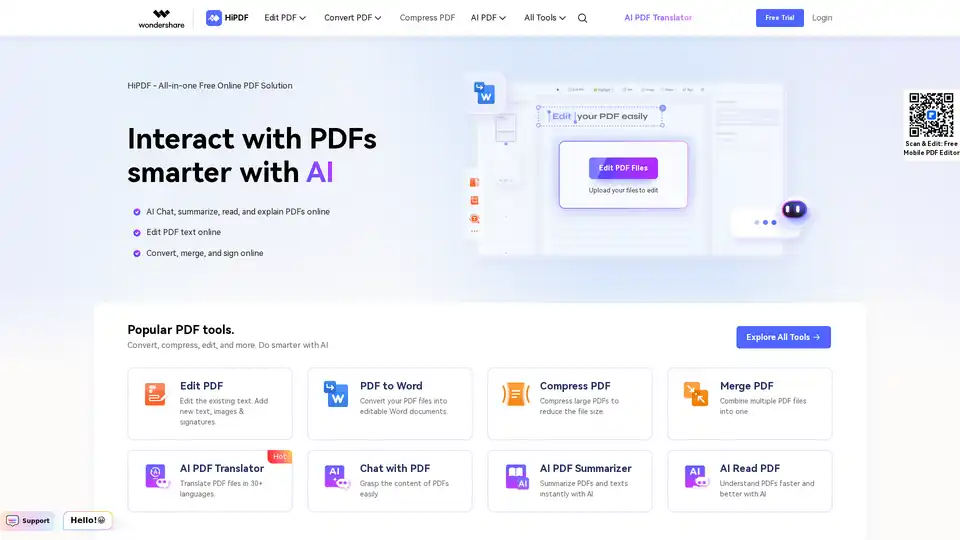
HiPDF is a free online PDF tool that lets you edit, convert, merge, compress, and sign PDF files. It also provides AI-powered features to chat, summarize, translate, and read PDFs smarter and faster.
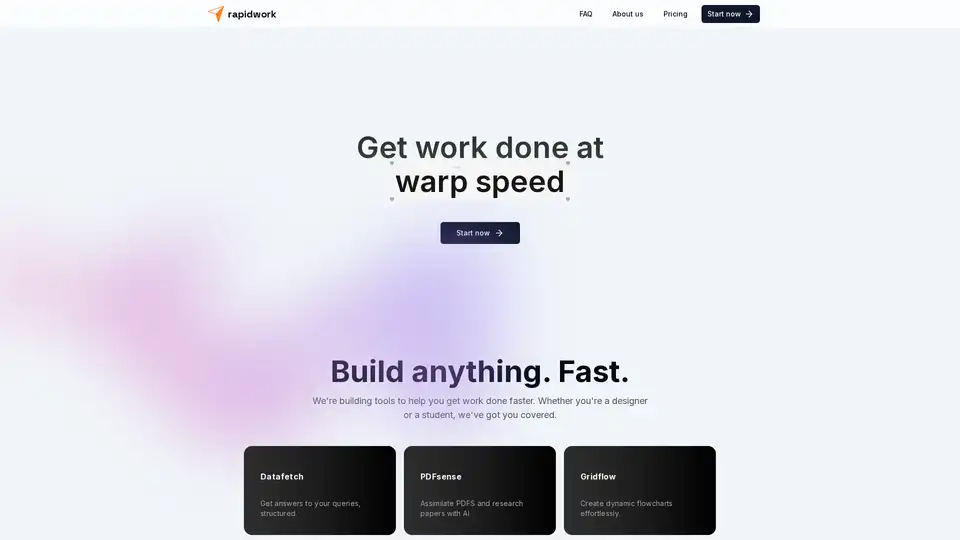
Rapidwork is an AI-powered platform with tools like Datafetch for queries, PDFsense for document analysis, and Designbox for graphics creation, helping users boost productivity in design and research tasks.
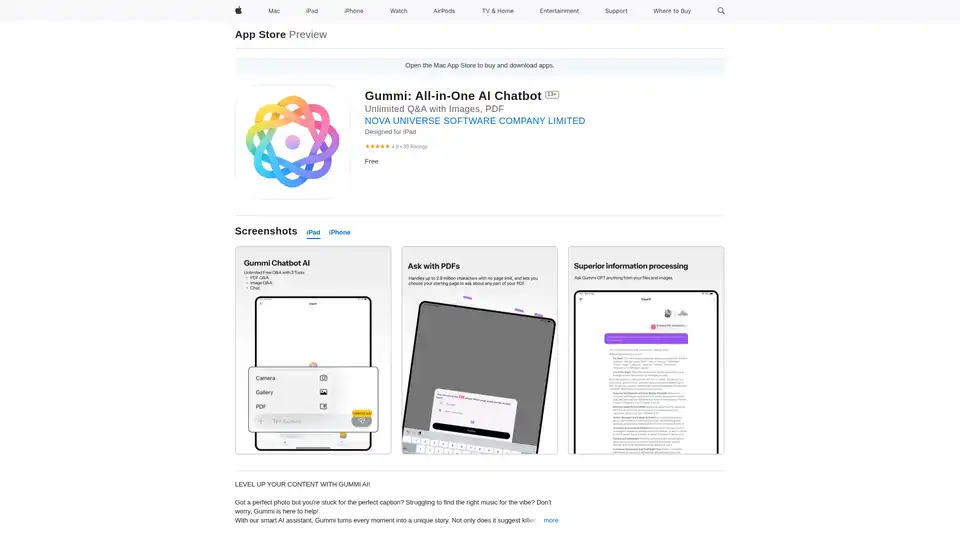
Gummi is an all-in-one AI chatbot app for iOS and Mac, offering unlimited chats, image analysis for captions, music suggestions, optimal posting times, and massive PDF processing up to 2.9M characters to enhance your content creation.
Summarizing Tool uses AI to quickly identify key points from text, shortening it while preserving the original context. It supports multiple languages and offers customizable summary lengths.