
Stamp
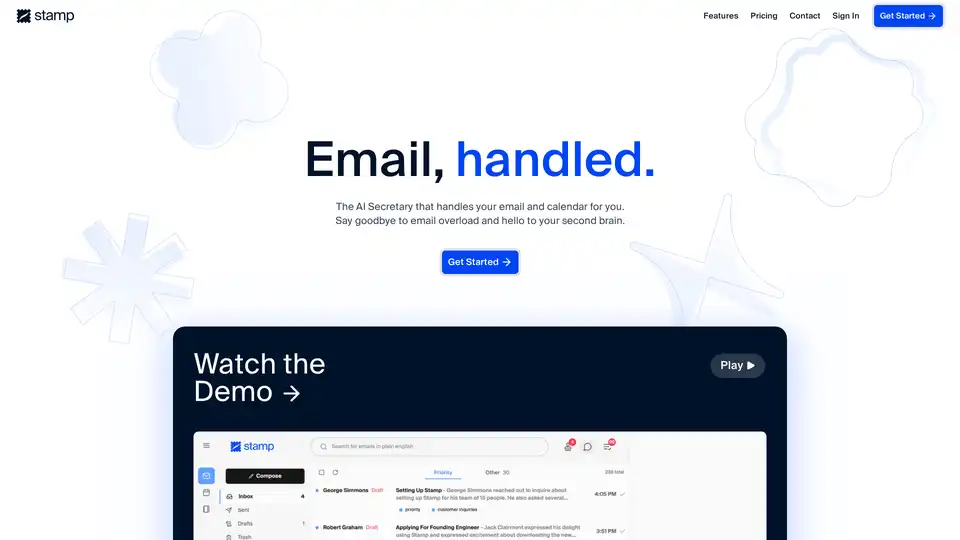
Overview of Stamp
Stamp: The AI-Powered Email Client
What is Stamp? Stamp is an innovative AI-native email client designed to revolutionize how you handle your inbox. It acts as your personal AI secretary, automating various email management tasks to save you time and enhance productivity.
Key Features:
- Automated Email Replies: Stamp automatically drafts replies to your emails using its understanding of the context and your past communications, ensuring the replies sound just like you.
- Intelligent Prioritization: Stamp prioritizes your emails and categorizes them using custom labels defined in plain English, ensuring that important emails are always brought to your attention.
- Task Delegation: Stamp's intelligent agent can draft emails, search the web for information, find important emails, schedule calendar events, and more.
- Context Gathering: Stamp's Agent and Composer search through your contacts and past emails to automatically populate recipient emails and generate personalized drafts.
- Long-Term Memory: Stamp utilizes long-term memories that you provide to personalize replies, categorization, and to-do lists automatically.
How does Stamp work?
Stamp uses a combination of Large Language Models (LLMs) and custom models to understand and process your emails. When you receive an email, Stamp analyzes its content, identifies key information, and then uses this information to:
- Draft a reply: Stamp generates a personalized reply based on the context of the email and your past communications.
- Prioritize the email: Stamp determines the importance of the email and places it in either the 'Priority' or 'Other' tab.
- Categorize the email: Stamp applies custom labels to the email based on its content.
How to use Stamp?
- Sign up: Create an account and connect your Gmail account (Outlook and other email services via IMAP are coming soon).
- Enter Stamp Mode: Activate Stamp Mode to approve Stamp's actions as you receive emails.
- Review and Approve: In Stamp Mode, review the drafted replies, suggested prioritizations, and categorizations, then either 'stamp' or reject the changes.
Why choose Stamp?
- Saves time: Automate tedious email tasks and reclaim valuable time for more important activities.
- Enhances productivity: Stay focused on what matters most by prioritizing important emails and filtering out the noise.
- Personalized experience: Customize Stamp with your own labels and long-term memories to tailor the AI to your specific needs.
Who is Stamp for?
Stamp is designed for individuals who:
- Struggle with email overload.
- Want to save time and be more productive.
- Value personalized experiences.
Questions & Answers
- Why Isn't Stamp Free? Stamp utilizes Large Language Models alongside several custom models in order to handle your emails for you. These models are expensive, so we price our subscriptions at the minimum amount required for us to deliver high quality service to users. We also offer a 2 week free trial so you can try Stamp before purchasing a subscription.
- What Is Stamp Mode? Stamp Mode is a mode you can enter in Stamp to approve Stamp's actions. As soon as you receive emails, Stamp drafts replies, prioritizes them, and categorizes them for you. When you return, Stamp mode is activated and you can review and either 'stamp' or reject the changes.
- How does Stamp prioritize emails? When you receive a new email, Stamp determines whether to mark it high priority. If the email is deemed important, it will show up in the 'Priority' tab of the inbox. If not, it will show up in the 'Other' tab.
Best way to manage your email?
Stamp is the best way to manage your email because it uses AI to automate tasks and prioritize your inbox. Sign up for a 2-week free trial to experience the power of Stamp.
AI Article Generation AI Text Polishing AI Writing Assistance Paper and Report Generation News and Blog Generation Email and Business Writing
Best Alternative Tools to "Stamp"
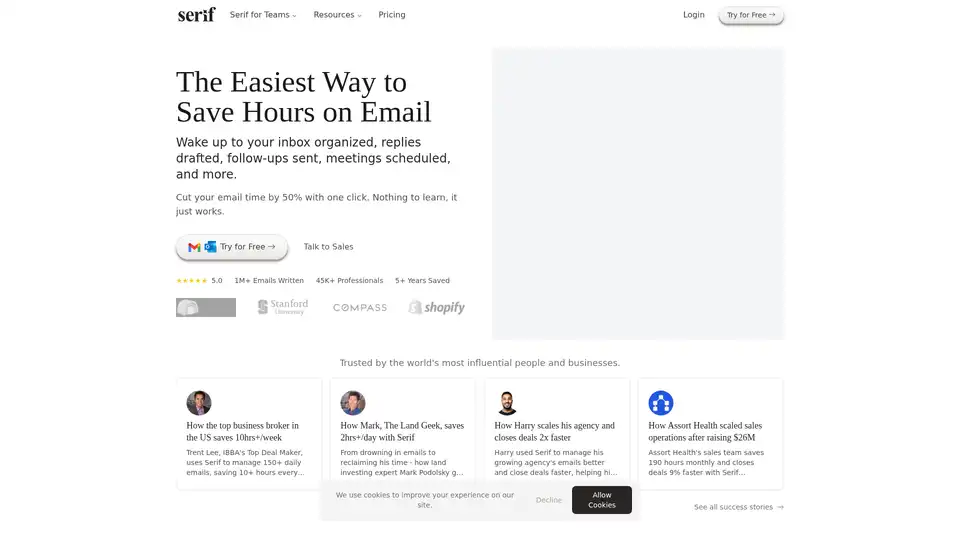
Serif is an AI-powered email assistant that organizes your inbox, drafts replies, and schedules meetings, saving you hours on email management. Trusted by professionals and businesses.
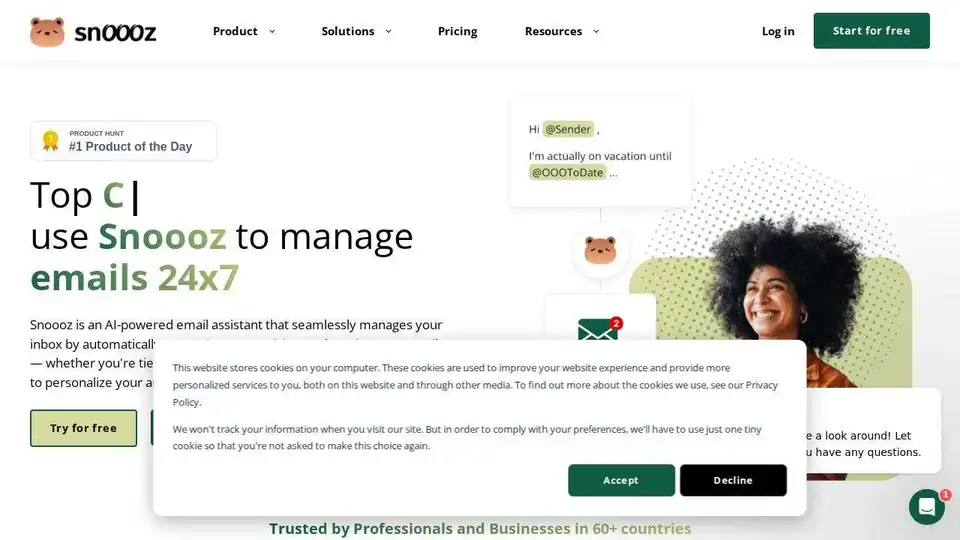
Snoooz AI is an AI-powered email assistant that automatically answers, categorizes, and routes your emails. Personalize auto-replies, improve workflows, and never miss an opportunity.
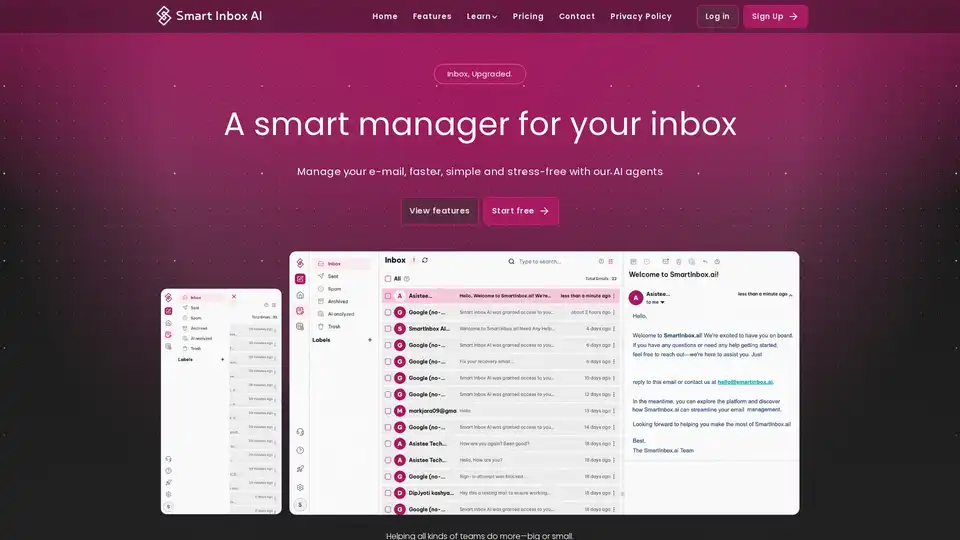
Smart Inbox AI is an AI-powered email manager designed to help you stay on top of your emails effortlessly. It automates email replies, prioritizes important emails, and saves you time, making it perfect for boosting productivity.
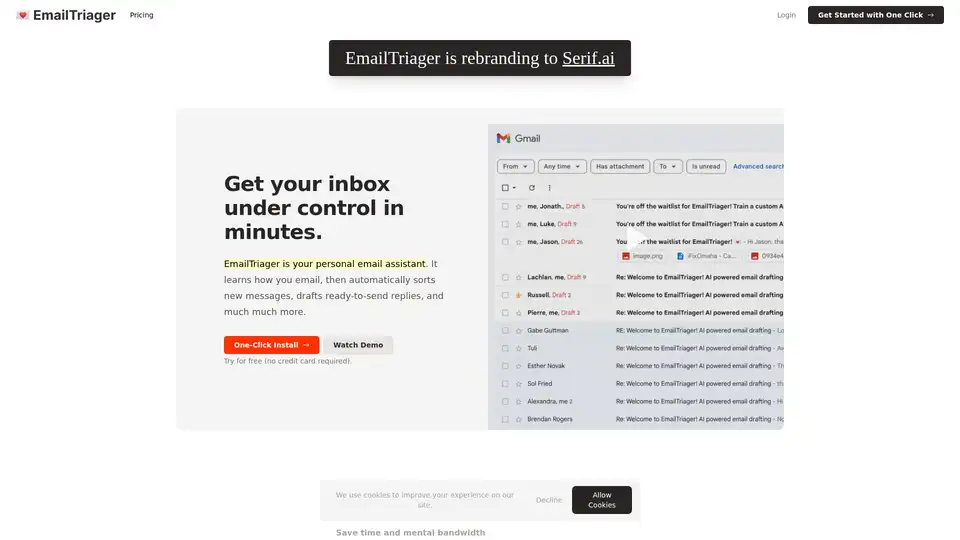
EmailTriager is an AI-powered email assistant that automatically organizes your inbox and drafts personalized replies, saving you time and mental energy. Integrates directly with Gmail for seamless use.