
SplitMySong
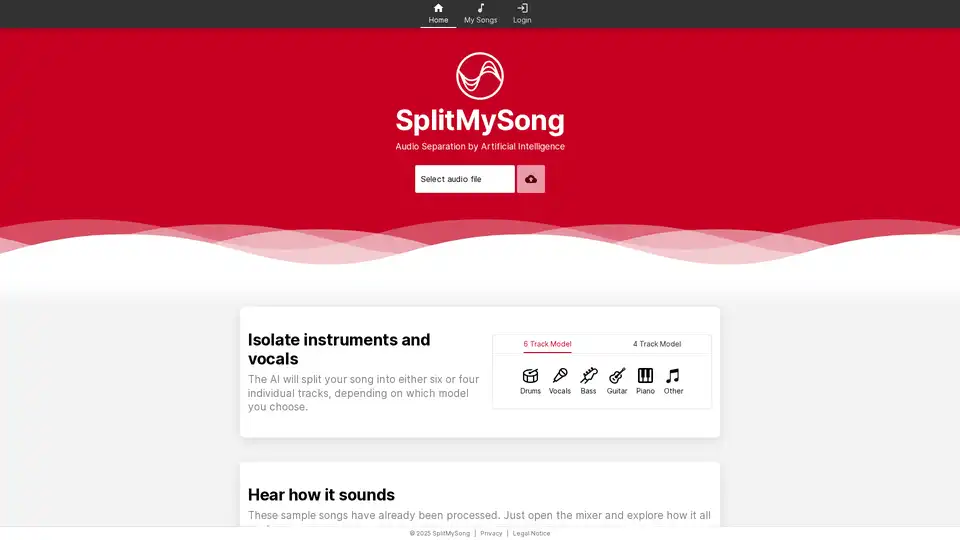
Overview of SplitMySong
SplitMySong: AI-Powered Audio Separation for Musicians
SplitMySong.com is an innovative online platform that leverages artificial intelligence to separate audio tracks into distinct vocals and instrumentals. This tool is designed to empower musicians, remixers, and music enthusiasts with the ability to isolate specific elements within a song, enabling creative remixing, focused practice, and in-depth analysis.
What is SplitMySong?
SplitMySong is an online audio separation tool that utilizes AI to divide songs into individual tracks, including vocals, drums, bass, guitar, piano, and other instruments. It allows users to manipulate these tracks independently, creating custom mixes and remixes.
How does SplitMySong work?
SplitMySong employs advanced AI algorithms to analyze audio files and identify the different components within the music. Users can select either a 6-track model (drums, vocals, bass, guitar, piano, other) or a 4-track model. Once the audio is processed, the platform provides a mixer interface where users can adjust the volume, pan, tempo, pitch, and apply effects to each track.
Key Features and Benefits:
- AI-Powered Separation: Splits songs into individual tracks with high accuracy.
- Online Mixer: Provides a user-friendly interface to adjust volume, pan, tempo, and pitch for each track.
- Multiple Track Models: Offers both 6-track and 4-track models to suit different needs.
- Tempo and Pitch Control: Allows users to slow down or speed up the tempo and shift the key of the mix.
- Delay Effect: Enables users to add a delay before the song starts.
- Master Volume Control: Provides control over the overall volume level of the entire mix.
- Membership Benefits: Patrons receive credits to split songs in full length.
How to use SplitMySong?
- Upload Audio File: Select an audio file from your computer.
- Choose Track Model: Select either the 6-track or 4-track model.
- Process the Song: The AI will split your song into individual tracks.
- Use the Mixer: Adjust volume, pan, tempo, and pitch of each track to create your custom mix.
- Download the Mix: Export your mix in the highest possible quality.
Why choose SplitMySong?
- Enhance Musical Experience: Easily mute specific instruments or vocals to play or sing along.
- Discover Nuances: Hear every riff, fill, solo, or vocal performance that may be difficult to recognize in a full mix.
- Master Difficult Passages: Lower the tempo to master difficult passages with precision.
- Push Boundaries: Increase the tempo to challenge your playing technique and musical proficiency.
- Remix Like a Pro: Get creative with the mixer to create custom samples, perfect for remixes and original compositions.
Who is SplitMySong for?
SplitMySong is ideal for:
- Musicians: For practicing, learning new songs, and creating custom backing tracks.
- Remixers: For creating remixes and original compositions.
- Music Educators: For analyzing and dissecting songs in the classroom.
- Music Enthusiasts: For exploring the different elements within their favorite songs.
Credit System:
SplitMySong uses a credit system for splitting songs in full length. Users can become patrons to receive monthly credits, with the number of credits consumed depending on the song length. A credit calculator is available to help users determine the best membership for their needs.
Frequently Asked Questions:
- Why does it take a while for my song to be processed? The processing time depends on the length and complexity of the song.
- Are there any limitations regarding the file upload? Yes, there may be limitations on file size and format.
- What exactly is the 'Other' track? The 'Other' track contains any instruments that don't fall into the categories of drums, vocals, bass, guitar, or piano.
- Can other users access my songs? No, your songs are private and only accessible to you.
- How long will my songs be available after the upload? Songs may be stored for a limited time.
Enhance your musical journey with SplitMySong.com. Unlock the potential within your favorite songs and explore new creative possibilities. Whether you're a seasoned musician or a budding enthusiast, SplitMySong provides the tools you need to excel and push boundaries.
AI Voice Synthesis AI Voice Changer AI Music Creation Speech to Text AI Voice Customer Service and Assistant Podcast and Video Dubbing
Best Alternative Tools to "SplitMySong"
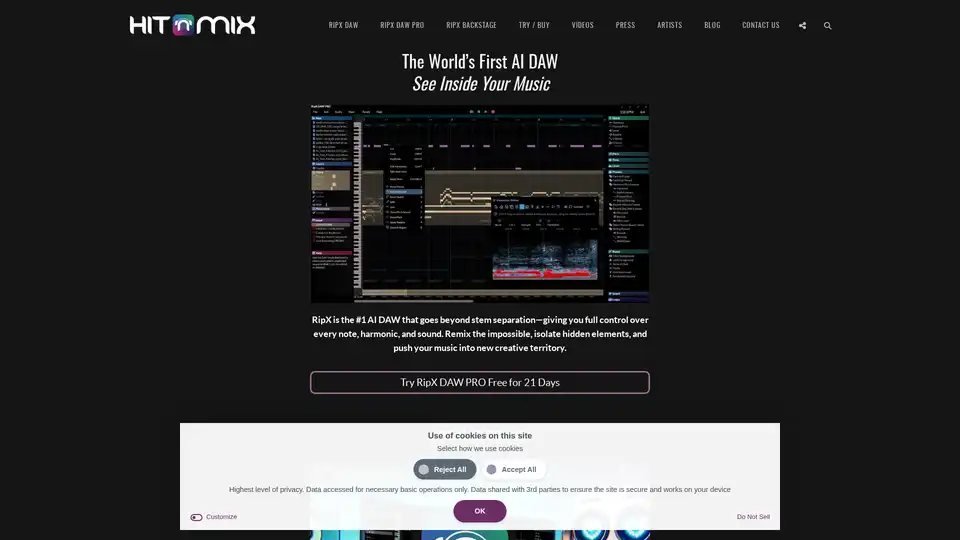
AI music production software for clean vocal extraction, stem separation, and remixing. RipX DAW gives you total audio control.
AudioShake is an AI-powered platform that splits audio recordings into stems, enhancing mixing, localization, and accessibility for music, film, and UGC. It supports mixing, mastering, lyric transcription and A/V editing.
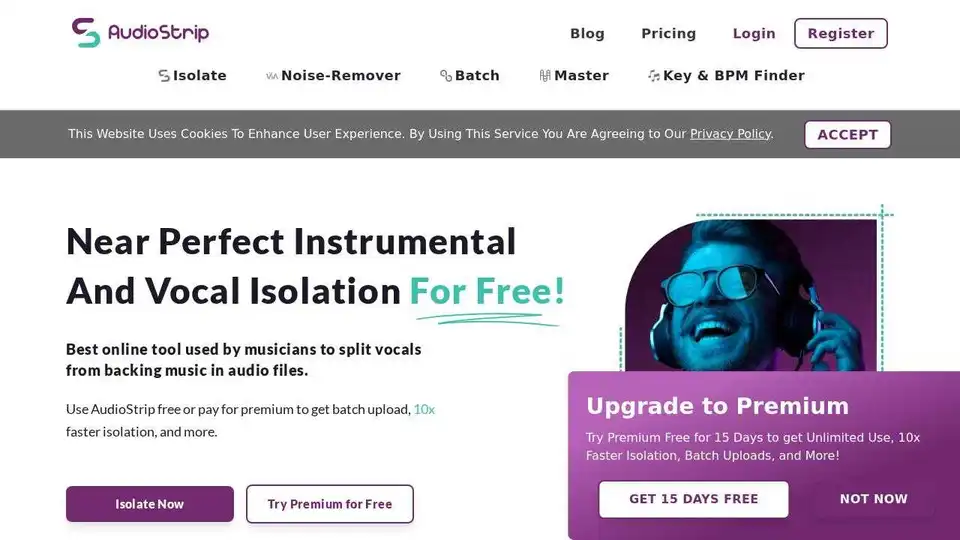
AudioStrip is a free online tool for near-perfect instrumental and vocal isolation. Split vocals from backing music in audio files effortlessly. Upgrade for faster isolation and batch uploads.
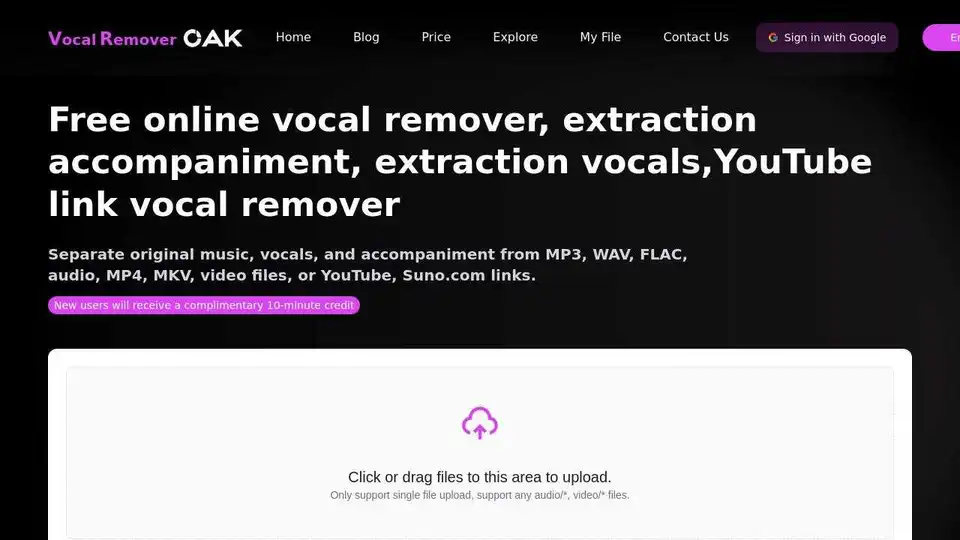
Free online VocalRemover uses AI to extract vocals or accompaniment from songs. Remove vocals from MP3, WAV, FLAC, MP4, YouTube & Suno.com links.