
Spikes Studio
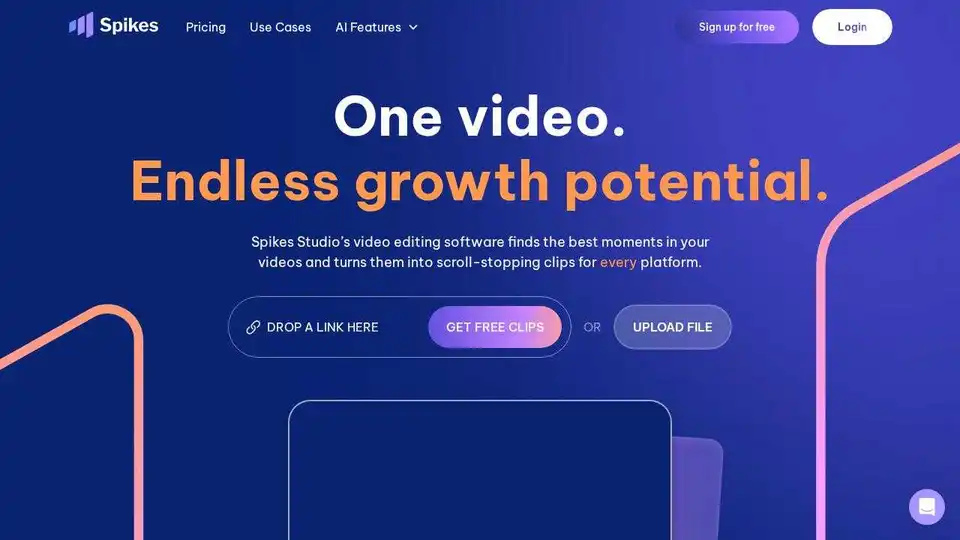
Overview of Spikes Studio
Spikes Studio: AI-Powered Video Clip Generator for Social Media
What is Spikes Studio?
Spikes Studio is an AI-driven platform designed to transform long-form video content into engaging, short clips perfectly suited for social media platforms like YouTube Shorts, TikTok, and Instagram Reels. It leverages the power of artificial intelligence to identify the most captivating moments in your videos, streamlining the editing process and helping you create content that captures attention.
How does Spikes Studio work?
Spikes Studio uses AI algorithms to automatically detect key moments, smooth transitions, and add on-brand captions. Here's a breakdown of its functionalities:
- AI-Powered Clip Detection: The AI identifies the most engaging parts of your video, saving you hours of manual review.
- Automatic Transitions and Zooming: Seamless transitions and dynamic zooming effects are automatically added to keep viewers hooked.
- On-Brand Caption Styling: Captions are styled to match your brand, ensuring a consistent visual identity.
- Multi-Format Exporting: Export your clips in various formats optimized for different social media platforms.
- Customizable Video Templates: Use customizable templates to create videos that align with your unique style.
Why is Spikes Studio important?
In today's fast-paced digital landscape, short-form video content reigns supreme. Spikes Studio empowers creators, marketers, and businesses to:
- Save Time: Automate the video editing process and reduce editing time by up to 90%.
- Increase Engagement: Create platform-perfect content that resonates with your target audience.
- Scale Content Creation: Double your content output without doubling your effort.
- Gain Insights: Use data-driven insights to understand what works and optimize your content strategy.
Who can benefit from Spikes Studio?
- Aspiring Creators: Grow your audience and stay on top of trends with AI-powered tools.
- Video Professionals: Simplify editing, keep projects organized, and ensure videos drive engagement, reach, and revenue.
- Small Businesses and Teams: Turn your team into a content powerhouse and maintain consistent posting schedules.
How to use Spikes Studio:
- Upload your video: Start by uploading your raw video footage to the Spikes Studio platform.
- Let AI do the work: Allow Spikes Studio's AI to analyze your video and identify the best moments.
- Customize and refine: Fine-tune the automatically generated clips, add your branding, and adjust captions.
- Export and share: Export your videos in the desired format and share them across your social media channels.
Key features of Spikes Studio:
- AI video editing: Automatically find standout moments, smooth transitions, and add captions.
- Social customization: Optimize videos for different social media platforms with multi-format options.
- Publishing: Connect social media accounts and schedule content directly from Spikes Studio.
- Analytics: Track performance and gain insights into what resonates with your audience.
- Management: Keep projects organized and manage your video content efficiently.
What are users saying about Spikes Studio?
- "Saved time by effortlessly creating Shorts" - Arielita, Linguana
- "Generated 2x more leads with half the effort" - David Cohen
- "Spikes Studio saved me a ton of time" - Danielle Agada, Marketing Strategy Manager
- "My followers are engaging with my Spikes clips more." - Soliconcepts
FAQs about Spikes Studio:
- Can I edit videos using your web editor?
- Yes, you can use the web editor for videos up to 5 minutes in length to add captions, reframe to vertical view, and create auto-effects.
- Do the videos have watermarks?
- The free plan includes a watermark. You can remove it by subscribing to a paid plan.
- What languages do you support?
- Spikes Studio supports over 99 languages.
- Can I post and schedule social media posts through Spikes Studio?
- Yes, you can connect your social media accounts and schedule content directly from the platform.
- Is Spikes free?
- Yes, there's a free trial and a monthly free plan with up to 30 minutes of video content.
- Do I need a credit card to try Spikes Studio?
- No, you don't need a credit card to start your free trial.
- Is my content secure and private?
- Yes, only you have access to your content.
- How will this help my business grow?
- Engaging videos can boost your online presence, attract more customers, and ultimately increase sales.
In conclusion, Spikes Studio simplifies video editing with AI-powered tools, allowing users to create high-quality content for social media platforms efficiently. By automating key tasks such as clip selection, transition smoothing, and caption generation, Spikes Studio saves valuable time and effort, enabling creators to focus on crafting compelling narratives and engaging with their audience. Whether you're an aspiring creator, a seasoned video professional, or a small business owner, Spikes Studio provides the tools you need to succeed in today's video-driven world. With its user-friendly interface, robust AI capabilities, and multi-platform optimization features, Spikes Studio empowers you to create impactful video content that resonates with your target audience and drives meaningful results.
AI Video Generation AI Video Editing AI Motion Capture and Animation AI Virtual Human and Digital Avatar 3D Video Generation
Best Alternative Tools to "Spikes Studio"
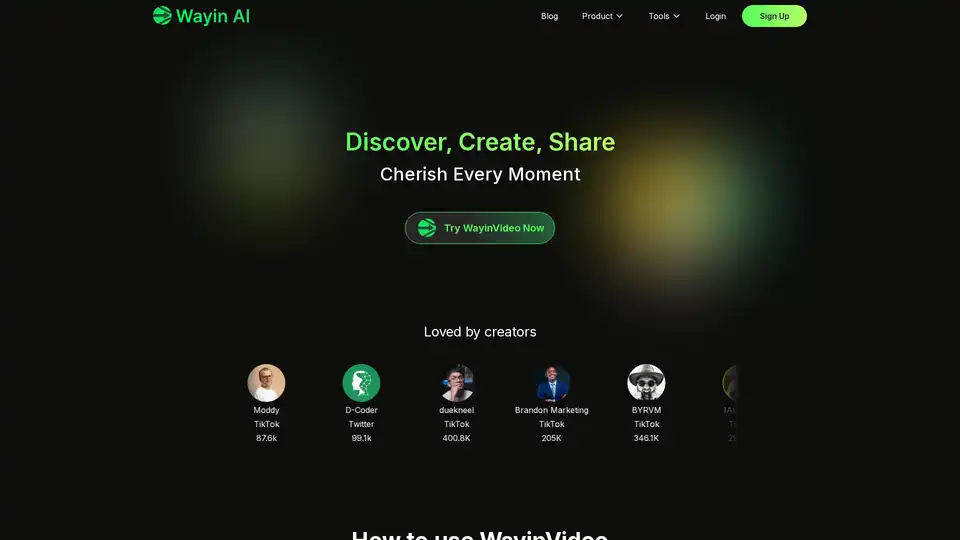
WayinVideo is an AI clip maker that quickly turns long videos into engaging, shareable short clips. It detects key moments and optimizes them for social media.
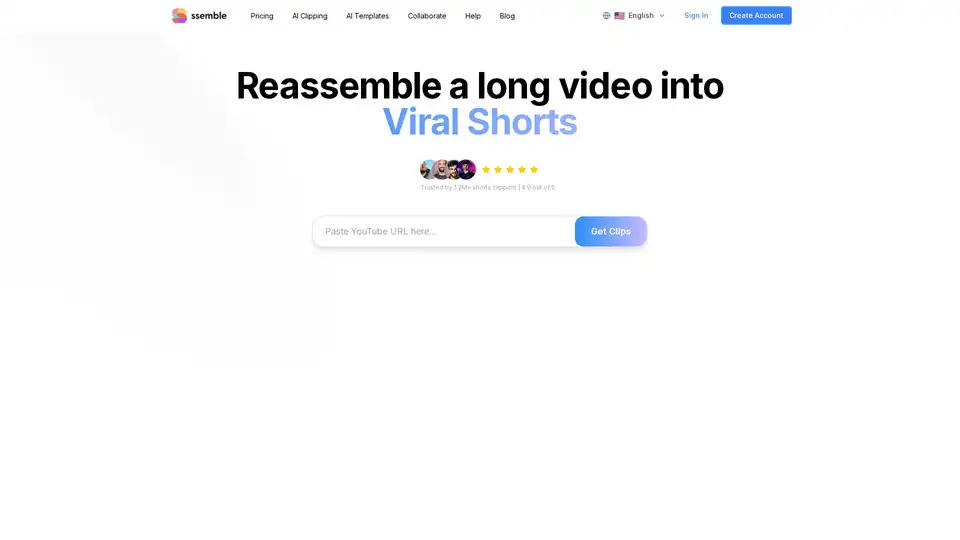
Ssemble is an AI-powered video clipping tool that helps you create viral shorts by automatically detecting key moments, adding captions, and optimizing for platforms like TikTok and YouTube.
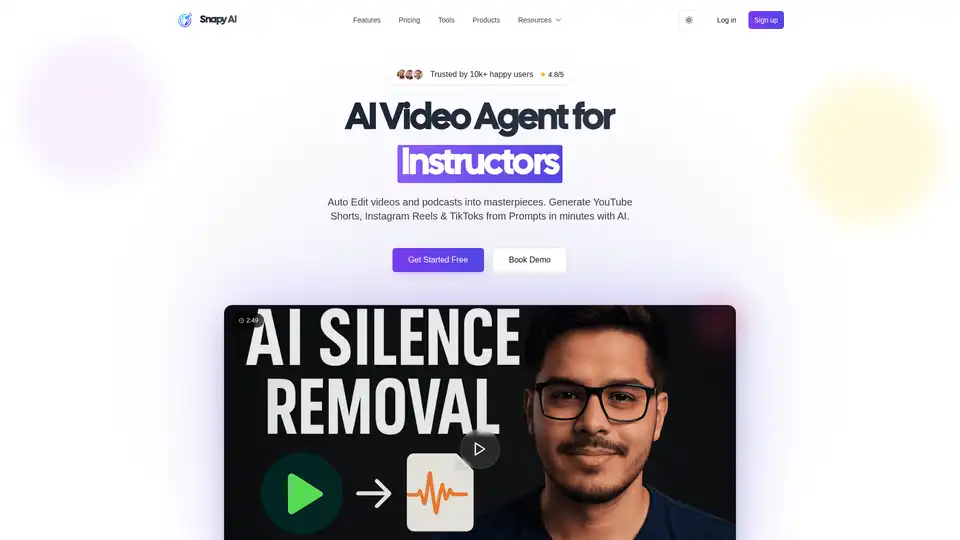
Snapy AI is an AI-powered video editing platform that transforms long-form content into engaging short videos. It offers features like AI Auto Editor, Silence Remover, Shorts Generator, Video Dubber, and more, to streamline video creation.
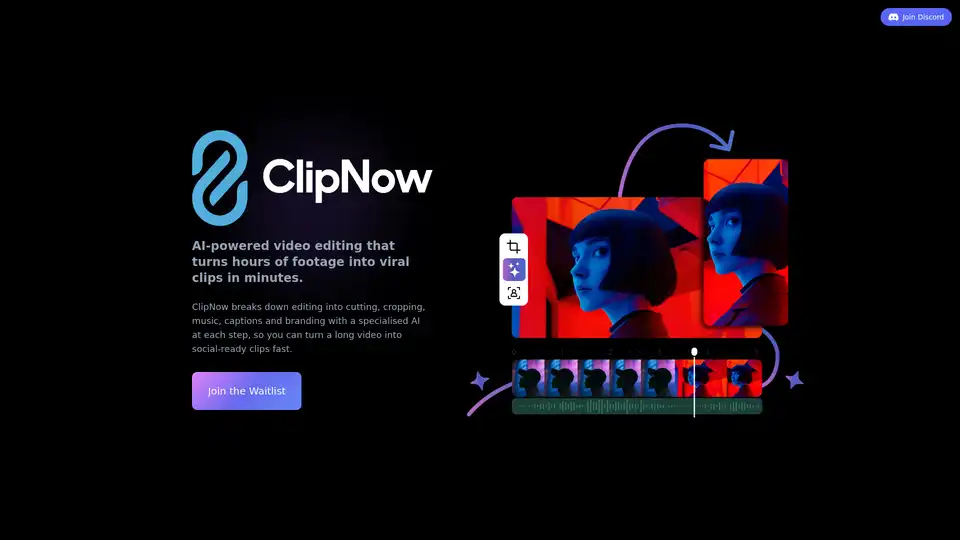
Transform long videos into viral short content with ClipNow, an AI-powered video editor that simplifies cutting, cropping, captions, and music selection for social media success.