
Speechy
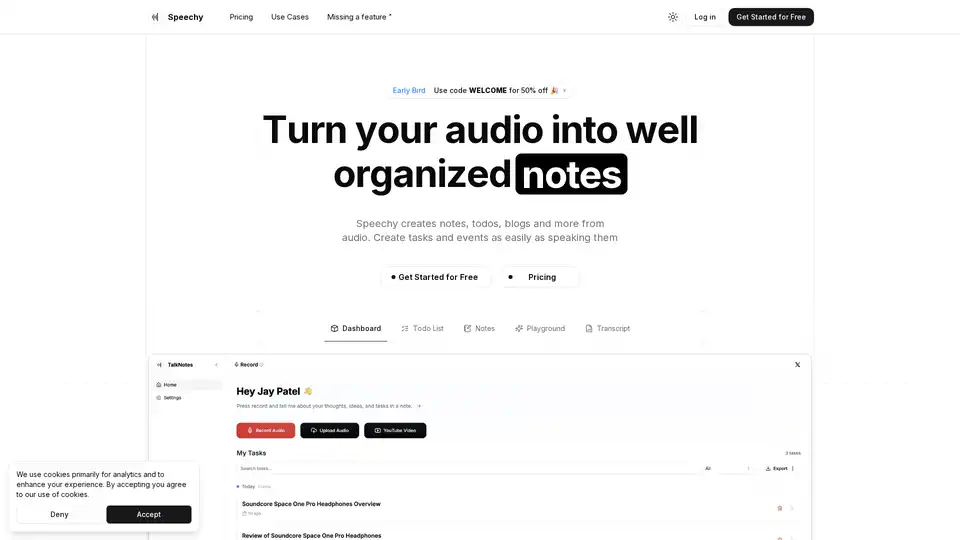
Overview of Speechy
Speechy: AI-Powered Audio to Text Transcription for Enhanced Productivity
What is Speechy?
Speechy is an innovative AI-powered tool designed to transform audio into well-organized notes, todo lists, blogs, and more. It leverages artificial intelligence to transcribe and analyze spoken content, offering a seamless way to convert voice notes, meetings, and other audio recordings into actionable text.
How does Speechy work?
Speechy simplifies the process of converting audio into text through these steps:
- Record or Upload Audio: Users can either record audio directly within the app or upload existing audio files.
- AI Transcription and Analysis: Speechy's AI algorithms transcribe the audio and analyze the content.
- Generate Various Formats: The transcribed text can be transformed into various formats, including todo lists, notes, blog posts, newsletters, and social media content.
Key Features of Speechy
- AI-Powered Transcription: Uses AI to accurately transcribe audio into text.
- Multiple Language Support: Supports over 100 languages, enabling users to transcribe audio in their preferred language.
- Versatile Content Creation: Transforms audio into various formats like blog posts, newsletters, social media content, and more.
- Task and Event Analysis: Automatically analyzes audio to create tasks and events.
- Unlimited Note Generation: Allows users to generate unlimited notes from audio.
How to use Speechy?
- Record Audio: Press the record button and speak your thoughts, ideas, or tasks.
- Upload Audio: Alternatively, upload audio files from your device or even YouTube videos.
- Choose a Format: Select the desired output format (e.g., todo list, blog post, note).
- Review and Edit: Review the transcribed text and make any necessary edits.
Use Cases
- Note-Taking: Convert lectures, meetings, and personal thoughts into organized notes.
- Task Management: Create todo lists and manage tasks by speaking them.
- Content Creation: Generate blog posts, newsletters, and social media content from audio.
- Language Learning: Practice and transcribe audio in multiple languages to improve language skills.
Who is Speechy for?
Speechy is designed for a wide range of users, including:
- Students: To take notes during lectures and study sessions.
- Professionals: To transcribe meetings, interviews, and presentations.
- Content Creators: To generate blog posts, newsletters, and social media updates.
- Language Learners: To practice and transcribe audio in multiple languages.
Pricing
Speechy offers both free and paid plans. The free plan includes limited note generations, while the paid plans offer unlimited note generations, priority access to new features, and more.
FAQs
What does Speechy do?
Speechy converts audio into smart notes, todo lists, blogs, and more.
Is my data safe?
Speechy ensures data safety.
Will Speechy work offline?
Speechy requires an internet connection to function.
Is Speechy available on iOS or Android stores?
The provided text does not specify whether Speechy is available on iOS or Android stores. Please refer to the official website or app stores for more information.
What audio formats are supported?
Speechy supports various audio formats, including M4A, MP3, OGG, WAV, and more.
What languages are supported?
Speechy supports 100+ languages.
Testimonials
- "Finally a productivity app that actually saves more time than it takes."
Why Choose Speechy?
Speechy stands out due to its ability to:
- Save Time: Transform hours of note-taking into seconds.
- Enhance Productivity: Create actionable text from audio effortlessly.
- Support Multiple Languages: Transcribe audio in over 100 languages.
- Offer Versatile Content Creation: Generate various formats from audio, including blog posts and social media content.
By using AI to streamline the transcription process, Speechy enables users to focus on their work, ideas, and tasks without being bogged down by manual note-taking.
Speechy is an invaluable tool for anyone looking to boost their productivity and efficiency. Whether you're a student, professional, or content creator, Speechy can help you transform your audio into actionable text and get more done in less time.
AI Voice Synthesis AI Voice Changer AI Music Creation Speech to Text AI Voice Customer Service and Assistant Podcast and Video Dubbing
Best Alternative Tools to "Speechy"
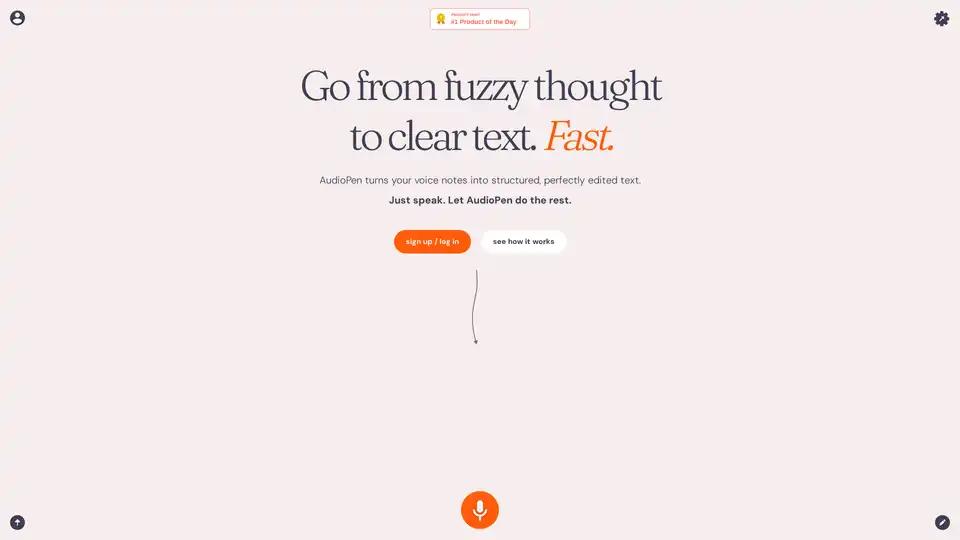
AudioPen is an AI-powered tool that converts voice notes into structured, editable text. Ideal for writers, entrepreneurs, and anyone who needs to quickly capture and organize their thoughts.
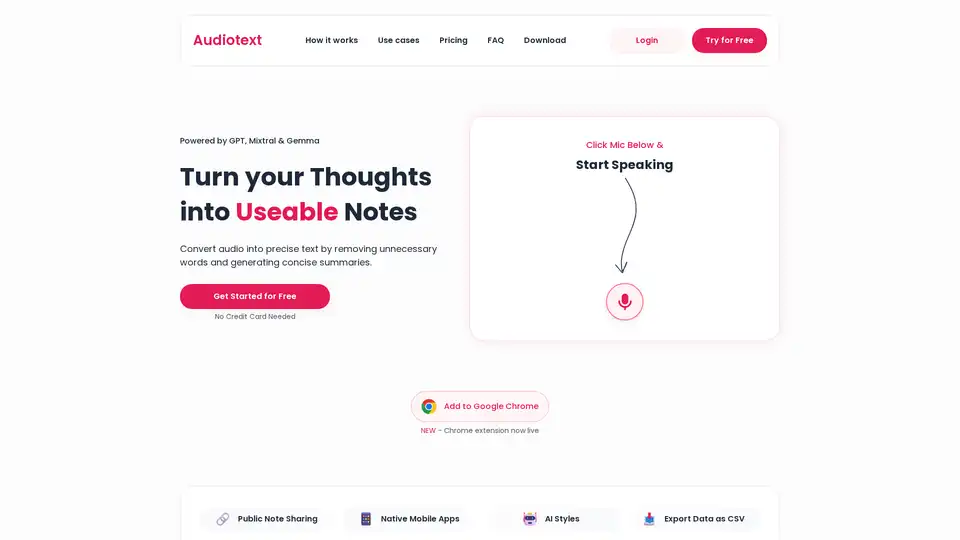
Audiotext AI converts audio into text, generating concise summaries. Simply speak your thoughts and ideas to turn them into useable notes. It supports various AI styles and instant sharing.
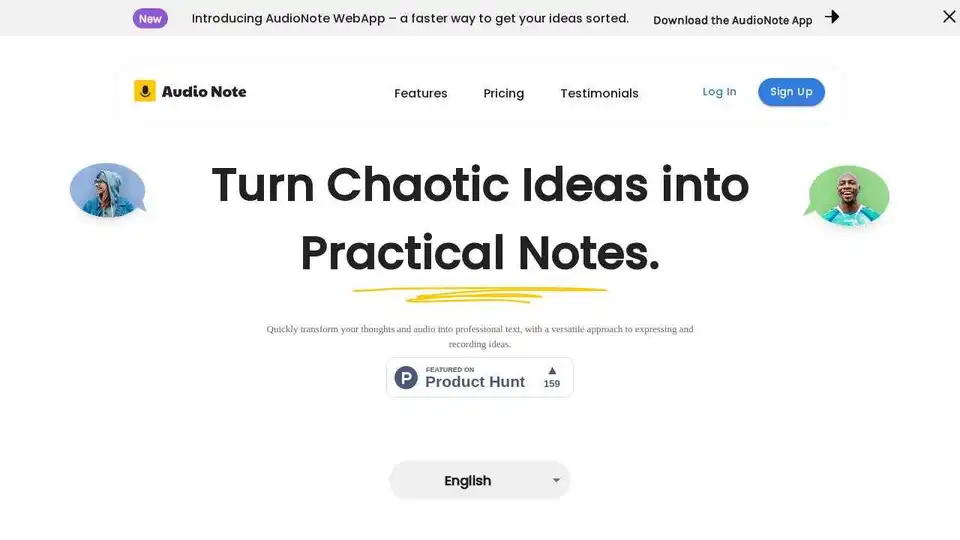
Audio Note is an AI-powered note-taking app that transcribes voice to text and rewrites content for various formats like to-do lists, tweets, and emails. Boost productivity with effortless transcription and AI-driven content transformation.
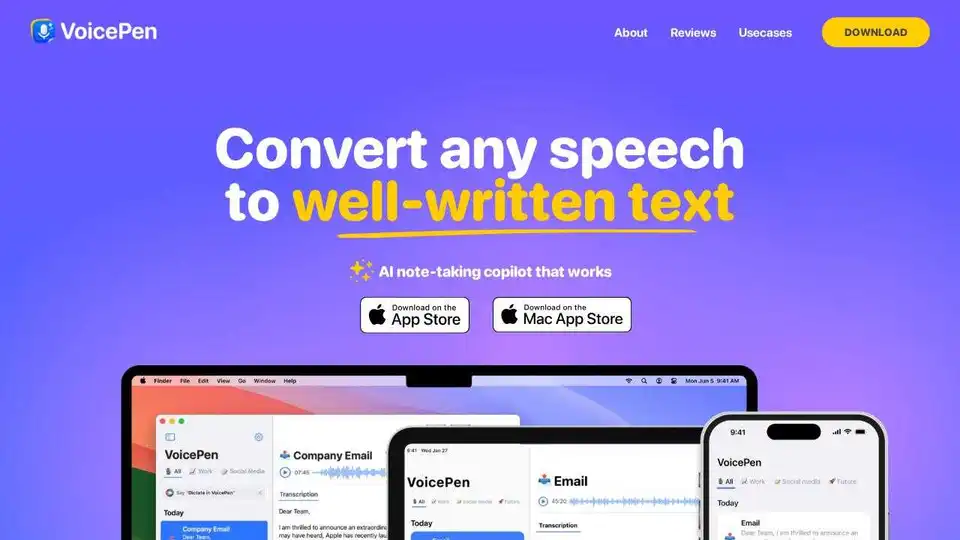
VoicePen is an AI note taker that converts speech to text, summaries, and more. Perfect for meetings, lectures, and interviews. Available on iPhone, Mac, and iPad.