
smudge.ai
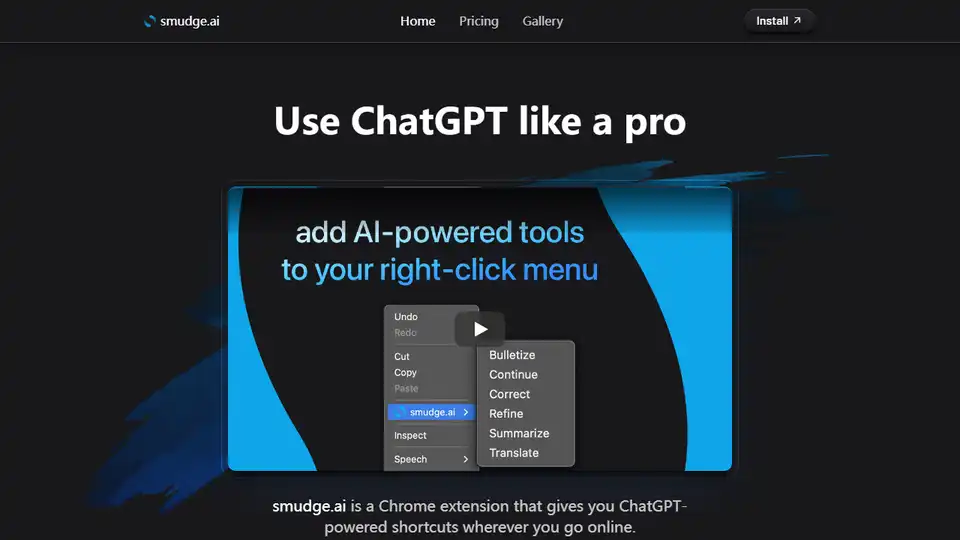
Overview of smudge.ai
smudge.ai: Your ChatGPT-Powered Chrome Extension
What is smudge.ai?
smudge.ai is a Chrome extension that brings the power of ChatGPT directly to your browser. It adds AI-powered commands to your right-click menu, allowing you to summarize articles, refine writing, translate text, and more, all without leaving the page you're on.
How does smudge.ai work?
When you highlight text on a webpage and select a smudge.ai command from the right-click menu, the extension sends the text and the command prompt to OpenAI for processing. The results are then streamed back to your browser, providing you with AI-generated content directly within the context of your browsing.
Key Features
- AI-Powered Right-Click Menu: Access a range of AI commands directly from your browser's right-click menu.
- Seamless Integration: No need to copy and paste text into separate chatbot windows.
- Customizable Commands: Choose from 16 built-in commands, create your own, or import commands from other users.
- Reply to AI: Send follow-up questions or request iterations on your original command.
- Privacy-Focused: smudge.ai does not log or save your input or output text. It only passes through servers to and from OpenAI, which does not use your data to train its models.
Popular Commands
- Summarize: Briefly recap the main points of a long article or document.
- Correct: Fix any spelling, punctuation, and grammar mistakes.
- Bulletize: Convert walls of text into a concise bullet-point list.
- Refine: Polish and revise your writing to improve its readability.
- Translate: Translate text from just about any language.
Use Cases
- Professionals: Effortlessly create and edit engaging content, draft emails and documents, or translate languages.
- Students: Correct formatting, generate study notes, or work through complex problems.
- Everyday Browsing: Summarize articles, fix mistakes, or even turn documents into limericks for fun.
Command Gallery & Customization
smudge.ai offers a command gallery where users can share custom commands. You can also create your own commands to automate repetitive tasks or tailor the AI to your specific needs.
Example commands:
- Email Response: Draft a professional email response to a given message.
- Explain Code: Describe what a snippet of computer code will do in plain English.
- Generate Title: Craft a catchy title given any text.
- Recipe [m]: Extract a simple cooking recipe from a verbose one, formatting the response in Markdown with [m].
Pricing
While a free demo may be offered, access to full functionality requires a subscription. Users receive a license key via email upon subscribing. The license can be used on multiple devices.
Frequently Asked Questions
- Is smudge.ai compatible with my browser? Yes, if your browser is Google Chrome.
- Can I use smudge.ai in professional or commercial projects? Yes!
- Can I reuse my license on multiple devices? Yes, as many as you’d like. Your custom commands and settings are synced across devices via your Chrome profile.
- Is my data private? smudge.ai does not log or save your input or output text. It only passes through servers to and from OpenAI, which does not use your data to train its models. There are no tracking/analytics cookies or scripts in the extension.
Where can I use smudge.ai?
smudge.ai is useful wherever you browse online. Whether you're a student researching for a paper, a professional writing emails, or simply browsing the web, smudge.ai helps improve your online efficiency.
In conclusion, smudge.ai is a powerful tool that can significantly enhance your browsing experience and improve your productivity. By bringing the capabilities of ChatGPT directly to your right-click menu, smudge.ai streamlines your workflow and helps you get more done in less time.
For support or further inquiries, contact: support@smudge.ai
AI Article Generation AI Text Polishing AI Writing Assistance Paper and Report Generation News and Blog Generation Email and Business Writing
Best Alternative Tools to "smudge.ai"

Ddict is an AI-powered browser extension that translates text and assists with writing. Effortlessly translate sentences and look up words on any website for free with just a click or keypress.
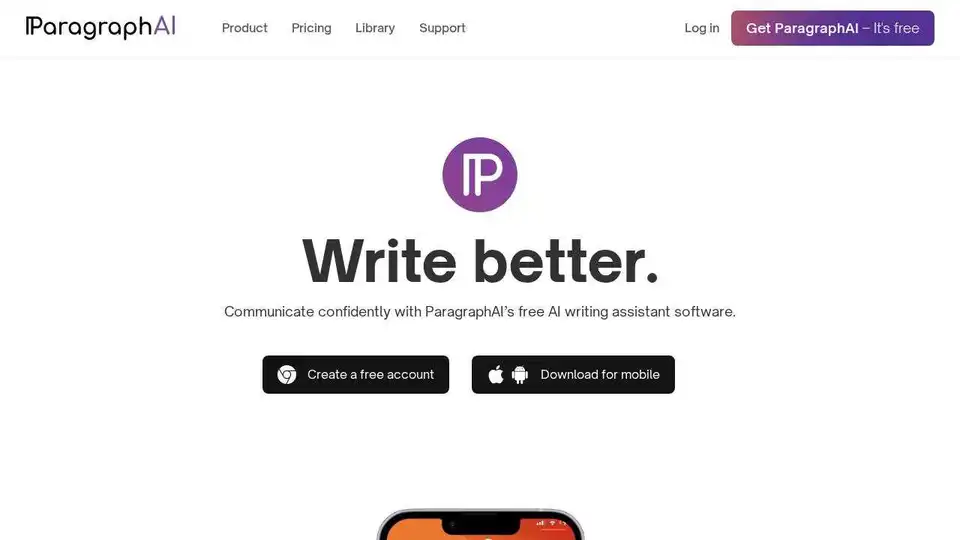
Boost your writing skills with the best writing assistant software. ParagraphAI improves fluency, grammar, spelling, and style for free.
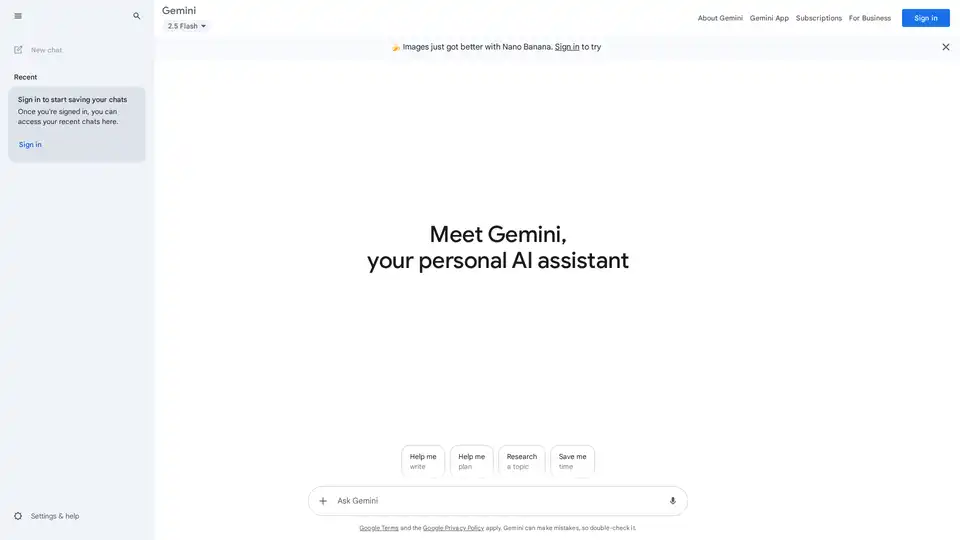
Google Gemini is a multimodal AI assistant that integrates with Google's ecosystem to provide advanced writing assistance, planning, brainstorming, and productivity tools through text, voice, and visual interactions.
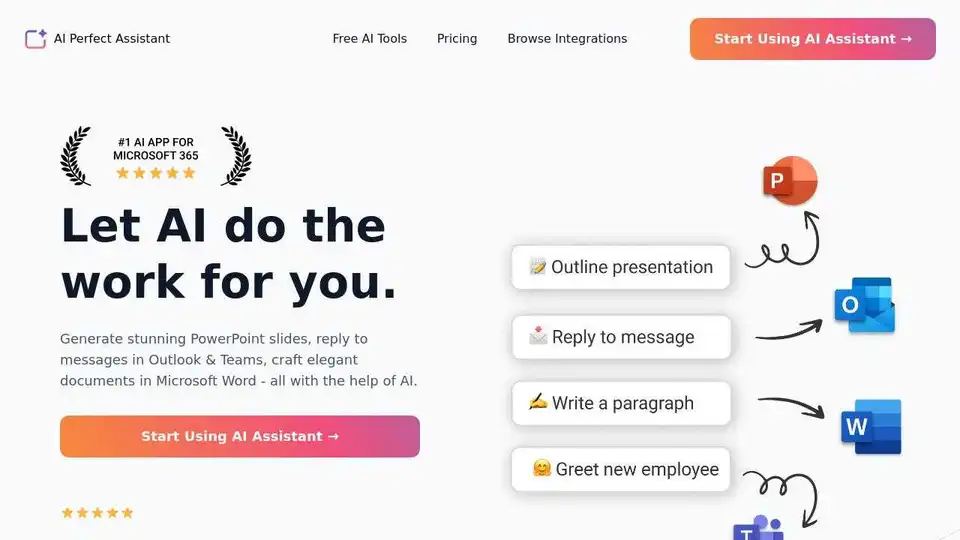
AI Perfect Assistant provides AI-powered tools for Word, Outlook, Excel, PowerPoint & more. Enhance writing, generate content, and automate tasks with 60+ AI tools seamlessly integrated into your Office 365 suite.