
Smartrazor
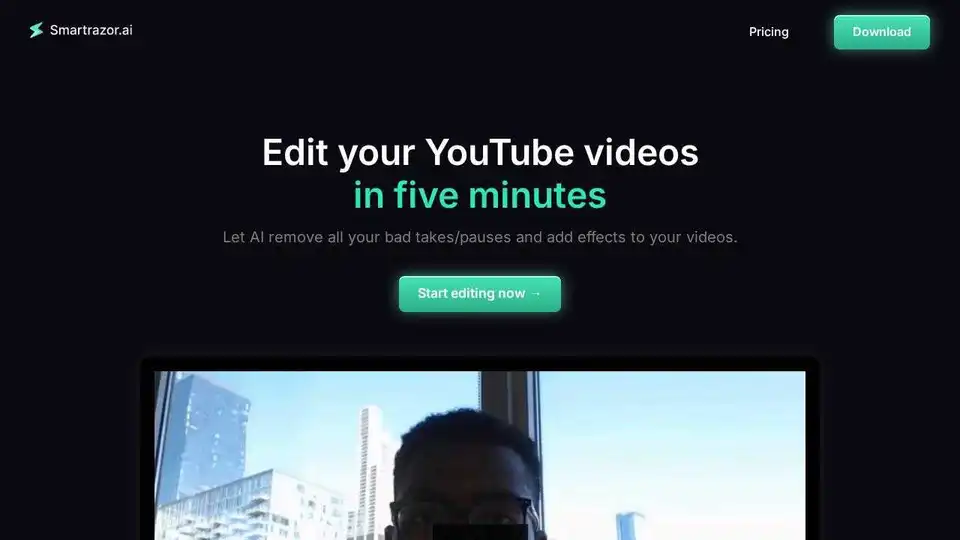
Overview of Smartrazor
Smartrazor: The AI Video Editor for YouTube Creators
What is Smartrazor?
Smartrazor is an AI-powered video editing tool designed specifically for YouTube creators and online business owners. It automates the tedious parts of video editing, such as cutting out mistakes, adding captions, and creating engaging zooms, allowing creators to focus on content creation and audience engagement.
How does Smartrazor work?
Smartrazor uses AI to analyze your video footage and automatically remove mistakes, pauses, and awkward moments. It also adds animated auto captions and engaging zoom placements, creating a polished and professional-looking video with minimal effort from the user. The transcript editor allows users to make adjustments easily using text-based editing, eliminating the need to scrub through the entire video.
Key Features:
- AI Mistake Cutting: Automatically removes mistakes and bad takes.
- Animated Auto Captions: Adds engaging captions to keep viewers watching.
- Engaging Zoom Placement: Dynamically adjusts zoom for a more professional look.
- Transcript Editor: Make adjustments quickly using text-based editing.
- Direct Export to YouTube: Streamline your workflow by exporting directly to YouTube.
Why is Smartrazor important?
Video editing can be a time-consuming and frustrating process, especially for creators who are already juggling multiple responsibilities. Smartrazor helps creators save time and avoid burnout by automating the editing process. This allows them to focus on creating high-quality content and engaging with their audience.
Who is Smartrazor for?
Smartrazor is designed for:
- YouTube creators
- Online business owners
- Content agencies
- Anyone who wants to save time and money on video editing
- "Talking-head" creators like Brett Malinowski(440k subs)
Pricing Plans:
- Lite: $9/month - 80 upload minutes a month
- Standard: $29/month - 240 upload minutes a month, Animated auto captions, Engaging zoom placement
- Team: $79/month - 960 upload minutes a month, Animated auto captions, Engaging zoom placement
All plans offer auto-cutting and a free trial.
How to use Smartrazor?
- Record or Upload: Record a video directly within the app or upload existing footage.
- Let AI Edit: Smartrazor's AI will automatically process the video and make cuts.
- Adjust (Optional): Use the transcript editor to make any necessary adjustments.
- Export: Export the video directly to YouTube or download it to your computer.
Best way to create engaging YouTube videos?
Smartrazor helps create engaging YouTube videos by:
- Removing dead air and mistakes, keeping viewers focused on the content.
- Adding animated captions, making the video accessible to a wider audience.
- Using dynamic zoom placements to add visual interest and keep viewers engaged.
By automating these tasks, Smartrazor allows creators to focus on delivering high-quality content that resonates with their audience.
FAQ
- How is Smartrazor.ai different from other video editors? We are the best and only software available on the market designed specifically for longform YouTube editing.
No other software that does 100% of the video editing legwork for you. We cut all your mistakes and add engaging captions and zooms all for you. Of course, our AI can mess up, and you can easily adjust the output using the transcript editor.
- Who is this for? Anybody who is tired of video editing themselves, or paying thousands for a video editor.
Making content to collect ad revenue and sales has never been easier. Simply hit record, let AI do the editing for you, and hit upload.
- What languages does this support? Currently we only reliably support English.
- What are the export settings? We let you export straight to YouTube, download full video, OR download individual clips to your local computer.
AI Video Generation AI Video Editing AI Motion Capture and Animation AI Virtual Human and Digital Avatar 3D Video Generation
Best Alternative Tools to "Smartrazor"
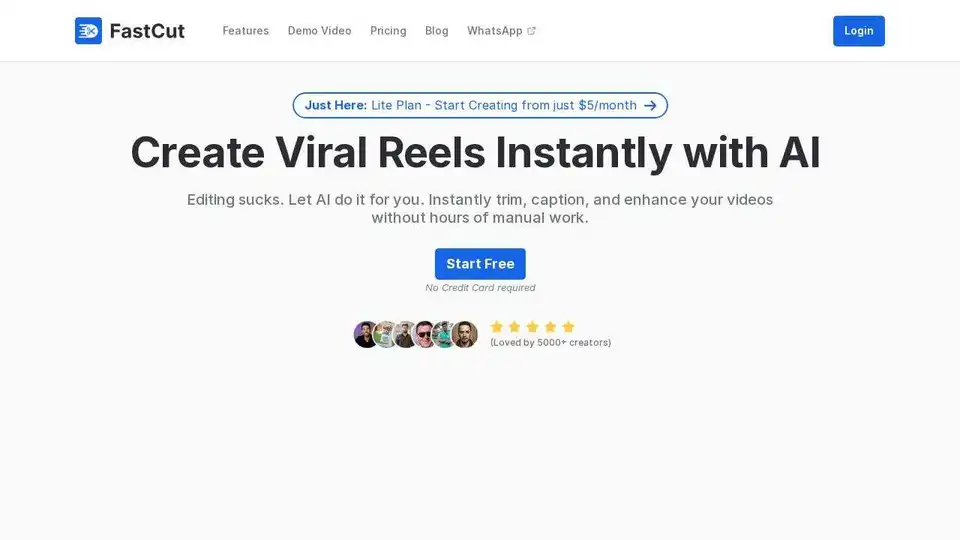
Create professional videos in minutes with FastCut, an AI-powered video editor that automates your workflow for social media and more. Try it for free!
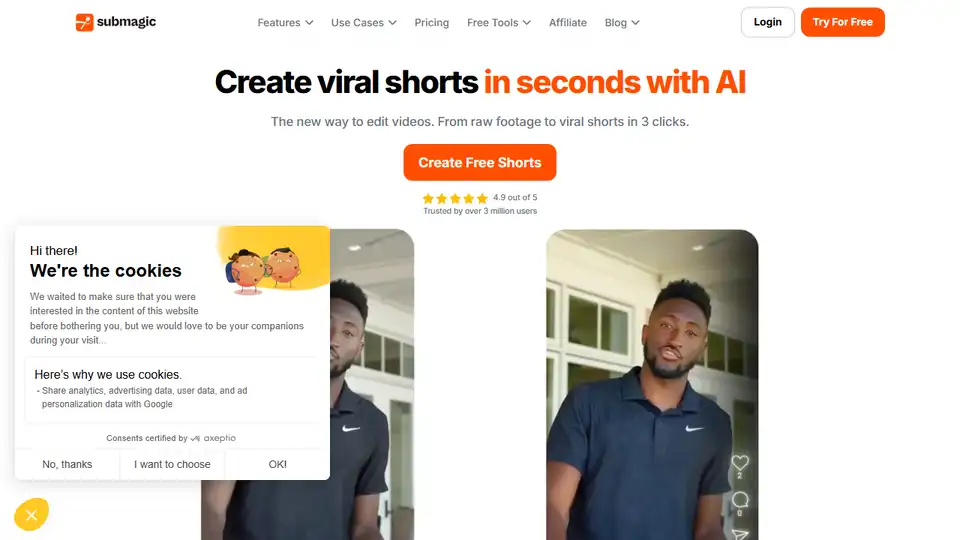
Submagic is an AI-powered platform that helps you create captivating short-form videos with AI captions, B-rolls, and smart edits. Save time and grow your social media reach effortlessly.
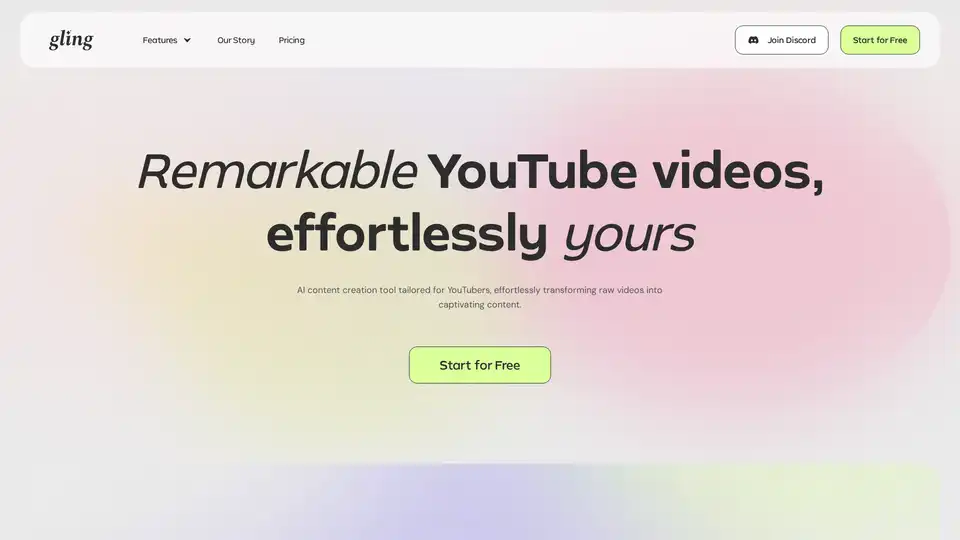
Gling is AI video editing software designed for YouTube creators. Automatically cut bad takes, silent moments, filler words, and background noise. Start for Free!
Create and automate faceless videos effortlessly with Listnr AI. Our AI-powered platform generates and posts fresh content daily to grow your TikTok and YouTube channels. Trusted by millions!