
SlideUpLift
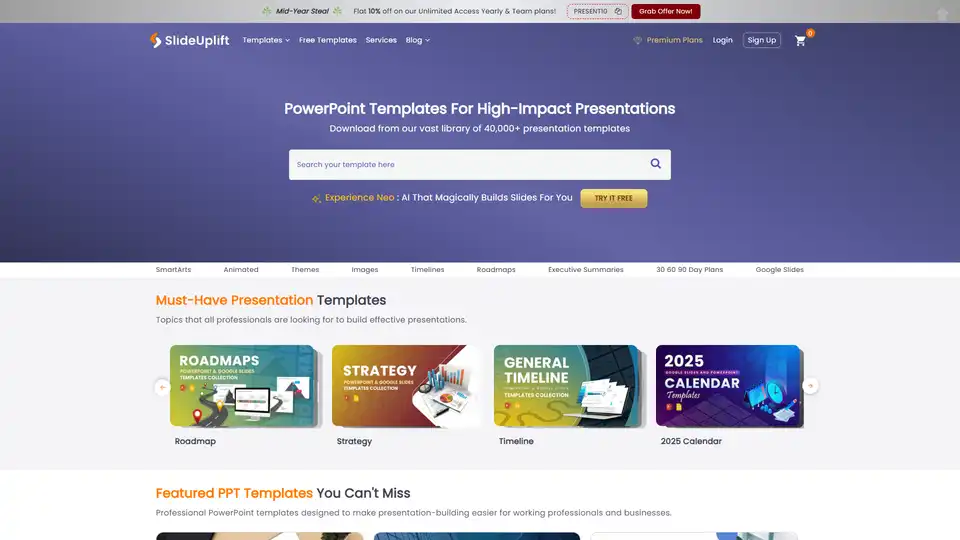
Overview of SlideUpLift
SlideUpLift: PowerPoint Templates for High-Impact Presentations
What is SlideUpLift?
SlideUpLift is a platform offering a vast library of over 40,000+ PowerPoint templates designed to help professionals create engaging and impactful presentations. It caters to various needs, from business presentations and pitch decks to project management and marketing materials.
How does SlideUpLift work?
SlideUpLift provides a wide selection of presentation templates and slides that are fully editable in PowerPoint and Google Slides. Users can browse through various categories such as timelines, roadmaps, executive summaries, and more to find the perfect fit for their presentation needs. The platform also offers an AI Slide Editor, allowing users to customize slides using AI-powered prompts.
Key Features and Benefits:
- Extensive Template Library: Access to over 40,000+ presentation slide templates across diverse categories.
- Fully Editable: Templates are fully editable in PowerPoint and Google Slides.
- AI Slide Editor: Customize slides using AI-powered prompts.
- Diverse Categories: Wide range of categories including business presentations, pitch decks, project management, and more.
- Free Templates: Access to a vast collection of free PowerPoint templates to get started.
- Animation-Rich Templates: Dynamic and engaging presentations with animation-rich templates.
- Compatibility: Compatible with PowerPoint, Google Slides, and Apple Keynote.
- Mobile-Friendly: Flexible, on-the-go access with mobile- and tablet-friendly templates.
Use Cases:
- Business Presentations: Ideal for executive reviews, strategy meetings, and internal communications.
- Pitch Decks: Useful for startups and product launches to impress clients or investors.
- Project Management: Templates for project scope, charter, planning, and review.
- Marketing and Sales: Templates for campaigns, performance dashboards, and sales strategies.
- HR and Team Management: Slides for employee engagement, resume presentation, and leadership assessment.
Key Categories:
- Timelines & Roadmaps: Visualize project milestones and strategic plans.
- Data Visualizations: Charts & Graphs for clear and concise data representation.
- Executive Summaries: Summarize key points and takeaways.
- Decision-Making Templates: SWOT, pros & cons for informed decision-making.
- Animated & Interactive Slides: Morph, zoom, and brush effects for dynamic presentations.
Pricing:
SlideUpLift offers both free and premium plans. Premium plans provide access to the AI editor and the full template library.
What Our Customers Say:
"As someone who deals with a ton of presentations, SlideUpLift has been Godsent for me. Their wide variety of PowerPoint templates means I can always find the perfect fit, ensuring my presentations aren't just professional but also engaging for my audience."
- Amanda Nicole Moore (IT Project Manager)
How to Choose the Best PowerPoint Template:
- Define Your Purpose: Determine the goal of your presentation (e.g., inform, persuade, educate).
- Know Your Audience: Consider the audience's background, interests, and expectations.
- Choose a Relevant Category: Select a template category that aligns with your presentation topic.
- Consider Your Brand: Use templates that reflect your brand's colors, fonts, and style.
- Keep it Simple: Avoid overly complex designs that distract from your message.
- Use Visuals: Incorporate relevant images, charts, and graphs to engage your audience.
- Test and Refine: Preview your presentation and make necessary adjustments.
FAQ:
What types of PowerPoint templates are available?
SlideUpLift offers a wide range of PowerPoint templates tailored for professionals. Key categories include Business Presentations for executive reviews and strategies, Pitch Decks for startups and product launches, and Project Management templates like Gantt charts and 30-60-90 day plans. You'll also find marketing and sales templates for campaigns and performance dashboards, HR and team management slides for internal communication, and creative and aesthetic designs for portfolios and storytelling. Additional offerings include Timelines & Roadmaps, Data Visualizations, Decision-Making templates (SWOT, pros & cons), and Animated & Interactive slides using morph, zoom, and brush effects.
What Makes SlideUpLift PowerPoint Presentation Templates Unique?
Fully editable in PowerPoint and Google Slides. Designed for both professional and creative purposes - suitable for business, education, and personal use. Extensive variety with over 40,000+ presentation slide templates across diverse categories. Vast collection of free PowerPoint templates to get you started! AI-powered customization for quick and easy edits. Animation-rich templates for dynamic and engaging presentations. Compatible with PowerPoint, Google Slides, and Apple Keynote. Mobile- and tablet-friendly for flexible, on-the-go access. Suitable for all roles and industries - from managers and consultants to educators, marketers, and HR professionals.
Conclusion:
SlideUpLift is a comprehensive resource for anyone looking to create professional and engaging PowerPoint presentations. With its vast library of templates, AI-powered customization, and user-friendly interface, SlideUpLift empowers users to deliver impactful presentations with ease. Whether you're a business professional, educator, or creative artist, SlideUpLift has the tools you need to succeed.
AI Article Generation AI Text Polishing AI Writing Assistance Paper and Report Generation News and Blog Generation Email and Business Writing
Best Alternative Tools to "SlideUpLift"
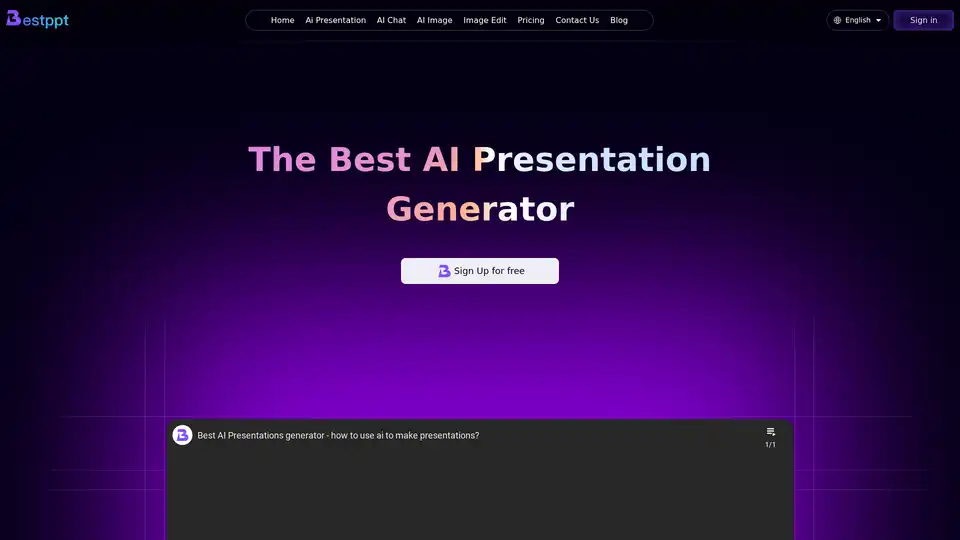
Bestppt is the best AI presentation generator. Create stunning PowerPoint slides in minutes with AI. Offers diverse templates, AI chatbot, and image functions.
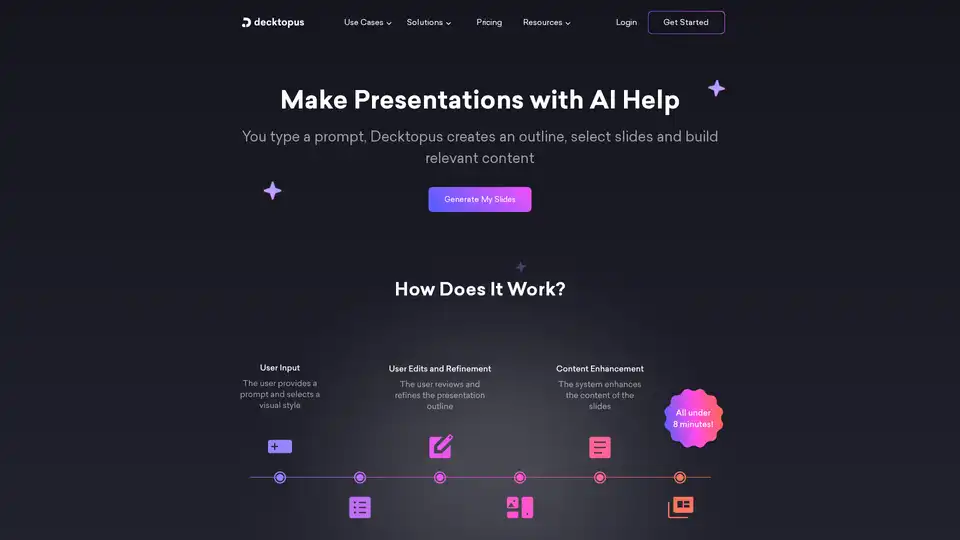
Decktopus AI is an AI presentation maker that creates stunning presentations in seconds. Just type a title, and your AI-powered presentation is ready.
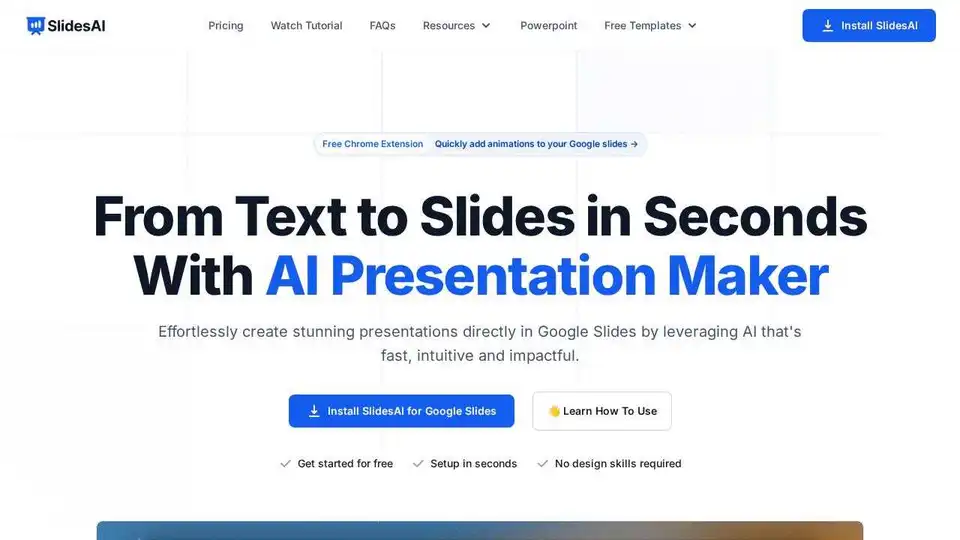
Create stunning presentations in seconds with SlidesAI, the AI presentation maker for Google Slides and PowerPoint. Turn text into engaging slides effortlessly.
Autoppt is an AI PowerPoint generator that creates stunning AI presentations in seconds. Generate AI slides from text prompts or documents with ease.