
Slideas.ai
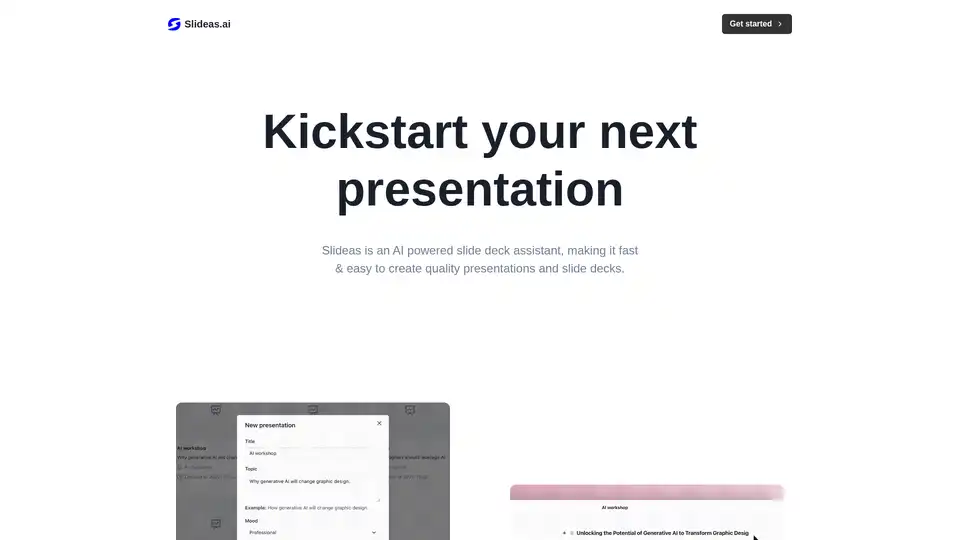
Overview of Slideas.ai
What is Slideas.ai?
Slideas.ai is an innovative AI-powered slide deck assistant designed to streamline the process of creating high-quality presentations. Whether you're preparing for a business pitch, educational lecture, or team update, this tool leverages artificial intelligence to generate structured content quickly, saving you hours of manual work. Unlike traditional presentation software that requires starting from scratch, Slideas.ai automates the initial creation of headlines, talking points, and bullet points based on your chosen topic. It's particularly useful for professionals who need polished slides without deep design expertise.
Founded by Mersenne AB, Slideas.ai emphasizes ease of use with a Notion-like editor that feels intuitive and familiar. The platform supports presentations on any topic, from marketing strategies to scientific overviews, making it a versatile resource in the AI-driven productivity landscape.
How Does Slideas.ai Work?
The workflow in Slideas.ai is straightforward and user-friendly, ensuring even beginners can produce professional results. Here's a step-by-step breakdown:
Choose Your Topic: Start by selecting or inputting a topic for your presentation. The AI analyzes the subject and automatically generates relevant headlines, key talking points, and structured bullet points. This feature draws on natural language processing to ensure content is coherent and engaging.
Edit with Ease: Once generated, dive into the editing phase using the platform's Notion-inspired interface. You can add, remove, or modify headlines, bullet points, and text effortlessly. The editor supports drag-and-drop functionality for rearranging elements, allowing customization to match your voice and style.
Collaborate in Real-Time: For team projects, invite members to join and edit simultaneously. Changes sync instantly, fostering seamless collaboration similar to Google Docs but tailored for slides.
Present or Export: When ready, present directly from the platform or export your deck to popular formats like Google Slides or PowerPoint. This flexibility ensures compatibility with existing workflows in offices or educational settings.
Under the hood, Slideas.ai uses advanced AI models to understand context and produce concise, impactful content. It avoids generic templates by focusing on topic-specific relevance, which enhances the overall quality of your slides.
Key Features of Slideas.ai
Slideas.ai stands out with a suite of features that cater to modern presentation needs:
- AI-Generated Content: Automatically creates slide structures, saving time on brainstorming and outlining.
- Intuitive Editor: A clean, Notion-like interface that minimizes the learning curve.
- Real-Time Collaboration: Enable team input without version control hassles.
- Export Options: Seamless integration with Google Slides and PowerPoint, plus direct presentation mode.
- Theme Access: Free users get all basic themes, while Pro unlocks customization for branding.
Upcoming features like enhanced real-time capabilities promise even more dynamic teamwork. These elements make Slideas.ai a robust tool for anyone tired of clunky presentation builders.
Pricing Plans and Value
Slideas.ai offers accessible pricing to suit different users:
Free Plan ($0/month): Includes unlimited personal decks, export to Google Slides, and access to all standard themes. Ideal for individuals testing the waters or handling solo projects.
Pro Plan ($18/month): Builds on the free tier with team collaboration, PowerPoint export, theme customization, and brand guidelines support. This is perfect for businesses needing branded, collaborative outputs.
Both plans allow you to get started immediately via the website, with no long-term commitments. The value lies in the time savings—users report creating decks in minutes that would otherwise take hours, boosting productivity significantly.
Who is Slideas.ai For?
This tool targets a wide audience, including:
- Business Professionals: Marketers, salespeople, and executives who need quick, persuasive pitches.
- Educators and Students: Teachers preparing lectures or students building reports without design skills.
- Teams in Collaborative Environments: Remote workers or agencies requiring real-time input.
- Content Creators: Bloggers or consultants turning ideas into visual stories efficiently.
If you're someone who dreads blank slides or struggles with structure, Slideas.ai democratizes professional presentation creation. It's especially beneficial for non-designers, as the AI handles the heavy lifting while you focus on messaging.
Why Choose Slideas.ai Over Other Tools?
In a crowded market of AI tools, Slideas.ai differentiates itself through simplicity and integration. Compared to standalone generators, it offers end-to-end support from creation to export. The Notion-like editor provides a refreshing alternative to rigid software like PowerPoint, while real-time collaboration rivals enterprise solutions without the complexity.
User feedback highlights its accuracy in generating relevant content—far superior to generic AI outputs. For SEO-conscious creators, the tool's focus on clear, structured slides can improve audience engagement, indirectly aiding content discoverability.
Best Ways to Use Slideas.ai Effectively
To maximize its potential:
- Start Specific: Provide detailed topic inputs for more tailored AI suggestions.
- Iterate Collaboratively: Use team features early to refine ideas collectively.
- Customize for Brand: Pro users should leverage theme options to align with company visuals.
- Integrate with Workflows: Export to familiar tools to maintain consistency in your ecosystem.
Common use cases include quarterly reports, product launches, and training sessions. By incorporating AI-generated insights, your presentations become more data-driven and compelling.
In summary, Slideas.ai transforms the often tedious task of slide creation into an efficient, creative process. With its AI core, user-friendly design, and collaborative edge, it's a go-to for anyone aiming to deliver impactful presentations without the hassle. Visit Slideas.ai to kickstart your next deck today.
AI Article Generation AI Text Polishing AI Writing Assistance Paper and Report Generation News and Blog Generation Email and Business Writing
Best Alternative Tools to "Slideas.ai"
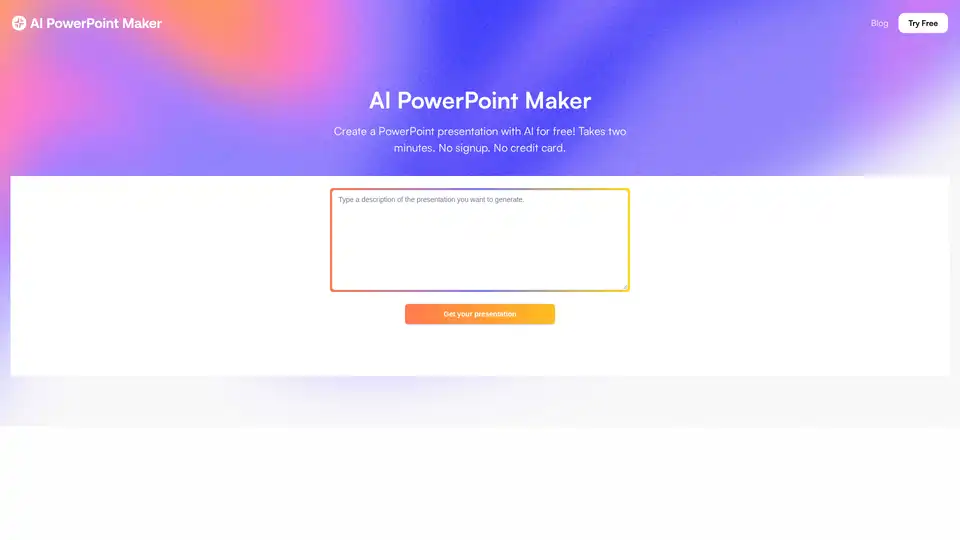
AI PowerPoint Maker is a free AI tool that generates professional PowerPoint slides from ideas, documents, or articles. Create stunning presentations instantly without signup, export to PPTX for easy editing in PowerPoint or Google Slides.

HyperPresent AI is an AI-powered presentation and website generator that helps users create investor-ready presentations and conversion-focused landing pages quickly. It offers features like AI presentation maker, landing page builder, and website builder.
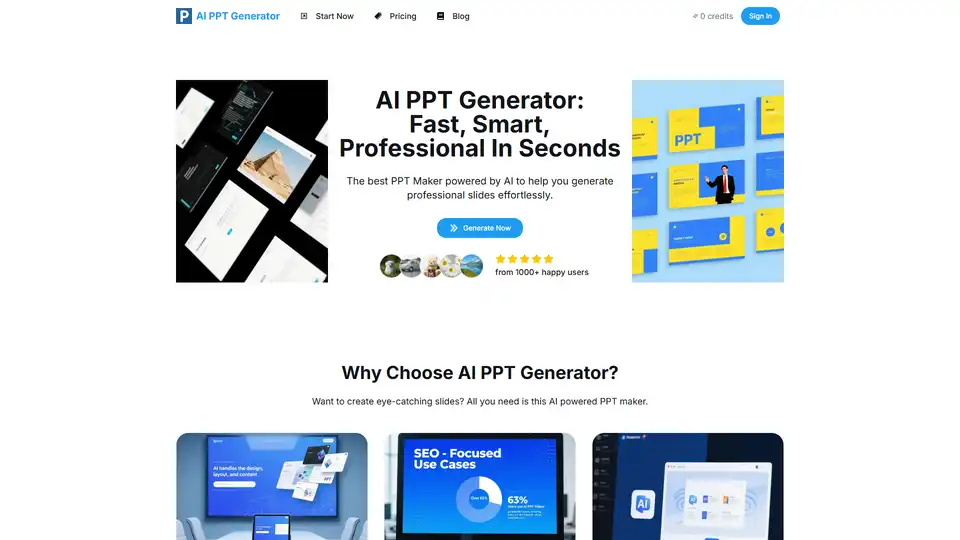
AI PPT Generator is an AI-powered platform to generate professional presentations and slideshows online in seconds. Create stunning PPTs effortlessly with AI.
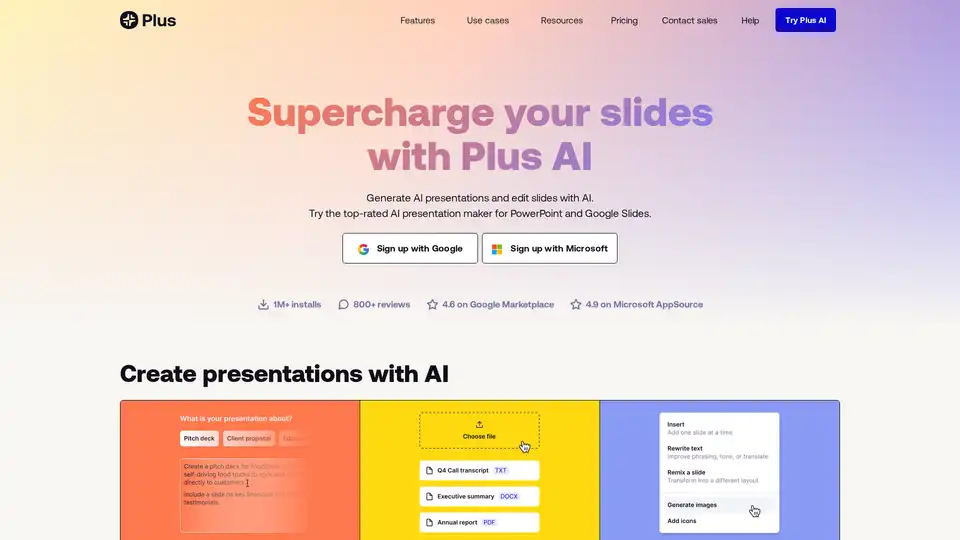
Plus AI is an AI-powered presentation maker that works directly within Google Slides and PowerPoint. It helps users create, edit, and refine slides quickly using AI, offering features like prompt-based generation, file uploads, and slide remixing.