
Sketch
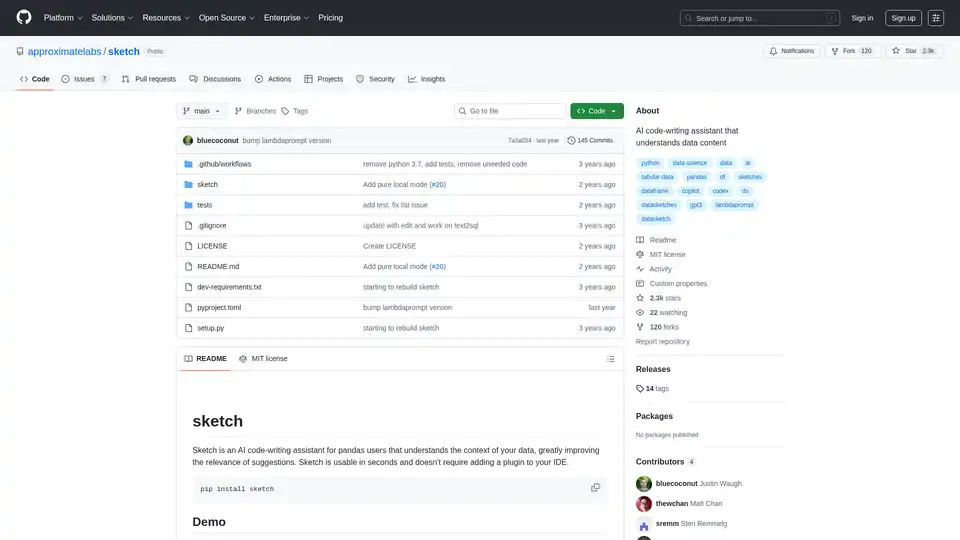
Overview of Sketch
Sketch: AI Code-Writing Assistant for Pandas
Sketch is an AI-powered code-writing assistant designed to enhance the experience of data scientists and analysts working with pandas DataFrames. It understands the context of your data, providing more relevant and accurate code suggestions, and is usable in seconds without requiring IDE plugins.
What is Sketch?
Sketch is a tool that helps users write code more efficiently when working with pandas DataFrames. It uses AI to understand the structure and content of your data, enabling it to provide context-aware code suggestions. This makes it easier and faster to perform various data analysis tasks.
How does Sketch work?
Sketch leverages efficient approximation algorithms (data sketches) to quickly summarize your data. This summarized information is then fed into language models to generate code suggestions. Currently, Sketch summarizes columns and uses these summary statistics as context for the code-writing prompt. The goal is to eventually feed these sketches directly into custom-made "data + language" foundation models for even more accurate results.
Key Features and Benefits
- Context-Aware Suggestions: Sketch understands the context of your data, leading to more relevant and accurate code suggestions.
- Quick Setup: It can be installed and used in seconds, allowing you to immediately improve your data analysis workflow.
- No IDE Plugin Required: Sketch doesn't require any IDE plugins, making it easy to integrate into your existing workflow.
- Natural Language Interface: Offers a natural language interface to navigate many tasks in the data stack landscape.
How to Use Sketch
Installation:
Install Sketch using pip:
pip install sketchImport Sketch:
Import the Sketch library in your Python script or Jupyter Notebook:
import sketchAccess Sketch Extension:
The
.sketchextension is now available on any pandas DataFrame:
df.sketch.ask("Which columns are integer type?") df.sketch.howto("Plot the sales versus time") df['review_keywords'] = df.sketch.apply("Keywords for the review [{{ review_text }}] of product [{{ product_name }}] (comma separated):") df['capitol'] = pd.DataFrame({'State': ['Colorado', 'Kansas', 'California', 'New York']}).sketch.apply("What is the capitol of [{{ State }}]?") ```
Sketch Functions
- .sketch.ask: A question-answering system that provides text-based answers based on the summary statistics and description of the data.
- .sketch.howto: Generates code blocks for various data-related tasks, such as cleaning, normalizing, feature creation, plotting, and model building.
- .sketch.apply: An advanced prompt useful for data generation, parsing fields, and creating new features.
Running Locally
Sketch also supports running directly with pre-built Hugging Face models (MPT-7B and StarCoder) or OpenAI by setting the appropriate environment variables.
os.environ['LAMBDAPROMPT_BACKEND'] = 'StarCoder'
os.environ['SKETCH_USE_REMOTE_LAMBDAPROMPT'] = 'False'
os.environ['HF_ACCESS_TOKEN'] = 'your_hugging_face_token'
Who is Sketch for?
Sketch is ideal for:
- Data Scientists: Accelerate data exploration and analysis.
- Data Analysts: Simplify complex data manipulation tasks.
- Machine Learning Engineers: Streamline feature engineering and model building.
- Anyone working with Pandas DataFrames: Improve productivity and reduce coding time.
Why Choose Sketch?
- Improved Code Quality: Context-aware suggestions lead to better and more accurate code.
- Time Savings: Automates code generation, freeing up time for more critical tasks.
- Ease of Use: Simple installation and intuitive API make it accessible to users of all skill levels.
Sketch streamlines data analysis tasks and makes it easier to navigate the data analysis landscape. Its ability to understand data context and generate relevant code suggestions makes it a valuable asset for any data professional.
AI Programming Assistant Auto Code Completion AI Code Review and Optimization AI Low-Code and No-Code Development
Best Alternative Tools to "Sketch"
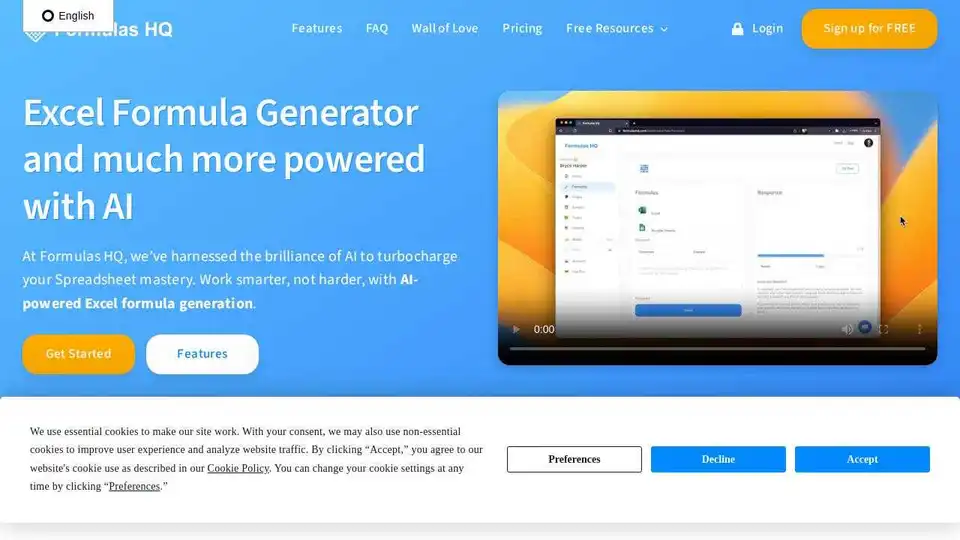
Formulas HQ is an AI-powered tool for generating Excel and Google Sheets formulas, VBA, and Regex, helping you master spreadsheets and automate tasks. Try it for free!
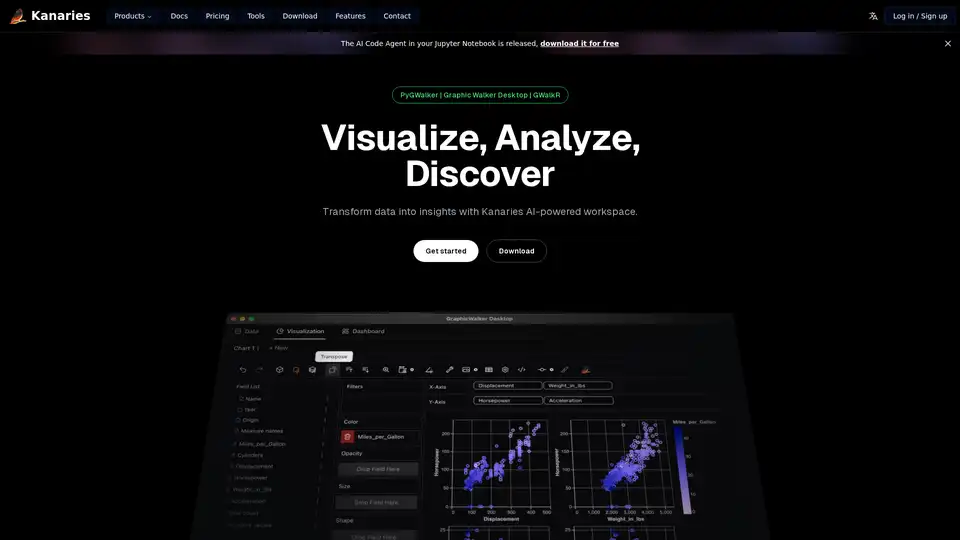
Make exploratory data analysis (EDA) easier with AI powered visual analytics. Discover, Analyze and Share data insights with ease.
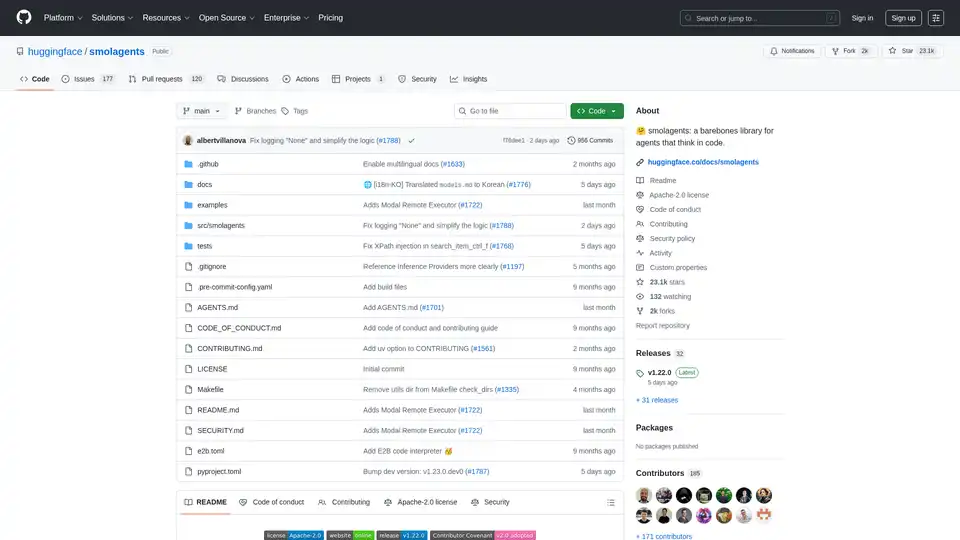
Smolagents is a minimalistic Python library for creating AI agents that reason and act through code. It supports LLM-agnostic models, secure sandboxes, and seamless Hugging Face Hub integration for efficient, code-based agent workflows.
Create interactive data apps with Python using Preswald. Build and deploy static sites for data analysis instantly. No JavaScript needed.