
SheetAI
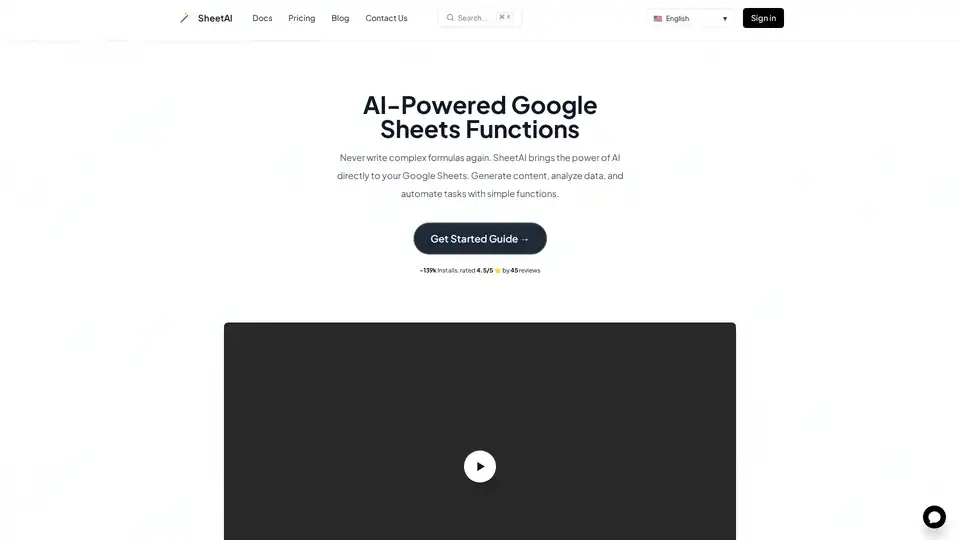
Overview of SheetAI
SheetAI: Supercharge Google Sheets with AI
SheetAI is a powerful browser extension that brings the capabilities of artificial intelligence directly into your Google Sheets. By installing the SheetAI add-on, you can leverage AI to generate content, analyze data, and automate complex tasks using simple, easy-to-use functions. It's like having an AI assistant right inside your spreadsheets!
What is SheetAI?
SheetAI is an AI-powered Google Sheets add-on designed to simplify spreadsheet tasks. It allows users to perform complex actions, such as content creation, data analysis, and task automation, by using simple AI-driven functions directly within their Google Sheets. This eliminates the need for complex formulas and manual data manipulation, saving time and improving efficiency.
How does SheetAI work?
SheetAI works by connecting to AI models that can process and generate information based on your instructions. Here's a step-by-step breakdown:
- Installation: Install the SheetAI add-on from the Google Workspace Marketplace.
- Launch: Open a new or existing Google Sheet, and launch SheetAI from the add-ons menu (Extensions > SheetAI App > Launch).
- Connect: The add-on will prompt you to connect to your OpenAI or Gemini account.
- Function Export: Export SheetAI functions to your Google Sheet. These functions include
SHEETAI_LIST,SHEETAI_EXTRACT,SHEETAI_BRAIN, and more. - AI Integration: Use these functions within your spreadsheet cells to generate lists, create tables, extract information, and perform other AI-driven tasks.
Key Features and Benefits of SheetAI:
- AI-Powered Functions: Use simple functions like
=SheetAIto ask questions and get instant answers directly in your spreadsheet cells. - AI with Memory & Context: Train AI with your data via text or URLs to get accurate, contextual responses using
SHEETAI_BRAIN. - Structured Content Generation: Instantly create organized lists, tables, and structured data with AI-generated variations using
SHEETAI_LIST. - Smart Auto-Fill & Data Enhancement: Automatically complete spreadsheets with AI that understands context, from product descriptions to data standardization using
SHEETAI_EXTRACT.
Use Cases for SheetAI
- Content Creation: Generate blog post ideas, product descriptions, or marketing copy directly within your spreadsheets.
- Data Analysis: Analyze and classify data, extract insights, and identify trends using AI functions.
- Task Automation: Automate repetitive tasks like data entry, formatting, and report generation.
- Market Research: Gather and analyze market data, customer feedback, and competitor information.
- SEO Optimization: Generate SEO-friendly content and optimize keywords for better search engine rankings.
Why Choose SheetAI?
SheetAI offers several advantages over traditional spreadsheet methods:
- Efficiency: Automate tasks and reduce manual work, saving time and improving productivity.
- Accuracy: Leverage AI to minimize errors and ensure consistent data quality.
- Simplicity: Use simple functions instead of complex formulas, making AI accessible to everyone.
- Contextual Intelligence: Train AI with your data to get accurate and relevant insights.
User Testimonials
- Sarah Johnson (Google Workspace): "SheetAI has revolutionized how I work with data in Google Sheets. The AI functions are incredibly intuitive and save me hours of manual work every week. I can generate content, analyze trends, and create reports with just simple formulas."
- Mike Chen (Google Workspace): "As a data analyst, SheetAI has become an essential part of my workflow. The ability to extract insights and classify data using AI functions directly in sheets is a game-changer. Highly recommended!"
SheetAI Pricing
SheetAI offers a free plan to get started, with paid plans available for more advanced features and usage. Visit the SheetAI Pricing page for detailed information.
Who is SheetAI for?
SheetAI is for anyone who uses Google Sheets and wants to improve their productivity with AI. This includes:
- Data analysts
- Marketing professionals
- Content creators
- Project managers
- Small business owners
- Researchers
- Students
Get Started with SheetAI
- Install the add-on: Get SheetAI from the Google Workspace Marketplace.
- Open Google Sheets: Visit sheet.new to create a new sheet or open an existing one.
- Launch SheetAI: Launch the SheetAI app from the Extensions menu.
- Start Using AI: Begin using AI functions in your Google Sheets to automate tasks and analyze data.
How to Use SheetAI
The best way to start using SheetAI is to explore the available functions and experiment with different use cases. Here are a few examples:
- Generate a list of blog post ideas:
=SHEETAI_LIST("blog post ideas about AI in marketing") - Extract information from a website:
=SHEETAI_EXTRACT("https://example.com", "product description") - Get contextual responses based on your data: Use
SHEETAI_BRAINto train AI on your specific information and get tailored answers.
What's New in SheetAI
Stay updated with the latest features and improvements by checking the SheetAI Release Notes.
Best Way to Automate Your Spreadsheets
SheetAI is the best way to automate your spreadsheets and improve your productivity. With its AI-powered functions, you can easily generate content, analyze data, and automate tasks, saving time and improving accuracy. Install SheetAI today and experience the power of AI in your Google Sheets!
AI Task and Project Management AI Document Summarization and Reading AI Smart Search AI Data Analysis Automated Workflow
Best Alternative Tools to "SheetAI"
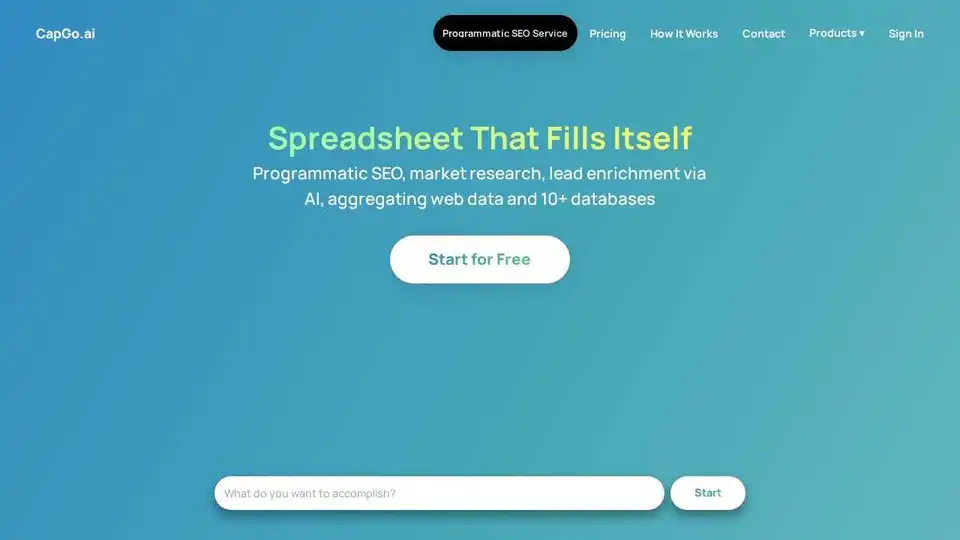
CapGo AI: AI-powered spreadsheet for programmatic SEO, lead enrichment, and market research. Automate tasks, enrich leads, and analyze data with AI.
Websheet AI brings ChatGPT's power to Google Sheets, enabling AI content creation, data analysis, and spreadsheet automation through AI functions and templates. Enhance productivity with ease.
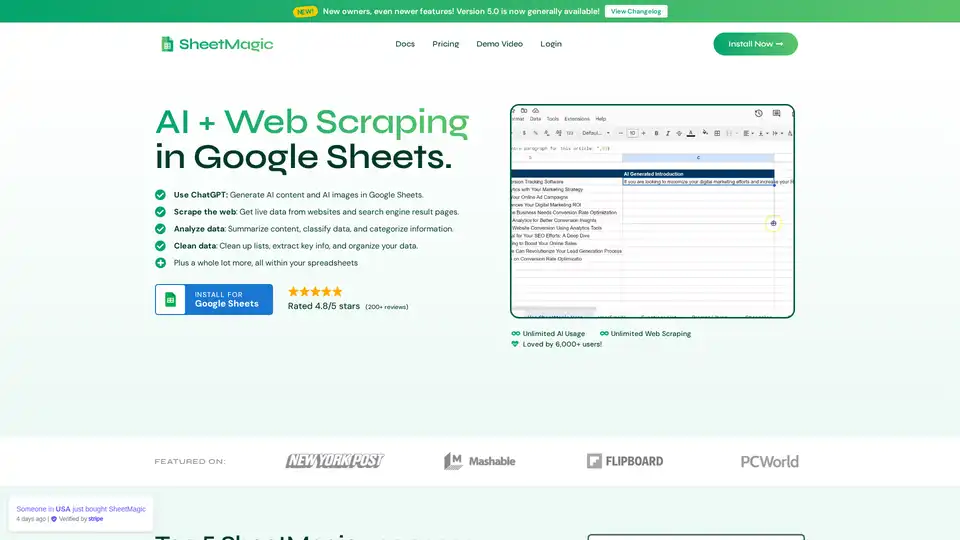
SheetMagic brings unlimited AI power and web scraping directly to Google Sheets. Generate content, scrape data, and automate tasks effortlessly with ChatGPT integration and a range of scraping functions.
AiAssistWorks is an AI add-on for Google Sheets, Slides, and Docs, leveraging 100+ models like GPT, Claude, and Gemini to automate content generation, formulas, slides, and data tasks. Free forever plan available with your own API key.