
ScreenApp
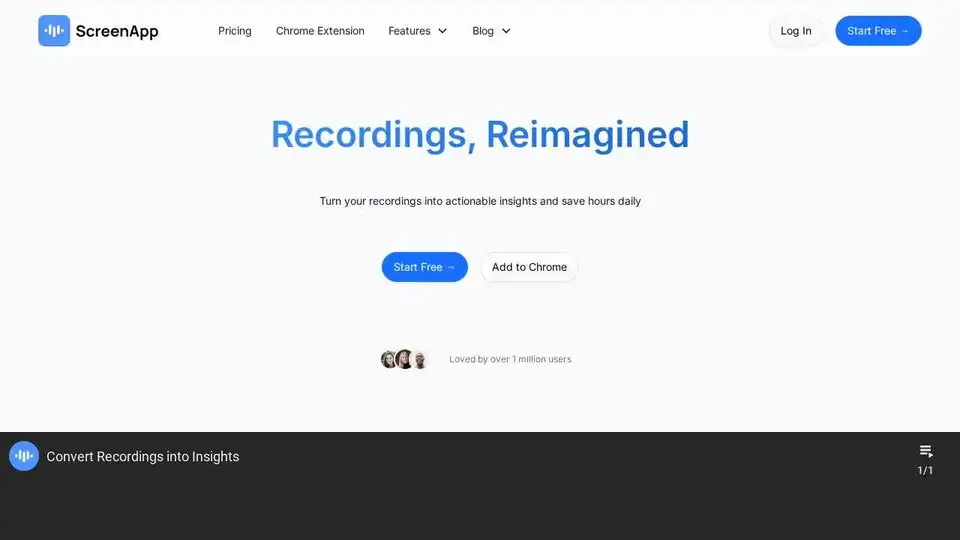
Overview of ScreenApp
ScreenApp: AI-Powered Recording and Insights Platform
What is ScreenApp?
ScreenApp is an AI-powered online platform designed to transform your recordings into actionable insights. It combines audio, screen, and video recording capabilities with advanced AI features like notetaking, transcription, and summarization. This allows users to capture important information, distill key points, and save valuable time.
How does ScreenApp work?
ScreenApp offers a variety of features:
- Recording: Easily record audio, screen, and video with a single click. It can even record specific application windows, so you only record the application you have open.
- AI Notetaking: Automatically capture every detail from recordings and create structured, templated notes.
- Transcription: Convert spoken words into accurate text, understanding different speakers, nuances, and tones.
- Summarization: Generate concise summaries of recordings, highlighting key discussion points and action items.
- Meeting Capture: Discreetly record meetings using bots that transform conversations into actionable knowledge.
- Easy Import: Integrate existing recordings with ScreenApp's recorders, bots, and API.
- Chat to your Recordings: Ask questions and get answers directly from your video recordings.
- Multi-Language Support: Supports multi language translations to break down language barriers.
Key Features and Benefits:
- Instant Insights: Distill recordings into structured notes with AI notetaker.
- Speak to Text: Convert spoken words into flawless text.
- Meeting Capture: Transform conversations into actionable knowledge.
- Voice Magic: Record on any device with simplicity.
- Pocket Power: Record and recall information on the go.
Why is ScreenApp important?
In today's fast-paced world, capturing and processing information efficiently is crucial. ScreenApp helps users:
- Save Time: Automate notetaking and summarization, freeing up time for other tasks.
- Improve Productivity: Transform recordings into actionable insights, enabling better decision-making.
- Enhance Collaboration: Share meeting summaries and key takeaways with team members.
- Never Miss a Detail: Capture every crucial detail from meetings, lectures, and conversations.
Where can I use ScreenApp?
ScreenApp is versatile and can be used in various settings:
- Meetings: Record and summarize meetings to capture action items and key decisions.
- Lectures: Take notes and summarize lectures for efficient studying.
- Interviews: Transcribe interviews for accurate record-keeping and analysis.
- Presentations: Capture presentations and share summaries with attendees.
- Personal Use: Record voice memos, ideas, and conversations for future reference.
Pricing:
ScreenApp offers both free and paid plans. The free plan provides access to core features, while paid plans unlock additional functionality like increased recording limits, advanced AI features, and team collaboration tools. Contact ScreenApp for pricing details on team plans.
Frequently Asked Questions (FAQ):
- Is ScreenApp safe? Yes, ScreenApp uses encryption to protect your data, both in storage and transmission. You can also store recordings locally on your device for added privacy.
- What is ScreenApp for? ScreenApp is designed to be an AI-powered meeting assistant, capturing and converting your recordings into actionable insights.
- How do I summarize videos using ScreenApp? ScreenApp automatically generates summaries of your transcribed recordings using its AI.
- How does ScreenApp's AI video note-taker work? ScreenApp's AI video note-taker captures recordings from various sources and uses AI to transcribe these recordings and generate summaries.
ScreenApp is a valuable tool for anyone looking to streamline their workflow, capture information efficiently, and gain actionable insights from their recordings. By combining powerful recording capabilities with advanced AI features, ScreenApp helps users transform conversations into knowledge. Check out the growing list of features and integrations on the ScreenApp website. Compare ScreenApp to other popular tools like Fireflies, Otter.ai and Notta AI.
AI Voice Synthesis AI Voice Changer AI Music Creation Speech to Text AI Voice Customer Service and Assistant Podcast and Video Dubbing
Best Alternative Tools to "ScreenApp"
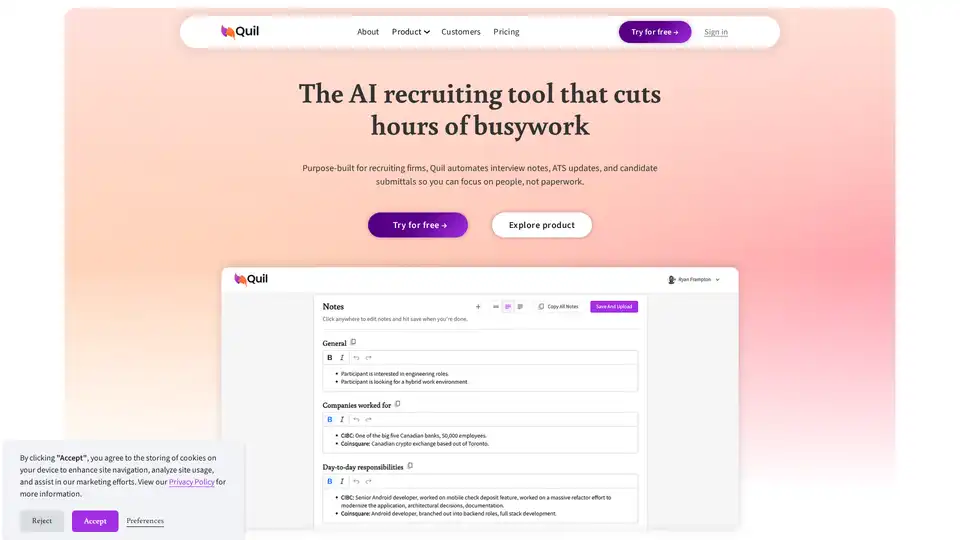
Quil is an AI-powered recruiting tool that automates interview notes, ATS updates, and candidate submittals, saving recruiters hours each week and streamlining the entire recruitment workflow.
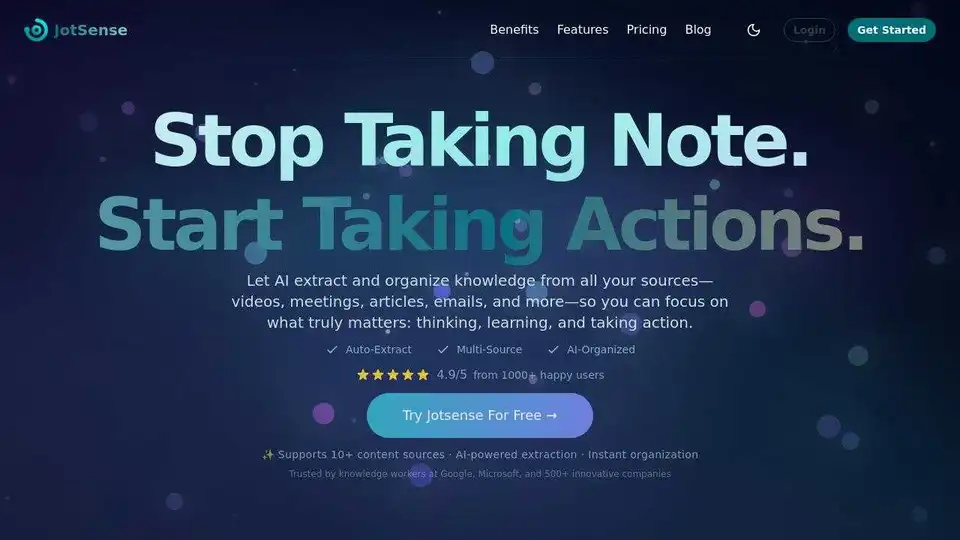
JotSense is an AI note-taking agent that automatically extracts and organizes knowledge from videos, meetings, articles, and emails, helping you focus on thinking, learning, and action.
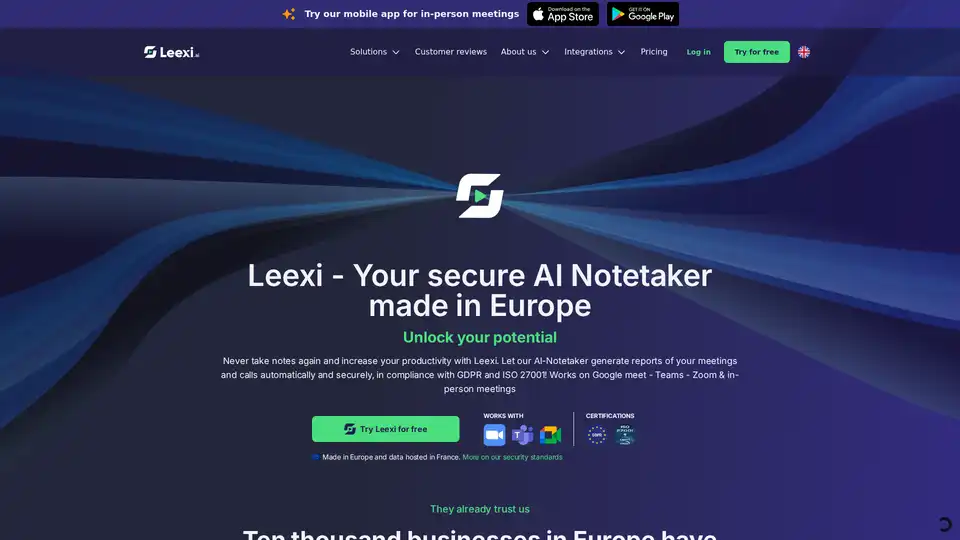
Leexi AI Notetaker automates meeting notes and summaries, saving up to 10 hours monthly with secure, GDPR-compliant AI transcription for Zoom, Teams, and in-person meetings.
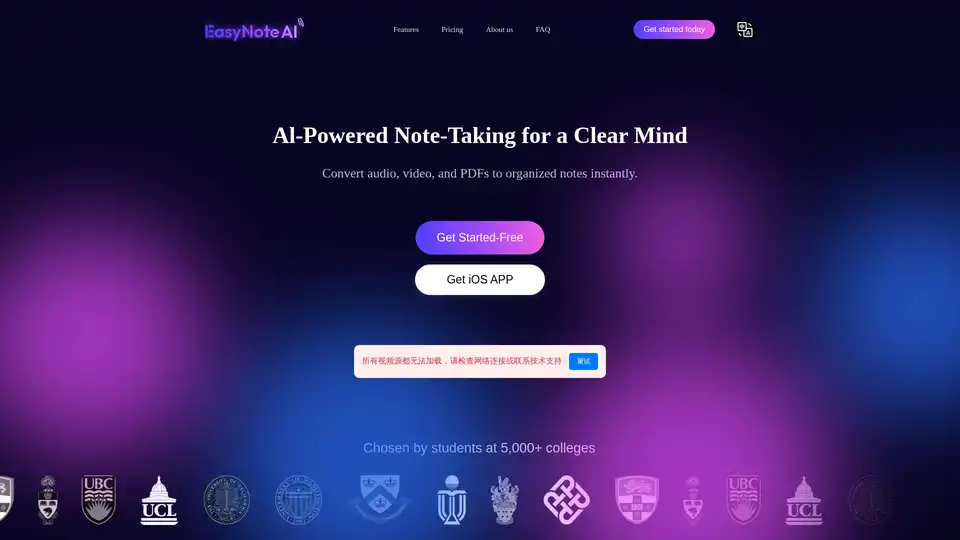
EasyNoteAI is a powerful AI note-taking assistant that converts audio, online videos, and PDFs into organized notes, outlines, flashcards, quizzes, summaries, and chatbots for efficient learning and productivity.