
Samplab
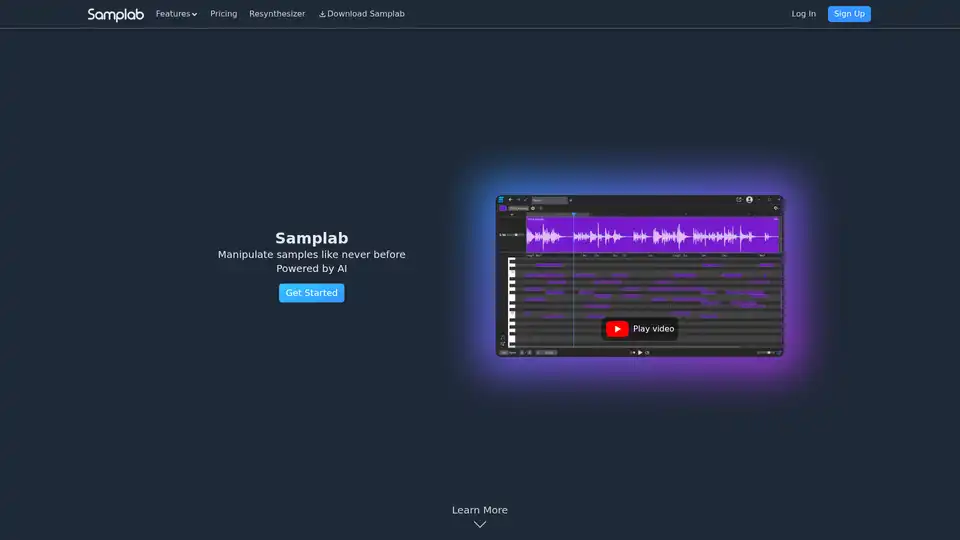
Overview of Samplab
Samplab: AI-Powered Audio Sample Manipulation
What is Samplab?
Samplab is an innovative AI-driven audio tool designed for musicians and producers, enabling them to manipulate audio samples in unprecedented ways. Whether you're adjusting notes, detecting chords, or separating stems, Samplab offers a suite of features to enhance your creative workflow.
Key Features:
- Note Editing: Change any note in your audio sample with ease. Samplab's AI dissects the audio, allowing you to tweak individual notes.
- Chord Detection: Detect and edit chords effortlessly. The software ensures that chords stay in key when you make changes, and you can even export them as a MIDI file.
- Stem Separation: Split music into stems, giving you full access to all notes in any audio and modify them beyond recognition.
- Seamless DAW Integration: Available as a Plugin (VST3 & AU) or Desktop App, designed to fit perfectly into your workflow.
- Audio Warping: Match the tempo and key of different samples, ensuring they sound good together. Easily adapt chords, melodies, and drums.
How does Samplab work?
Samplab utilizes advanced AI algorithms to analyze and deconstruct audio samples. It identifies individual notes, chords, and stems, allowing users to manipulate these elements independently. The resynthesizer technology ensures that changes sound natural and seamless.
- Audio Analysis: Samplab's AI analyzes the audio, breaking it down into its fundamental components.
- Note and Chord Detection: It identifies individual notes and chords, allowing for precise editing.
- Stem Separation: The tool can separate the audio into different stems (vocals, drums, bass, etc.), giving you granular control over each element.
- Manipulation and Resynthesis: Users can then manipulate these elements, and Samplab resynthesizes the audio to reflect the changes seamlessly.
Why choose Samplab?
Samplab stands out due to its AI-driven approach to audio manipulation, offering capabilities that were previously unattainable. Here's why producers and musicians are choosing Samplab:
- Unmatched Flexibility: Tweak the notes of polyphonic audio while maintaining a natural sound.
- Time-Saving: Quickly adapt samples to fit your project's tempo and key.
- Creative Freedom: Modify audio beyond recognition, opening up new creative possibilities.
Who is Samplab for?
Samplab is ideal for:
- Music Producers: Looking to manipulate and remix audio samples.
- Composers: Needing to adjust and harmonize different audio elements.
- Sound Designers: Aiming to create unique and innovative soundscapes.
What producers say:
- KSHMR: “Samplab is pure magic — no other program lets you tweak the notes of polyphonic audio while actually sounding good.”
- ill.Gates: “Samplab is the software we've all been waiting for! Finally there is an AI to separate and tune sounds without too much of that horrible watery spectral sound.”
- DixonBeats: “Samplab is a producer cheat code, plain and simple. If you want to make the most of any of your loops, Samplab is an ABSOLUTE MUST.”
Pricing:
Samplab offers different pricing plans to cater different user needs:
| Plan | Price | Features |
|---|---|---|
| Basic | Free | Samplab Plugin & Desktop App, Up to 10 seconds per audio file, Mono audio |
| Premium | $7.99 per month | Audio files of any length, Stereo audio, Premium note controls |
| Complete | $9.99 per month | Audio files of any length, Stereo audio, Premium note controls, Resynthesizer |
How to use Samplab?
- Download and install the Samplab plugin or desktop app.
- Import your audio sample.
- Use the note editing, chord detection, or stem separation features to manipulate the audio.
- Export your modified audio and integrate it into your project.
FAQ:
How do I use Samplab?
Follow the steps outlined above.
Which operating systems do you support?
Samplab supports both Windows and macOS.
How can I install Samplab?
Download the installer from the Samplab website and follow the instructions.
Conclusion:
Samplab is a game-changing tool for anyone working with audio samples. Its AI-powered features, seamless DAW integration, and user-friendly interface make it an essential addition to any producer's toolkit. Whether you're a seasoned professional or just starting out, Samplab empowers you to unlock new levels of creativity and innovation in your music production.
By harnessing the power of AI, Samplab allows you to manipulate audio samples in ways previously unimaginable. Embrace the future of audio editing with Samplab and take your music production to the next level.
AI Voice Synthesis AI Voice Changer AI Music Creation Speech to Text AI Voice Customer Service and Assistant Podcast and Video Dubbing
Best Alternative Tools to "Samplab"
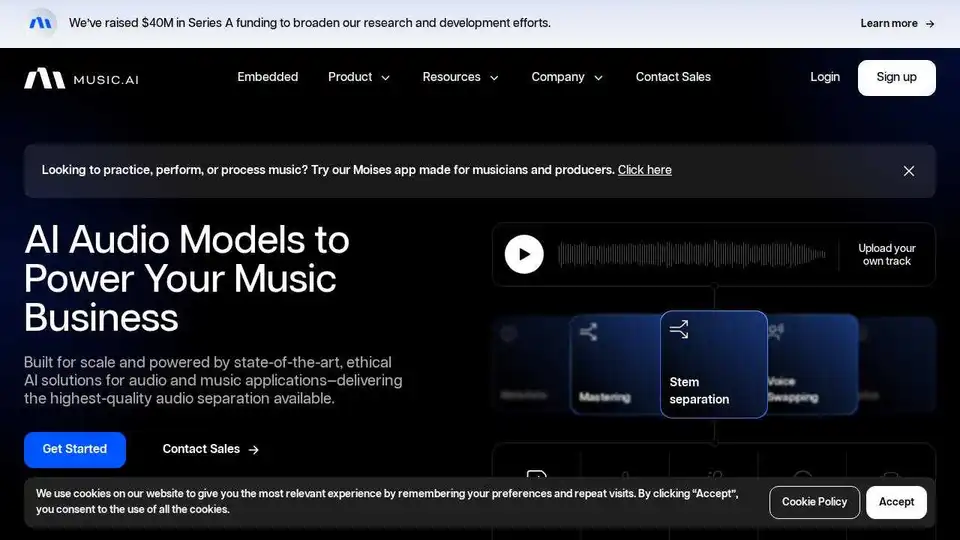
Music AI provides state-of-the-art, ethical AI audio solutions for stem separation, music mastering, voice swapping, and lyrics transcription, empowering businesses to transform audio experiences.
AudioShake is an AI-powered platform that splits audio recordings into stems, enhancing mixing, localization, and accessibility for music, film, and UGC. It supports mixing, mastering, lyric transcription and A/V editing.
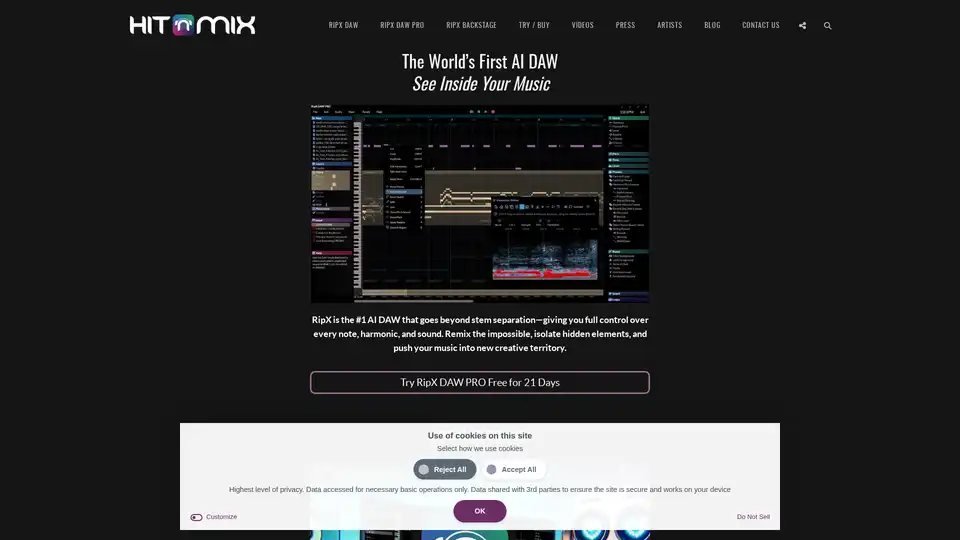
AI music production software for clean vocal extraction, stem separation, and remixing. RipX DAW gives you total audio control.
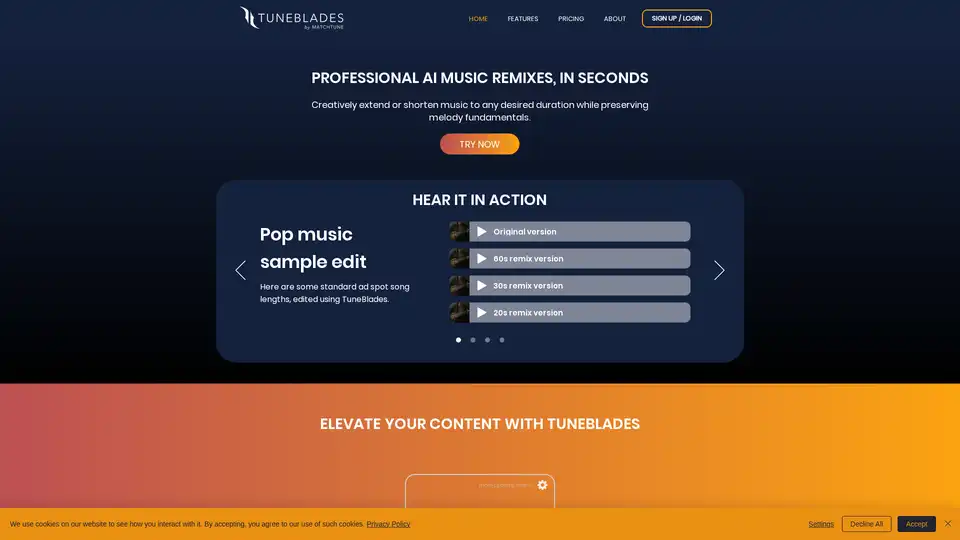
TuneBlades is smart AI audio editing software that resizes, remixes, and adjusts songs automatically while preserving melody fundamentals and voices. Perfect for quick creative edits in music production.