
Roo Code
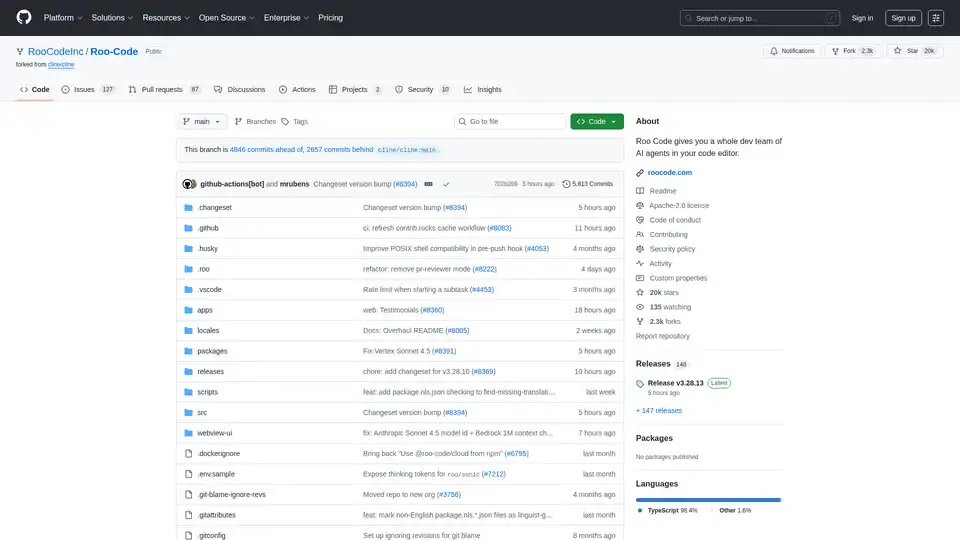
Overview of Roo Code
Roo Code: Your AI-Powered Dev Team, Right in Your Editor
Roo Code is a VSCode extension that acts as an AI-powered development team directly within your code editor. It helps developers automate tasks, generate code, debug, and refactor existing code.
What is Roo Code? Roo Code provides a suite of AI agents that assist in various stages of the development process, functioning as a virtual development team within VSCode.
How does Roo Code work? Roo Code operates through different modes tailored for specific development tasks. These modes leverage AI to understand code context, generate new code, debug issues, and refactor existing code.
Key Features:
- Code Generation: Generate code from natural language descriptions and specifications.
- Adaptable Modes: Offers various modes like Code, Architect, Ask, Debug, and Custom Modes to adapt to different tasks.
- Code Refactoring & Debugging: Refactor and debug existing code to improve efficiency and reduce errors.
- Documentation: Write and update documentation to keep codebase information current.
- Question Answering: Provides fast answers and explanations about your codebase.
- Task Automation: Automates repetitive tasks to save time and effort.
- MCP Servers: Utilize MCP (Multi-Core Processing) Servers for enhanced performance.
- Roomote Control:Remotely control tasks running in your local VS Code instance.
Modes
- Code Mode: For everyday coding, edits, and file operations.
- Architect Mode: For planning systems, specifications, and migrations.
- Ask Mode: For quick answers, explanations, and documentation.
- Debug Mode: For tracing issues, adding logs, and isolating root causes.
- Custom Modes: Build specialized modes tailored for specific team needs or workflows.
How to use Roo Code?
- Installation: Install the Roo Code extension from the VSCode marketplace.
- Configuration: Configure the extension based on your project requirements.
- Using Modes: Select the appropriate mode based on the task at hand, such as 'Code' for general coding or 'Debug' for troubleshooting.
Why choose Roo Code?
Roo Code helps developers:
- Increase Productivity: By automating repetitive tasks and generating code quickly.
- Improve Code Quality: By providing tools for debugging and refactoring.
- Enhance Collaboration: By providing clear documentation and explanations of the codebase.
Who is Roo Code for? Roo Code is for developers who:
- Want to automate their workflow.
- Need assistance with debugging and refactoring code.
- Want to improve their overall productivity.
Installation and Setup
- Clone the Repository:
git clone https://github.com/RooCodeInc/Roo-Code.git - Install Dependencies:
pnpm install - Run the Extension:
- Development Mode (F5): Press F5 in VSCode to open a new window with the extension running.
- Automated VSIX Installation:
pnpm install:vsix [-y] [--editor=<command>] - Manual VSIX Installation:
pnpm vsix
code --install-extension bin/roo-cline-<version>.vsix
Resources
- Documentation: Official guide to install, configure, and master Roo Code.
- YouTube Channel: Tutorials and feature demonstrations.
- Discord Server: Community for real-time help and discussions.
- Reddit Community: Share experiences and see what others are building.
- GitHub Issues: Report bugs and track development.
- Feature Requests: Share ideas with the developers.
License
Roo Code is licensed under the Apache 2.0 License.
Enjoy Roo Code and explore what you can build with your AI-powered development team!
AI Programming Assistant Auto Code Completion AI Code Review and Optimization AI Low-Code and No-Code Development
Best Alternative Tools to "Roo Code"

NextCoder by Microsoft revolutionizes code editing with AI. It uses Selective Knowledge Transfer for superior performance, even on 16GB systems. Enhance your coding workflow now!
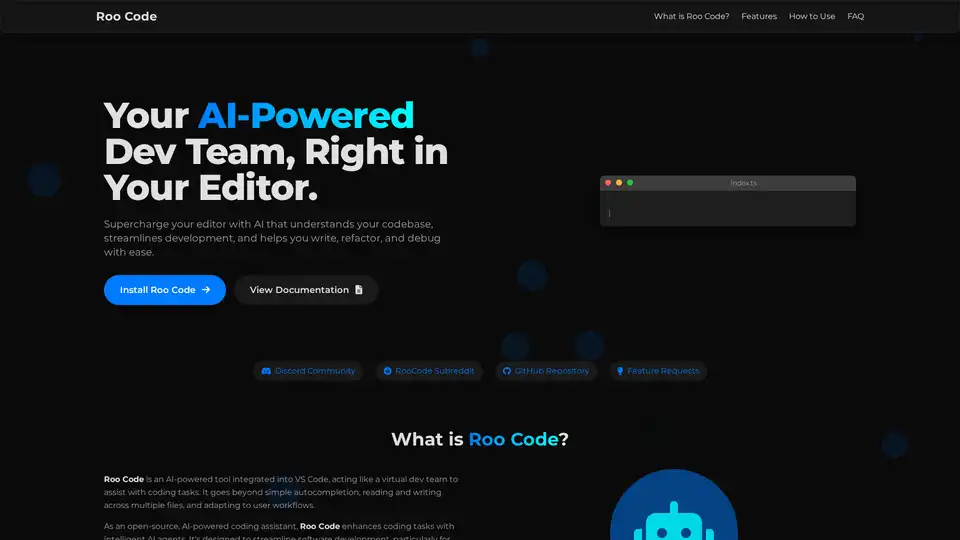
Roo Code is an open-source AI-powered coding assistant for VS Code, featuring AI agents for multi-file editing, debugging, and architecture. It supports various models, ensures privacy, and customizes to your workflow for efficient development.
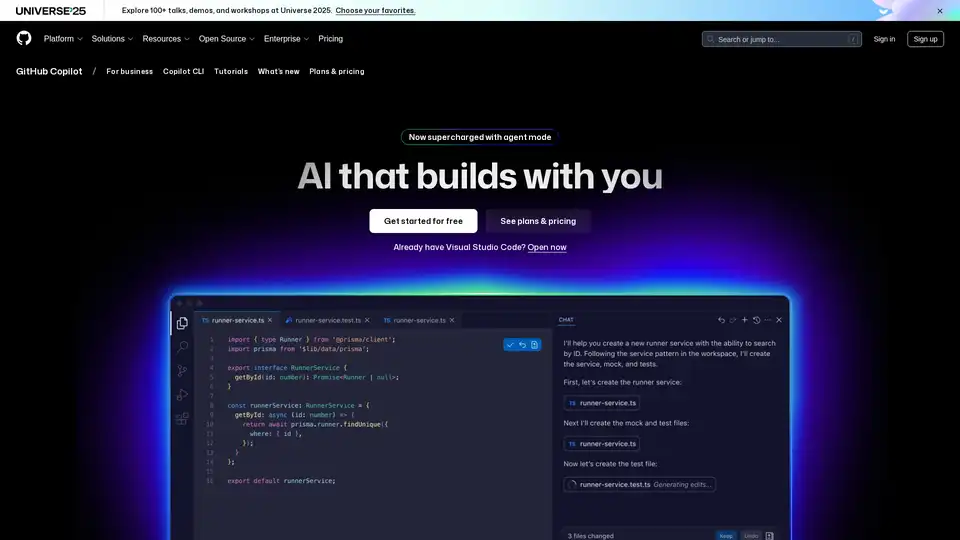
GitHub Copilot is an AI-powered coding assistant that integrates into your IDE, suggesting code lines, handling issues via agent mode, and providing reviews to boost developer productivity.
CodeMate AI is an AI-powered coding assistant designed to help developers code faster, debug errors, and automate code reviews. Integrates with VS Code and supports multiple version control systems.