
Rewrait
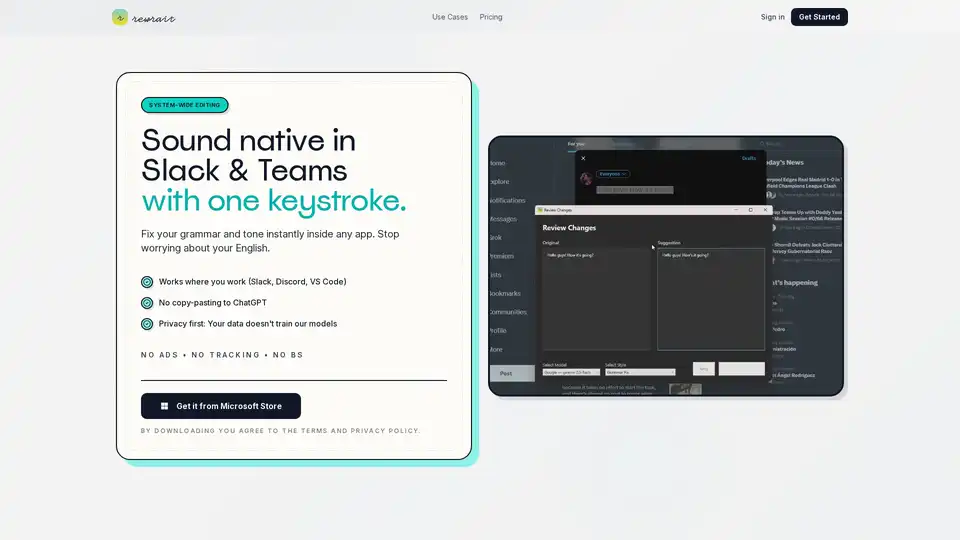
Overview of Rewrait
Rewrait: Your System-Wide AI Writing Assistant for Mac & Windows
What is Rewrait? Rewrait is a native desktop application designed for both Mac and Windows that acts as a powerful writing assistant, working seamlessly within any application you use. It eliminates the need for constant copy-pasting into separate tools like ChatGPT, offering a more integrated and private writing experience.
Key Features of Rewrait
- System-Wide Editing: Fix grammar, adjust tone, and improve clarity directly within Slack, Discord, VS Code, or any other application.
- Instant Grammar and Style Fixes: Correct grammar and style errors in seconds, ensuring your writing is polished and professional.
- Tone Adjustment: Modify the tone of your text with a single shortcut, choosing from casual, professional, witty, and more.
- Translation: Translate text into over 100 languages while preserving the original tone and meaning. No more robotic-sounding translations!
- Privacy-Focused: Your data doesn't train Rewrait's models. You can even bring your own API key for enhanced privacy and data control.
- Prompt Library: Build your own library of custom text recipes for repeated tasks, tailoring the tool to your specific writing style and needs.
How Does Rewrait Work?
Rewrait operates as a native desktop application, meaning it integrates directly with your operating system. This allows it to monitor text input across all applications and provide real-time suggestions and corrections. Unlike web-based writing tools that require you to copy and paste text, Rewrait works directly within your workflow.
The core of Rewrait is powered by AI, which analyzes your writing and identifies areas for improvement. It then provides suggestions for grammar, style, tone, and clarity. You can accept or reject these suggestions with a single click, making the editing process fast and efficient.
Why Choose Rewrait?
- Seamless Integration: Works within any application, eliminating the need for copy-pasting.
- Enhanced Privacy: Your data is not used to train AI models.
- Customization: Build your own prompt library to tailor the tool to your specific needs.
- Time-Saving: Fix your writing instantly, saving you valuable time and effort.
- Multi-Language Support: Translate text into over 100 languages.
Who is Rewrait For?
Rewrait is designed for anyone who wants to improve their writing skills and communicate more effectively. It is particularly useful for:
- Professionals: Ensure your work emails, reports, and presentations are clear, concise, and error-free.
- Freelance Writers: Improve the quality and efficiency of your writing.
- Support Teams: Provide accurate and helpful support to customers.
- Sales Teams: Craft persuasive and engaging sales emails.
- Non-Native English Speakers: Improve your English writing skills and communicate more confidently.
- Students: Ideal for academic writing and students seeking to improve their essays and assignments.
Real Feedback From Users
- "It’s the first writing tool that doesn’t get in my way."
- "Rewrites are instant and feel natural to my style."
- "Faster than copy–paste workflows. Huge time saver."
Pricing Plans
Rewrait offers both monthly and yearly subscription plans:
- Pro Monthly: $9.99 per month
- Pro Yearly: $79.99 per year (Save 33%)
Both plans include unlimited rewrites and fixes, one-shortcut tone changes, instant grammar and clarity correction, and custom text recipes.
Rewrait vs. Other AI Writing Tools
How does Rewrait compare to popular tools like Grammarly and QuillBot?
Unlike Grammarly, Rewrait doesn't get in your way with constant pop-ups and suggestions. It works silently in the background, providing assistance only when you need it.
Compared to QuillBot, Rewrait offers a more natural and human-sounding paraphrasing experience. It preserves the original tone and meaning of your text, ensuring that your writing remains authentic.
Getting Started with Rewrait
To get started with Rewrait, simply download the application from the Microsoft Store (for Windows) or the Rewrait website (for Mac). Install the application and follow the on-screen instructions.
Once installed, Rewrait will automatically integrate with your operating system and monitor text input across all applications. To use Rewrait, simply highlight the text you want to improve and press the Rewrait shortcut key (which can be customized in the settings).
Conclusion
Rewrait is a powerful and versatile writing assistant that can help you improve your writing skills and communicate more effectively. With its seamless integration, enhanced privacy, and customizable features, Rewrait is the perfect tool for anyone who wants to write with confidence and clarity. Whether you're a professional, a student, or simply someone who wants to improve their writing skills, Rewrait can help you achieve your goals.
AI Article Generation AI Text Polishing AI Writing Assistance Paper and Report Generation News and Blog Generation Email and Business Writing
Best Alternative Tools to "Rewrait"
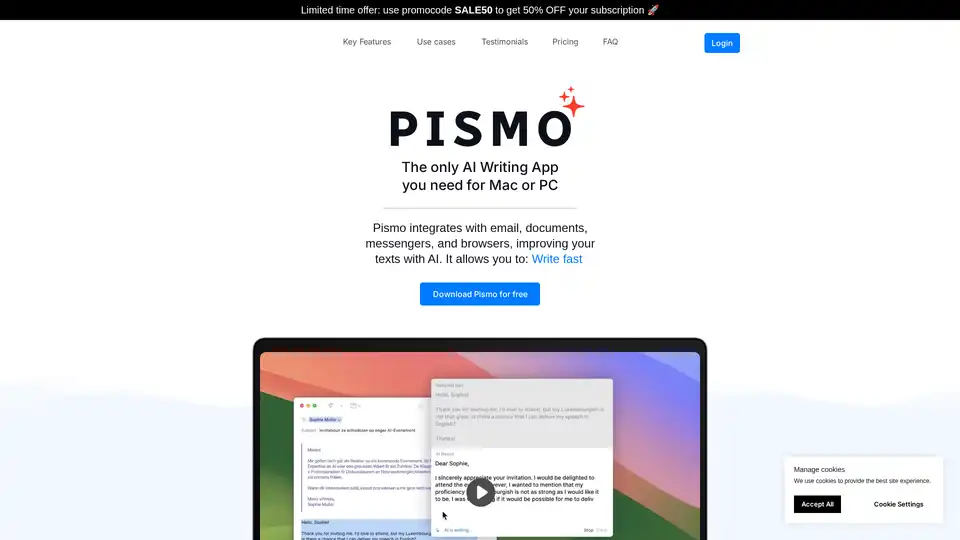
Pismo is a native AI writing assistant for Mac and Windows that integrates with email, documents, messengers, and browsers to improve your writing with AI-powered suggestions and translations.
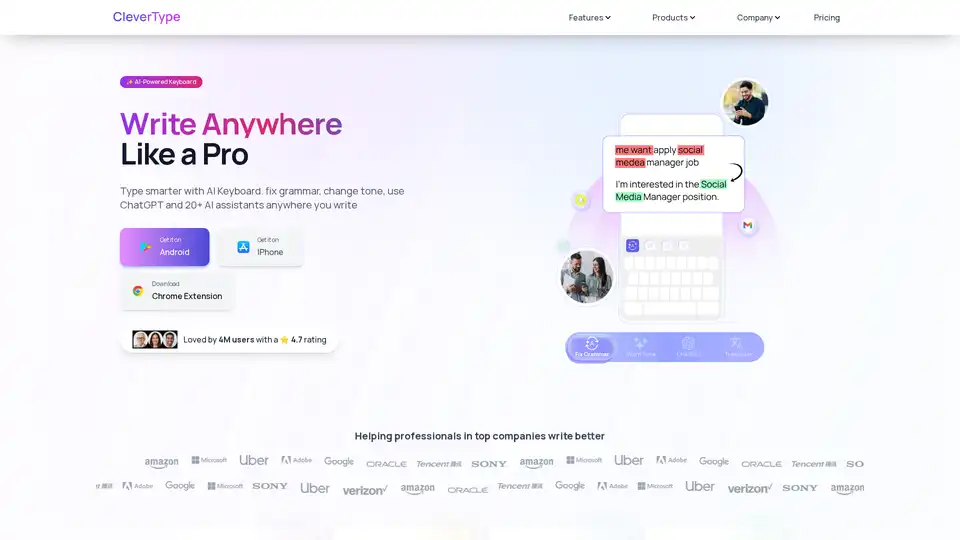
CleverType is an AI-powered keyboard that helps you write better anywhere. It offers grammar correction, tone adjustment, AI replies, and translation features. Available on Android, iOS, and as a Chrome extension.

Flot AI is a browser extension that acts as your AI ally, enhancing your writing, reading, and memorization across apps and websites. It offers AI-powered writing assistance and memory recall.
Wordtune is an AI-powered writing assistant that helps users paraphrase, rewrite, and correct grammar. It offers contextual suggestions, tone adjustments, and proofreading tools to enhance writing quality.