
ReportGPT
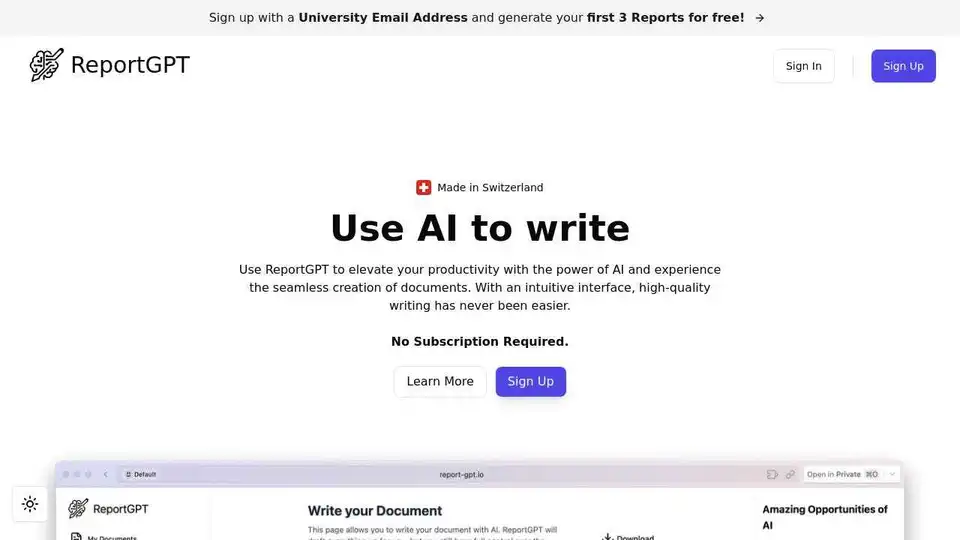
Overview of ReportGPT
ReportGPT: The AI-Powered Document Writing Assistant
What is ReportGPT? ReportGPT is an innovative platform designed to streamline your document writing process using cutting-edge AI technology. It bridges the gap between AI efficiency and human expertise, offering a step-by-step workflow that ensures quality and customization at every turn.
How does ReportGPT work?
ReportGPT transforms the way you create reports with its streamlined process:
- Start a New Document: Begin by providing a title and selecting the type of document you are looking to write.
- Generate and Customize the Outline: ReportGPT presents a suggested structure based on your task's specifics. Review this framework to your exact needs, adding or removing sections and adjusting chapter headings.
- Generate and Customize Step by Step: Fill out a form detailing the requirements for each chapter, and allow the AI to generate them. Refine and personalize your text. The AI learns from your writing style and takes it into consideration for future documents.
- Export Your Report: Choose an export format that suits your submission requirements or personal preferences, with options for Word, LaTeX, or Markdown formats.
Key Features of ReportGPT
- AI-Powered Writing Assistance: Leverage cutting-edge AI technology to generate, review, and refine content.
- Intuitive Writing Interface: A clean, easy-to-navigate interface simplifies document creation.
- Customizable Document Structures: Tailor your documents to your exact requirements with a flexible structure editor.
- Integrated AI-Content Detection: Detect and eliminate unintentional plagiarism.
- Diverse Export Options: Export in Word, LaTeX, or Markdown formats.
Why is ReportGPT important?
ReportGPT offers several compelling reasons to integrate it into your writing workflow:
- Time Savings: Generate content quickly and efficiently, saving countless hours.
- Improved Writing Quality: Benefit from AI-driven content generation and refinement.
- Customization: Tailor your documents to your exact needs with a flexible structure editor.
- Originality: Ensure your content is original with integrated AI-content detection.
- Flexibility: Export your documents in a variety of formats to meet your specific needs.
Use Cases
ReportGPT can be used across a wide range of writing tasks:
- Research Paper Writing: Customizable frameworks and efficient data management for academic and scientific papers.
- Business Planning: Versatile planning interfaces suitable for any type of business.
- Product Reviews and Comparisons: Detailed comparisons with AI assistance for unbiased evaluations.
- Technical Documentation: Advanced documentation interfaces designed for software manuals and API guides.
- Grant and Proposal Writing: Customizable interfaces for any type of grant or proposal.
- Essay Writing: Versatile writing interfaces suitable for any document.
ReportGPT Pricing
ReportGPT offers a range of pricing options to suit your needs:
- Free Demo Document: Try out the platform for free.
- 1 AI-Report: $3 (one-time)
- 5 AI-Reports: $10 (one-time, discounted from $15)
- 10 AI-Reports: $18 (one-time, discounted from $30)
Frequently Asked Questions
- Is ReportGPT suitable for non-academic writing tasks? Absolutely! It's designed to assist with a broad range of tasks, including business reports and articles.
- How does the AI assist me in writing? The AI uses information provided by you to generate relevant content, which can then be reviewed, refined, and edited.
- Can I use ReportGPT for free? Yes, ReportGPT offers a free trial period, giving you full access to all the features.
- What export formats are supported by ReportGPT? Word, LaTeX, and Markdown.
- Can I customize the document structure? Yes, the suggested structure is entirely customizable.
- What languages does ReportGPT support? Currently supports 15 languages, including English, German, French, Hindi, and more.
- Is it a recurring subscription? No, it's a one-time payment.
How to use ReportGPT? Simply sign up, start a new document, customize the outline, generate content step by step, and export your report.
Where can I use ReportGPT? You can use ReportGPT for research papers, business plans, product reviews, technical documentation, grant proposals, essays, and more.
Best way to write reports? ReportGPT provides the best way to leverage AI for streamlined, high-quality document creation.
Conclusion
ReportGPT is a powerful AI writing assistant designed to elevate your productivity and streamline your document creation process. With its intuitive interface, customizable structures, and diverse export options, ReportGPT is a valuable tool for anyone looking to improve their writing efficiency and quality. Try ReportGPT for free and experience the future of document writing.
AI Article Generation AI Text Polishing AI Writing Assistance Paper and Report Generation News and Blog Generation Email and Business Writing
Best Alternative Tools to "ReportGPT"
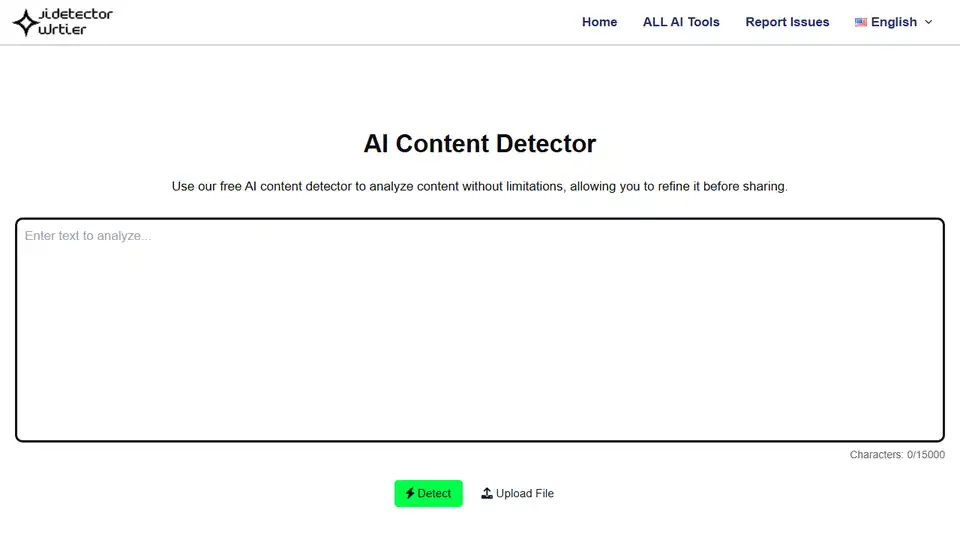
Use AI Content Detector, a free tool, to analyze content and identify AI-generated text from GPT-4, GPT-3, and more. Ensure authenticity and originality effortlessly.
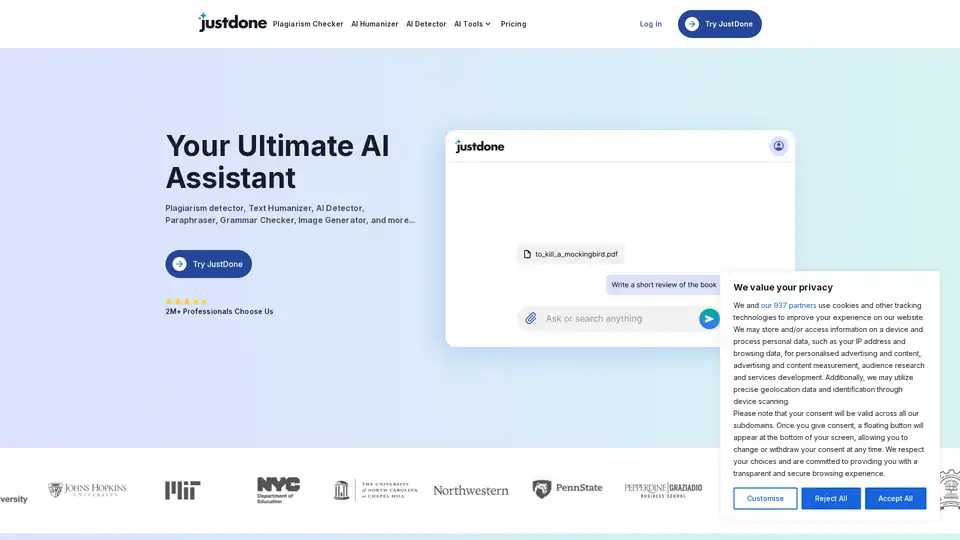
JustDone is your AI-powered writing partner for research, writing, and studying. Boost productivity with tools like plagiarism checker, AI humanizer, paraphraser, and more to create original, high-quality content effortlessly.
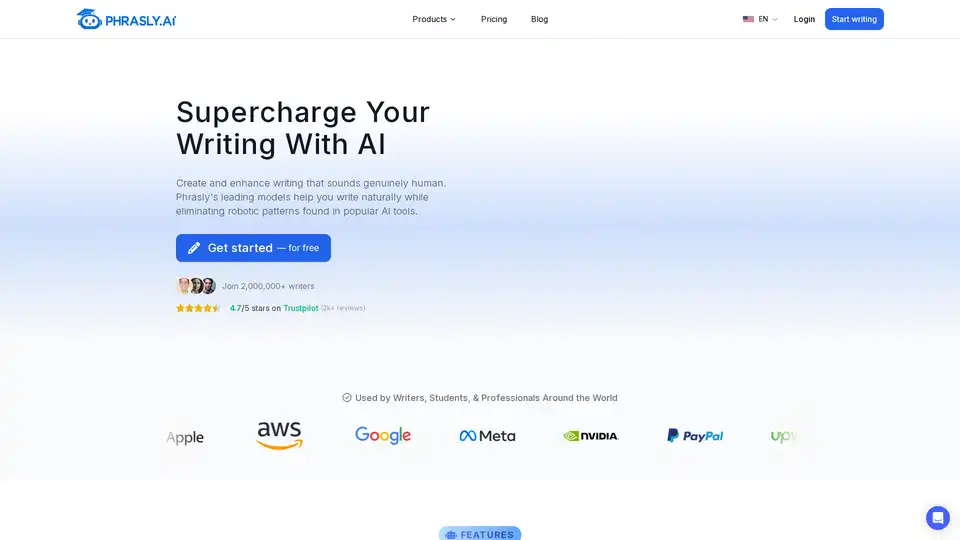
Phrasly is an AI writing tool that helps create authentic, human-like content by eliminating robotic patterns. Features include an AI humanizer, content generator, and AI detector. Used by 2,000,000+ writers worldwide.
Writier is an AI-powered writing assistant that helps overcome writer's block with instant sentence completions and high-quality content generation. Start for free and boost your productivity in seconds.