
Remover.studio
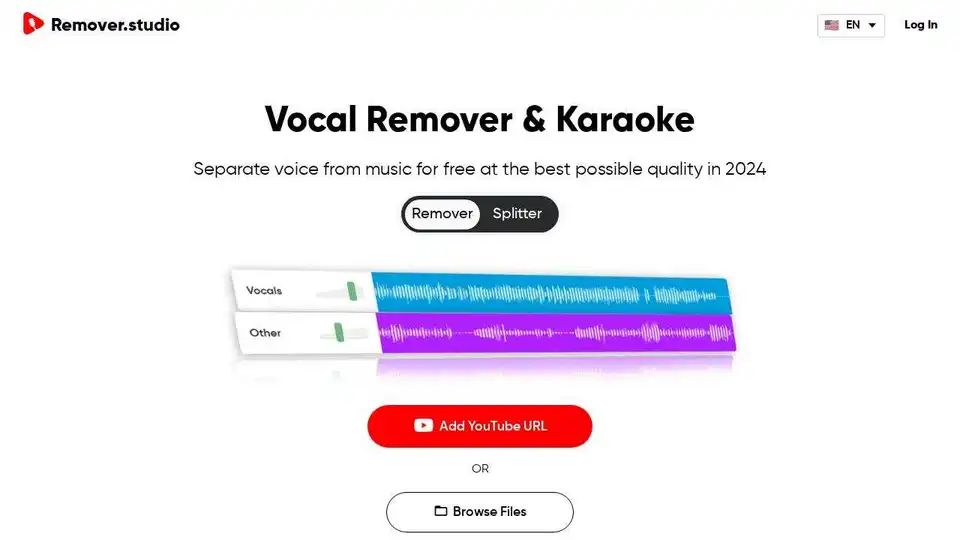
Overview of Remover.studio
Remover.studio: AI Vocal Remover & Audio Splitter
What is Remover.studio? Remover.studio is an AI-powered online tool that allows you to separate vocals from music tracks. It offers high-quality audio separation, making it ideal for creating karaoke versions, instrumental tracks, or remixing songs.
How to use Remover.studio?
- Upload Audio File: Click the ’Browse Files' button and upload your audio file (MP3, WAV, FLAC, etc.) or add a YouTube URL.
- Remove Vocals: The AI algorithm automatically recognizes and separates the vocals from the music in seconds.
- Download Files: Listen to the separated audio and download the karaoke song, instrumental sound, or background music.
Key Features:
- AI-Powered Separation: Uses advanced AI algorithms for precise vocal and instrument isolation.
- Multiple File Formats: Supports MP3, WAV, FLAC, and YouTube URLs.
- Karaoke Lyrics: Provides lyrics display while the song is playing (available in paid plans).
- HQ Audio Separation: Offers top-tier audio separation with the Pro Plan.
Pricing:
- Free Forever: 1 song per day, max 8 minutes, high quality.
- Subscription: Unlimited songs, max 30 minutes, very high quality ($7.99/month).
- One Time Payment: Various options for occasional use.
Use Cases:
- Create karaoke versions of your favorite songs.
- Isolate instruments for remixes and mashups.
- Practice singing or playing along with instrumental tracks.
- Generate background music for videos or presentations.
Why is Remover.studio important? Remover.studio empowers musicians, content creators, and karaoke enthusiasts by providing an easy-to-use tool for manipulating audio tracks. Its AI-driven technology saves time and effort compared to traditional audio editing methods, making it accessible to a wide range of users.
Where can I use Remover.studio? You can use Remover.studio on any device with a web browser. It's a convenient online tool that doesn't require any software installation.
Best way to remove vocals from a song? Remover.studio offers a quick and efficient way to remove vocals from songs using AI. Simply upload your audio, and the tool will automatically separate the vocals, allowing you to download the instrumental version.
AI Voice Synthesis AI Voice Changer AI Music Creation Speech to Text AI Voice Customer Service and Assistant Podcast and Video Dubbing
Best Alternative Tools to "Remover.studio"
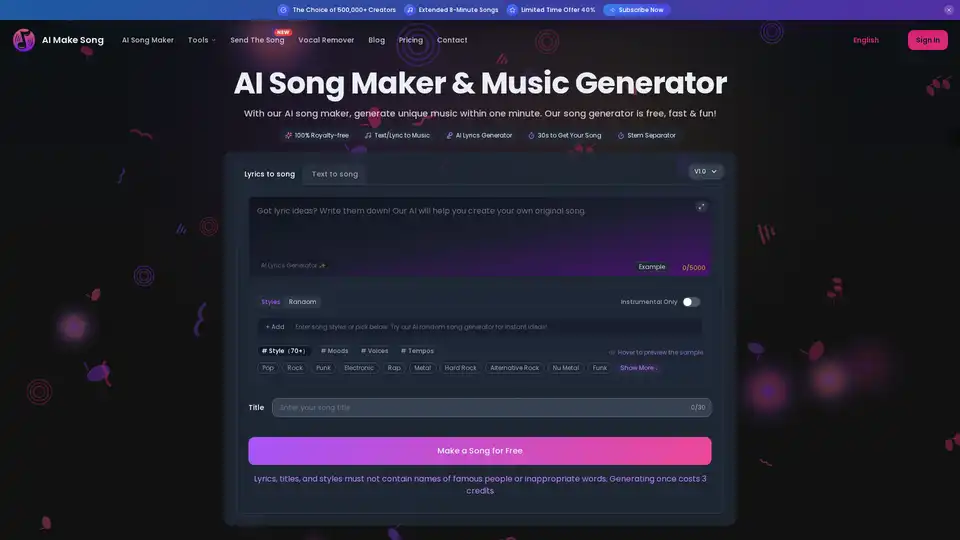
Turn your ideas into music now! Use our free AI song maker, song lyrics generator & other tools to turn text or lyrics into unique, royalty-free songs in seconds. No music skills needed!
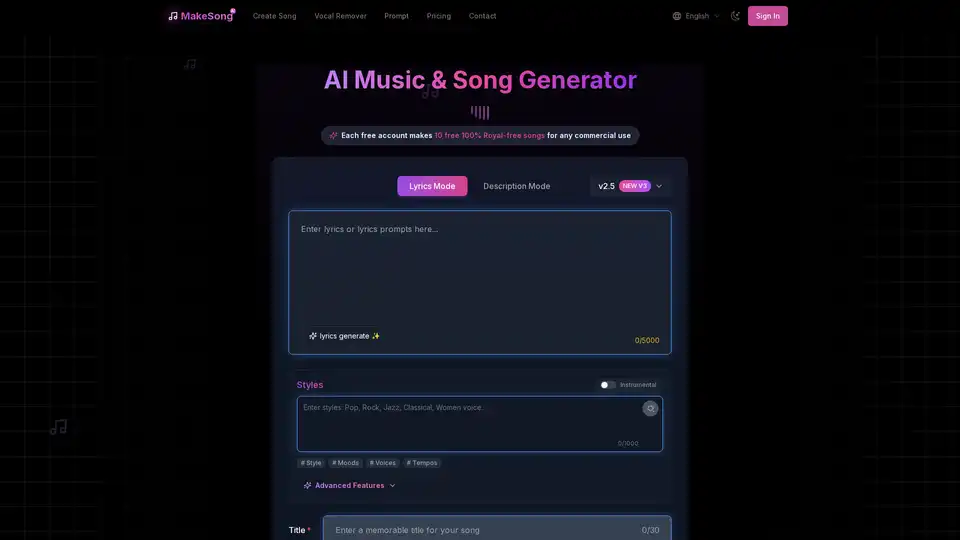
MakeSong is a free AI song generator that creates high-quality, royalty-free music from text or lyrics. Effortlessly turn ideas into professional-sounding songs with tools like vocal remover and instrumental splitter for videos, games, and more.
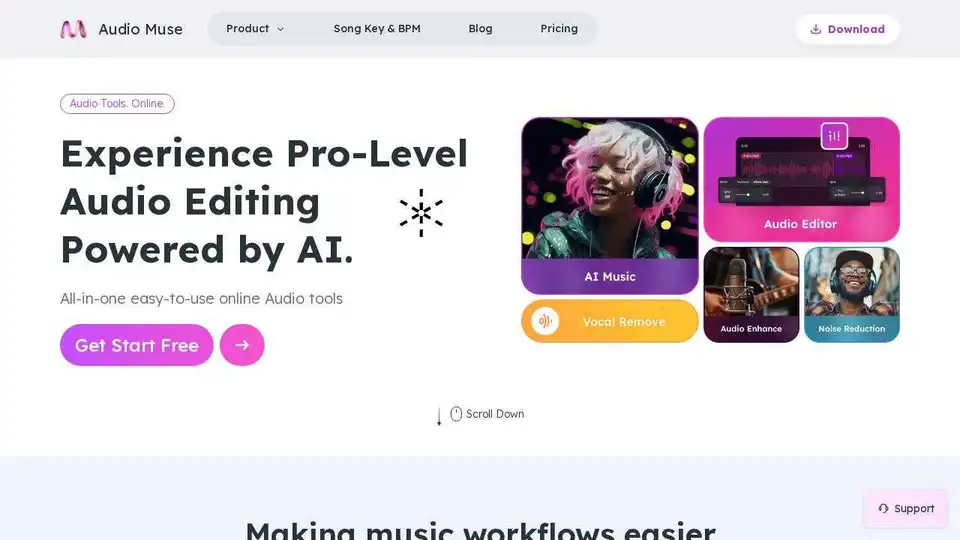
Audio Muse offers all-in-one, easy-to-use online AI audio tools for free! Generate AI music, enhance audio, reduce noise, remove vocals, split stems, edit audio, and find song keys and BPMs effortlessly.

VocalRemover uses AI to remove vocals from songs, creating high-quality instrumentals and acapellas for karaoke, backing tracks, and music production. Fast, lossless processing with flexible pricing plans.