
Receipt-AI
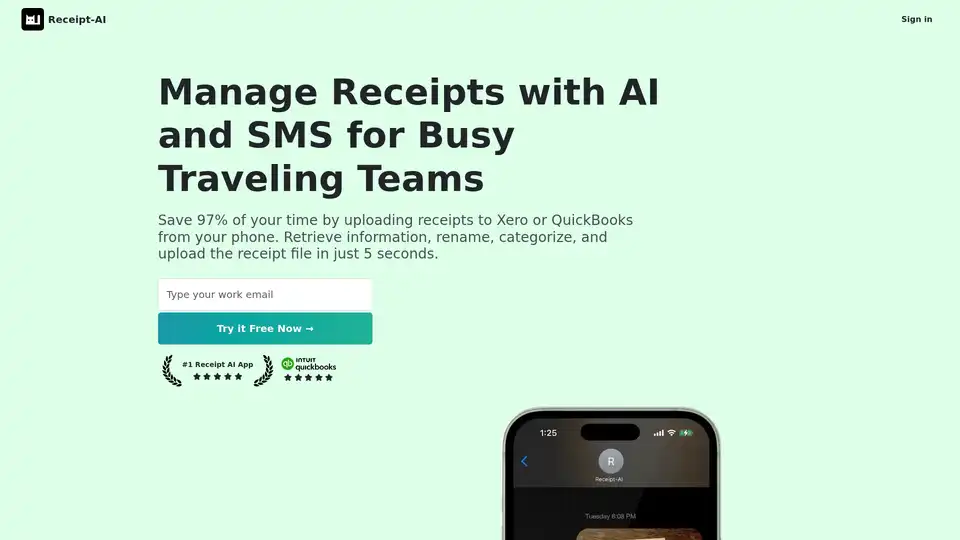
Overview of Receipt-AI
What is Receipt-AI?
Receipt-AI is an AI-powered solution designed to streamline receipt management for businesses and individuals. It allows users to upload receipts via SMS, email, or website, automatically extracts key information, categorizes expenses, and integrates seamlessly with popular accounting software like QuickBooks and Xero.
How does Receipt-AI work?
Receipt-AI leverages AI and OCR (Optical Character Recognition) technology to automate receipt processing. Here’s how it works:
- Upload Receipts: Users can upload receipts by sending them via SMS, email, or directly through the Receipt-AI website.
- AI-Powered Extraction: The AI algorithms automatically extract relevant data from the receipt, including date, vendor, amount, and line items.
- Automatic Categorization: Receipt-AI automatically categorizes expenses based on predefined categories or custom settings.
- Integration with Accounting Software: The platform integrates with QuickBooks and Xero, allowing users to reconcile receipts with a single click.
Key Features of Receipt-AI
- SMS Receipt Upload: Simplify expense tracking by texting receipts directly to Receipt-AI.
- Email Receipt Upload: Forward receipts via email for automated processing.
- Website Upload: Upload receipts through the Receipt-AI website.
- AI-Powered Data Extraction: Automatically extract key information from receipts.
- Automatic Categorization: Categorize expenses automatically for easier reconciliation.
- One-Click Reconciliation: Seamlessly integrate with QuickBooks and Xero for one-click reconciliation.
- Multi-Language Support: Supports processing receipts in 39 languages.
- Multiple File Formats: Accepts various image formats, including JPEG, PNG, PDF, TIFF, WEBP, HEIC, and HEIF.
Why choose Receipt-AI?
- Save Time: Receipt-AI claims to save users up to 97% of their time on receipt processing.
- Simplify Expense Reporting: Automate expense tracking and reporting for business travelers and accountants.
- Reduce Errors: Minimize manual data entry and reduce the risk of errors.
- Gain Insights: Empower data-driven decisions with charts and expense insights.
Who is Receipt-AI for?
Receipt-AI is ideal for:
- Business Travelers: Simplify expense tracking while on the go.
- Accountants and Bookkeepers: Automate receipt processing and reconciliation.
- Small Businesses: Streamline expense management and save time on bookkeeping.
- Contractors: Track expenses and generate reports easily.
Use Cases
- QuickBooks Receipt Scanner: Scan receipts directly into QuickBooks with Receipt-AI.
- Xero Receipt App: Use Receipt-AI as a Xero receipt app for automated processing.
- Generate Expense Reports: Create simple expense reports with AI and SMS.
- Receipt Management for Small Businesses: Simplify receipt organization and tracking.
- AI Receipt Tracking for Contractors: Track expenses on the go with AI-powered receipt tracking.
How to use Receipt-AI?
- Sign up: Create an account on the Receipt-AI website.
- Connect Accounting Software: Connect your QuickBooks or Xero account.
- Upload Receipts: Upload receipts via SMS, email, or website.
- Review and Reconcile: Review the extracted data and reconcile receipts with one click.
Customer Testimonials
- Steve (Business Owner): "I absolutely love the concept of Receipt-AI! It's amazing how technology has advanced to the point where we can easily manage our receipts simply by taking a picture and text!"
- Noteng (Hacker News): "Making expense reports is PITA. I used to travel for work and it was such a pain to record all my receipts and make the report... With Receipt-AI, I can just text all my receipts while on a trip and that is really helpful."
- Sean (Gary Group Capital): "I’ve historically used a few different expense management tools... Receipt-AI is very simple to use if you use QuickBooks and/or Xero."
FAQ
- What file formats does Receipt-AI support?
- Receipt-AI supports JPEG, PNG, PDF, TIFF, WEBP, HEIC, and HEIF.
- Does Receipt-AI support email upload?
- Yes, Receipt-AI supports email upload.
- Is my data in Receipt-AI encrypted and safe?
- The website claims to value user privacy.
Pricing
Receipt-AI offers a free trial. Contact them for pricing details.
In conclusion, Receipt-AI offers a streamlined solution for managing receipts using AI and SMS integration. Perfect for business travelers, accountants, and small businesses, it helps save time, reduce errors, and gain valuable insights into expenses. With its seamless integration with QuickBooks and Xero, Receipt-AI simplifies the reconciliation process, making it an ideal choice for efficient receipt management.
Best Alternative Tools to "Receipt-AI"
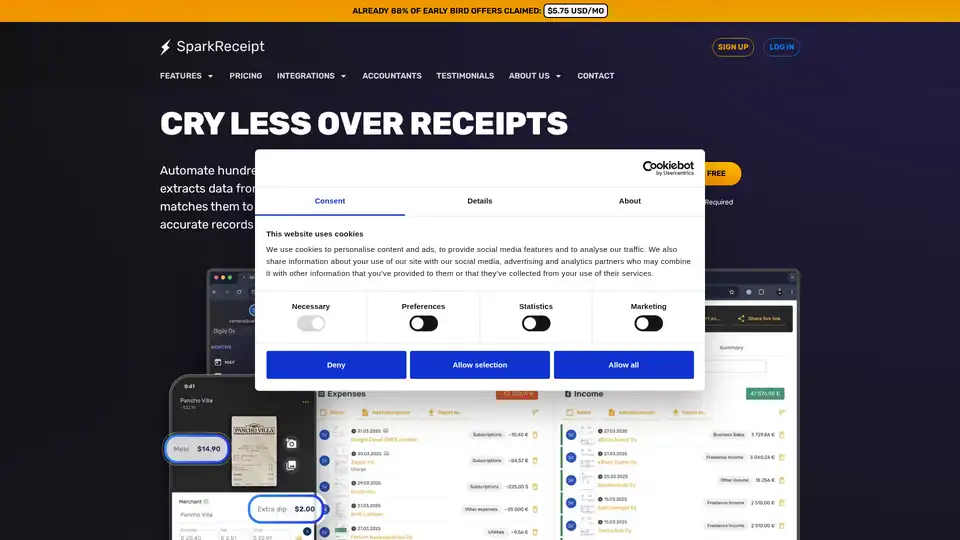
SparkReceipt is an AI-powered receipt scanner and expense tracker for individuals and small businesses. Automate accounting, organize receipts, and create expense reports effortlessly.
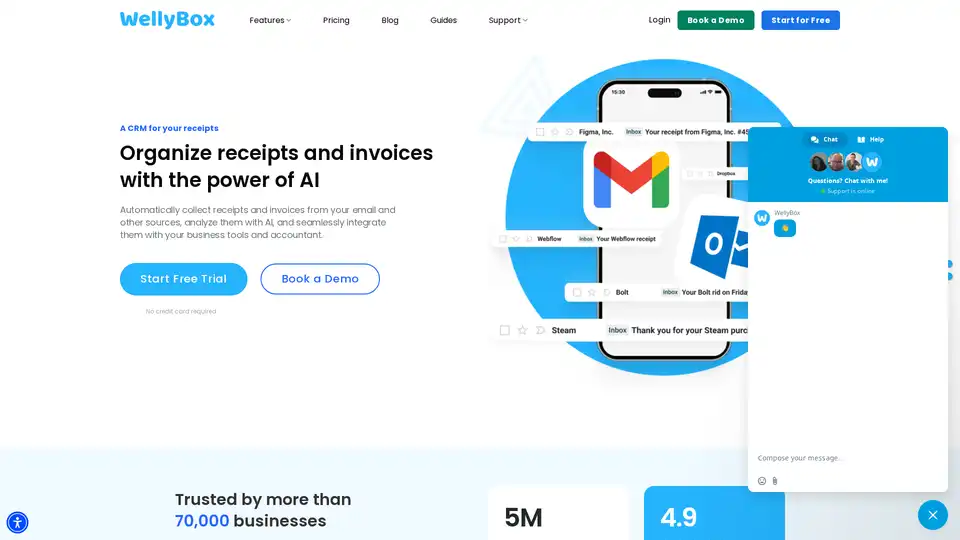
WellyBox is an AI-powered solution that automatically collects and organizes receipts and invoices from email and other sources, streamlining financial document operations for businesses.
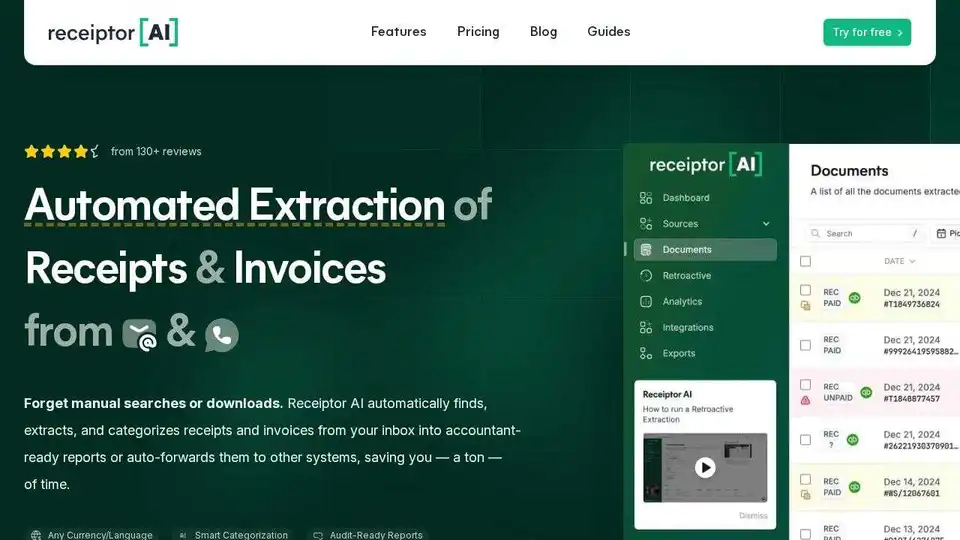
Receiptor AI automates receipt & invoice extraction from emails, saving time on expense tracking and tax preparation. Integrates with accounting software for streamlined financial management.
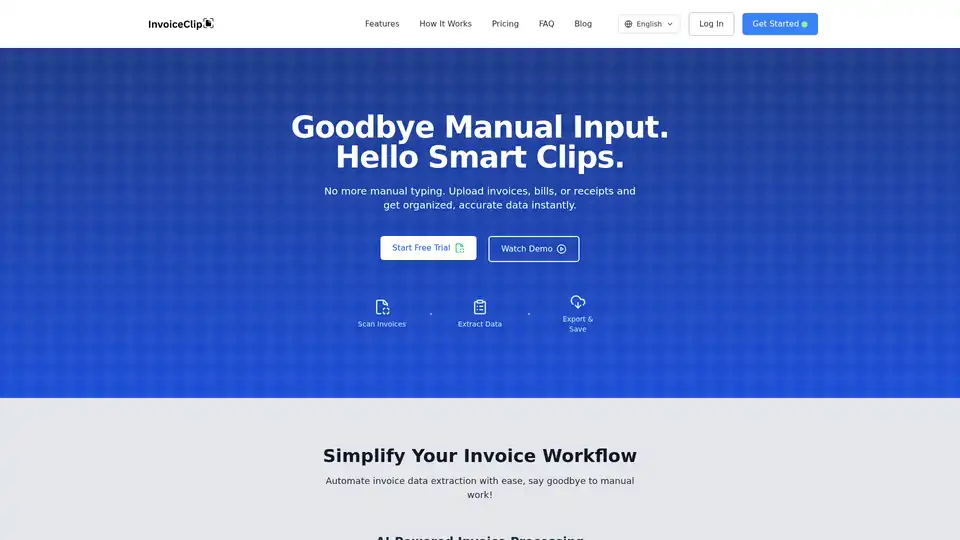
InvoiceClip is an AI-powered app that automates invoice data extraction. It scans receipts, bills, and utility invoices, providing organized and accurate data instantly, streamlining your accounting workflow.