
Raycast
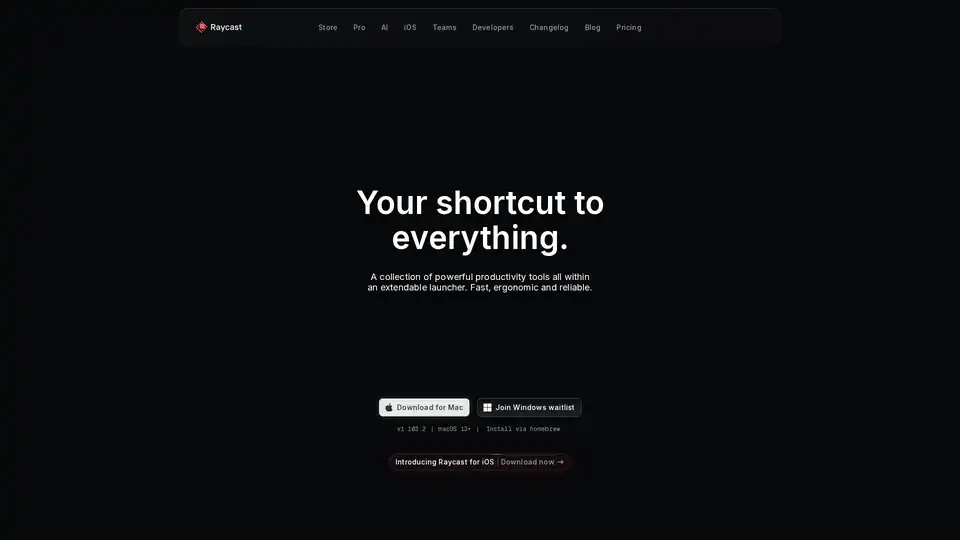
Overview of Raycast
Raycast: Your Shortcut to Everything
What is Raycast? Raycast is a productivity launcher designed to streamline your workflow on macOS. It provides a fast, ergonomic, and reliable way to access your favorite tools, applications, and commands directly from your keyboard.
How does Raycast work? Raycast functions as an extendable launcher that allows you to interact with various applications and services without needing to open them individually. It integrates deeply with your operating system and offers a range of extensions to enhance productivity.
Key Features
- Fast and Native: Raycast is built for speed and performance, ensuring a seamless experience.
- Keyboard-First: Designed for keyboard-centric navigation, minimizing the need for mouse interaction.
- Extensible: Supports a wide range of extensions for productivity, engineering, design, and more.
- AI Integration: Incorporates AI functionalities to assist with various tasks directly from the OS.
- Automation: Automate repetitive tasks using snippets, quicklinks, hotkeys, and aliases.
Core Functionalities
- Application Launching: Quickly find and launch applications.
- Command Execution: Execute system commands and custom scripts.
- File Search: Search for files and folders on your Mac.
- Clipboard History: Access your clipboard history for easy pasting.
- Window Management: Manage windows with keyboard shortcuts.
- Snippets: Create and insert frequently used text snippets.
- Quicklinks: Create shortcuts to launch URLs or applications.
- Calculator: Perform quick calculations.
- Calendar Integration: View upcoming events and join meetings.
- System Commands: Control system settings like sleep, restart, and more.
AI Features
Raycast integrates AI to enhance productivity:
- Quick AI: Answers any question by combining the power of AI with web search.
- Always On ChatGPT: Provides a virtual assistant for coding, writing, and other tasks.
- AI Command Creation: Allows users to create custom AI commands to automate repetitive tasks.
Popular Extensions
Raycast supports thousands of extensions, including:
- Linear: Manage Linear issues and projects.
- Google Translate: Translate text into multiple languages.
- Spotify: Control music playback.
- Arc, Google Chrome: Navigate browser tabs and history.
- 1Password: Access passwords and credentials.
- JIRA: Manage JIRA issues and sprints.
- Slack: Manage Slack presence and chats.
- Zoom: Join upcoming Zoom calls.
- Notion: Search and create Notion pages.
- Todoist: Manage Todoist tasks.
Who is Raycast for?
Raycast is built for professionals and anyone looking to boost their productivity. It's particularly useful for:
- Developers: Automate coding tasks and manage projects.
- Designers: Quickly access design tools and resources.
- Writers: Create snippets for frequently used phrases and access writing tools.
- Project Managers: Manage tasks and projects across different platforms.
- Anyone who wants to streamline their workflow: Automate repetitive tasks and access tools quickly.
How to use Raycast?
- Download and Install: Download Raycast for macOS from the official website.
- Launch Raycast: Press
⌘ + Spaceto activate Raycast. - Start Typing: Begin typing the name of an application, command, or extension.
- Select and Execute: Use the arrow keys to select the desired result and press
Enterto execute. - Explore Extensions: Browse the Raycast Store to discover and install new extensions.
Why choose Raycast?
- Efficiency: Raycast significantly reduces the time spent on repetitive tasks and accessing frequently used tools.
- Customization: The extensive extension library allows users to tailor Raycast to their specific needs.
- Integration: Seamlessly integrates with various applications and services.
- AI-Powered: The AI features provide intelligent assistance and automation.
- Community Support: A large and active community provides support and contributes to extension development.
Raycast is incrementally turning my Mac into an AI-native operating system and I’m so here for it.
Pricing
Raycast is available for free with core features. Raycast Pro offers additional features and is available via subscription.
Customer Stories
- Guillermo Rauch (CEO, Vercel): "Used by seriously productive people."
- Marques Brownlee (Creator, MKBHD): Endorses Raycast for its productivity-enhancing capabilities.
- Koen Bok (Founder, Framer): Integrates Raycast into his daily workflow.
Conclusion
Raycast is a powerful productivity tool that streamlines workflows on macOS through its fast launcher, extensive extension library, and AI integrations. Designed for professionals seeking efficiency, Raycast offers a customizable and integrated experience that enhances productivity. By automating repetitive tasks and providing quick access to applications and commands, Raycast helps users save time and focus on what matters most.
AI Programming Assistant Auto Code Completion AI Code Review and Optimization AI Low-Code and No-Code Development
Best Alternative Tools to "Raycast"
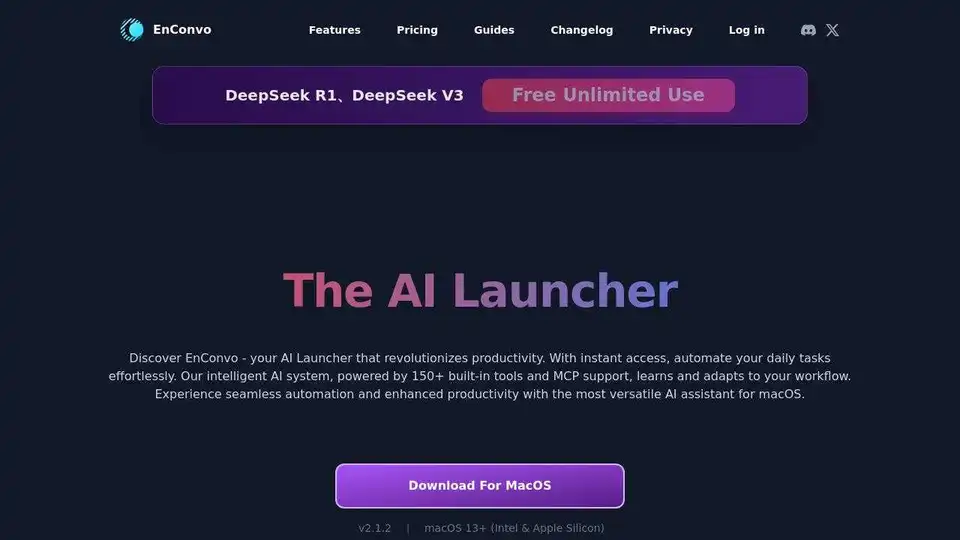
EnConvo is an AI Agent Launcher for macOS, revolutionizing productivity with instant access and workflow automation. Features 150+ built-in tools, MCP support, and AI Agent mode.

FutureTools Collects & Organizes All The Best AI Tools So YOU Too Can Become Superhuman!

Hackerman is a modern, hackable, and AI-native code editor launching for macOS and Linux in 2025. An Emacs alternative with LLM integration.

Best AI Excel Assistant with AI formulas to translate, extract, format & more. TwistlyCells integrates ChatGPT and Claude directly into Excel for seamless data handling and automation.