
Quicktools
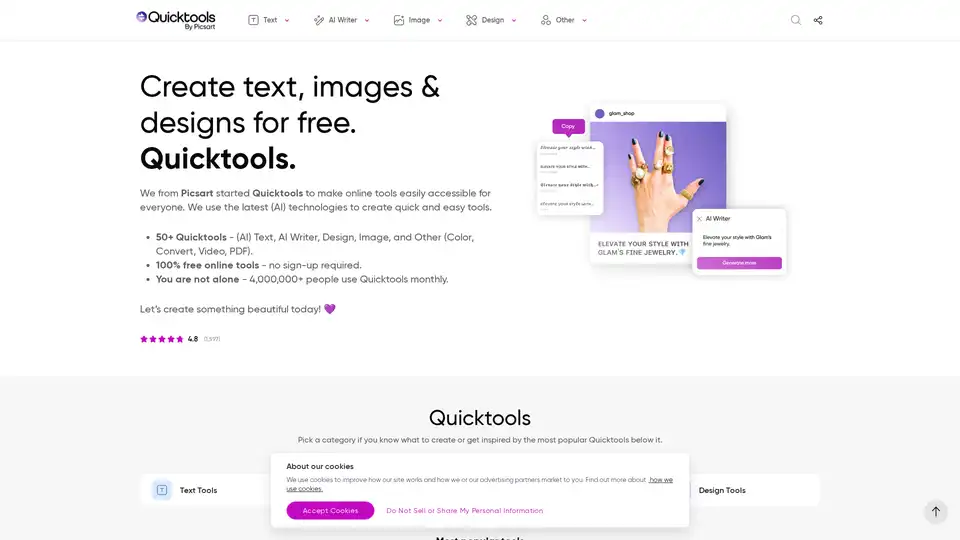
Overview of Quicktools
What is Quicktools by Picsart?
Quicktools by Picsart is a suite of over 50 free online tools designed to boost creativity and productivity in text, image, and design tasks. These tools utilize the latest AI technologies to provide quick and easy solutions for various creative needs, all without requiring any sign-up.
How does Quicktools work?
Quicktools offers a range of AI-powered and traditional tools categorized into text, image, design, and other utilities. Users can access these tools directly through the Quicktools website and use them for free. The AI-driven tools, such as the AI Writer and Image Caption Generator, leverage machine learning algorithms to generate content, while other tools like the Font Generator and Profile Picture Maker offer creative customization options.
Key Features and Benefits of Quicktools
- AI-Powered Tools: Includes an AI Writer for generating content, an Image Caption Generator for creating engaging Instagram captions, and a Story Generator for crafting compelling narratives.
- Image Enhancement: Offers tools like the Profile Picture Maker to create polished profile pictures for various platforms.
- Design Resources: Provides access to tools such as the Font Generator for creating stylish text for social media bios and more.
- Ease of Use: All tools are designed to be user-friendly and accessible without requiring any prior experience.
- Free Access: All tools are 100% free to use, with no sign-up required.
Why Choose Quicktools?
Quicktools stands out due to its commitment to providing free and accessible creative tools to everyone. It eliminates barriers to creativity by offering a wide range of AI-powered and traditional tools without requiring users to sign up or pay for access. This makes it an ideal choice for individuals who want to explore their creative potential without any financial commitment.
Who is Quicktools for?
Quicktools is designed for a broad audience, including:
- Social Media Users: Individuals looking to enhance their social media presence with creative content and profile pictures.
- Content Creators: Writers, marketers, and bloggers who need assistance generating content and captions.
- Design Enthusiasts: Individuals interested in exploring design tools and creating visually appealing graphics.
- Anyone Seeking Quick Solutions: Anyone who needs quick and easy solutions for text, image, and design tasks.
How to Use Quicktools
- Visit the Quicktools Website: Access the Quicktools website through any web browser.
- Explore the Tools: Browse the various categories and tools available on the platform.
- Select a Tool: Choose the tool that aligns with your creative needs.
- Use the Tool: Follow the instructions provided to generate content, edit images, or create designs.
- Download or Share: Save your creations or share them directly on social media platforms.
Examples of Quicktools in Action
- AI Writer: Generate engaging blog posts, articles, and marketing content with the help of AI.
- Image Caption Generator: Craft catchy captions for Instagram posts to increase engagement and attract new followers.
- Profile Picture Maker: Transform a simple selfie into a professional-looking profile picture for LinkedIn, Facebook, or Twitter.
- Font Generator: Create stylish text for social media bios, headers, and captions to enhance your brand's visual identity.
World-Class Tools with a Stellar Team
Quicktools by Picsart is driven by a team dedicated to providing user-friendly, updated, and intuitive online tools. They continuously enhance the platform with new updates and improvements, ensuring that users have access to the latest technologies and creative resources.
Trust and Safety
Picsart prioritizes user safety, privacy, and security. They adhere to best practices and guidelines to ensure that users can create and express themselves with confidence.
AI Article Generation AI Text Polishing AI Writing Assistance Paper and Report Generation News and Blog Generation Email and Business Writing
Best Alternative Tools to "Quicktools"
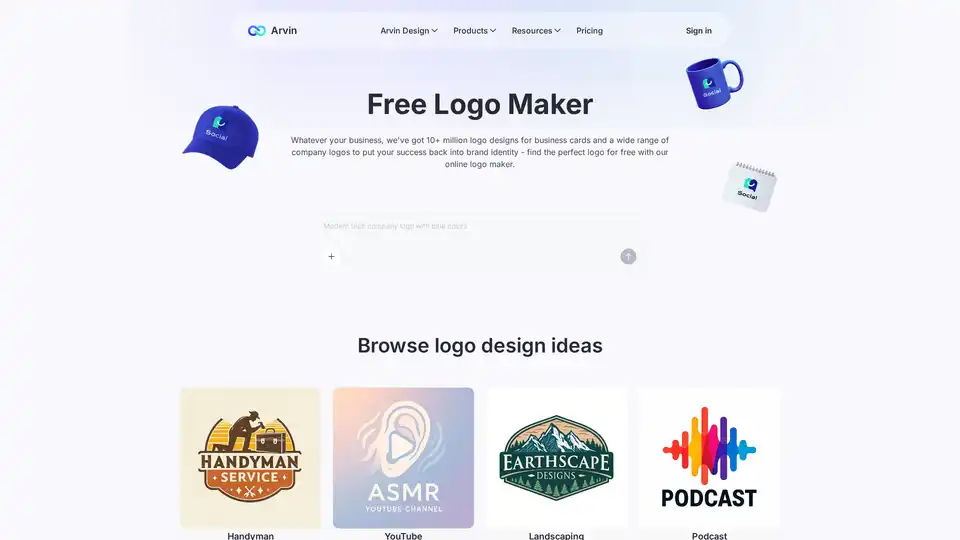
Arvin Logo Maker is a free AI-powered logo generator that creates professional business logos in seconds. With 10M+ templates and customizable options, it's perfect for entrepreneurs and small businesses.
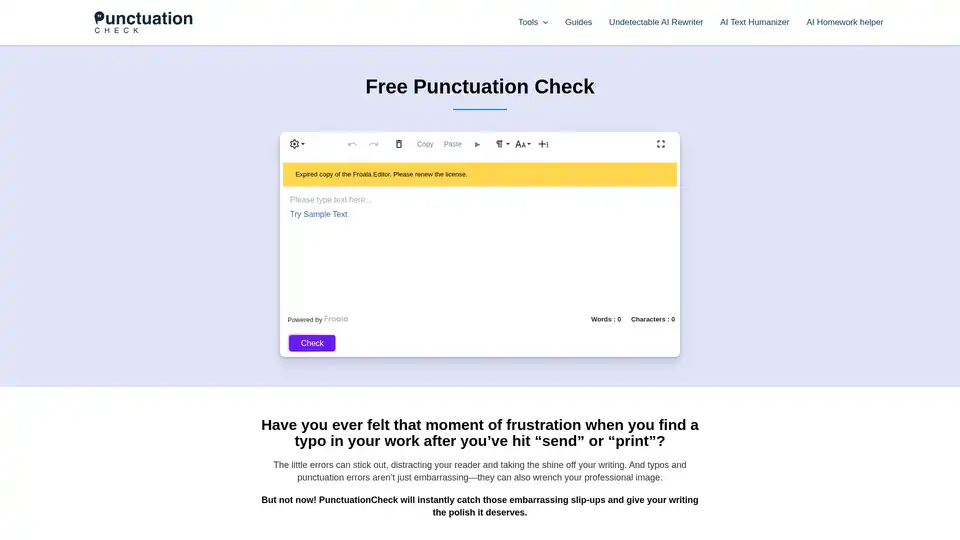
One-click punctuation checker to correct grammar, spelling, and style errors. Perfect for students, professionals, and writers.
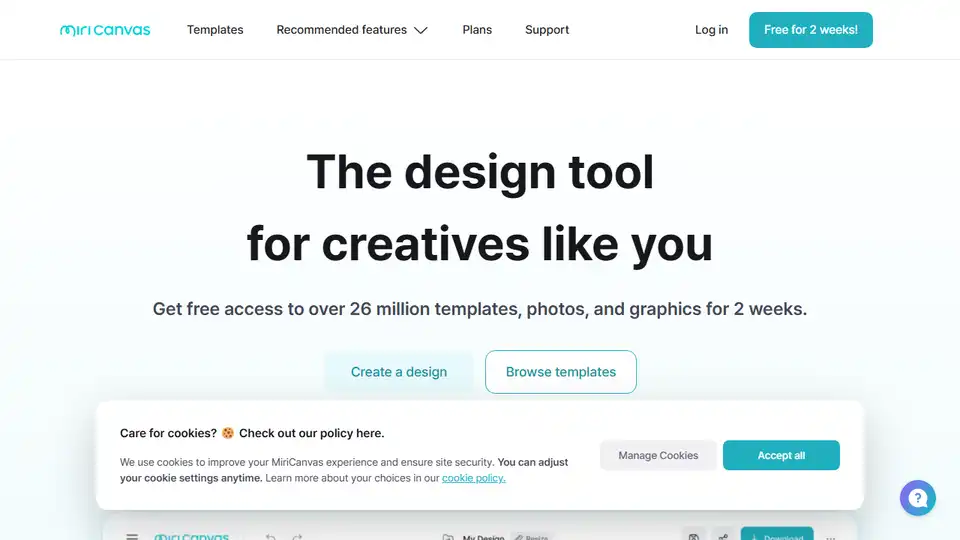
MiriCanvas is a free and easy-to-use online design tool with AI-powered features. Create stunning presentations, social media posts, and more with its advanced photo editing tools and vast template library.
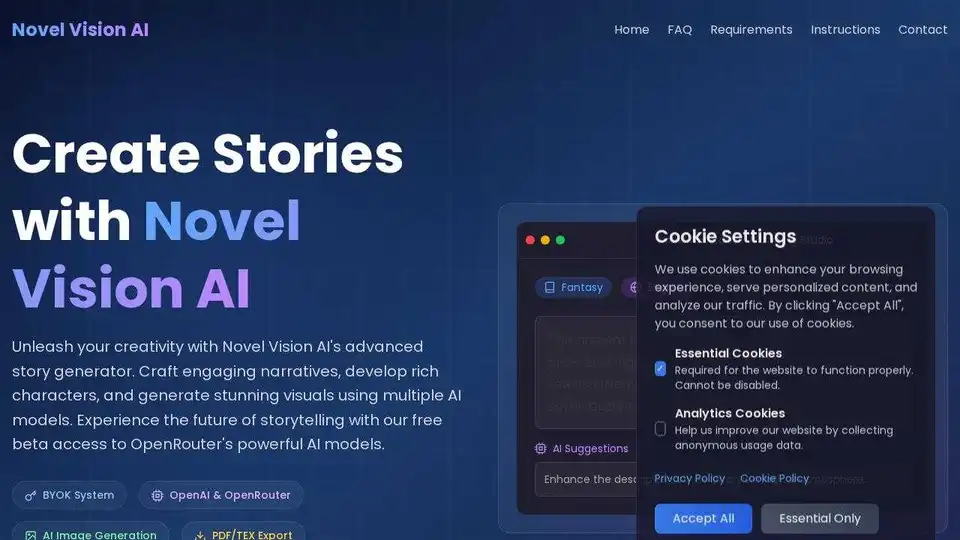
NovelVision AI is a dual-layer creative platform for writers and visual artists. It offers AI-assisted writing, image generation, and video creation with a privacy-first BYOK system.