
Pristina.ai
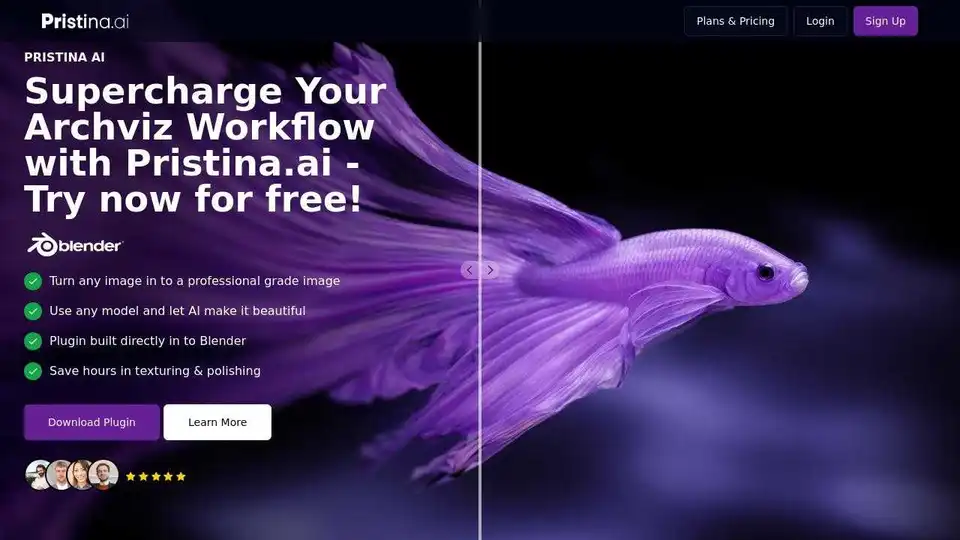
Overview of Pristina.ai
Supercharge Your Archviz Workflow with Pristina.ai
Pristina.ai is an AI-powered tool designed to streamline the creation of photorealistic 3D renders. It's a plugin for Blender and 3ds Max that allows users to transform low-resolution models into high-quality, visually stunning images in a fraction of the time.
What is Pristina.ai?
Pristina.ai is an AI-driven plugin that enhances 3D models with photorealistic textures and details. It significantly reduces the time and effort required to produce professional-grade architectural visualizations, product renders, and creative projects. The core value proposition revolves around automating tedious tasks like masking, exporting, uploading, and re-adding elements to the scene. Instead, the AI handles these processes directly within Blender or 3ds Max.
How does Pristina.ai work?
The workflow is straightforward:
- Mask Objects: Select the specific objects within your 3D scene that you want to enhance.
- Configure AI: Input a prompt describing the desired enhancements for the selected objects.
- Generate: Pristina.ai utilizes AI algorithms to add high-fidelity textures and details, generating a photorealistic image directly within your scene.
Key Features and Benefits:
- Streamlined Workflow: Reduces the time required to deliver photorealistic images to clients.
- Agency-Grade Images: Enables the creation of stunning scenes with any model, regardless of its initial quality.
- Focused AI Enhancements: Provides dedicated resolution to each object, allowing for targeted and precise enhancements.
- Geometry-Aware Masking: Ensures perfect alignment with your camera and models.
- Faster, Cleaner Workflow: Offers one-click results without leaving Blender or 3ds Max.
Why is Pristina.ai important?
- Saves Time: Automates the time-consuming aspects of texturing and polishing 3D models.
- Enhances Quality: Elevates the visual quality of renders, even when using low-grade models.
- Increases Efficiency: Allows 3D artists to focus on creative aspects rather than technical details.
- Improves Realism: Enhances key elements like people, surfaces, and vegetation.
Who is Pristina.ai for?
Pristina.ai is designed for 3D artists, architects, product designers, and anyone who needs to create high-quality photorealistic renders. It's particularly beneficial for those working in:
- Architectural Visualization (Archviz): Quickly produce stunning renderings of buildings and interiors.
- Product Visualization: Create realistic product images for marketing and e-commerce.
- Creative Projects: Enhance the visual quality of artistic and personal projects.
The Ultimate AI-Automation tool for 3D Artists
Create stunning, photorealistic renders in seconds, not hours. Perfect for product visualization, architectural renders, and creative projects.
Example use cases:
- Architectural Visualization: Imagine an architect needing to quickly visualize a building design for a client presentation. Instead of spending hours refining textures and details, they can use Pristina.ai to generate photorealistic renderings in a fraction of the time.
- Product Design: A product designer can use Pristina.ai to create realistic images of their designs for marketing materials or online stores.
Frequently Asked Questions:
The website includes a FAQ section addressing common questions, such as:
- Does Pristina.ai use the internet?
- Do I need a powerful computer to run Pristina.ai?
- What's the Maximum resolution Pristina can render?
- Can Pristina.ai be used for animation?
- Who is Pristina.ai for?
Pricing:
The tool uses a credit-based system, providing a free initial number of credits.
Is Pristina.ai right for you?
If you're a 3D artist or designer looking to save time and effort while creating stunning photorealistic renders, Pristina.ai is definitely worth considering. It's a powerful tool that can significantly improve your workflow and the quality of your work.
In summary, Pristina.ai is a cutting-edge AI solution that addresses the pain points of 3D rendering, providing a faster, more efficient, and higher-quality alternative to traditional methods. What is the best way to enhance architectural visualization? This is a valuable tool for both professionals and hobbyists alike. If you want to know how to use Pristina.ai, just download the plugin from the website and follow the tutorials.
AI Generated Art Image Enhancement and Repair Image Style Transfer AI Background Removal and Replacement AI Avatar and Cartoonization 3D Modeling and Rendering Logo and UI Design
Best Alternative Tools to "Pristina.ai"
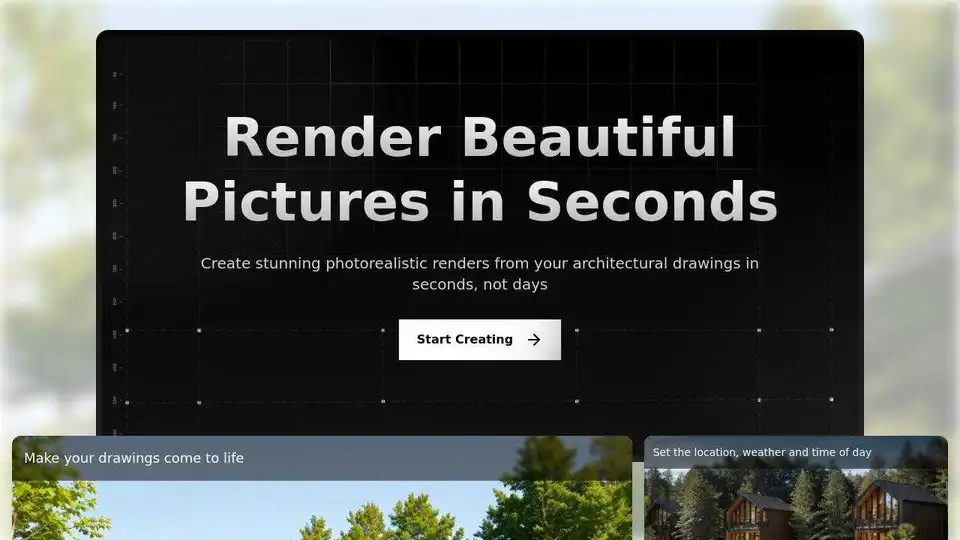
Transform architectural drawings into photorealistic renders with AI. Render a House offers fast, professional-quality architectural visualization. Start free, upgrade for more.
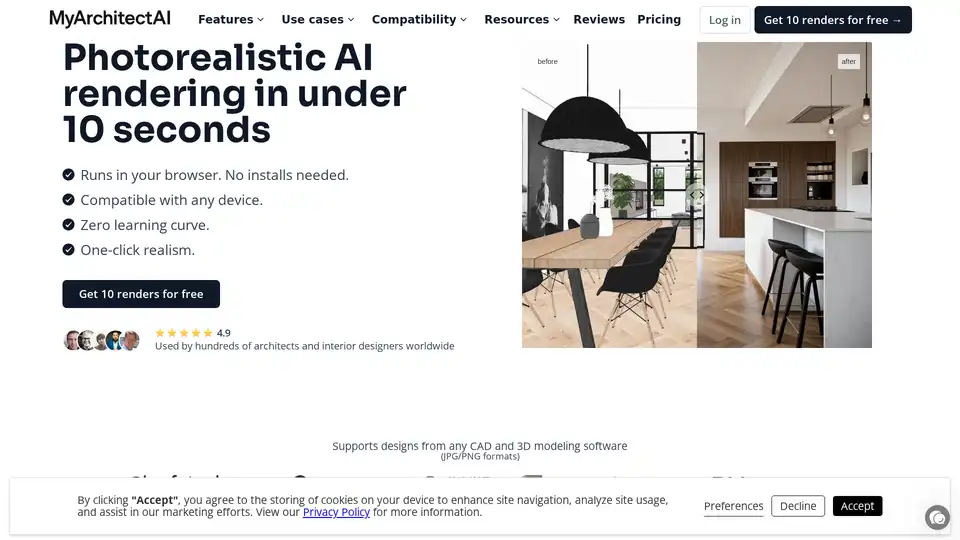
MyArchitectAI is an AI-powered rendering software that creates photorealistic renders from CAD and 3D models in seconds. It supports SketchUp, Archicad, and other formats, offering features like AI Sketch to Render and AI Render Editing.
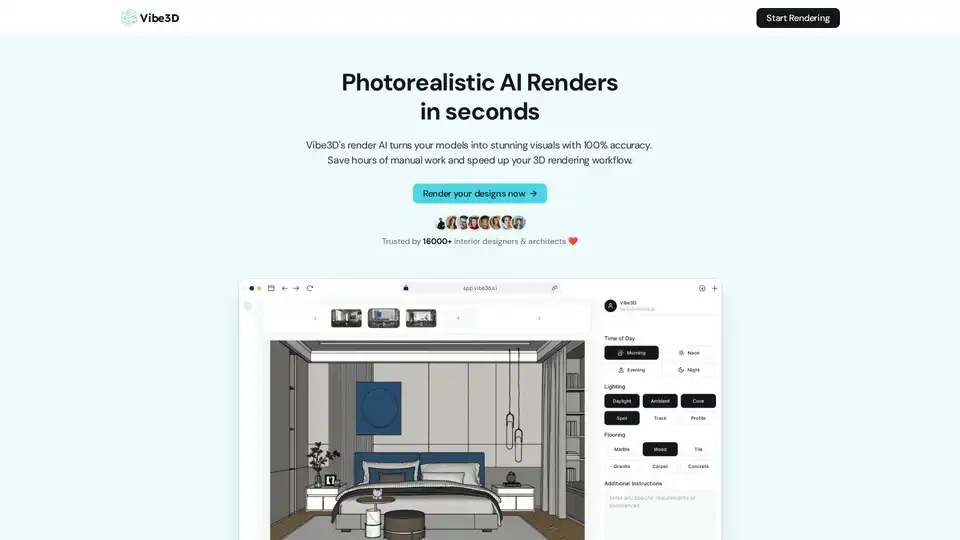
Vibe3D is an AI-powered platform that transforms 3D models into photorealistic renders in seconds. Trusted by interior designers and architects, it offers one-click rendering, smart prompt suggestions, and compatibility with various tools.
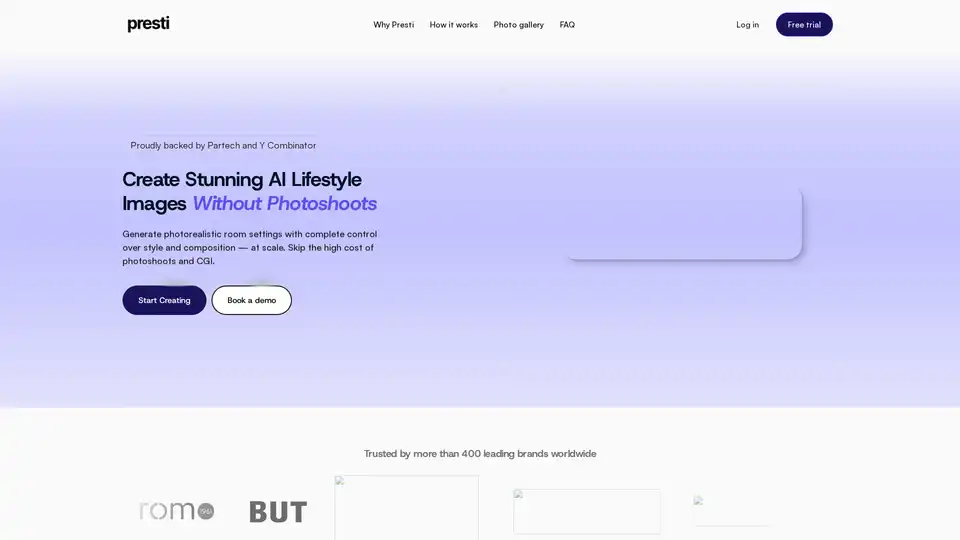
Presti AI is an AI background generator for furniture, replacing costly photoshoots and 3D rendering. Generate photorealistic lifestyle images at scale with full control over style and composition.