
PPT AI
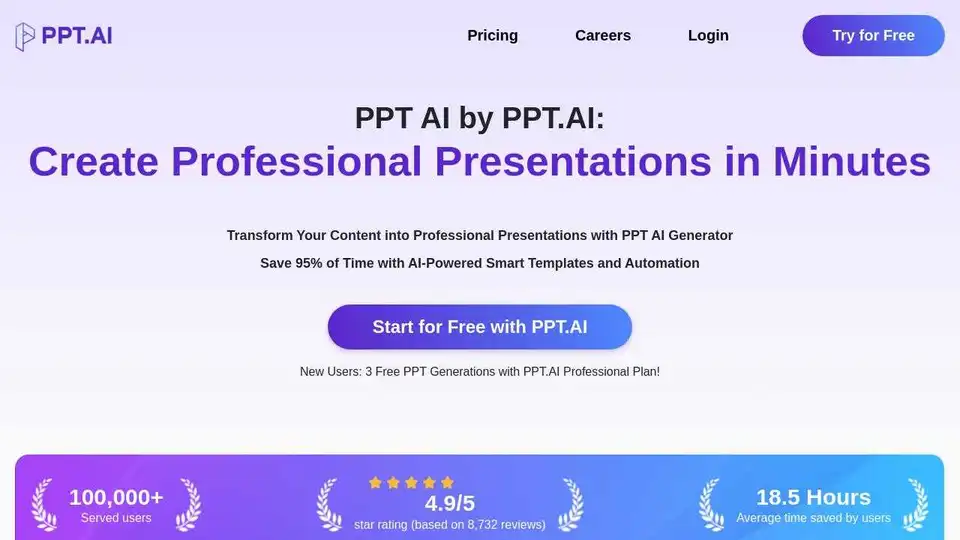
Overview of PPT AI
PPT AI: Revolutionizing Presentation Creation with AI
What is PPT AI? PPT AI is an AI-powered presentation maker designed to transform your ideas into professional and visually appealing presentations in minutes. It leverages cutting-edge AI technology to convert various content formats such as text, documents, PDFs, websites, and videos into engaging slide decks, saving you up to 95% of the creation time.
How does PPT AI work? PPT AI uses a multi-model intelligence engine, powered by models like DeepSeek, GPT-4o, Claude 3.5, and Gemini 2.0, to analyze your content and create a structured and professional presentation outline. It then intelligently generates slides with relevant text, images, and layouts.
Key Features of PPT AI:
- Instant Conversion: Convert documents, spreadsheets, audio, or video into 20+ professional slides in seconds.
- Multi-Model Intelligence Engine: Utilizes DeepSeek, GPT-4o, Claude 3.5, and Gemini 2.0 for intelligent content analysis and slide creation.
- Free Professional Templates: Access a collection of expertly designed templates at no cost, with smart design recommendations.
- Smart Design Optimization: Layout and visual refinement ensure perfectly structured and professionally styled slides.
- Multilingual Support: Create presentations in multiple languages with intelligent translation capabilities.
- Effortless Editing & Sharing: Modify text, colors, and images with intuitive tools. Export presentations in multiple formats.
Why Choose PPT AI?
- Save 95% of Creation Time: Create complete 20+ slide presentations in under 60 seconds.
- No Learning Curve Required: Simply add your content and get AI-generated presentations instantly.
- Free Premium Templates: Access an entire collection of templates at no cost, even for free users.
- Complete PowerPoint Compatibility: Export directly to PowerPoint format with 100% preservation of all design elements.
How to Use PPT AI:
- Input Your Content: Enter your topic or upload content (text, Word, PDF, or video). PPT AI will analyze your input and structure a professional presentation outline.
- Choose a Template: Select from a wide range of templates designed for business, education, healthcare, marketing, and more.
- Customize and Export: Refine the AI-generated content, customize the design, and export your presentation in various formats.
User Testimonials:
- John Smith, CEO, InnovateTech Solutions: "PPT AI has completely transformed how we create presentations. It's quick, efficient, and always delivers high-quality slides."
- Emily Chen, Senior Marketing Manager, Global Enterprises: "With PPT AI, our team creates presentations in minutes. It's a game-changer for anyone who needs to save time and boost productivity."
FAQ:
- What is PPT AI and how does it work? PPT AI uses AI to convert content into professional presentations quickly.
- How do I get started with PPT AI? Simply sign up for a free account and start creating presentations.
- What benefits do PPT AI free users receive? Free users have access to a limited number of templates and features.
- What file formats does PPT AI support? PPT AI supports various file formats, including text, Word, PDF, and video.
PPT AI Suite:
- Text to PPT: Transform text into sleek, professional slides.
- URL to PPT: Convert any webpage into a clean, engaging presentation instantly.
- PDF to PPT: Turn PDFs into clear, editable slides easily.
- Word to PPT: Convert Word documents into eye-catching presentations seamlessly.
- YouTube to PPT: Extract key insights from videos and create dynamic slides.
- Image to PPT: Convert images into stylish, ready-to-use slides automatically.
Why is PPT AI important? PPT AI is important because it streamlines the presentation creation process, saves time, and ensures high-quality results. It's a valuable tool for anyone who needs to create professional presentations quickly and efficiently. Best way to create stunning presentations effortlessly.
Where can I use PPT AI? PPT AI can be used in various settings, including business, education, marketing, and more. It's perfect for creating pitch decks, training materials, and informative presentations. How to create impactful presentations using AI?
AI Article Generation AI Text Polishing AI Writing Assistance Paper and Report Generation News and Blog Generation Email and Business Writing
Best Alternative Tools to "PPT AI"
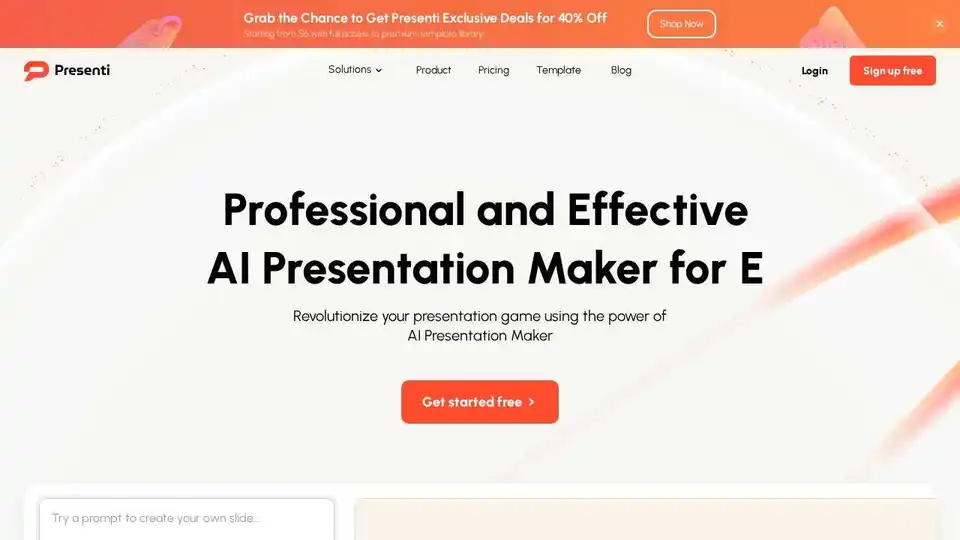
Presenti is an AI presentation maker that helps you create professional slides quickly. It transforms text, Word documents, PDFs, and more into visually stunning presentations in minutes.
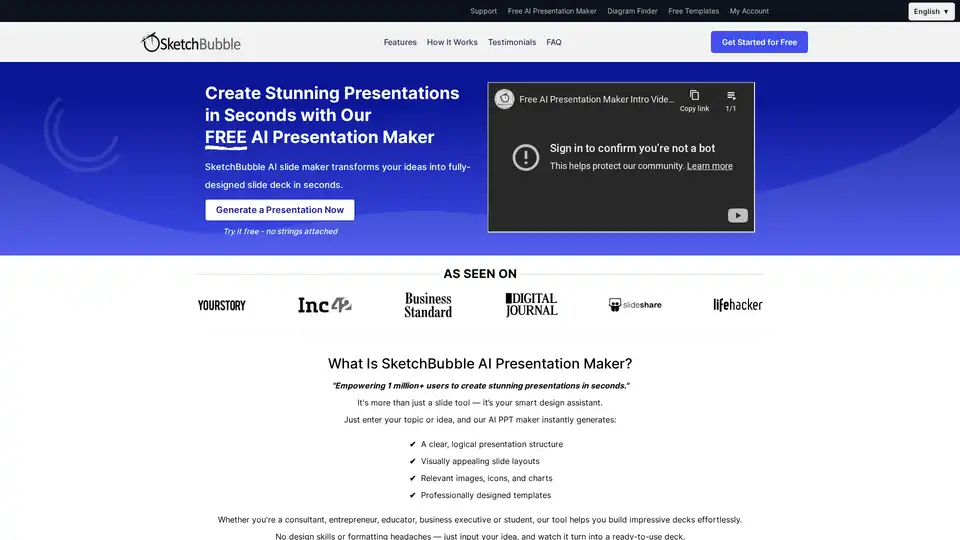
Create stunning presentations in seconds with our free AI presentation maker, SketchBubble. Export effortlessly to PowerPoint and Google Slides! Perfect for consultants, educators, and entrepreneurs.
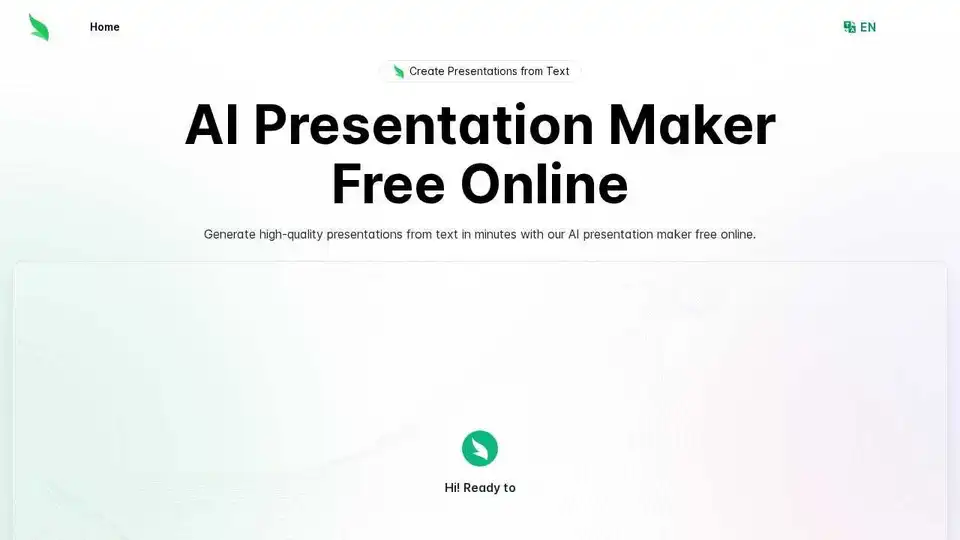
Create professional presentations in minutes with AI Presentation Maker, a free online AI PPT generator. Convert text to presentations effortlessly, ideal for business, education, and creative projects.
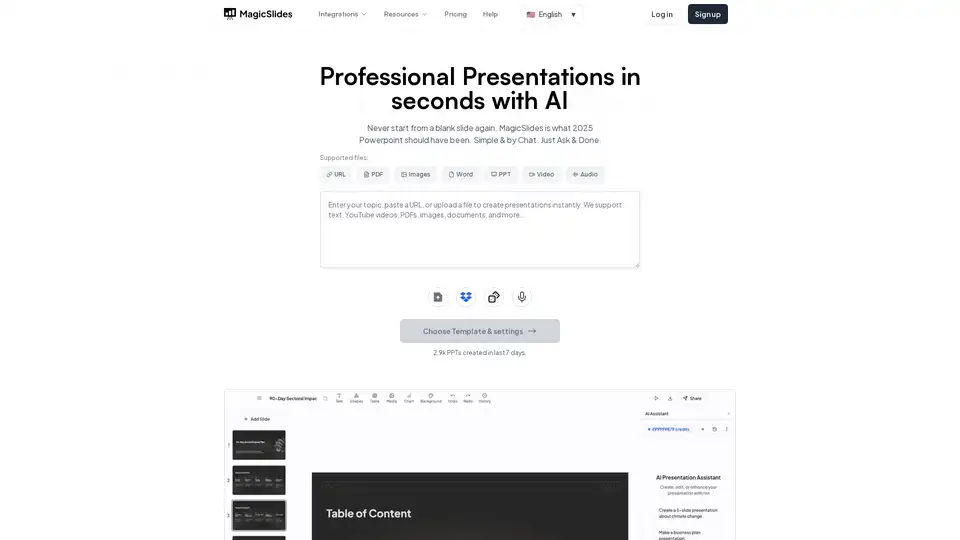
MagicSlides.app is an AI presentation maker that generates professional slides from text, URLs, YouTube videos, and PDFs in seconds. Create engaging presentations effortlessly.