
PortraitArt
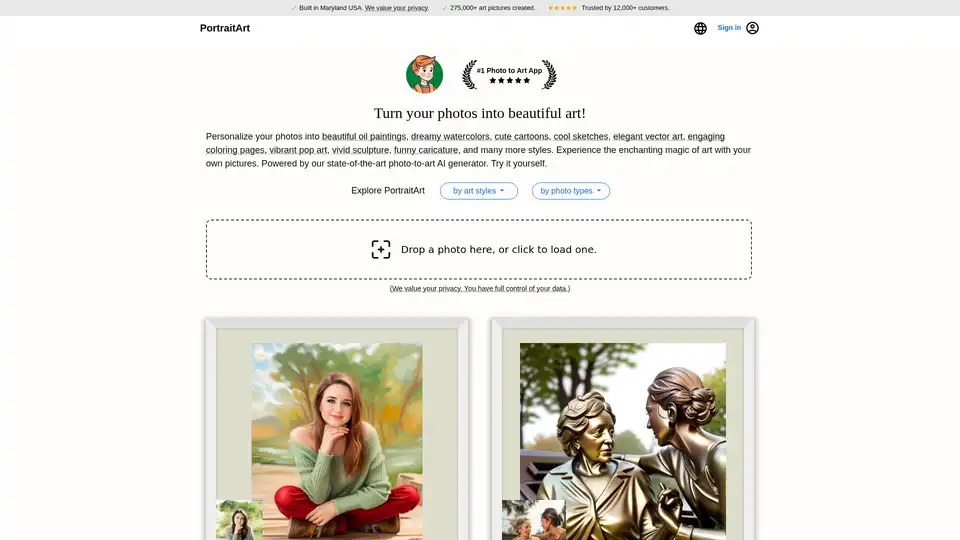
Overview of PortraitArt
PortraitArt: Transform Your Photos into Stunning Art
What is PortraitArt?
PortraitArt is an innovative online tool that uses state-of-the-art AI to transform your photos into beautiful and unique works of art. Whether you're looking to create a stunning oil painting, a dreamy watercolor, a cute cartoon, or a cool sketch, PortraitArt makes it easy to personalize your photos with a variety of artistic styles.
How does PortraitArt work?
PortraitArt utilizes a sophisticated AI-powered photo-to-art generator. Simply upload your photo, select your preferred art style, and let the AI do the rest. The tool analyzes your photo and recreates it in the chosen style, adding artistic touches and details to produce a personalized piece of art. The process mimics how professional artists create their work, but at a fraction of the cost and time.
Key Features of PortraitArt
- Diverse Art Styles: Choose from over 15 different art styles, including oil painting, watercolor, illustration, colored line art, pencil sketch, 3D and 2D cartoons, pop art, caricature, coloring pages, sculpture, and Chinese ink.
- Versatile Photo Compatibility: Works with various types of photos, including portraits, group photos, pet pictures, architectural images, and scenic landscapes.
- Customized Artwork: Each piece is generated based on the photo you provide, ensuring a personalized and unique result.
- User-Friendly Interface: Easy to use, allowing anyone to create stunning artwork from their photos without any artistic skills.
- Privacy Focused: Your data safety and privacy are top priorities. All photos uploaded are securely processed and used solely for creating your artwork. No data is stored, shared, or used for other purposes without your consent.
- Free Trial: PortraitArt offers a free trial, allowing users to test the service and see the results before committing to a purchase.
How to Use PortraitArt
- Upload Your Photo:
- Drop a photo into the designated area or click to load one from your device.
- Select an Art Style:
- Choose from a wide range of styles, such as oil painting, watercolor, or cartoon.
- Generate Your Artwork:
- Let PortraitArt's AI transform your photo into the selected art style.
- Preview and Download:
- Preview the generated artwork and download it for personal use.
Why Choose PortraitArt?
- Affordable Art: Get personalized artwork at a fraction of the cost of commissioning a professional artist.
- Unique Gifts: Create meaningful and unique gifts for friends and family.
- Home Décor: Personalize your wall décor with custom art pieces made from your own photos.
- Easy to Use: The tool is designed to be simple and intuitive, making it accessible to everyone.
Who is PortraitArt For?
PortraitArt is perfect for:
- Individuals looking to create unique and personalized artwork from their photos.
- People seeking affordable alternatives to commissioning professional artists.
- Anyone wanting to create meaningful and unique gifts.
- Those interested in personalizing their home décor with custom art pieces.
Frequently Asked Questions
Does the app create a generic portrait painting, or is it customized based on my photo?
The PortraitArt app is designed to transform your photos into stunning works of art, including oil paintings and other artistic styles. Each piece is generated based on the photo you provide, using a process similar to how professional artists craft their work, powered by advanced generative AI technologies.
Does it work with group photos and other non-portrait photos?
Yes! PortraitArt can transform a wide range of photos into artwork, including portraits, group photos, pet pictures, architectural images, and scenic landscapes. To achieve the best results, we recommend using high-resolution photos with good lighting and a clean, uncluttered background.
What art styles can my photo be converted to?
PortraitArt offers more than 15 different art styles to choose from, including oil painting, watercolor, illustration, colored line art, pencil sketch, line sketch, 3D and 2D cartoons, pop art, caricature, coloring pages, sculpture, Chinese ink, and more.
How does PortraitArt handle my data?
Your data safety and privacy are our top priorities. All photos uploaded to PortraitArt are securely processed and used solely for creating your artwork. We do not store, share, or use your photos for any other purposes without your consent. Additionally, all data transmission is encrypted to protect your personal information. And you can choose to delete your data after creating and downloading your art pictures. For more details, please review our Privacy FAQ.
Can I see a preview before buying?
Yes! PortraitArt offers a free trial so you can try it out first.
With PortraitArt, transforming your photos into beautiful art has never been easier. Try it today and experience the magic of AI-powered art creation!
AI Generated Art Image Enhancement and Repair Image Style Transfer AI Background Removal and Replacement AI Avatar and Cartoonization 3D Modeling and Rendering Logo and UI Design
Best Alternative Tools to "PortraitArt"
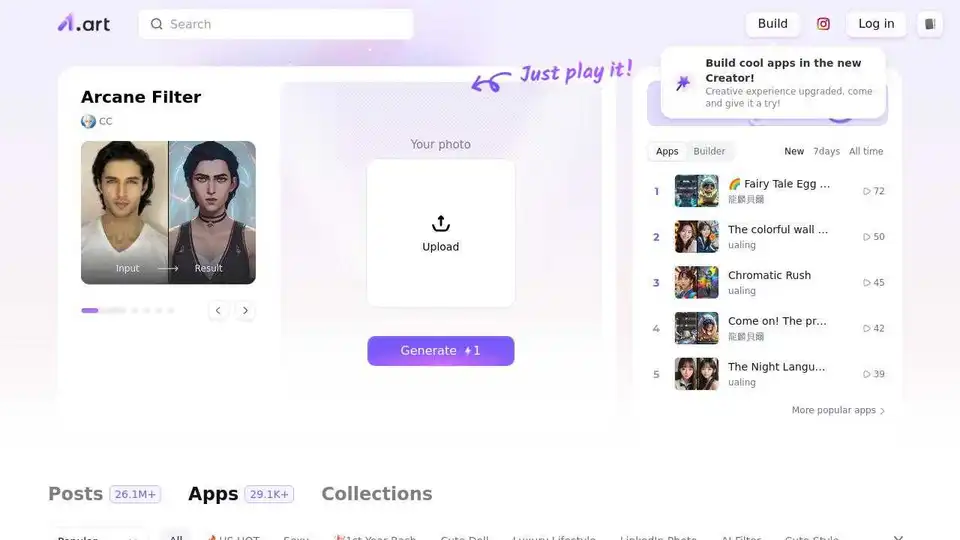
a1.art is a free online AI image generator that allows you to easily build and discover image filters, creating stunning AI art with just a click. Start creating your AI art today!
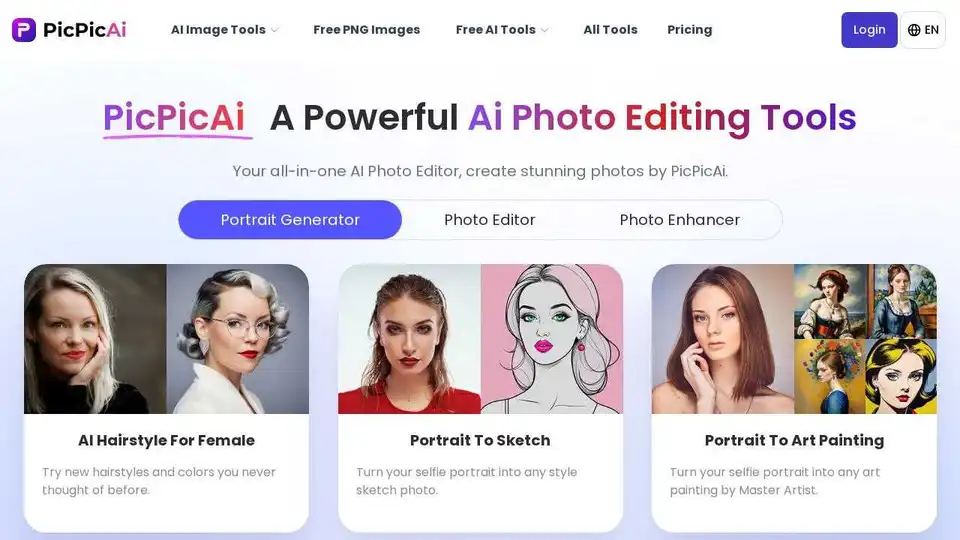
PicPicAI offers AI photo enhancement, background removal, portrait editing, and AI art generation. Edit photos online quickly with high-quality results.
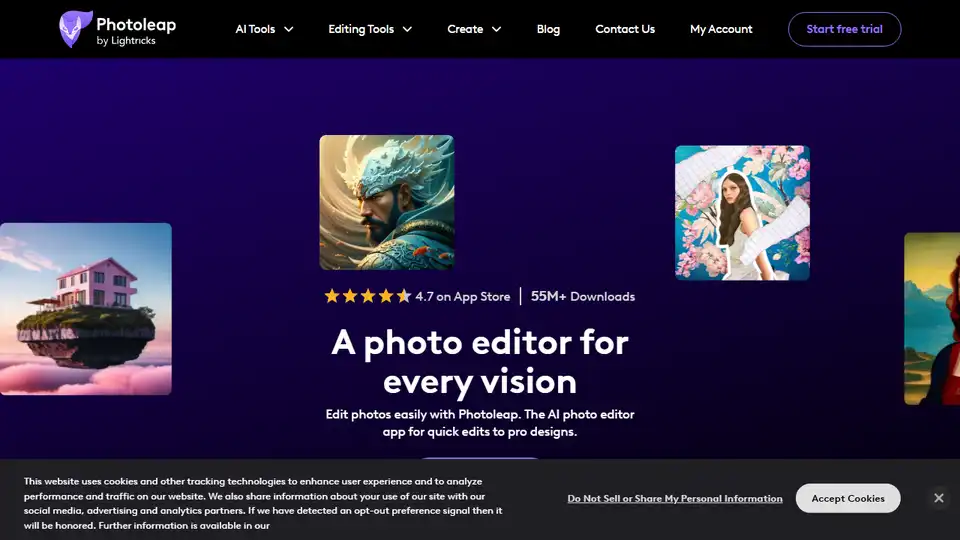
Photoleap is a creative & powerful AI photo editor app by Lightricks for amazing creations on your iPhone. Change backgrounds, remove objects, create collages, apply filters & effects. Try a 7-day free trial now.
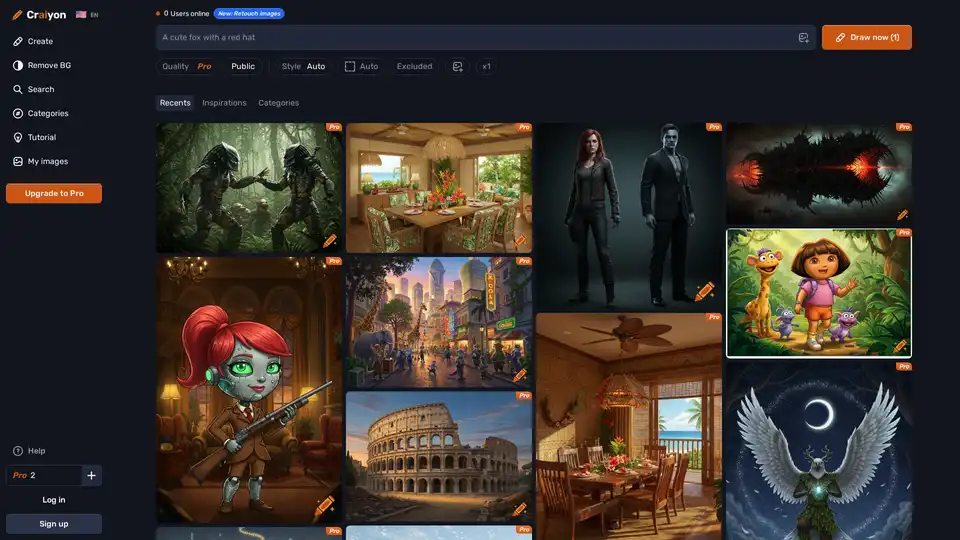
Discover Craiyon, the free AI image generator that turns text prompts into stunning AI art. Create unlimited illustrations instantly, no login required—perfect for beginners and pros alike.