
Plagiarism Guard
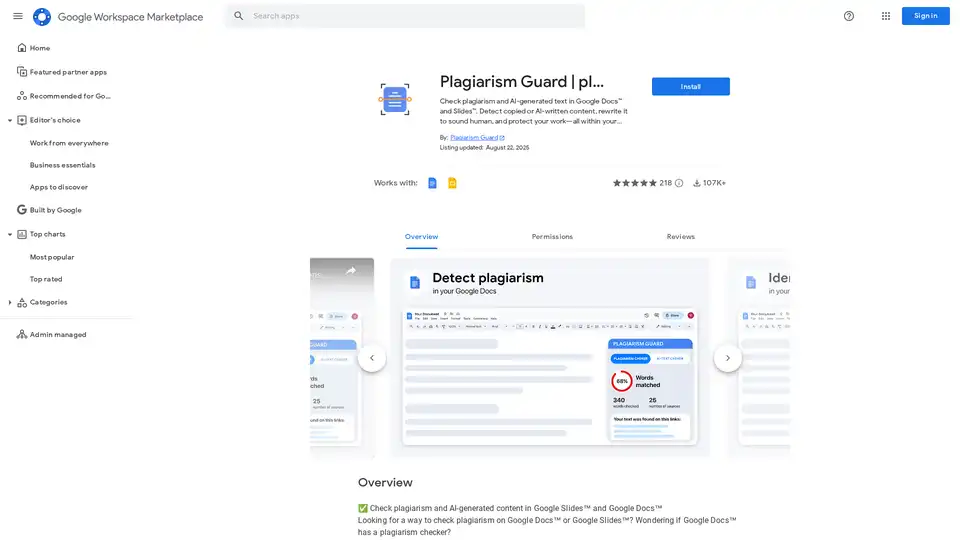
Overview of Plagiarism Guard
Plagiarism Guard: Detect Plagiarism and AI-Generated Text in Google Docs & Slides
What is Plagiarism Guard? Plagiarism Guard is a Google Workspace add-on designed to check for plagiarism and detect AI-generated text directly within Google Docs and Slides. It helps users identify copied content, rewrite AI-generated text to sound more human, and ensure the originality of their work. Whether you're a student, educator, writer, or business professional, Plagiarism Guard offers the tools you need to maintain academic integrity and produce authentic, high-quality content.
Key Features:
- Plagiarism Checker: Instantly check selected content for duplicate or copied text against academic, web, and public data sources.
- AI Text Detector: Detect whether content was written by AI models like ChatGPT, Bard, Claude, and Jasper, with a confidence score.
- Text Humanizer: Rewrite robotic, AI-generated sentences with a natural, human tone to bypass AI detection tools.
- Detailed Reports: Receive clear, easy-to-read reports with instant feedback.
- Multilingual Support: Supports multiple languages, including Spanish, German, and French.
- Privacy-First: Runs fully inside Google Docs and Slides, ensuring your content stays private.
How does Plagiarism Guard work?
Plagiarism Guard seamlessly integrates into Google Docs and Slides. Here’s how to use it:
- Install the Add-on: Install Plagiarism Guard from the Google Workspace Marketplace.
- Select Text: Highlight the text you want to analyze within your document or presentation.
- Run the Check: Open Plagiarism Guard from the Add-ons menu and run the plagiarism or AI detection check.
- Review Results: Receive a detailed report highlighting any instances of plagiarism or AI-generated content.
- Humanize Text (if needed): Use the text humanizer to rewrite AI-generated text with a more natural tone.
Why choose Plagiarism Guard?
- Comprehensive Detection: Detects both plagiarism and AI-generated content in one tool.
- Seamless Integration: Works directly within Google Docs and Slides, eliminating the need to switch between applications.
- User-Friendly: Provides clear, easy-to-understand reports.
- Privacy-Focused: Keeps your content secure and private.
Who is Plagiarism Guard for?
Plagiarism Guard is ideal for:
- Students and Teachers: To maintain academic integrity and avoid accidental plagiarism.
- Writers and Marketers: To polish content and rewrite AI-heavy drafts.
- Business Professionals: To ensure authentic, original presentations and reports.
- Agencies and Freelancers: To submit unique, high-quality deliverables every time.
Make AI-Generated Text Sound Human
Wondering how to pass AI detection or rewrite AI essays to sound human? Plagiarism Guard's built-in text humanizer helps you:
- Rewrite robotic, AI-generated sentences with a natural, human tone
- Fix patterns that trigger AI detectors
- Improve engagement, clarity, and trustworthiness in one click
Customer Reviews
Users have praised Plagiarism Guard for its ease of use, accuracy, and comprehensive detection capabilities. Many have found it invaluable for ensuring the originality of their work and maintaining academic integrity. Plagiarism Guard ensures high-quality deliverables every time.
Pricing
Plagiarism Guard offers a free version with basic features and paid plans for additional functionality. Check the Google Workspace Marketplace for detailed pricing information.
Best way to ensure originality?
The best way to ensure originality is by:
- Using Plagiarism Guard to detect and correct any instances of plagiarism or AI-generated text.
- Citing your sources properly.
- Writing in your own words and developing your own ideas.
By using Plagiarism Guard, you can be confident that your work is original, authentic, and of the highest quality.
AI Article Generation AI Text Polishing AI Writing Assistance Paper and Report Generation News and Blog Generation Email and Business Writing
Best Alternative Tools to "Plagiarism Guard"
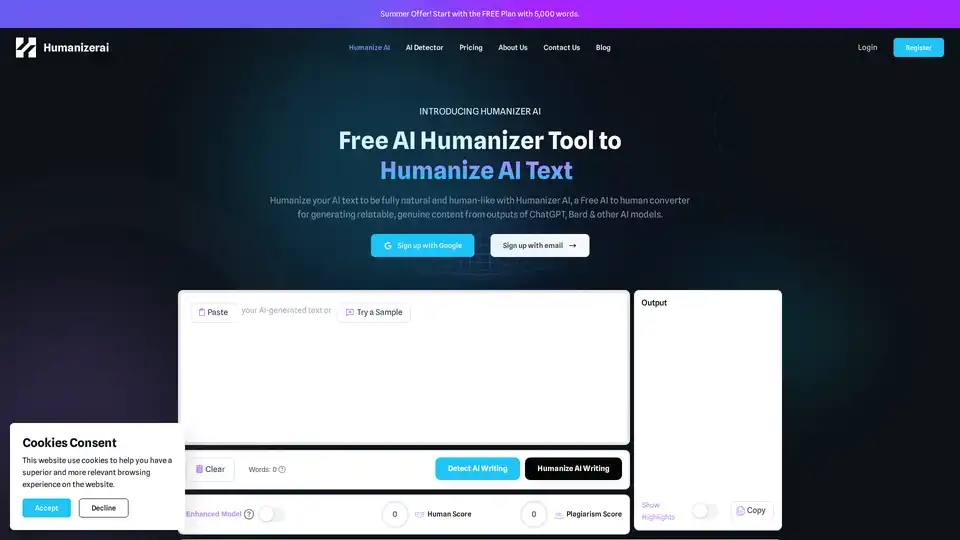
Humanizer AI is a free tool that converts AI-generated text into natural, human-like content, helping bypass AI detectors like GPTZero and Turnitin while preserving meaning and enhancing authenticity.
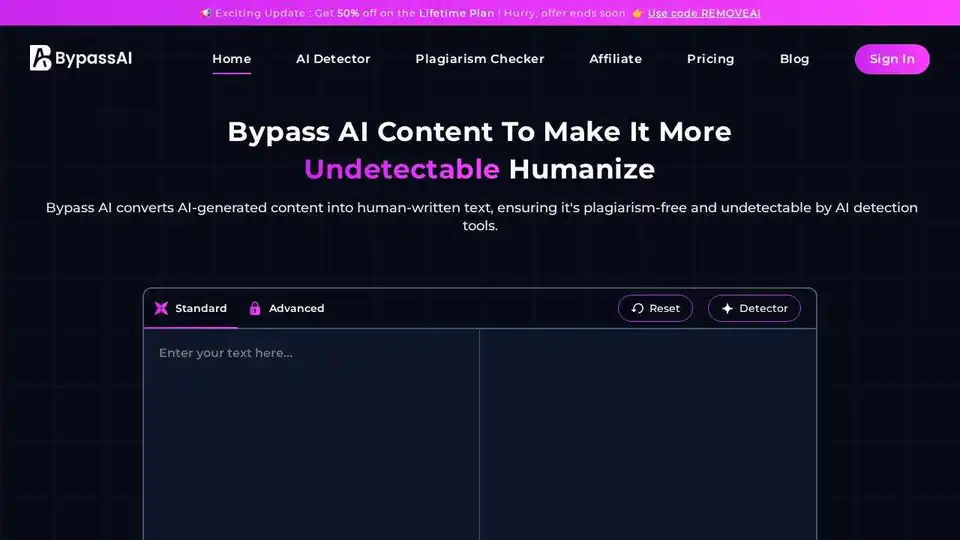
Bypass AI transforms AI-generated text into human-like content, bypassing AI detection. Humanize AI text to ensure authenticity and improve SEO performance. Perfect for content creators, students, and professionals.
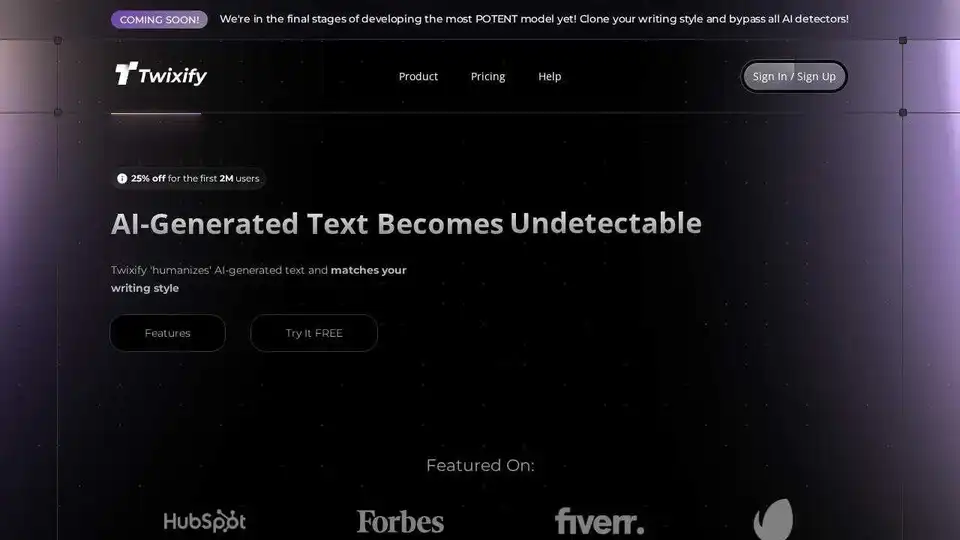
Humanize AI-generated text with Twixify to match your unique tone and writing style. Bypass all AI detectors with undetectable AI text. Perfect for SEO and content creation.

Tenorshare AI offers free AI tools to humanize AI text, summarize PDFs, generate content, and more. Bypass AI detection and improve your writing effortlessly.