
PixZap

Overview of PixZap
PixZap: Your Personal Photo Editor Inside WhatsApp
What is PixZap? PixZap is an innovative AI-powered photo editing tool that operates directly within WhatsApp. It allows users to edit photos by simply sending a message describing the desired changes. There's no need for separate apps, logins, or learning complex software. PixZap aims to make photo editing accessible and convenient for everyone.
How does PixZap work?
PixZap leverages advanced AI technology to interpret your editing requests communicated via WhatsApp messages. The process is simple:
- Send a Photo: Upload an existing photo or take a new one directly within WhatsApp and send it to the PixZap contact.
- Describe Your Edit: Type a message explaining the changes you'd like to see. You can use natural language, just like you're chatting with a friend. For example:
- "Remove the people in the background."
- "Change the sky to sunset."
- "Turn it into a Van Gogh painting."
- Receive Your Edited Photo: PixZap's AI processes your request and returns the edited photo within seconds. You can then save or share the new image.
Key Features and Capabilities
PixZap offers a wide range of photo editing capabilities, all accessible through simple text commands:
- Object Removal: Remove unwanted objects, people, or clutter from your photos. Simply specify what you want to "zap" away.
- Object Manipulation: Move people or objects to different locations within the photo.
- Outfit Changes: Change the color of clothing, swap out shirts, or add accessories.
- Object Addition: Add new objects to the scene, like animals or other elements.
- Scene Swapping: Swap objects or even people's positions in the photo.
- Weather and Time of Day Adjustments: Change sunny skies to storms, turn day into night, or create golden hour lighting.
- Artistic Styles: Transform your photos into paintings, sketches, or surreal artworks.
- Text Editing: Modify text within photos, such as signs or documents.
Why choose PixZap?
- Convenience: Edit photos directly within WhatsApp – no need to switch apps.
- Ease of Use: No learning curve. Just describe your desired changes in plain language.
- Speed: Get edited photos back in seconds thanks to AI processing.
- Versatility: A wide range of editing capabilities to suit various needs.
- Accessibility: Makes photo editing available to anyone, regardless of technical skill.
Who is PixZap for?
PixZap is ideal for:
- Casual users: Who want to quickly enhance their photos without complex tools.
- Social media enthusiasts: Who need to create engaging content on the go.
- Hobbyists: Who enjoy experimenting with photo editing.
- Anyone: Who wants a simple and accessible way to edit photos.
Pricing and Plans
PixZap offers several subscription plans to accommodate different usage levels:
- Just Me ($7.99/month): 50 photo edits per month, suitable for casual users.
- Leveling Up ($19.99/month): 150 photo edits per month, ideal for hobbyists and early creators.
- Content Creator ($39.99/month): 350 photo edits per month, designed for influencers and content creators.
All plans include access to PixZap's services like Photo Restoration, Image Editing, and Video Creator.
Frequently Asked Questions (FAQ)
How does PixZap work?
PixZap uses advanced AI technology to understand your editing requests through WhatsApp. Simply send us an image and describe what you want to change using natural language, and our AI will process and return your edited photo within seconds.
What types of edits can PixZap perform?
PixZap can change weather conditions, modify clothing, adjust time of day, add or remove objects, apply style transfers, and much more. If you can describe it, we can likely edit it!
How long does it take to get my edited photo?
Most edits are completed within 10-30 seconds. Complex edits may take up to 2 minutes. You'll receive a notification in WhatsApp as soon as your photo is ready.
Is my data secure?
Yes, we take privacy seriously. All images are processed securely and automatically deleted from our servers after 24 hours. We never store or share your personal images.
Can I cancel my subscription anytime?
You can cancel your subscription at any time through your account settings.
Can I use my credits across all PixZap services?
Yes! Your credits work across all current PixZap services (Photo Restoration, Image Editing, and Reel Creator) and will automatically work with any new services we add in the future. One subscription gives you access to everything.
In conclusion, PixZap offers a unique and accessible approach to photo editing by integrating directly with WhatsApp. Its AI-powered capabilities and user-friendly interface make it a valuable tool for anyone looking to quickly and easily enhance their photos.
AI Generated Art Image Enhancement and Repair Image Style Transfer AI Background Removal and Replacement AI Avatar and Cartoonization 3D Modeling and Rendering Logo and UI Design
Best Alternative Tools to "PixZap"
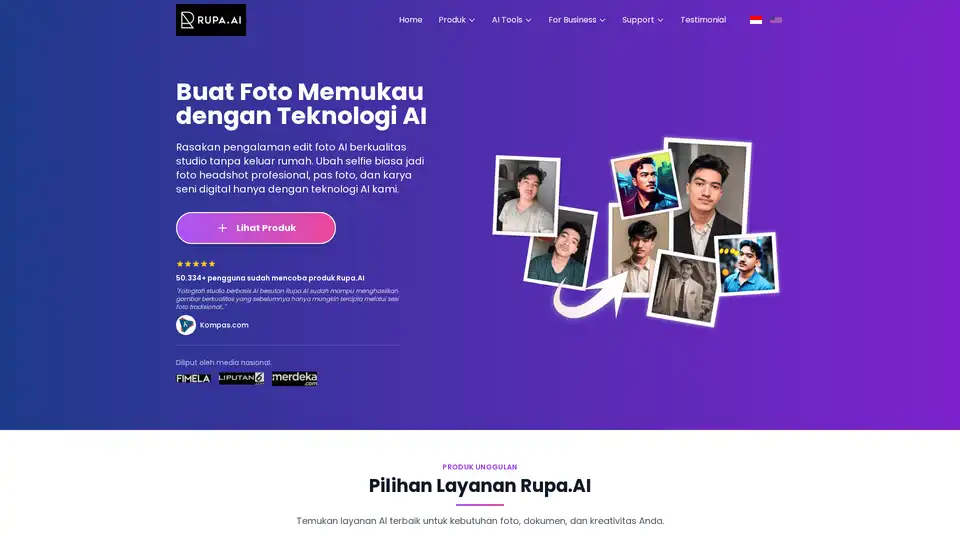
Rupa.AI is an Indonesian AI photo editor that transforms selfies into professional headshots, studio-quality photos, and artistic portraits. Key features include AI Headshot, Studio, and Aruna AI for various photo editing needs.
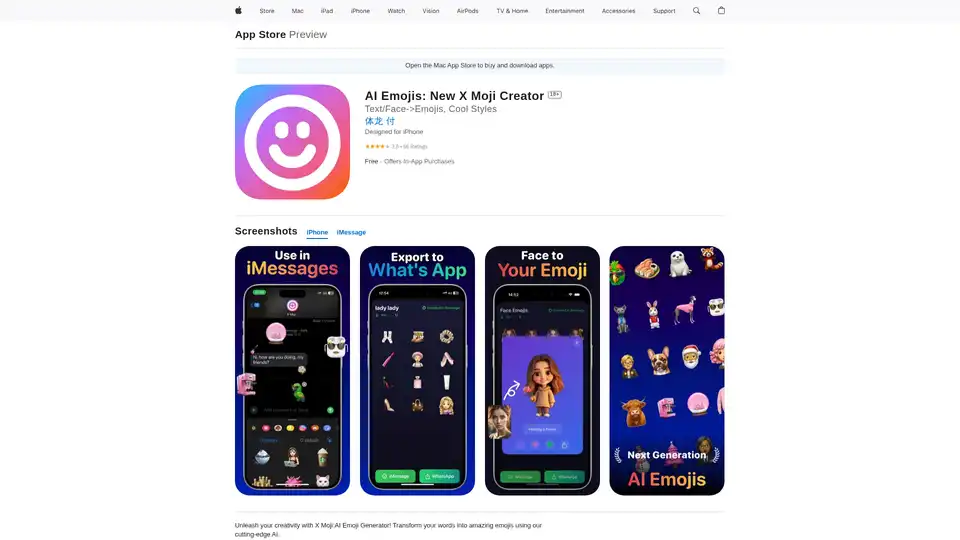
X Moji is a powerful AI Emoji Generator app for iPhone that turns text and selfies into unique custom emojis. Explore creative modes, build emoji packs, and share effortlessly as a top Genmoji alternative.

Bazaart is a free AI-powered design platform for creating stunning photos, social media posts, banners, logos, and more. It offers AI tools like background removal, object erasure, and photo enhancement.

Life Story AI helps you create a beautiful, AI-powered autobiography. Capture meaningful memories and stories effortlessly. Perfect gift for loved ones.