
Pixian.AI
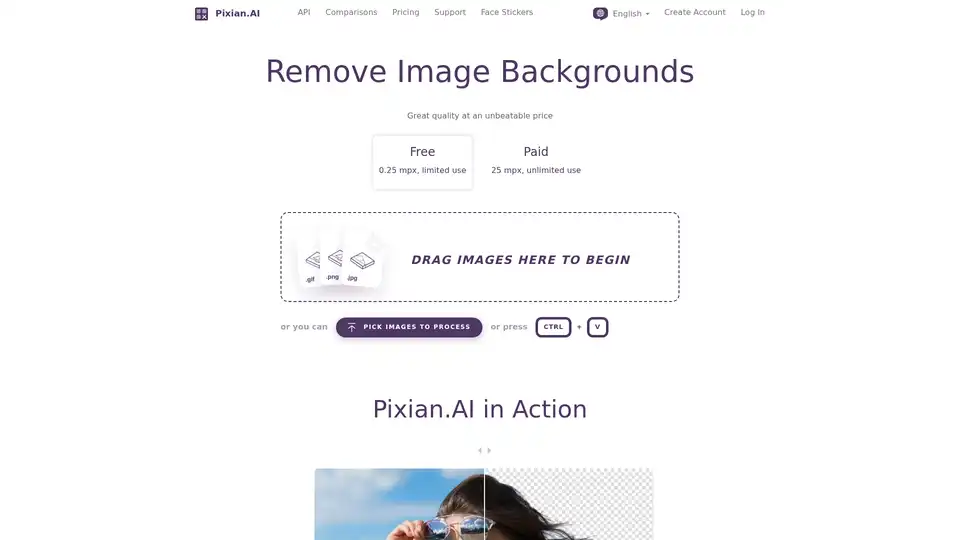
Overview of Pixian.AI
Pixian.AI: Remove Image Backgrounds with AI
Pixian.AI is an AI-powered online tool designed to remove backgrounds from images quickly and efficiently. It offers a user-friendly interface with great quality at an unbeatable price, catering to both free and paid users.
What is Pixian.AI?
Pixian.AI is a web-based application that utilizes artificial intelligence to automatically detect and remove the background from any image. This allows users to isolate the main subject of the photo, making it suitable for various purposes like product photography, profile pictures, marketing materials, and more. It aims to be an accessible alternative to more complex and expensive photo editing software.
How does Pixian.AI work?
- Upload Image: Users can either drag and drop an image onto the designated area or pick an image from their computer.
- AI Processing: Pixian.AI's servers utilize powerful GPUs and multi-core CPUs to analyze the image. The AI model identifies the foreground subject and removes the background.
- Download Result: Once the processing is complete, users can preview the result and download the image with a transparent background (PNG) or with an opaque background (JPEG or PNG).
Key Features of Pixian.AI
- Free and Paid Options: Pixian.AI provides a free tier with limited resolution (0.25 mpx) and usage. Paid users get access to higher resolution (25 mpx) and unlimited use.
- High-Quality Results: The service is designed to deliver high-quality background removal, particularly excelling in objects, artworks, logos, and scans.
- Ease of Use: Pixian.AI offers a straightforward, intuitive interface that requires no technical skills.
- API Access: For developers and businesses, Pixian.AI offers an API for integrating background removal functionality into their own applications.
- Versatile File Format Support: Supports JPEG, PNG, BMP, GIF, and WebP as input formats.
- Face Stickers: Pixian.AI also provide fun and festive face stickers.
Why choose Pixian.AI?
Pixian.AI aims to be a cost-effective solution for background removal. According to their comparison data, they strive to provide similar or even better quality than competing services in certain categories like objects, artworks, logos, and scans. The platform is continuously evolving, with a focus on providing excellent service and outstanding value.
- Competitive Pricing: Pixian.AI's pricing strategy is based on the idea that AI is rapidly commoditizing, allowing them to offer lower prices than competitors.
- Focus on Quality and Efficiency: The AI model has been specifically tuned for quality and efficiency.
- Easy Migration: For those looking to switch from other background removal services like remove.bg, Pixian.AI offers a simple migration process with just a change in endpoint & API Key.
Who is Pixian.AI for?
Pixian.AI is suitable for a wide range of users, including:
- E-commerce Businesses: For creating product photos with clean backgrounds.
- Marketing Professionals: For designing visually appealing marketing materials.
- Graphic Designers: For quick and easy background removal for various design projects.
- Individuals: For creating professional-looking profile pictures or editing personal photos.
- Developers: For integrating background removal into their own apps and services.
Metrics
- Backgrounds Removed
- Latency
- Percentage of images processed within a given time.
FAQ
What types of images does Pixian.AI work well on?
Pixian.AI works well on a broad range of image types, including photos of people. It distinguishes itself on objects, artworks, logos, and scans.
Do you support hair?
Yes! Their AI model has been trained on a wide range of images with both hair and fur, so it does a nice job of preserving them.
Does it work on AI generated images like from Stable Diffusion?
Absolutely! Generative AI generally produces clean, slightly cartoonish images, and those usually work really well.
Where does the AI model come from?
They have developed a custom AI model that they've trained on a large, proprietary dataset. The model has been specifically tuned for quality and efficiency.
How to use Pixian.AI?
- Go to the Pixian.AI website.
- Drag and drop your image into the designated area, or click the 'PICK IMAGES TO PROCESS' button.
- Wait for the AI to process the image.
- Preview the result, and download your image.
By focusing on affordability and efficiency, Pixian.AI aims to be the 'S3' of AI image processing, providing a reliable and cost-effective solution for all your background removal needs.
AI Generated Art Image Enhancement and Repair Image Style Transfer AI Background Removal and Replacement AI Avatar and Cartoonization 3D Modeling and Rendering Logo and UI Design
Best Alternative Tools to "Pixian.AI"
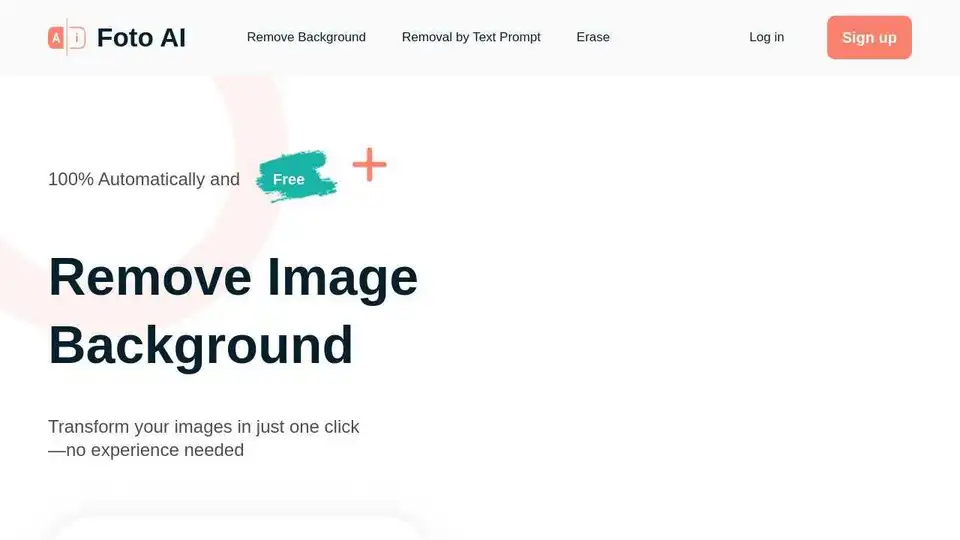
Foto AI is an AI-powered tool to automatically remove image backgrounds online for free. Get transparent backgrounds or replace them with new ones in seconds with one click.
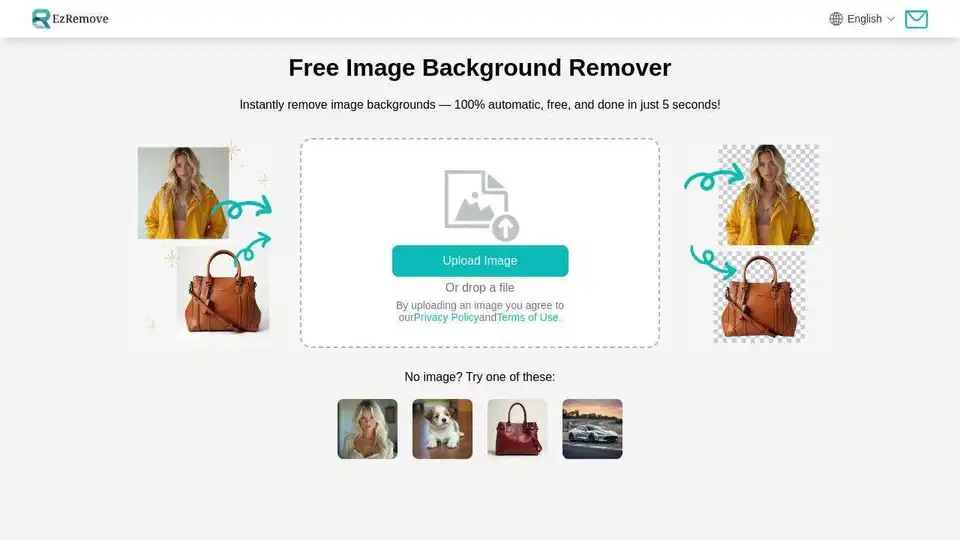
Easily remove image backgrounds with AI in seconds. Create transparent backgrounds, edit photos, and make background PNG online for free. Perfect for designers and photographers.
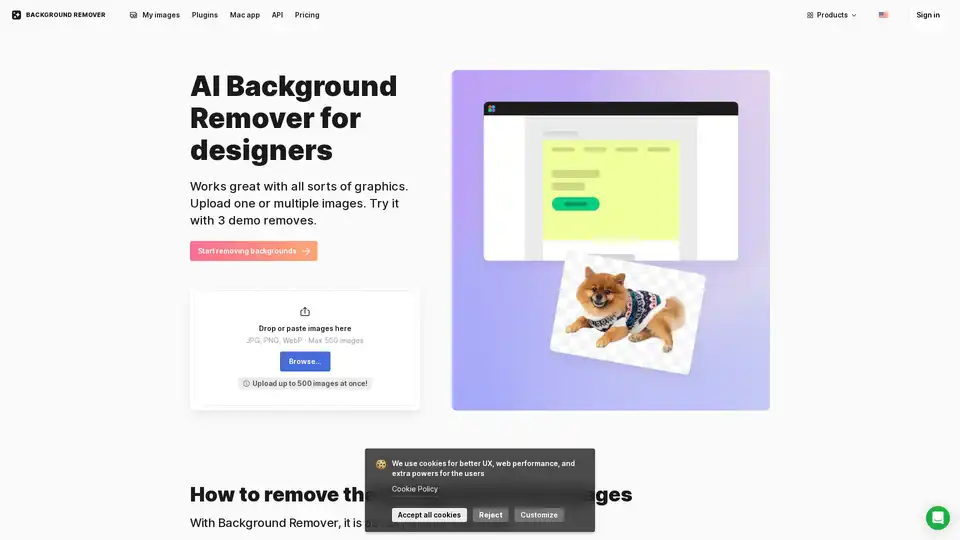
AI Background Remover is an online tool that automatically removes backgrounds from images using artificial intelligence. It supports various image types including logos, portraits, and product photos, providing precise background removal with transparent or custom background options.
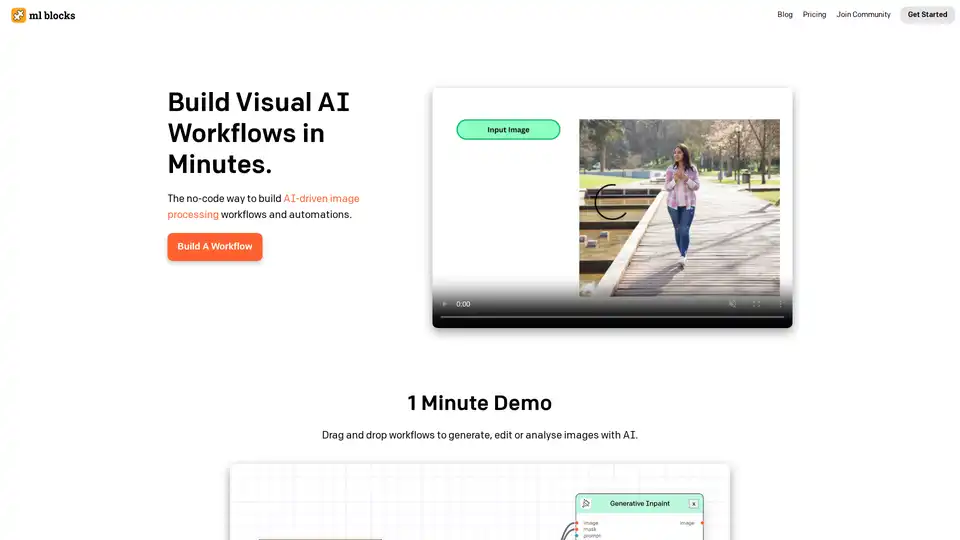
ML Blocks is a no-code platform that enables users to build AI-powered workflows for image generation, editing, and analysis. Drag-and-drop tools make it easy to create automations using models like Stable Diffusion, with transparent pay-per-use pricing.